
Shaders for Minecraft Java — page 18
967 itemsShaders: list
Lumeric bedrock visuals
A lightweight cinematic shaders-pack for Minecraft Bedrock Edition that enhances lighting, fog, water, and biome atmosphere to deliver a more immersive and realistic visual experience, Here is full details 👇Install

Spirity Motion Blur
Ultra lightweight motion blur shader with zero FPS drop. Smooth visuals without performance loss.Install

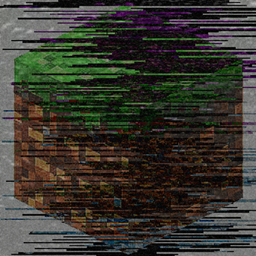
Grey Wobbly World
Prank your friends with this pack! This would make Minecraft little more harder. Good Luck!Install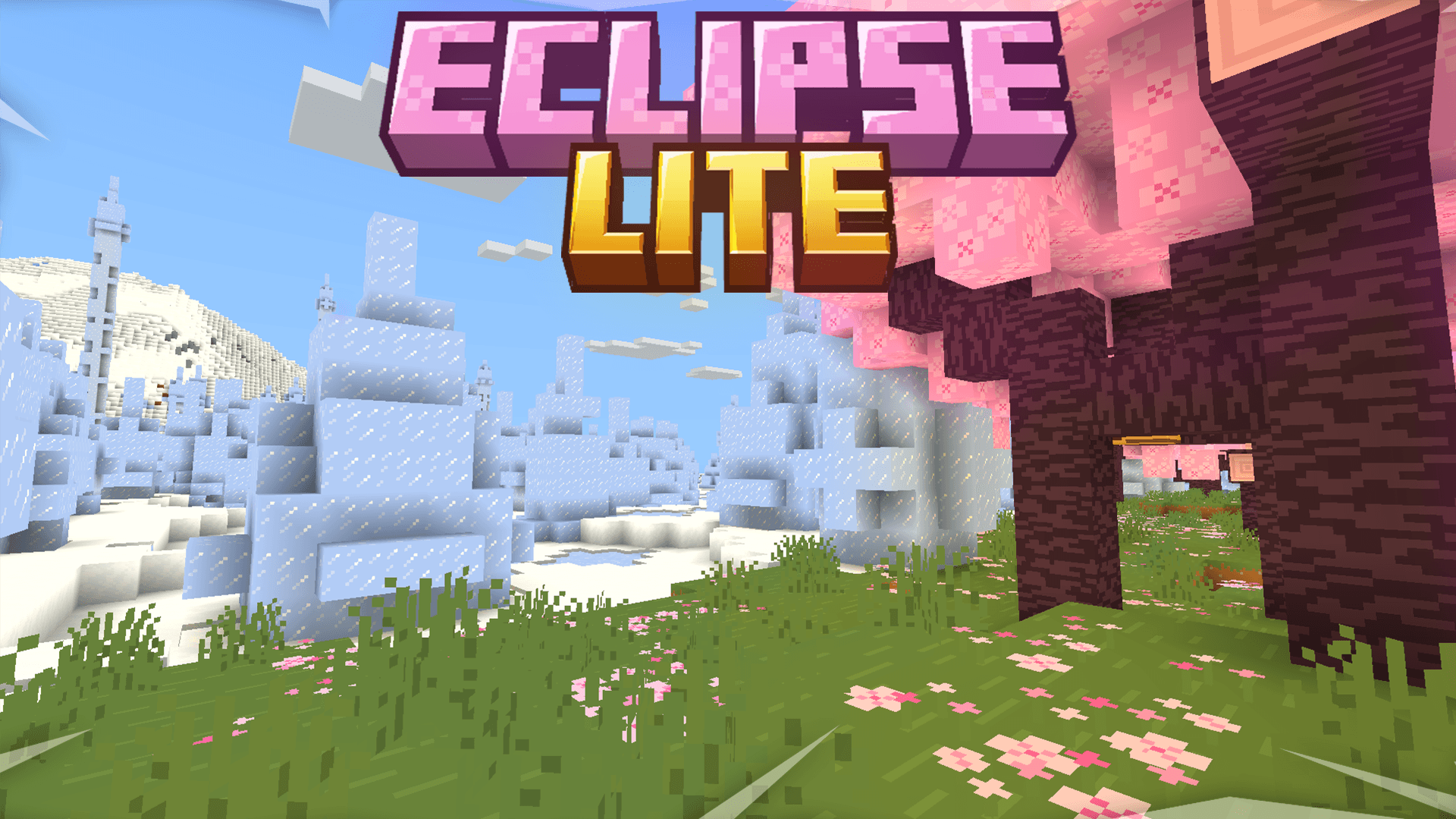

EclipseLite
EclipseLite is a lightweight shader with low shadows and soft glowing clouds, perfect for offline worlds or survival servers. Enjoy atmospheric visuals without sacrificing performance — ideal for low to mid-end systems.Install

HyperShader
Hyper-realistic visuals with smooth FPS — built for low-end PCs. Tune every detail in-game: water, lava, sun, moon, stars and more.Install

Oak Shaders
Oak Shaders offers realistic water and a calm, peaceful visual style, enhancing the overall atmosphere with smooth lighting and a naturally soothing theme.Install

Wisp Shaders
Simple shaders that focus on looking good while remaining within the style of vanilla Minecraft instead of fancy realistic rendering techniquesInstall
CRT Monochrome Shaderpack
This shaderpack turns your game into a retro 1980s-style CRT screenInstall

only shadows
That's not true, it has shadows and ambient occlusionInstall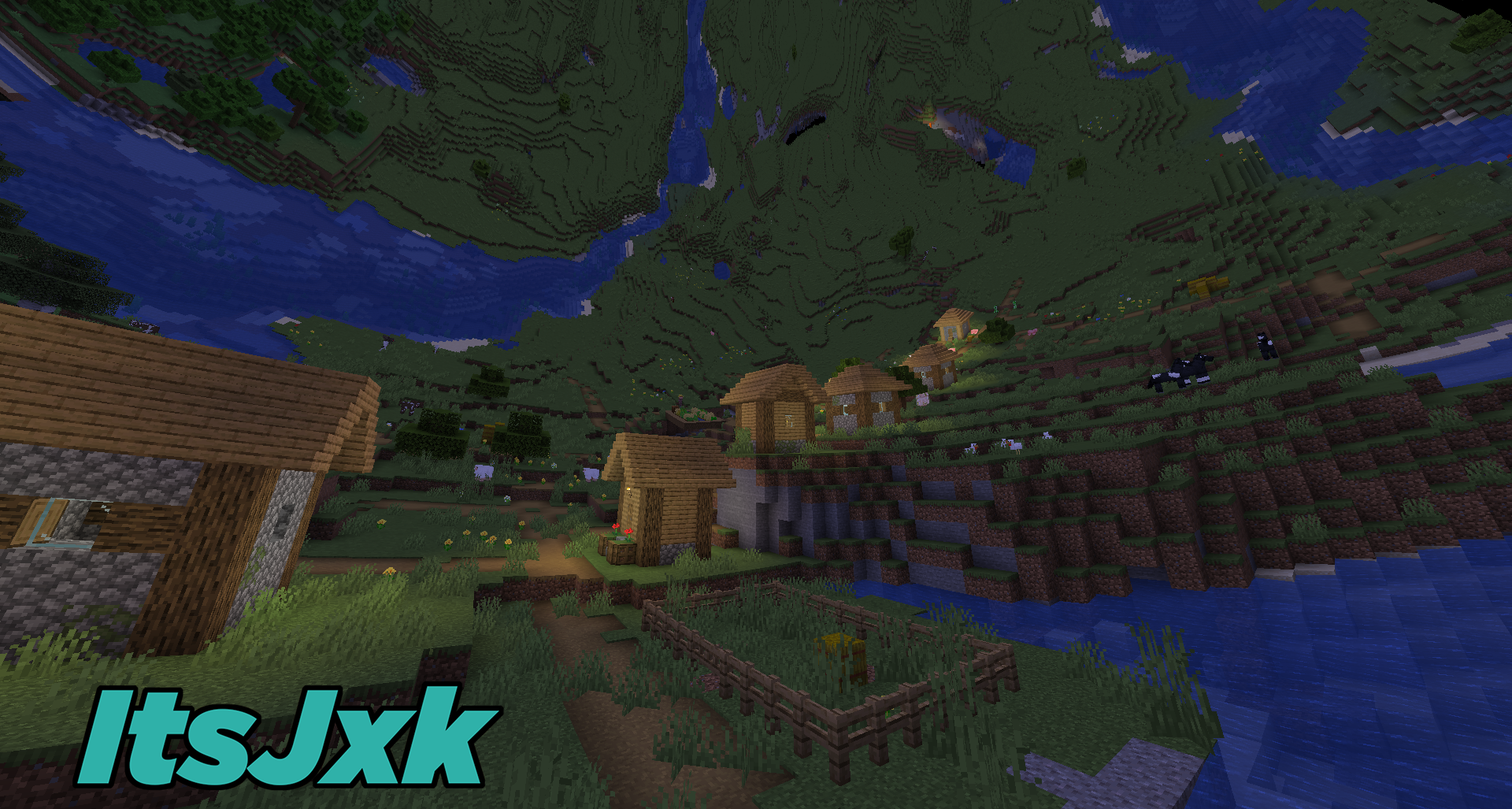
ItsJxk Inception Shaders FREE Download
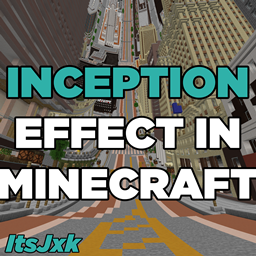
This adds the "inception" effect into your minecraft game!Install

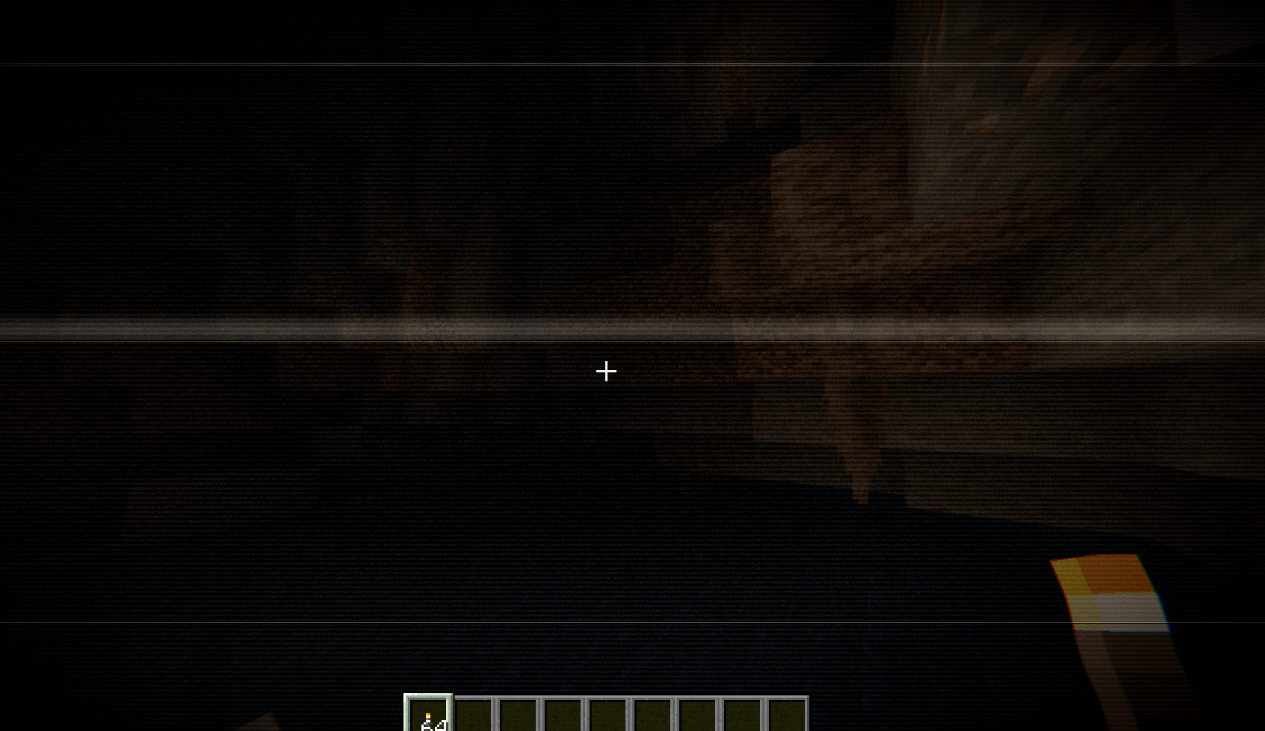
Found VHS Tapes
Found VHS Tapes is a liminal horror Minecraft shader featuring 11 atmospheric profiles and customizable VHS/CRT effects, fog, lighting, color grading, camera distortion, and more.Install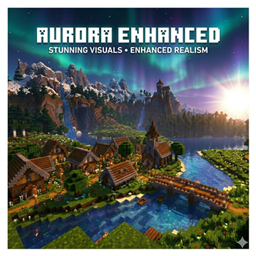
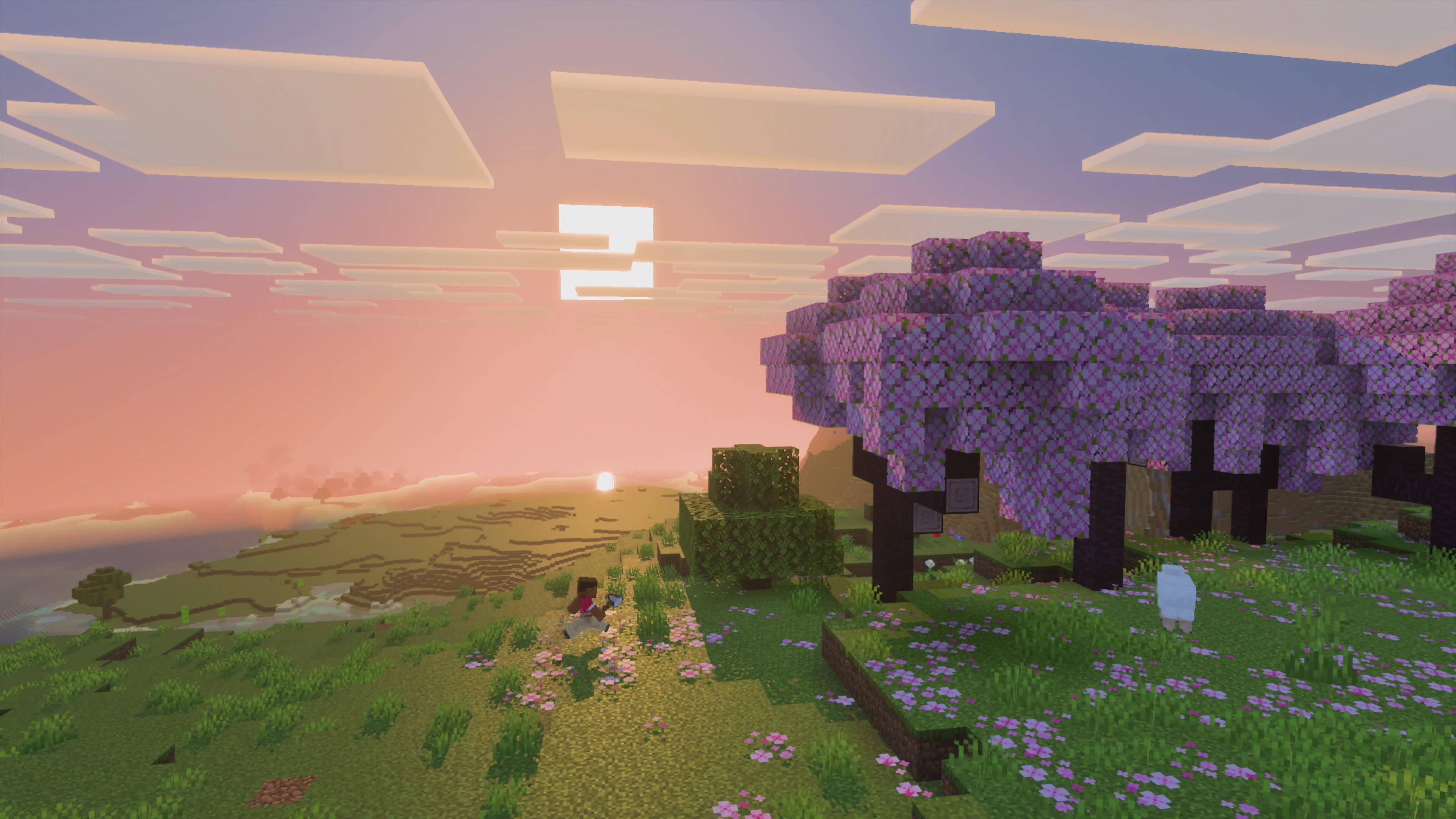
Aurora Enhanced
Aurora Enhanced— Warm, Filmic & Optimized for Low-End PCs.The vanilla feel you love, made cinematic. Rich sunsets, warm torchlight, filmic color grading — without killing your FPS.Install

VanillaEX Shader
A simple and lightweight shader designed for weak devicesInstall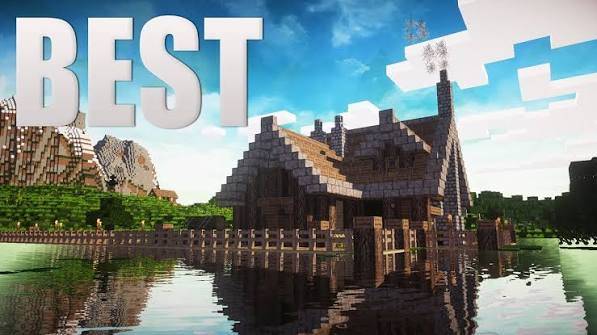
TheHolShader Shader
A realism-focused shaderpack with dynamic shadows, animated water, volumetric god rays, drifting clouds, and full in-game customization — built for OptiFine and Iris.Install
Aerie Shaders
Pipeline shader for Canvas that unifies the Vanilla style, adding a layer of polish to the base Minecraft game.Install

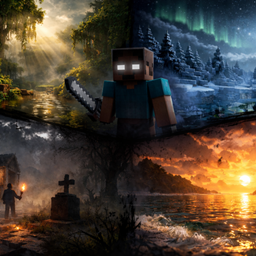
Dreadlight – Horror Atmosphere Shader
A horror atmosphere shader for Minecraft (Iris & OptiFine): crushing darkness, creeping fog, film grain and flicker. Fully adjustable in-game.Install

Sundial Lite Vivid
An edited version of Sundial Lite with various color adjustments.Install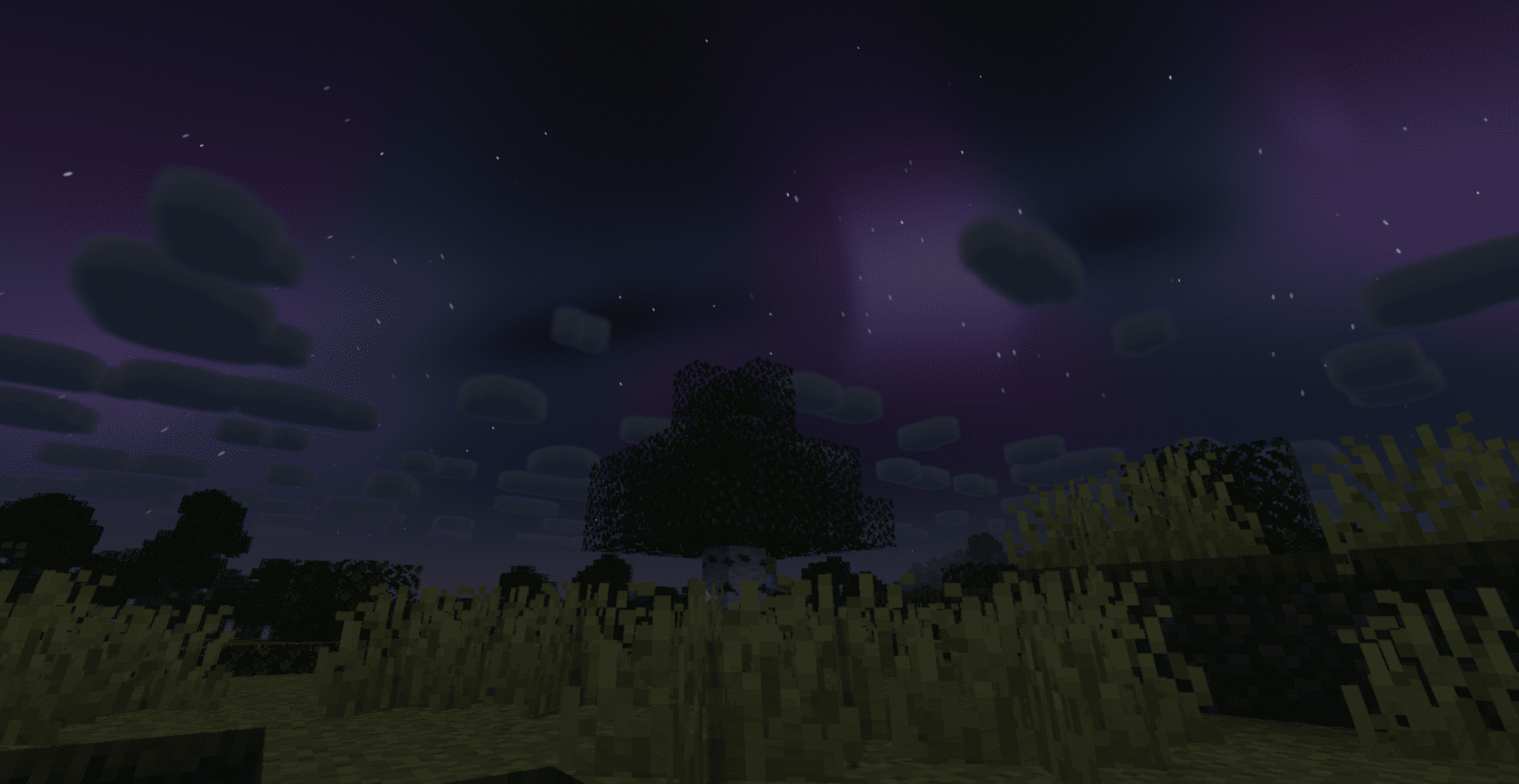
SADEEM Shaders
A cinematic Minecraft shader pack with atmospheric lighting, realistic water, dynamic weather, and distinct Nether and End visuals.Install

Dreamers Shaders
A vivid fantasy shaderpack with magical skies — auroras every night, nebulae and magenta sunsets, plus a crystal-clear Nether crowned by fiery infernal auroras. Based on Complementary Unbound.Install

Black & White
This shader turns your experience into black & white. Nothing much.Install

LiDAR Visualizer
A shader that imitates LiDAR visualization softwareInstall

Phero Visuals
Phero Visuals Minecraft shader pack featuring vibrant lighting, realistic water, dynamic skies, soft shadows, cinematic atmosphere, and optimized performance for an immersive, smooth, and visually stunning gameplay experience.Install

missing textures
a fast, simple, configurable shader with the pink/black missing texture applied everywhereInstallRequired to run
FAQ
What do I need to get shaders working?
Iris or OptiFine. Iris installs as a Fabric mod and is usually faster; OptiFine is a separate installer. Without one of them the game simply won't see the shader. Millida Launcher installs Iris along with the shader for you.
Which shaders run on a low-end PC?
Light packs without ray tracing and with low shadow resolution. They're marked in the catalog — they give you shadows and water while costing noticeably fewer frames.
How do I install shaders?
Click “Install” and Millida Launcher will put the shader into the shaderpacks folder of the right modpack. Then select the pack in the video settings — no need to unpack the archive.
Iris or OptiFine — which should I choose?
For new versions, Iris: it works with Sodium, usually gives more FPS and supports almost all modern shaders. OptiFine is needed on old versions and for packs that rely on its special features. The two cannot be installed in the same instance.
Are there shaders for Bedrock?
The shaders in this section are for the Java edition; their format does not work in Minecraft PE and Bedrock. Bedrock has a built-in Vibrant Visuals graphics mode and resource packs with deferred rendering support, which are turned on in the game settings.
Shaders for Minecraft Java
Shaders rewrite the game's lighting: you get soft shadows, volumetric sunlight, reflections on water and a real night instead of flat dusk. A shader on its own isn't a mod: it's a set of programs for your graphics card, run through a middleman — Iris or OptiFine. Iris installs as a Fabric mod and runs faster; OptiFine is a standalone installer that has been around the longest.
Iris works together with Sodium, so on the same machine it usually gives more frames, and new shaders come out for it first; OptiFine is chosen for old game versions and its own features such as connected textures. On a low-end PC start with packs from the For low-end PCs collection and lower the quality profile inside the shader, and leave heavy ray-traced packs to a powerful graphics card.
Beauty costs frames. Heavy ray-traced shaders can cut performance several times over even on a good graphics card, so the catalog separately marks light packs built for weak machines: they give you shadows and decent water while barely touching FPS. In practice: first install Iris or OptiFine, then put the shader archive in the shaderpacks folder and select it in the video settings. It's best to start with a light pack, and the quality profiles inside the shader itself lower the load even further.