
Plugins for Minecraft Java — page 7
3,784 itemsPlugins: list




CrackShot (Guns)
Replicate first-person shooters with advanced gun-mechanics and a vast number of exciting and fully customisable features.On a server
VillageProtection
VillageProtectionOn a server
Simple Voice Chat
A working voice chat in Minecraft!On a serverSurvival Games (No longer updated)
Survival Games (outdated)On a server
Colored Tags
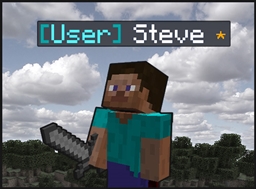
[UNMAINTAINED] Display colors and text on name tags above the head.On a server

ViaRewind
ViaVersion addon to allow 1.8.x and 1.7.x clients on newer server versions.On a serverVotifier
VotifierOn a server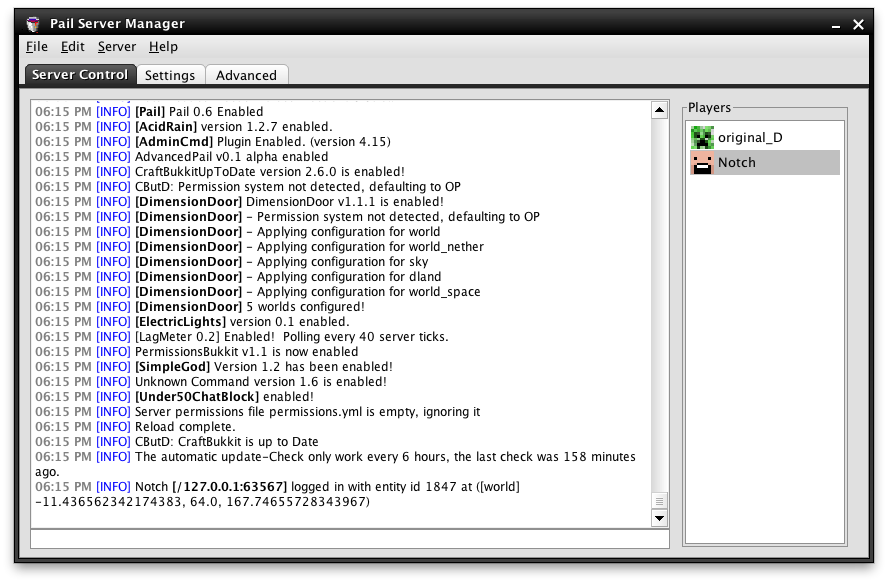
Pail
The simplest and most extensible Bukkit GUIOn a serverNametagEdit
Add prefixes and suffixesOn a server

BlueMap
A Minecraft mapping tool that creates 3D models of your Minecraft worlds and displays them in a web viewer.On a server

Server Redirect
This mod provides a lightweight way for servers to transfer players to another server address, without the use of a proxy server.On a server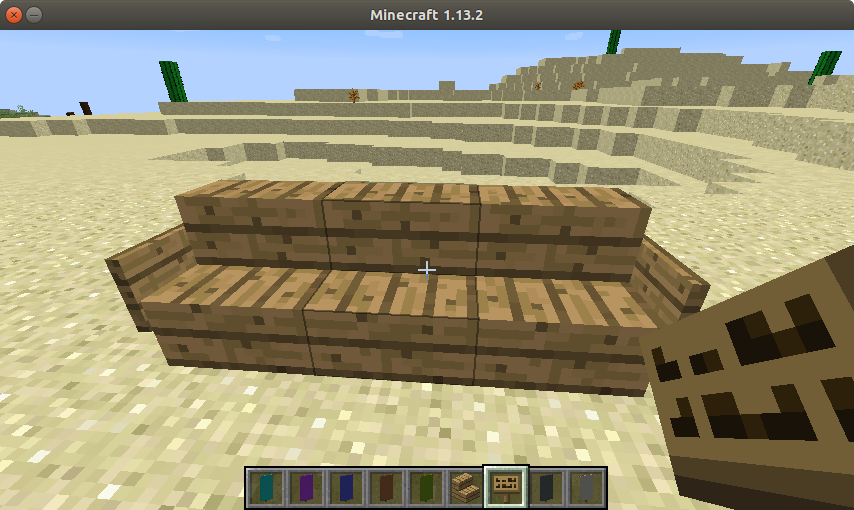
ChairsReloaded
Sit on stairs. Also supports sitting on custom blocks.On a server

CoreProtect
CoreProtect is a fast, efficient, data logging and anti-griefing tool. Rollback and restore any amount of damage. Designed with large servers in mind, CoreProtect will record and manage data without impacting your server performance.On a server
AntiCreeper
Nerf those creepersOn a server

AdminCmd
AdminCmd is a plugin providing the most usefull command for bukkit, like tp, ban, weather, etc..On a server

Raknetify
A Fabric mod / BungeeCord plugin that uses RakNet to improve multiplayer experience significantly under unreliable and rate-limited connections.On a server
CommandNPC
Easily add commands to NPC's! [1.8-1.12] (BungeeCord Support | Citizens 2)On a server

SlimeXpansion
A great expansion for Slimefun.On a server

FastAsyncWorldEdit
Blazingly fast world manipulation for artists, builders and everyone elseOn a server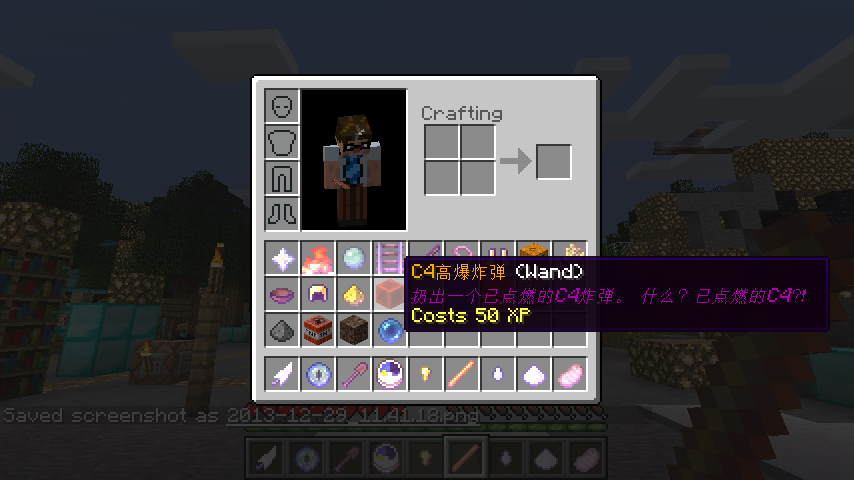
Magic
Powerful, craftable Wand items and Spell scriptingOn a server

Terra
World generation modding/configuration platformOn a server

Dynmap
A Google Maps-like map for your Minecraft server that can be viewed in a browser. Easy to set up when making use of Dynmap's integrated webserver, while also supporting advanced deployment with Apache and other web servers.On a server

NoSwear
Control your chat.On a serverFAQ
How is a plugin different from a mod?
A plugin runs only on the server and requires nothing from players: the client stays vanilla. A mod has to be installed by everyone, and it changes the game itself.
Where do I put a plugin?
Put the .jar file in the plugins folder on the server, then restart the server. The plugin will create its config on first launch.
Will a Spigot plugin work on Paper?
Usually yes: Paper and Purpur are built on Spigot and are compatible with its plugins. The reverse isn't true — a plugin that uses Paper features won't work on plain Spigot.
How do I install a plugin on Aternos?
On Aternos, plugins can only be installed from the built-in list in the “Plugins” section of the panel. You can't upload your own .jar file, so paid and rare plugins can't be installed on Aternos. If the plugin you need isn't on the list, you need hosting with access to the plugins folder: put the file there and restart the server.
Which plugins should I install on a server first?
People usually start with four: EssentialsX (homes, warps, kits, teleport), LuckPerms (groups and permissions), WorldGuard together with WorldEdit (spawn and region protection) and ViaVersion (joining from other game versions). For a server with nickname login, add AuthMe for passwords and SkinsRestorer for skins.
Which plugins should I install on a server for playing with friends?
A small server for friends needs just a few: EssentialsX (home, teleport to a friend, warps), CoreProtect (rolling back griefing and finding who broke a block) and Simple Voice Chat for voice chat, which needs the mod of the same name on players' side. Permissions and region protection are usually unnecessary on such a server.
How do I install a plugin on Paper?
Download the plugin file for your Paper version, put the .jar into the plugins folder and restart the server — the /plugins command will list it. On Millida Hosting the On a server button on the plugin page does the same.
Plugins for Minecraft Java
A plugin is installed on the server, not by the player, and that's the whole difference from a mod: the client stays plain vanilla, and you can join the server without downloading a single file. Plugins run on server cores — Paper, Spigot, Bukkit, Purpur, Folia — while Velocity and BungeeCord are used for proxies between servers. The core matters as much as the version: a Paper plugin will almost always run on Purpur, but a Velocity plugin won't start on a regular server at all.
The useful minimum for a server is almost always the same: EssentialsX for basic commands, LuckPerms for permissions, WorldGuard together with WorldEdit for region protection and CoreProtect to roll back griefing. Servers with nickname login add AuthMe and SkinsRestorer, servers for friends add Simple Voice Chat. On Millida Hosting a free plugin from the catalog goes onto the server with the On a server button on its page, no manual .jar upload.
Plugins handle almost everything behind the scenes on a server: ranks and permissions, land protection, economy and shops, anti-cheat, map rotation, menus and voting. You install them by copying the .jar file into the plugins folder and restarting the server; most create their own config on first launch, which is what you then edit. The card lists supported cores and game versions, the author and license, and all releases are gathered on one page — you can update the plugin right from there.