
Plugins for Minecraft Java — page 131
3,787 itemsPlugins: list


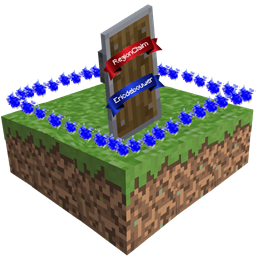
RegionClaim
A user-friendly and fully configurable region claiming plugin!On a serverLevels
Displays the current exp-level in the Chat.On a server

TeleportBow
TeleportBowOn a serverBuySkills
Buy Groups and Permissions with Money or SkillpointsOn a server
BuildPortals
Player-buildable multi-world portals. NO commands necessary.On a server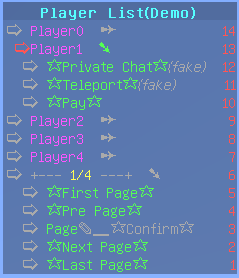

Menu
Easy using interface, like chestcommand.On a serverAnti-ForceField
Anti-Forcefield/Killaura/Aimbot PluginOn a server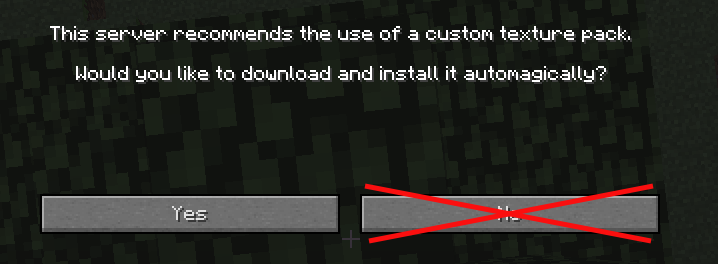
Force Resource Pack
Force Clients to use a certain texture pack.On a server

PistonJump
PistonJumpOn a serverCoreProtect Web Interface
Web interface for CoreProtectOn a serverAdvanced CombatLog
Advanced CombatLogOn a server
Better Furnaces
Enhanced left-click functionality so you never open the furnace GUI ever again!On a server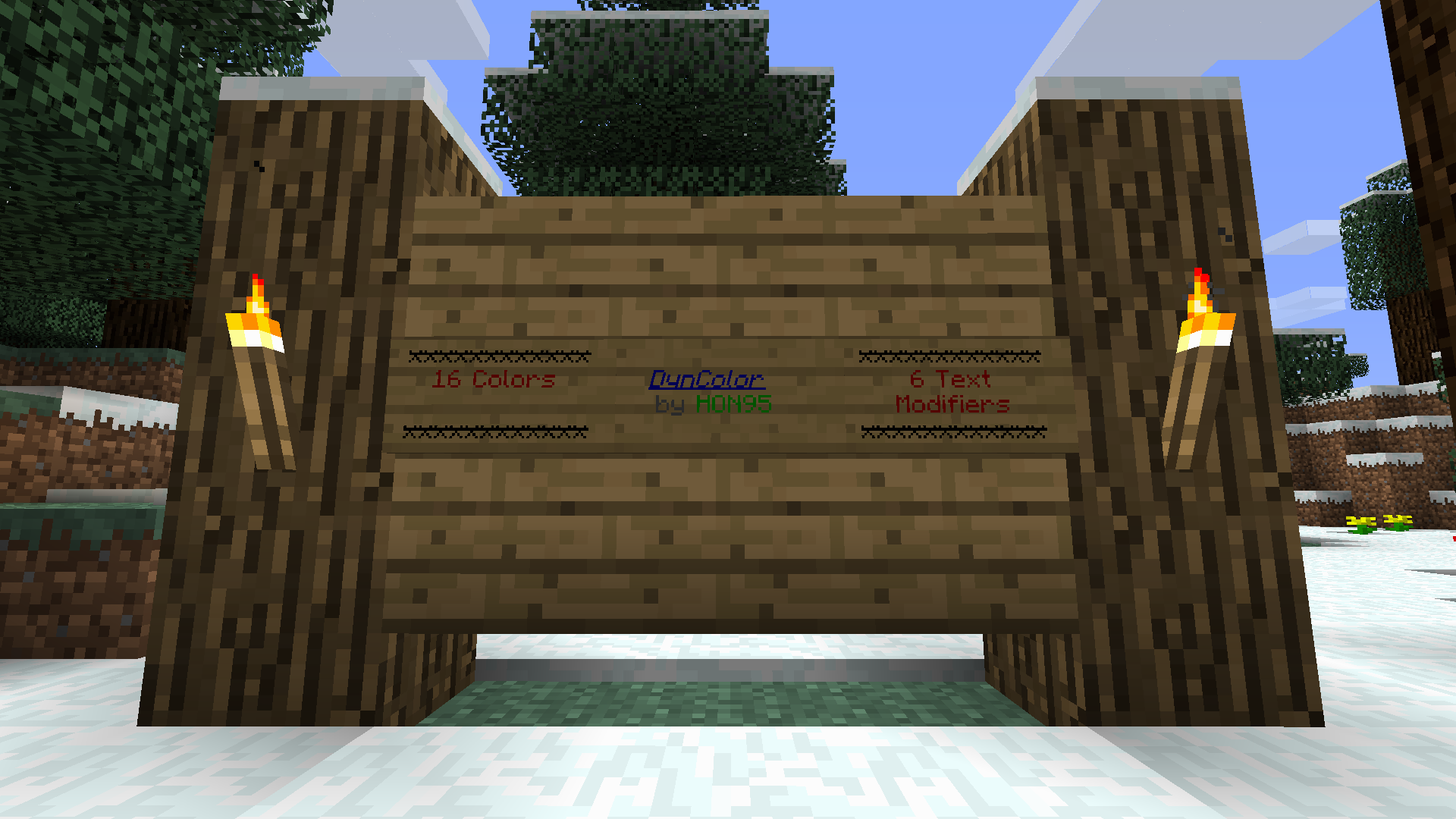
DynColor
Add colors to text.On a server

Admin Punishments Set
Admin Punishments SetOn a server

RealTimeWeather
Sync your server's time and weather with the real worldOn a server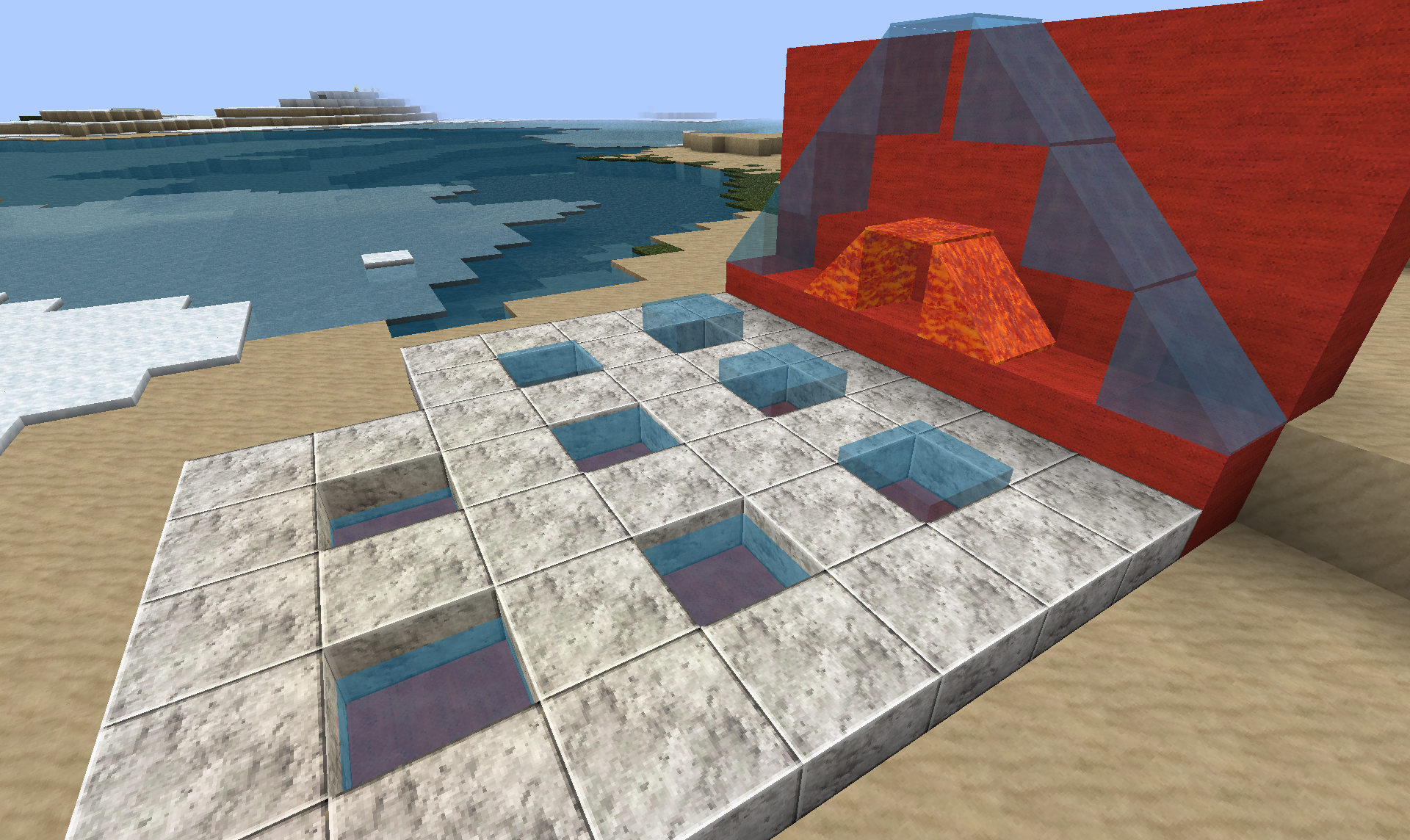

Liquid Control
Want to make water doors and stop water flowing. This is what you need.On a server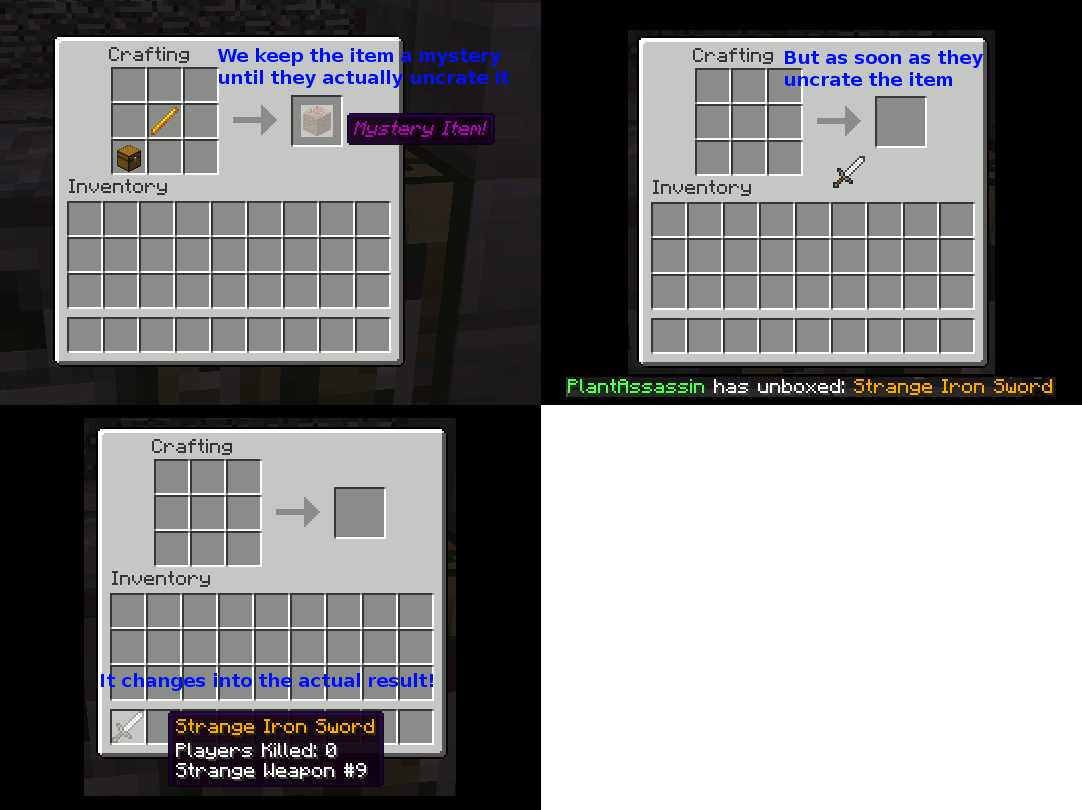
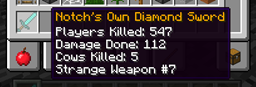
StrangeWeapons
A plugin bringing the strange weapons of Team Fortress 2 into the Minecraft worldOn a serverLocal Chat + OOC + Shout
Local chat, global chat (OOC), shout!On a serverMC Chat Manager
Manages how MC Chat android app can access your serverOn a server
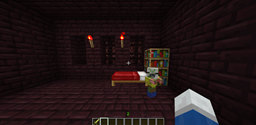
Mob Armor
Spawn mobs with armor!On a server
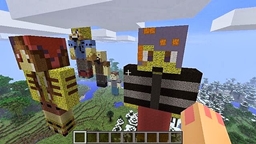
Statue Builder
Easily create a statue of yourself or others.On a serverPokeballs
PokeballsOn a server
Simple Prefix
Simple PrefixOn a serverFAQ
How is a plugin different from a mod?
A plugin runs only on the server and requires nothing from players: the client stays vanilla. A mod has to be installed by everyone, and it changes the game itself.
Where do I put a plugin?
Put the .jar file in the plugins folder on the server, then restart the server. The plugin will create its config on first launch.
Will a Spigot plugin work on Paper?
Usually yes: Paper and Purpur are built on Spigot and are compatible with its plugins. The reverse isn't true — a plugin that uses Paper features won't work on plain Spigot.
How do I install a plugin on Aternos?
On Aternos, plugins can only be installed from the built-in list in the “Plugins” section of the panel. You can't upload your own .jar file, so paid and rare plugins can't be installed on Aternos. If the plugin you need isn't on the list, you need hosting with access to the plugins folder: put the file there and restart the server.
Which plugins should I install on a server first?
People usually start with four: EssentialsX (homes, warps, kits, teleport), LuckPerms (groups and permissions), WorldGuard together with WorldEdit (spawn and region protection) and ViaVersion (joining from other game versions). For a server with nickname login, add AuthMe for passwords and SkinsRestorer for skins.
Which plugins should I install on a server for playing with friends?
A small server for friends needs just a few: EssentialsX (home, teleport to a friend, warps), CoreProtect (rolling back griefing and finding who broke a block) and Simple Voice Chat for voice chat, which needs the mod of the same name on players' side. Permissions and region protection are usually unnecessary on such a server.
How do I install a plugin on Paper?
Download the plugin file for your Paper version, put the .jar into the plugins folder and restart the server — the /plugins command will list it. On Millida Hosting the On a server button on the plugin page does the same.
Plugins for Minecraft Java
A plugin is installed on the server, not by the player, and that's the whole difference from a mod: the client stays plain vanilla, and you can join the server without downloading a single file. Plugins run on server cores — Paper, Spigot, Bukkit, Purpur, Folia — while Velocity and BungeeCord are used for proxies between servers. The core matters as much as the version: a Paper plugin will almost always run on Purpur, but a Velocity plugin won't start on a regular server at all.
The useful minimum for a server is almost always the same: EssentialsX for basic commands, LuckPerms for permissions, WorldGuard together with WorldEdit for region protection and CoreProtect to roll back griefing. Servers with nickname login add AuthMe and SkinsRestorer, servers for friends add Simple Voice Chat. On Millida Hosting a free plugin from the catalog goes onto the server with the On a server button on its page, no manual .jar upload.
Plugins handle almost everything behind the scenes on a server: ranks and permissions, land protection, economy and shops, anti-cheat, map rotation, menus and voting. You install them by copying the .jar file into the plugins folder and restarting the server; most create their own config on first launch, which is what you then edit. The card lists supported cores and game versions, the author and license, and all releases are gathered on one page — you can update the plugin right from there.