
Minecraft server plugins — page 11
3,783 itemsPlugins: list

ProtectionStones
Player property protection using special block placement.On a server

Punishmental
Admin a server and Humiliate griefers, in 80 hilarious ways! Scientifically proven more effective than banning!On a server

SlimeMobs
Allows mobs to drop slimefun items!On a server

DragonTravel
Allows players on a server to travel to places on the back of dragons.On a server

Voxy Server Side
Render distant Voxy LODs on serversOn a serverMultiInv
Per world inventories and healthOn a server

Voice Messages
Voice messages in minecraft chatOn a serverSafeExplosions
Continuation of AntiCreeper from scratch. Nerf explosions. Easy to configure. Extra features.On a server

FoundDiamonds
Ore announcer, rewards, and anti X-rayOn a server

MagicLoot
MagicLootOn a server

Random Teleport
Have players easily access the wild.On a server

PlayerKits 2
An easy to use but powerful plugin to create survival kits and claim them on a GUI.On a server

CrazyCrates
Add unlimited crates to your server with 11 different crate types to choose from!On a server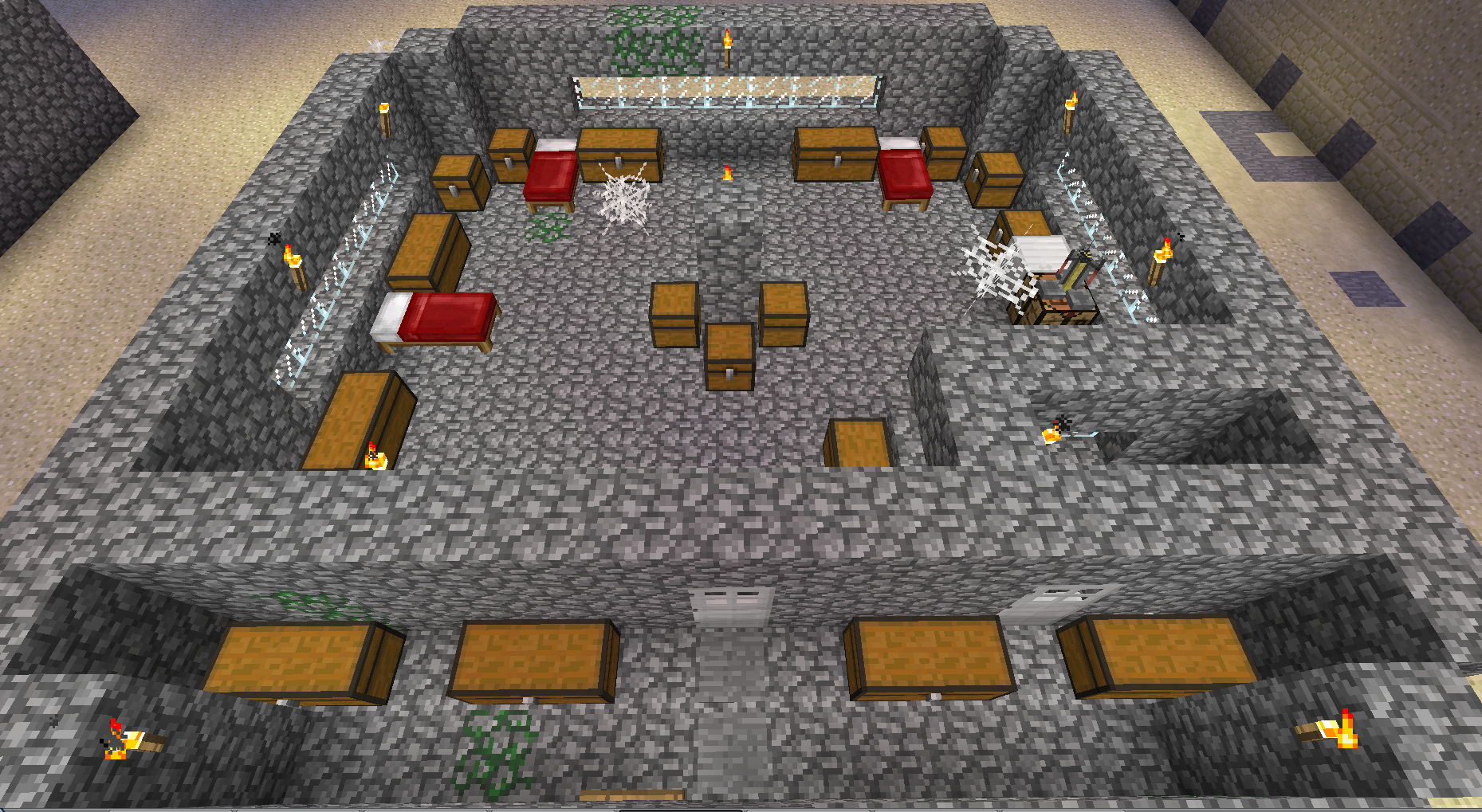

Catacombs
CatacombsOn a server

Vein Miner
If you've ever used the VeinMiner mod for minecraft Forge, it has now been recreated for Bukkit, CraftBukkit, and SpigotOn a server

Freecam (Fair Play)
Fork of Freecam without "banned" featuresOn a server

Armor Hider
Hide or adjust the transparency of armor, glint, and offhand items - with full multiplayer sync. No dependencies required.On a server

Discord Integration
This mod links your server chat with a channel on your discord serverOn a server

ImageFrame
Put images on maps and walls!On a server

ChatFeelings
The Original Minecraft Emote & Feeling Plugin! Extremely Customizable & Easy to Use.On a server

SkylandsPlus+
A plugin for Bukkit based Minecraft server that adds a floating island dimension similar to the old skylands.On a server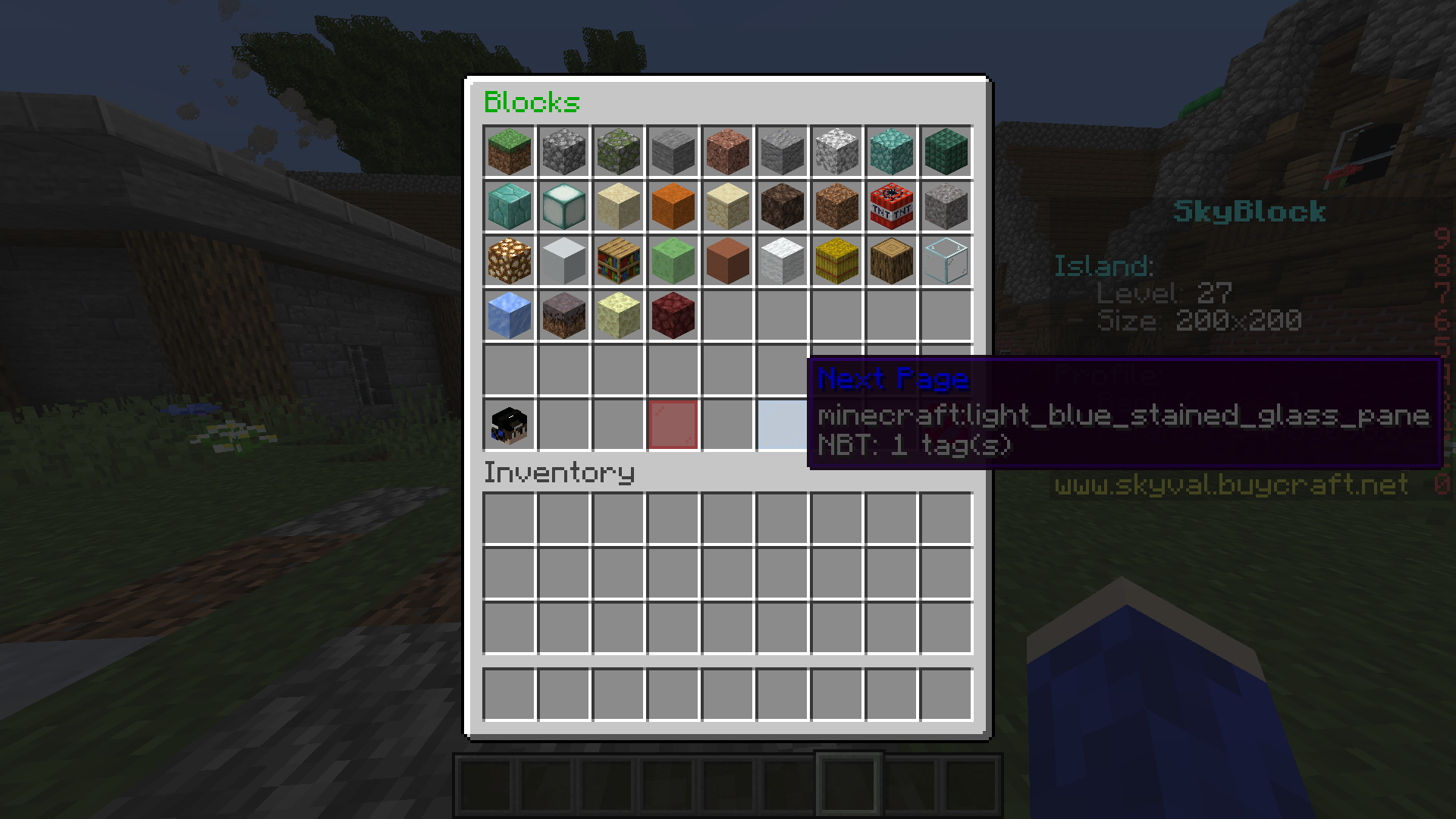

EconomyShopGUI
This is a easy to use GUI shop plugin.On a serverStats by Lolmewn
Gather statistics for your server such as playtime, blocks broken and pvp!On a serverFAQ
How is a plugin different from a mod?
A plugin runs only on the server and requires nothing from players: the client stays vanilla. A mod has to be installed by everyone, and it changes the game itself.
Where do I put a plugin?
Put the .jar file in the plugins folder on the server, then restart the server. The plugin will create its config on first launch.
Will a Spigot plugin work on Paper?
Usually yes: Paper and Purpur are built on Spigot and are compatible with its plugins. The reverse isn't true — a plugin that uses Paper features won't work on plain Spigot.
How do I install a plugin on Aternos?
On Aternos, plugins can only be installed from the built-in list in the “Plugins” section of the panel. You can't upload your own .jar file, so paid and rare plugins can't be installed on Aternos. If the plugin you need isn't on the list, you need hosting with access to the plugins folder: put the file there and restart the server.
Which plugins should I install on a server first?
People usually start with four: EssentialsX (homes, warps, kits, teleport), LuckPerms (groups and permissions), WorldGuard together with WorldEdit (spawn and region protection) and ViaVersion (joining from other game versions). For a server with nickname login, add AuthMe for passwords and SkinsRestorer for skins.
Which plugins should I install on a server for playing with friends?
A small server for friends needs just a few: EssentialsX (home, teleport to a friend, warps), CoreProtect (rolling back griefing and finding who broke a block) and Simple Voice Chat for voice chat, which needs the mod of the same name on players' side. Permissions and region protection are usually unnecessary on such a server.
How do I install a plugin on Paper?
Download the plugin file for your Paper version, put the .jar into the plugins folder and restart the server — the /plugins command will list it. On Millida Hosting the On a server button on the plugin page does the same.
Minecraft server plugins
A plugin is installed on the server, not by the player, and that's the whole difference from a mod: the client stays plain vanilla, and you can join the server without downloading a single file. Plugins run on server cores — Paper, Spigot, Bukkit, Purpur, Folia — while Velocity and BungeeCord are used for proxies between servers. The core matters as much as the version: a Paper plugin will almost always run on Purpur, but a Velocity plugin won't start on a regular server at all.
The useful minimum for a server is almost always the same: EssentialsX for basic commands, LuckPerms for permissions, WorldGuard together with WorldEdit for region protection and CoreProtect to roll back griefing. Servers with nickname login add AuthMe and SkinsRestorer, servers for friends add Simple Voice Chat. On Millida Hosting a free plugin from the catalog goes onto the server with the On a server button on its page, no manual .jar upload.
Plugins handle almost everything behind the scenes on a server: ranks and permissions, land protection, economy and shops, anti-cheat, map rotation, menus and voting. You install them by copying the .jar file into the plugins folder and restarting the server; most create their own config on first launch, which is what you then edit. The card lists supported cores and game versions, the author and license, and all releases are gathered on one page — you can update the plugin right from there.