
Minecraft server plugins — page 101
3,785 itemsPlugins: list

SimpleDeathBans
Bans player on death.On a server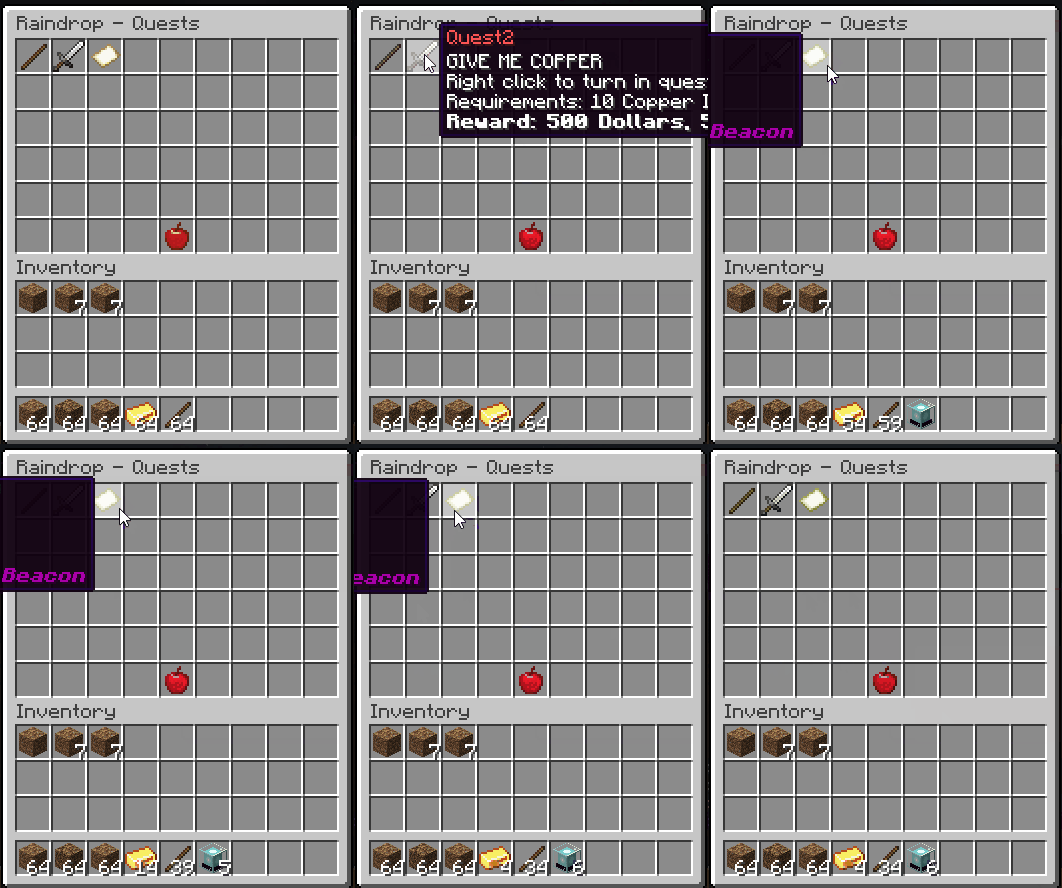

[RDQ] | Cross Server | Quests | Ranks | Tree | Passives/Unlocks | Stats | Achievements
Custom rank tree, quests, bounties, and 20+ unique perks to offer your players!On a serverWeaponsPlus
A fun plugin that adds a hand full of new weapons to Minecraft. No spout needed!On a server

Rpg Trade
An rpg mmo style trade system! no more getting scammed while dropping items on the ground!!On a server

Ultimate Anti Cheat
Ultimate Anti CheatOn a server

AFK Pool/Lake/Room/Pit Rewards
A WorldGuard region zone such as a pool that rewards players for staying AFK with money and a crate.On a server
TrollingFreedom | #1 Troll Plugin with GUI
TrollingFreedom | 70+ ultimate unique & funny trolls in a GUI | NEW COFFIN DANCE + CREEPER AW MANOn a serverMyItems
Make custom items that can execute commands.On a serverMultiCurrency
More than one currency. The only plugin.On a server
Inactive Lockette
Allows opening of Lockette locks owned by inactive playersOn a server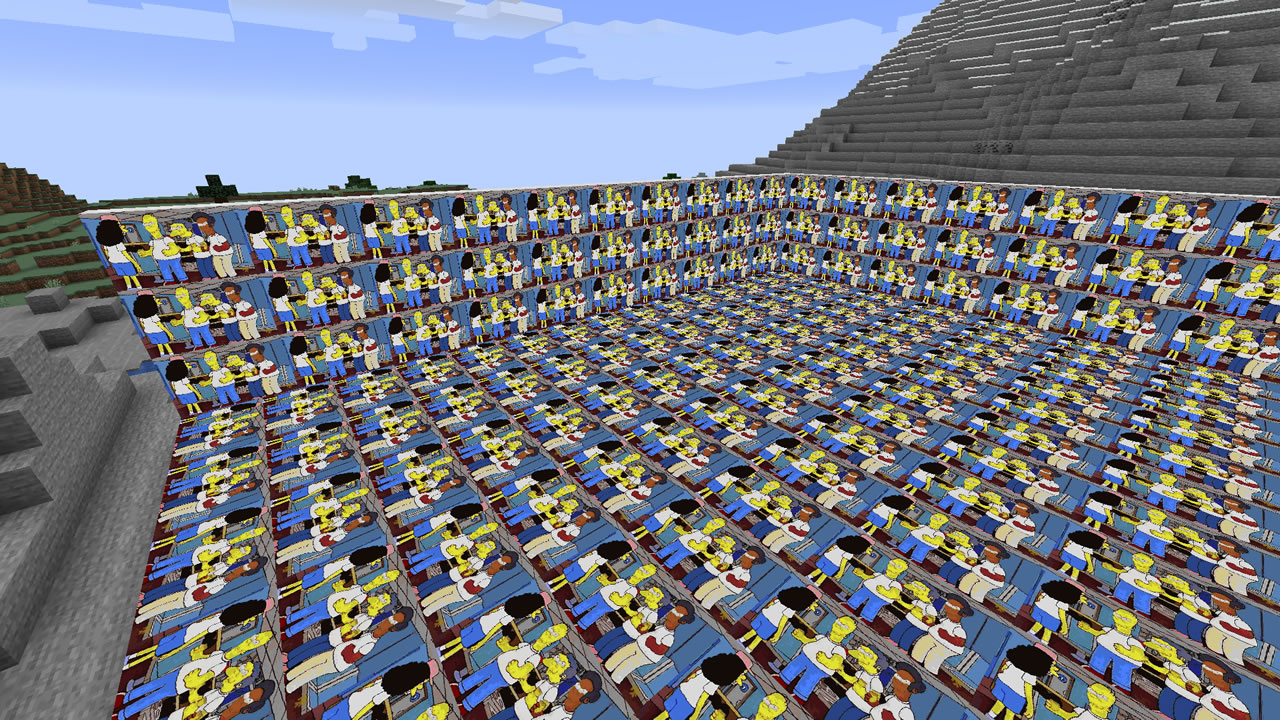

Yamipa
Yet Another Minecraft Image Placing AddonOn a serverPortalCommands
A plugin that allows the creation of portals to execute commands!On a server
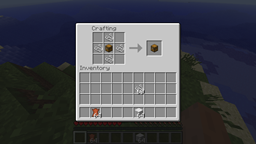
Chestpack
extra storage in a backpack on your chest!On a server

SwiftApi
An Apache Thrift based API for your Bukkit serverOn a server

Simple Plugin Hider
A plugin made to hide your plugins list from prying eyes.On a serverHTTPConsole
HTTPConsole - Issue Console Commands Over HTTPOn a serverPrivate Horse
Private HorseOn a server
BasicHomes [WARPS]
Basic Minecraft sethomes & setwarps pluginOn a server

Staff++
Staff++ is a spigot plugin that sets up everything you need to manage players on your server. Reporting, banning, muting, player notes, freezing, staff chat channels, staff modes and so much more.On a serverBurningMobs
Allows more mobs to burn in sunlightOn a server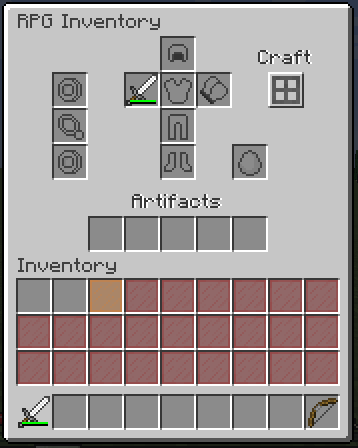

RPG Inventory
Want to add new slots? It's easy!On a serverCustomUnknownCommandMessage
Choose what message the player gets when he types in a wrong command.On a server

blFriends
blFriendsOn a serverFAQ
How is a plugin different from a mod?
A plugin runs only on the server and requires nothing from players: the client stays vanilla. A mod has to be installed by everyone, and it changes the game itself.
Where do I put a plugin?
Put the .jar file in the plugins folder on the server, then restart the server. The plugin will create its config on first launch.
Will a Spigot plugin work on Paper?
Usually yes: Paper and Purpur are built on Spigot and are compatible with its plugins. The reverse isn't true — a plugin that uses Paper features won't work on plain Spigot.
How do I install a plugin on Aternos?
On Aternos, plugins can only be installed from the built-in list in the “Plugins” section of the panel. You can't upload your own .jar file, so paid and rare plugins can't be installed on Aternos. If the plugin you need isn't on the list, you need hosting with access to the plugins folder: put the file there and restart the server.
Which plugins should I install on a server first?
People usually start with four: EssentialsX (homes, warps, kits, teleport), LuckPerms (groups and permissions), WorldGuard together with WorldEdit (spawn and region protection) and ViaVersion (joining from other game versions). For a server with nickname login, add AuthMe for passwords and SkinsRestorer for skins.
Which plugins should I install on a server for playing with friends?
A small server for friends needs just a few: EssentialsX (home, teleport to a friend, warps), CoreProtect (rolling back griefing and finding who broke a block) and Simple Voice Chat for voice chat, which needs the mod of the same name on players' side. Permissions and region protection are usually unnecessary on such a server.
How do I install a plugin on Paper?
Download the plugin file for your Paper version, put the .jar into the plugins folder and restart the server — the /plugins command will list it. On Millida Hosting the On a server button on the plugin page does the same.
Minecraft server plugins
A plugin is installed on the server, not by the player, and that's the whole difference from a mod: the client stays plain vanilla, and you can join the server without downloading a single file. Plugins run on server cores — Paper, Spigot, Bukkit, Purpur, Folia — while Velocity and BungeeCord are used for proxies between servers. The core matters as much as the version: a Paper plugin will almost always run on Purpur, but a Velocity plugin won't start on a regular server at all.
The useful minimum for a server is almost always the same: EssentialsX for basic commands, LuckPerms for permissions, WorldGuard together with WorldEdit for region protection and CoreProtect to roll back griefing. Servers with nickname login add AuthMe and SkinsRestorer, servers for friends add Simple Voice Chat. On Millida Hosting a free plugin from the catalog goes onto the server with the On a server button on its page, no manual .jar upload.
Plugins handle almost everything behind the scenes on a server: ranks and permissions, land protection, economy and shops, anti-cheat, map rotation, menus and voting. You install them by copying the .jar file into the plugins folder and restarting the server; most create their own config on first launch, which is what you then edit. The card lists supported cores and game versions, the author and license, and all releases are gathered on one page — you can update the plugin right from there.