
Minecraft server plugins — page 100
3,786 itemsPlugins: list


WorldGenerationControl
WorldGenerationControlOn a server
FlatlandsBuilder
Flatlands World GeneratorOn a serverCommandLog
This plugin logs all commands to a separate log file in the servers main directory.On a server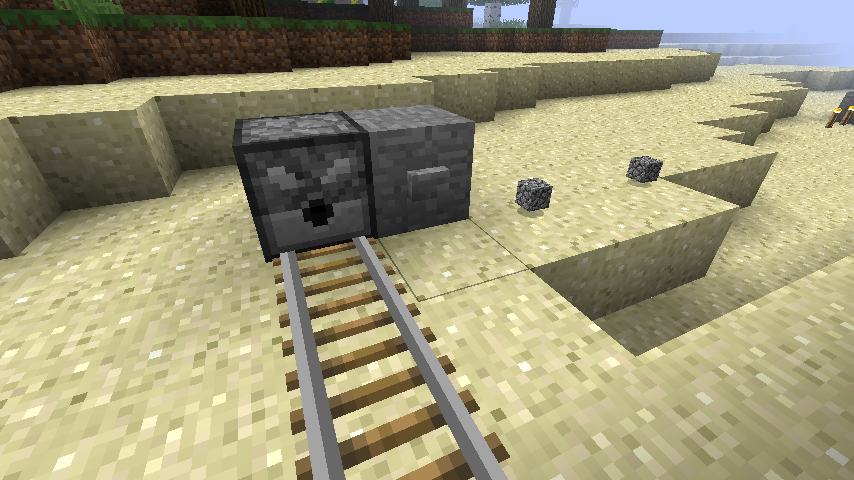
CartDispense
Dispense Carts On Rails AutomaticallyOn a serverPickBoat
prevent boats from breakingOn a serverLogOres
Log ores being mined to look for cheaters.On a server
WorldSpawns
Lightweight plugin for managing per-world spawn points and more.On a server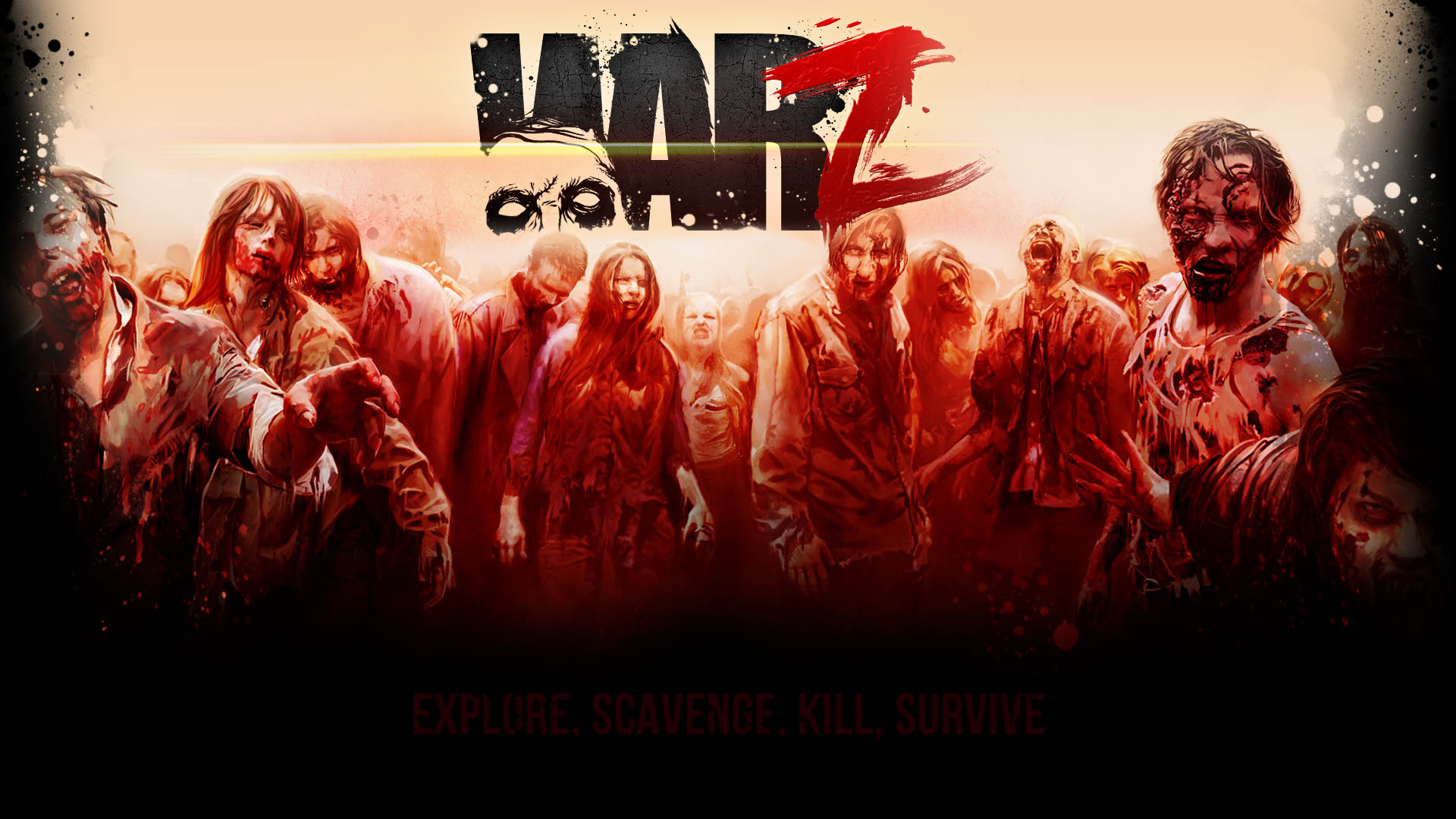

WarZ
Can you survive through the zombies?On a server
DropHead
Drops a player head, bones or dental gold.On a server

VoteKick
Plugin allowing votes to kick a player. Very configurable.On a server

RestrictCreative
RestrictCreativeOn a server
Dream ManHunt
ManHunt plugin from Dream's videos (even better)On a serverUltra-Death Swap
Kill your opponents from thousands of blocks away without even seeing them!On a server

MapModCompanion
Fixes Multi-world detection by simulating mod presence on the server sideOn a server

HUB
This Velocity plugin adds a '/hub' command for quick teleportation to the hub server. It supports customizable messages, configurable hub servers, custom aliases and smart load balancing.On a serverPvP Health
PvP HealthOn a serverJoinMessages
A simple plugin that allows you to create quick customized join / leave messages.On a serverBlockHeads - Set blocks as a helmet
BlockHeads - Set blocks as a helmetOn a server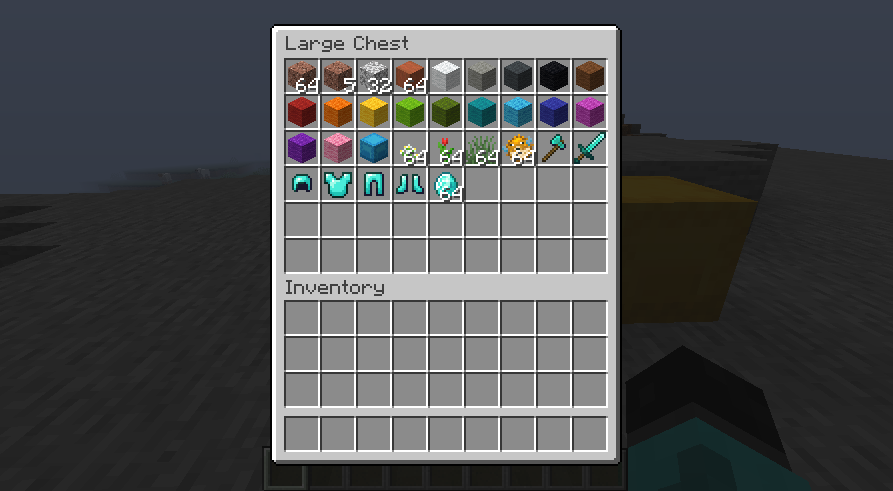
InvSort
Inventories sorting pluginOn a server
AntiDrops
Stops players from dropping items!On a server

MineCars Reloaded
Allows you to drive a Minecart like a Car!On a serverChatTroll
Fake Join/Leave Messages and Chat with the name of another player!On a serverAbacus
AbacusOn a serverFAQ
How is a plugin different from a mod?
A plugin runs only on the server and requires nothing from players: the client stays vanilla. A mod has to be installed by everyone, and it changes the game itself.
Where do I put a plugin?
Put the .jar file in the plugins folder on the server, then restart the server. The plugin will create its config on first launch.
Will a Spigot plugin work on Paper?
Usually yes: Paper and Purpur are built on Spigot and are compatible with its plugins. The reverse isn't true — a plugin that uses Paper features won't work on plain Spigot.
How do I install a plugin on Aternos?
On Aternos, plugins can only be installed from the built-in list in the “Plugins” section of the panel. You can't upload your own .jar file, so paid and rare plugins can't be installed on Aternos. If the plugin you need isn't on the list, you need hosting with access to the plugins folder: put the file there and restart the server.
Which plugins should I install on a server first?
People usually start with four: EssentialsX (homes, warps, kits, teleport), LuckPerms (groups and permissions), WorldGuard together with WorldEdit (spawn and region protection) and ViaVersion (joining from other game versions). For a server with nickname login, add AuthMe for passwords and SkinsRestorer for skins.
Which plugins should I install on a server for playing with friends?
A small server for friends needs just a few: EssentialsX (home, teleport to a friend, warps), CoreProtect (rolling back griefing and finding who broke a block) and Simple Voice Chat for voice chat, which needs the mod of the same name on players' side. Permissions and region protection are usually unnecessary on such a server.
How do I install a plugin on Paper?
Download the plugin file for your Paper version, put the .jar into the plugins folder and restart the server — the /plugins command will list it. On Millida Hosting the On a server button on the plugin page does the same.
Minecraft server plugins
A plugin is installed on the server, not by the player, and that's the whole difference from a mod: the client stays plain vanilla, and you can join the server without downloading a single file. Plugins run on server cores — Paper, Spigot, Bukkit, Purpur, Folia — while Velocity and BungeeCord are used for proxies between servers. The core matters as much as the version: a Paper plugin will almost always run on Purpur, but a Velocity plugin won't start on a regular server at all.
The useful minimum for a server is almost always the same: EssentialsX for basic commands, LuckPerms for permissions, WorldGuard together with WorldEdit for region protection and CoreProtect to roll back griefing. Servers with nickname login add AuthMe and SkinsRestorer, servers for friends add Simple Voice Chat. On Millida Hosting a free plugin from the catalog goes onto the server with the On a server button on its page, no manual .jar upload.
Plugins handle almost everything behind the scenes on a server: ranks and permissions, land protection, economy and shops, anti-cheat, map rotation, menus and voting. You install them by copying the .jar file into the plugins folder and restarting the server; most create their own config on first launch, which is what you then edit. The card lists supported cores and game versions, the author and license, and all releases are gathered on one page — you can update the plugin right from there.