
Plugins for Minecraft 1.9 — page 11
680 itemsPlugins: list




PwnFilter
PwnFilter - The return of your favorite RegEx Chat Plugin, block swears, fix .command & more!On a server

CleanPing
CleanPing is an advanced /ping plugin, compatible with Spigot, Paper, Folia, BungeeCord and Velocity (with Redis).On a server

Let It Rain
You'll never have to worry about getting bacon again...On a server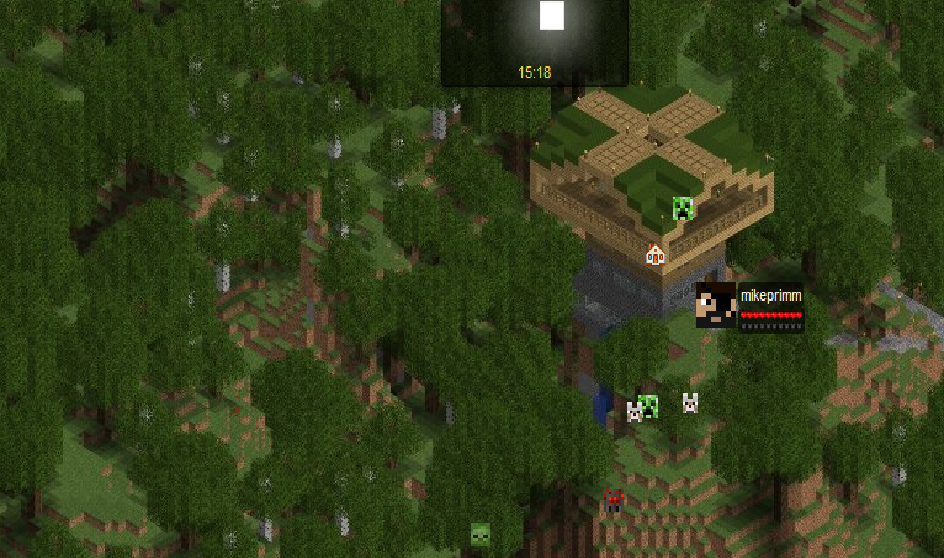
Dynmap-Mobs
Add real-time display of mobs to Dynmap mapsOn a server
LorinthsRpgMobs
Provides configurable options for changing damage/health for entities on your server based on LevelOn a server

MCTowns
A powerful yet simple way to manage towns.On a serverAutoRepair
AutoRepairOn a server

SimpleHubTeleport 4
Easy Plugin for Setspawn (NOT BUNGEECORD)On a server

LevelHearts
Increase your maxhealth by getting exp!On a server

Stables
Stables provide steed protection, and other horse related things.On a server
[1.9-1.16] Custom Recipes and Crafting (CraftEnhance)
Make any recipes through GUI's only - the only plugin that supports itemmeta, like enchantments - The most powerful crafting plugin.On a server
SpawnJoin Reloaded
Teleports players to spawn when joining, and sets their selected slot.On a server

AFK Rewards Lite
Give Rewards to Players inside a region | 1.8.x - 1.20.xOn a server

ForcePack
Resource pack handling utilities and enforcement, with Velocity and multiple resource packs support.On a server
FunnyGuilds
FunnyGuilds is a fully customizable RPG plugin that allows you to create guildsOn a server
ArmorHUD
ArmorHUDOn a server

CClearChat
CClearChatOn a server

Make your own Commands
Create your own Commands with this plugin!On a server
AntiAutoSoup
The first anti AutoSoup plugin on Bukkit!On a server

PlayerPoints
A simple and easy to use points-based economy plugin!On a server

zMenu
The best inventory plugin! Online editor available!On a server

mwParkour2
mwParkour2On a server
Spawn Join
Teleport players to spawn/hub/lobby upon join!On a serverFAQ
How is a plugin different from a mod?
A plugin runs only on the server and requires nothing from players: the client stays vanilla. A mod has to be installed by everyone, and it changes the game itself.
Where do I put a plugin?
Put the .jar file in the plugins folder on the server, then restart the server. The plugin will create its config on first launch.
Will a Spigot plugin work on Paper?
Usually yes: Paper and Purpur are built on Spigot and are compatible with its plugins. The reverse isn't true — a plugin that uses Paper features won't work on plain Spigot.
How do I install a plugin on Aternos?
On Aternos, plugins can only be installed from the built-in list in the “Plugins” section of the panel. You can't upload your own .jar file, so paid and rare plugins can't be installed on Aternos. If the plugin you need isn't on the list, you need hosting with access to the plugins folder: put the file there and restart the server.
Which plugins should I install on a server first?
People usually start with four: EssentialsX (homes, warps, kits, teleport), LuckPerms (groups and permissions), WorldGuard together with WorldEdit (spawn and region protection) and ViaVersion (joining from other game versions). For a server with nickname login, add AuthMe for passwords and SkinsRestorer for skins.
Which plugins should I install on a server for playing with friends?
A small server for friends needs just a few: EssentialsX (home, teleport to a friend, warps), CoreProtect (rolling back griefing and finding who broke a block) and Simple Voice Chat for voice chat, which needs the mod of the same name on players' side. Permissions and region protection are usually unnecessary on such a server.
How do I install a plugin on Paper?
Download the plugin file for your Paper version, put the .jar into the plugins folder and restart the server — the /plugins command will list it. On Millida Hosting the On a server button on the plugin page does the same.
Plugins for Minecraft 1.9
Plugins for Minecraft 1.9: 680 items in the Plugins section. Compatibility is checked against the files, not the description: only items with a build for exactly these conditions stay in the list.
Plugins handle almost everything behind the scenes on a server: ranks and permissions, land protection, economy and shops, anti-cheat, map rotation, menus and voting. You install them by copying the .jar file into the plugins folder and restarting the server; most create their own config on first launch, which is what you then edit. The card lists supported cores and game versions, the author and license, and all releases are gathered on one page — you can update the plugin right from there.