
Plugins for Minecraft Java 1.8 — page 5
613 itemsPlugins: list


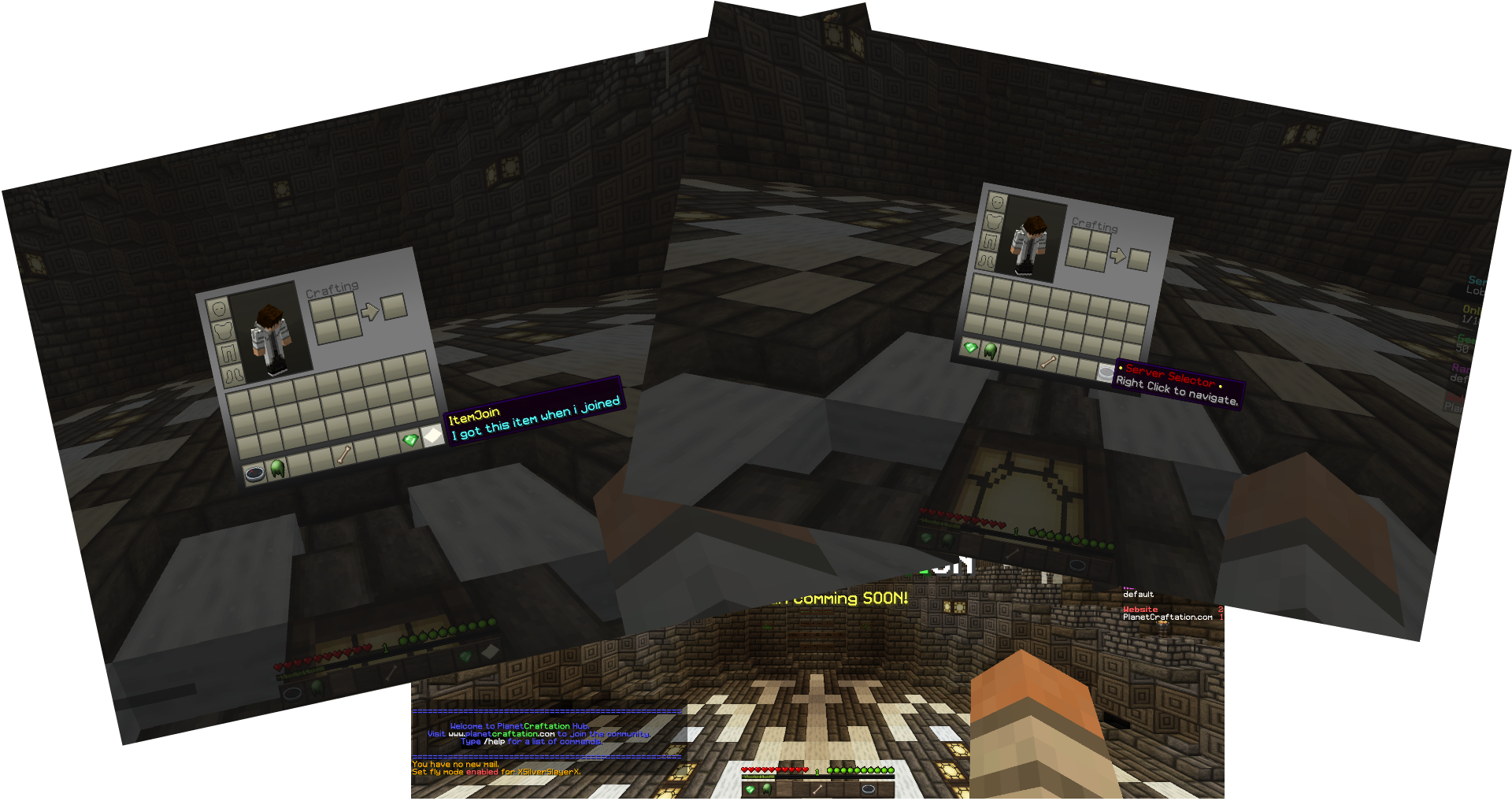

ItemJoin
Get custom items on join.On a server

ItemEdit
Fast edit, customize and manage itemsOn a server

Combat Tag
Prevent pvp loggers from getting their way!On a server

MyWarp
A social and self managing warp system for the Minecraft multiplayer.On a server

MobCatcher
Catch mobs and get Spawn Eggs legitimately!On a server

Jobs Reborn
Jobs RebornOn a server

VaultUnlocked
A modern drop-in Vault fork, with Folia support, and enhanced APIs.On a server
ESClearChat
Simple plugin to clear your server's chat.On a server
SecurityVillagers
A simple plugin to protect villagers and related mobsOn a server

Lightning Grim Anticheat
Anticheat Perfected | 3.0005 reach | 99.999% antikb. Fork of GrimAC that's faster, with better reach checks, interact checks, and numerous bug fixes.On a server
DeathArena
A full-featured KitPvP solution, complete with entirely customisable elements, from kits to messages!On a server
PaidRanks - Rankup
Let users pay in-game money to rank up to a new permissions group!On a server

Advanced Achievements
Unique and challenging custom achievements or quest-like objectives on your server! Books, fancy GUI, rankings, rewards, effects and more!On a server
AntiJoinBot
AntiJoinBotOn a server

MyTablist
MyTablistOn a server

MobHunting
MobHunting provides a fun way to get money from hunting monstersOn a serverAbsolute Welcome
Absolute WelcomeOn a server

SkillAPI
A visual and dynamic skill tree API for the easy setup of unique class systemsOn a server

NexusAuctionHouse
The easy auction house plugin you've looked for, and for free!On a serverChat Manager
Easily Manage Chat With This PluginOn a server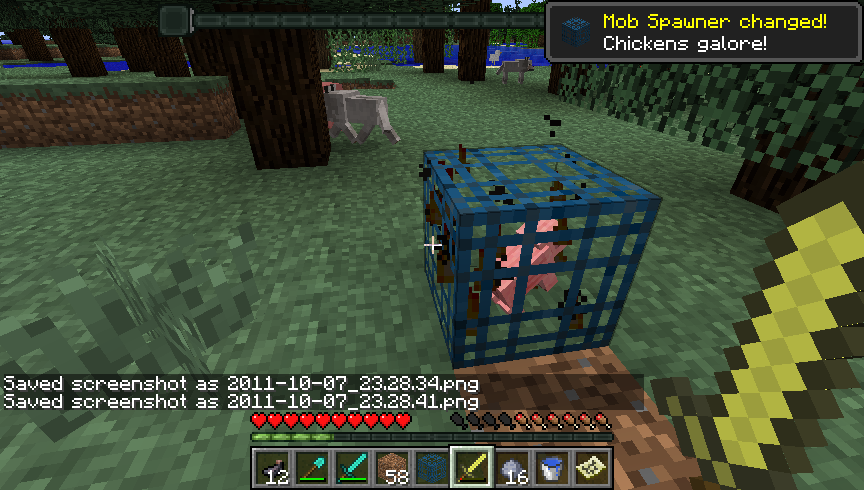
MonsterBox
Change those mob spawner types!On a server
FrameProtect
Protect your item frames, paintings, armor stands and leash knots! Very simple to use.On a server

Colors!
Colors! The mod that helps you remember color codes!On a serverFAQ
How is a plugin different from a mod?
A plugin runs only on the server and requires nothing from players: the client stays vanilla. A mod has to be installed by everyone, and it changes the game itself.
Where do I put a plugin?
Put the .jar file in the plugins folder on the server, then restart the server. The plugin will create its config on first launch.
Will a Spigot plugin work on Paper?
Usually yes: Paper and Purpur are built on Spigot and are compatible with its plugins. The reverse isn't true — a plugin that uses Paper features won't work on plain Spigot.
How do I install a plugin on Aternos?
On Aternos, plugins can only be installed from the built-in list in the “Plugins” section of the panel. You can't upload your own .jar file, so paid and rare plugins can't be installed on Aternos. If the plugin you need isn't on the list, you need hosting with access to the plugins folder: put the file there and restart the server.
Which plugins should I install on a server first?
People usually start with four: EssentialsX (homes, warps, kits, teleport), LuckPerms (groups and permissions), WorldGuard together with WorldEdit (spawn and region protection) and ViaVersion (joining from other game versions). For a server with nickname login, add AuthMe for passwords and SkinsRestorer for skins.
Which plugins should I install on a server for playing with friends?
A small server for friends needs just a few: EssentialsX (home, teleport to a friend, warps), CoreProtect (rolling back griefing and finding who broke a block) and Simple Voice Chat for voice chat, which needs the mod of the same name on players' side. Permissions and region protection are usually unnecessary on such a server.
How do I install a plugin on Paper?
Download the plugin file for your Paper version, put the .jar into the plugins folder and restart the server — the /plugins command will list it. On Millida Hosting the On a server button on the plugin page does the same.
Plugins for Minecraft Java 1.8
Plugins for Minecraft 1.8: 613 items in the Plugins section. Compatibility is checked against the files, not the description: only items with a build for exactly these conditions stay in the list.
Plugins handle almost everything behind the scenes on a server: ranks and permissions, land protection, economy and shops, anti-cheat, map rotation, menus and voting. You install them by copying the .jar file into the plugins folder and restarting the server; most create their own config on first launch, which is what you then edit. The card lists supported cores and game versions, the author and license, and all releases are gathered on one page — you can update the plugin right from there.