
Plugins for Minecraft Java 1.8 — page 14
613 itemsPlugins: list


CommandNPCs
Make Villagers (NPCs) run commands!On a server

Stone Generator
Stone GeneratorOn a server

LegendQuest
Complete RPG Mod, featuring Races, Classes and skills.On a server
LifeStolen
Yet another LifeSteal plugin.On a server

Simple Auto Restart
Really simple Spigot plugin that automatically restarts your server.On a serverWildTp
Teleports a player to a random locationOn a server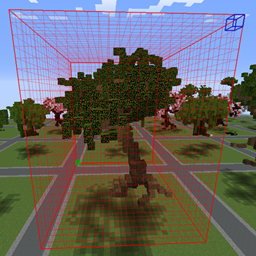
WorldEdit Structure Selector
Auto select any structures as a WorldEdit selectionOn a server

LegendaryArmor
Add legendary armor to your sever!On a server
BetterRTP
A random teleport plugin for staying between the WorldBorder! Custom restrictions and moreOn a server

Griswold – NPCs repair your items
Villagers can now repair your stuff!On a server
SkinLoader
A plugin to load skins and other thingsOn a server

BasicMaintenance
BasicMaintenanceOn a server

VPacketEvents
Manage packets through Velocity's native eventsOn a server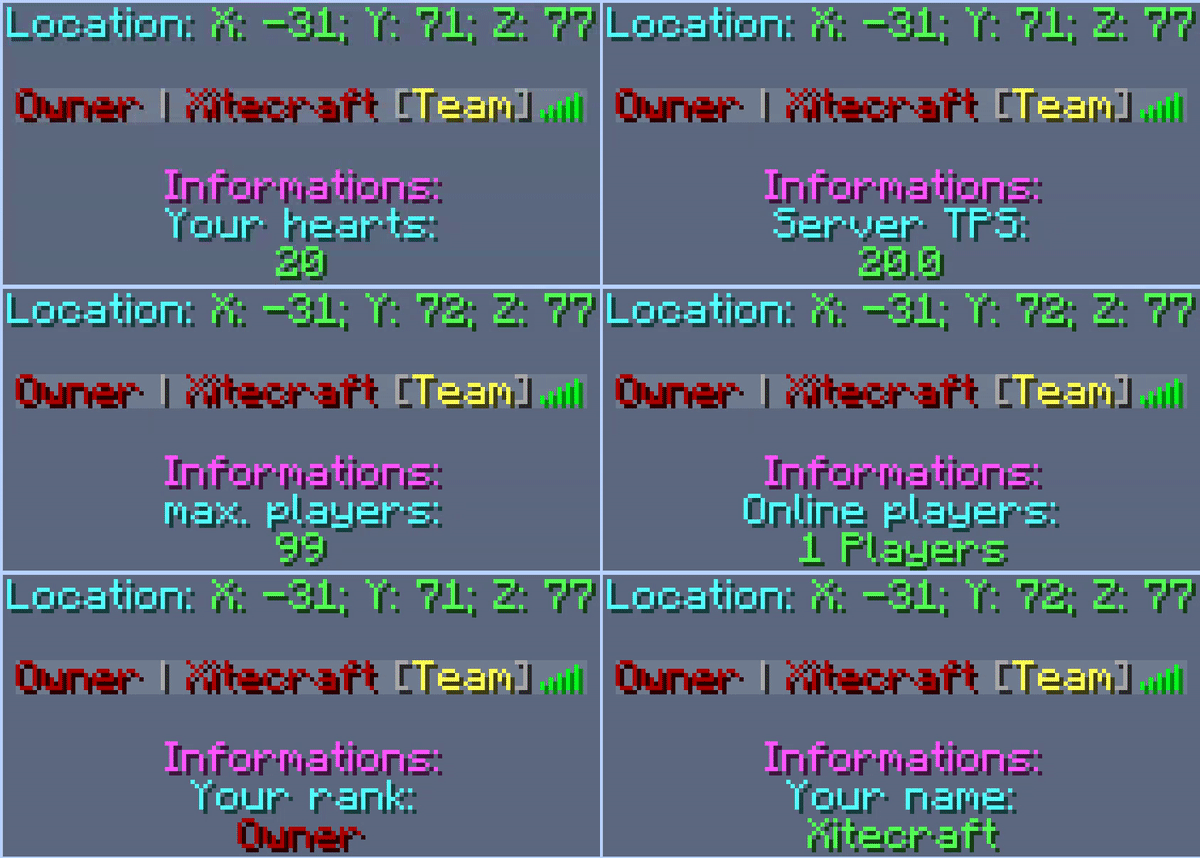
[PowerBoard] Scoreboard + Tablist + Prefix + Chat | Animated
This Plugin has an animated Scoreboard + Tablist included a Prefix + Chat -SystemOn a server
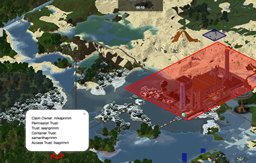
Dynmap-GriefPrevention
Show Grief Prevention claims on Dynmap mapsOn a server
DisplayName - Nick name
A simple but feature-full nicknames plugin that allows you to set other players' nick namesOn a server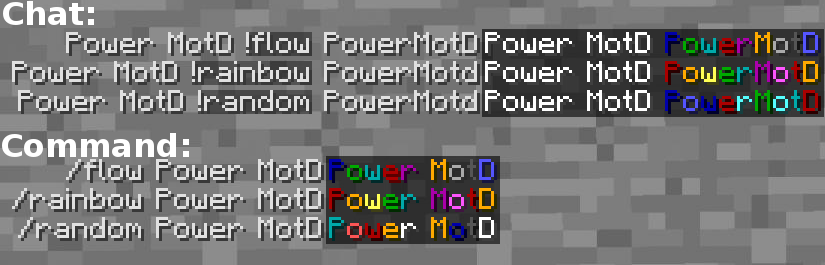

Power motd
Power motdOn a server

Compass Navigation
Compass NavigationOn a server

BeastLib
BeastLib is dependency for Beast plugins like BeastWithdraw, BeastTokens & BeastSpawnersOn a serverRandomArmorEffects
Custom enchants from books, like CosmicPVP!On a server

TrainCarts
Trains in Minecraft, a full simulator for your train network or theme parkOn a serverSpamHammer
Lay down the law on spammers!On a server
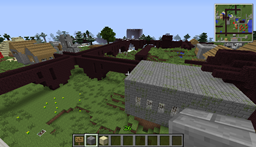
WorldGen
Generate world structures manually (villages, strongholds, temples, etc.)On a serverFAQ
How is a plugin different from a mod?
A plugin runs only on the server and requires nothing from players: the client stays vanilla. A mod has to be installed by everyone, and it changes the game itself.
Where do I put a plugin?
Put the .jar file in the plugins folder on the server, then restart the server. The plugin will create its config on first launch.
Will a Spigot plugin work on Paper?
Usually yes: Paper and Purpur are built on Spigot and are compatible with its plugins. The reverse isn't true — a plugin that uses Paper features won't work on plain Spigot.
How do I install a plugin on Aternos?
On Aternos, plugins can only be installed from the built-in list in the “Plugins” section of the panel. You can't upload your own .jar file, so paid and rare plugins can't be installed on Aternos. If the plugin you need isn't on the list, you need hosting with access to the plugins folder: put the file there and restart the server.
Which plugins should I install on a server first?
People usually start with four: EssentialsX (homes, warps, kits, teleport), LuckPerms (groups and permissions), WorldGuard together with WorldEdit (spawn and region protection) and ViaVersion (joining from other game versions). For a server with nickname login, add AuthMe for passwords and SkinsRestorer for skins.
Which plugins should I install on a server for playing with friends?
A small server for friends needs just a few: EssentialsX (home, teleport to a friend, warps), CoreProtect (rolling back griefing and finding who broke a block) and Simple Voice Chat for voice chat, which needs the mod of the same name on players' side. Permissions and region protection are usually unnecessary on such a server.
How do I install a plugin on Paper?
Download the plugin file for your Paper version, put the .jar into the plugins folder and restart the server — the /plugins command will list it. On Millida Hosting the On a server button on the plugin page does the same.
Plugins for Minecraft Java 1.8
Plugins for Minecraft 1.8: 613 items in the Plugins section. Compatibility is checked against the files, not the description: only items with a build for exactly these conditions stay in the list.
Plugins handle almost everything behind the scenes on a server: ranks and permissions, land protection, economy and shops, anti-cheat, map rotation, menus and voting. You install them by copying the .jar file into the plugins folder and restarting the server; most create their own config on first launch, which is what you then edit. The card lists supported cores and game versions, the author and license, and all releases are gathered on one page — you can update the plugin right from there.