
Plugins for Minecraft Java 1.7.4 — page 6
222 itemsPlugins: list

Sleep
Multi-Player Sleep Management (Idle, Notifications, Force)On a server

FoxGate AntiVPN
Your #1 AntiVPN Plugin - Powerful AntiVPN & AntiProxy for your server for Free! (Hytale Support)On a server
RandomTP Plugin
Allows a player to teleport to a random location within a set minimum and maximum from a set world to another using /rtp and many other aliases.On a serverSpawnz
SpawnzOn a serverFakePlayers
Change your online player count and trick server lists!On a server

LANBroadcaster
Broadcast your Minecraft server over the local area network and have it appear in the LAN server listOn a server

BungeeCompass
BungeeCompassOn a server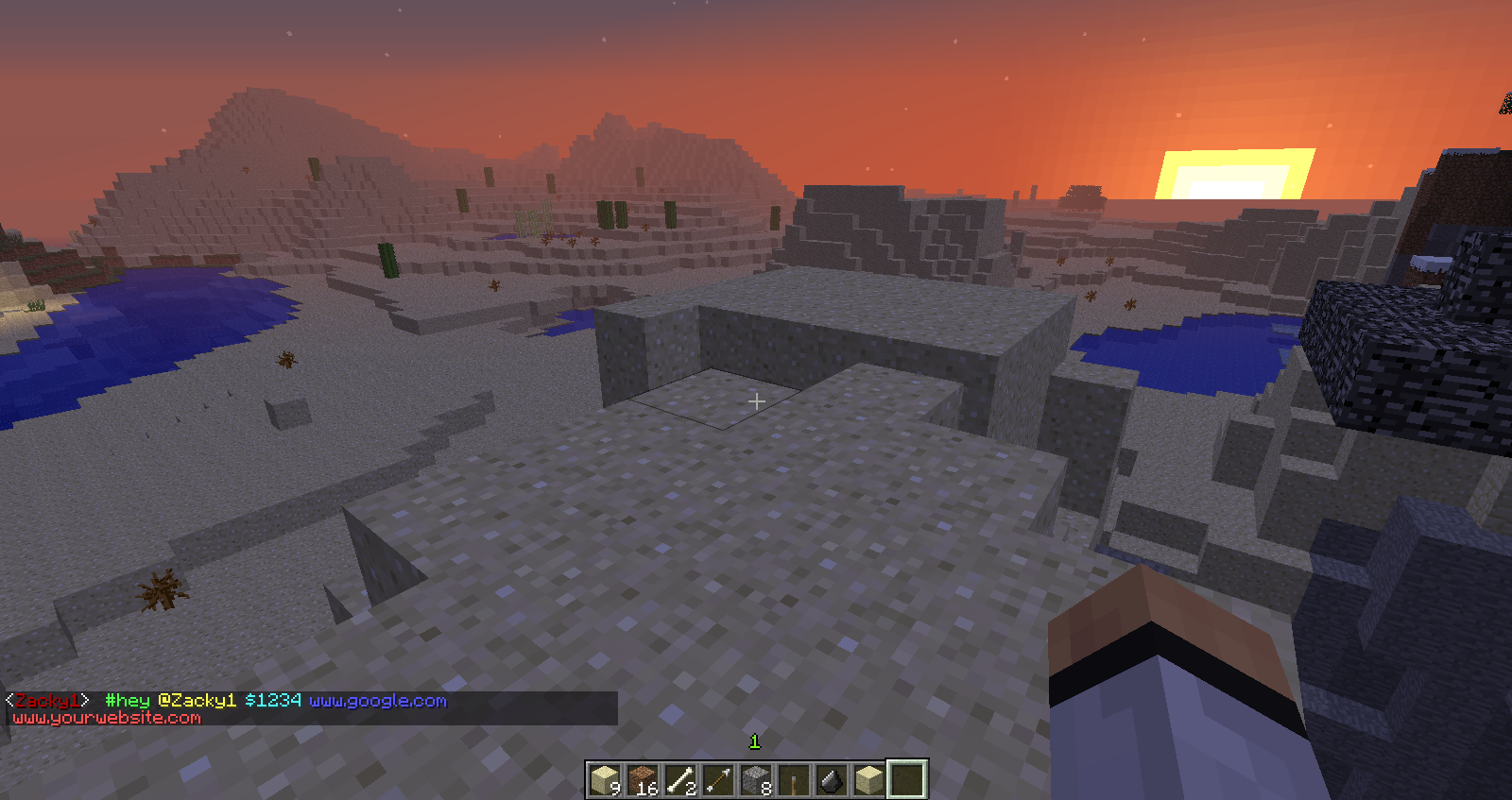

Chat Tweaks
Ever wanted Hashtags(#) and At Signs(@) in chat? Both metered to see how many times that particular sign has been used!On a server

ShareControl
ShareControlOn a server

BukkitStream (Android Remote Control)
BukkitStream (Android Remote Control)On a serverHCFactions
Highly Customizable Hardcore FactionsOn a serverKill Rankup
Automatically rank-up players based on their kill countOn a server
Craftable Backpacks
This plugin adds a craftable backpack with 18 slots.On a server

Craft Inc. Gates
Easily create portals with custom designOn a serverAdvanceHub
AdvanceHubOn a serverArrowView
ArrowViewOn a server

King of the Hill
A Minecraft rendition of the popular King of the Hill Minigame.On a serveriBank
A simple and easy to use bank plugin, providing Bankaccounts, Interest and Loan.On a serverDragonEggs
DragonEggsOn a server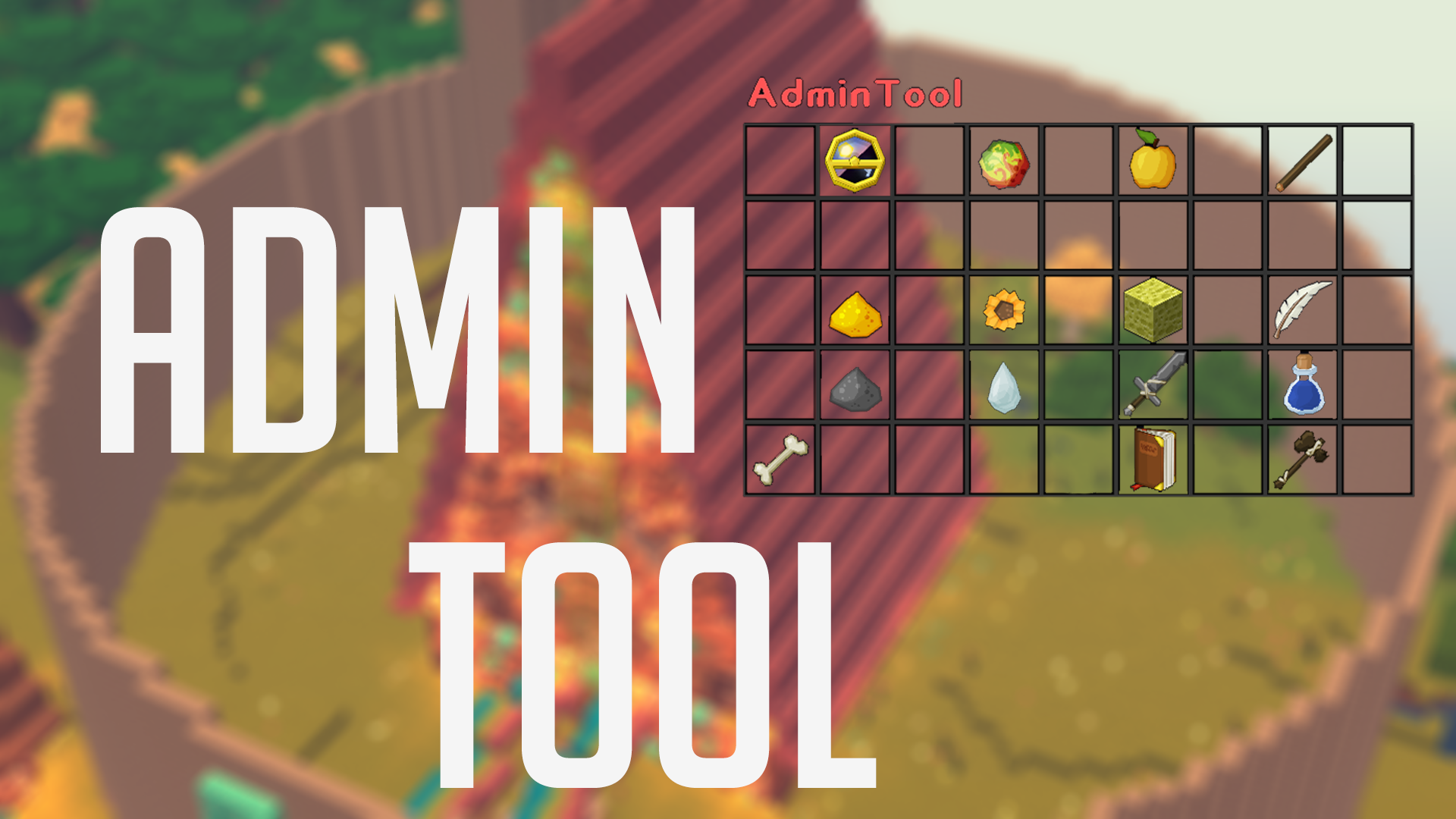
AdminTool
AdminToolOn a server

CloudConsole
Access your console from anywhere and anytime. This tool is a MUST for administrators.On a server

VLobby
Lobby plugin for Velocity with Multi Lobby supportOn a serverCombatKits
CombatKitsOn a serverFAQ
How is a plugin different from a mod?
A plugin runs only on the server and requires nothing from players: the client stays vanilla. A mod has to be installed by everyone, and it changes the game itself.
Where do I put a plugin?
Put the .jar file in the plugins folder on the server, then restart the server. The plugin will create its config on first launch.
Will a Spigot plugin work on Paper?
Usually yes: Paper and Purpur are built on Spigot and are compatible with its plugins. The reverse isn't true — a plugin that uses Paper features won't work on plain Spigot.
How do I install a plugin on Aternos?
On Aternos, plugins can only be installed from the built-in list in the “Plugins” section of the panel. You can't upload your own .jar file, so paid and rare plugins can't be installed on Aternos. If the plugin you need isn't on the list, you need hosting with access to the plugins folder: put the file there and restart the server.
Which plugins should I install on a server first?
People usually start with four: EssentialsX (homes, warps, kits, teleport), LuckPerms (groups and permissions), WorldGuard together with WorldEdit (spawn and region protection) and ViaVersion (joining from other game versions). For a server with nickname login, add AuthMe for passwords and SkinsRestorer for skins.
Which plugins should I install on a server for playing with friends?
A small server for friends needs just a few: EssentialsX (home, teleport to a friend, warps), CoreProtect (rolling back griefing and finding who broke a block) and Simple Voice Chat for voice chat, which needs the mod of the same name on players' side. Permissions and region protection are usually unnecessary on such a server.
How do I install a plugin on Paper?
Download the plugin file for your Paper version, put the .jar into the plugins folder and restart the server — the /plugins command will list it. On Millida Hosting the On a server button on the plugin page does the same.
Plugins for Minecraft Java 1.7.4
Plugins for Minecraft 1.7.4: 222 items in the Plugins section. Compatibility is checked against the files, not the description: only items with a build for exactly these conditions stay in the list.
Plugins handle almost everything behind the scenes on a server: ranks and permissions, land protection, economy and shops, anti-cheat, map rotation, menus and voting. You install them by copying the .jar file into the plugins folder and restarting the server; most create their own config on first launch, which is what you then edit. The card lists supported cores and game versions, the author and license, and all releases are gathered on one page — you can update the plugin right from there.