
Plugins for Minecraft Java 1.6.4 — page 2
134 itemsPlugins: list


RandomTP
Randomly Teleports you within bounds you defineOn a server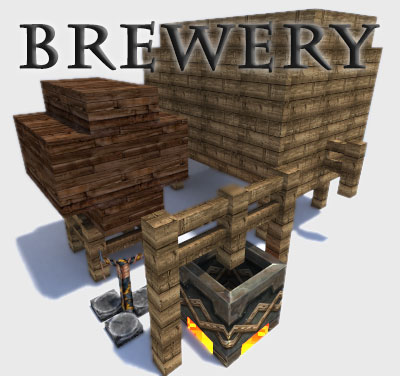
Brewery
Brew alcoholic potions, get drunk and have fun!On a serverAmazingKit
Simple kit managerOn a serverLogin-System
Login-SystemOn a server
PvPTime
Choose what ingame hours you want PvP enabled.On a serverAlways Day
A plugin that keeps multiple worlds in either day or night!On a server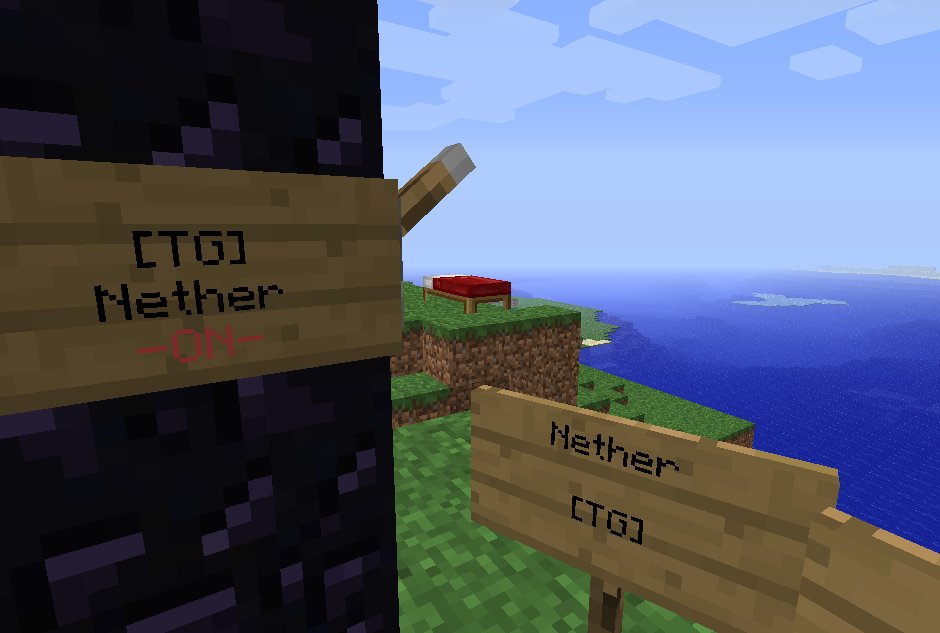
TravelGates
Create teleportation destination. You can also use Nether Portals !On a server

RandomLocation
RandomLocation - Teleports players to a random location in a pre sett areaOn a serverHelp Pages
Want to define your own help pages from files? Now you can!On a serverCommandBin
CommandBinOn a server

Limited Creative
Separated inventories for diffrent GameModes. No Diamand ArmorOn a serverQuickShop NotLikeMe
QuickShop NotLikeMeOn a server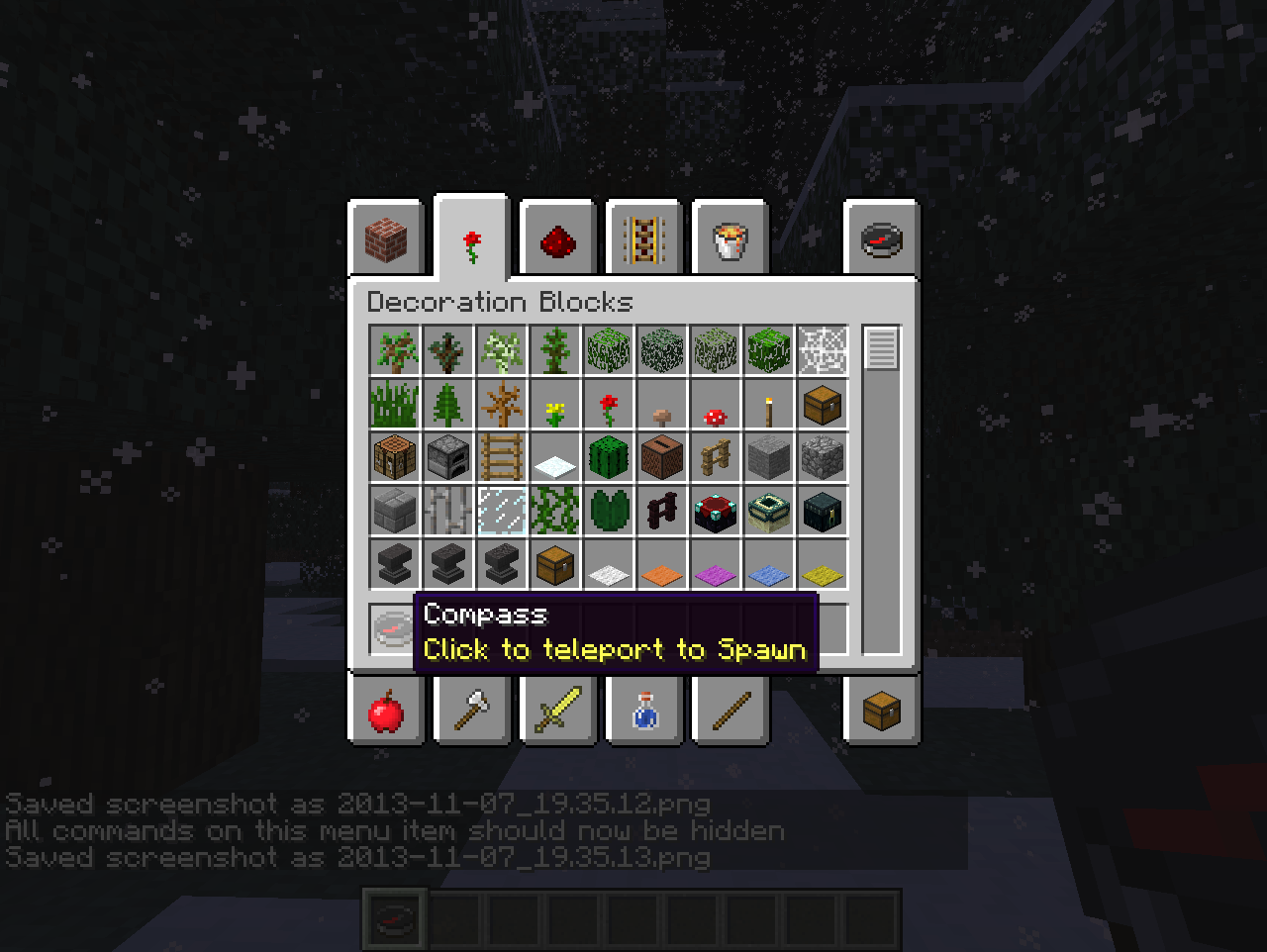
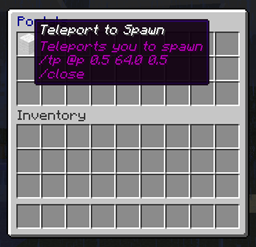
CreateYourOwnMenus
Allows server admins to create their own inventory menus to perform scripted commands in a similar manner to command blocksOn a server

gMoney
The gMoney is a plugin for economy, use Vault API or NoOn a server

BattleArena
A complete match and event framework for creating arenas and minigames in Minecraft. Supports creating modes through config files, or fully custom modes through plugins.On a serverAnimalsDropMeat
Animals are made of meat - they should drop meat!On a serverSimpleSignEdit
SimpleSignEditOn a server

BeTheMob
BeTheMobOn a serverClearLag SaveDeathDrops
A Clearlagg module which disables the removing of death-drop related itemsOn a serverGroupPermsLite
Lightweight Group-based Permissions Management SystemOn a server

Make your own Commands
Create your own Commands with this plugin!On a serverBetter Backpacks
Adds backpacks to minecraft with custom recipesOn a server

LegendaryWeapons
Add 4 legendary weapons to your game with their own specific recipe and effects.On a serverFAQ
How is a plugin different from a mod?
A plugin runs only on the server and requires nothing from players: the client stays vanilla. A mod has to be installed by everyone, and it changes the game itself.
Where do I put a plugin?
Put the .jar file in the plugins folder on the server, then restart the server. The plugin will create its config on first launch.
Will a Spigot plugin work on Paper?
Usually yes: Paper and Purpur are built on Spigot and are compatible with its plugins. The reverse isn't true — a plugin that uses Paper features won't work on plain Spigot.
How do I install a plugin on Aternos?
On Aternos, plugins can only be installed from the built-in list in the “Plugins” section of the panel. You can't upload your own .jar file, so paid and rare plugins can't be installed on Aternos. If the plugin you need isn't on the list, you need hosting with access to the plugins folder: put the file there and restart the server.
Which plugins should I install on a server first?
People usually start with four: EssentialsX (homes, warps, kits, teleport), LuckPerms (groups and permissions), WorldGuard together with WorldEdit (spawn and region protection) and ViaVersion (joining from other game versions). For a server with nickname login, add AuthMe for passwords and SkinsRestorer for skins.
Which plugins should I install on a server for playing with friends?
A small server for friends needs just a few: EssentialsX (home, teleport to a friend, warps), CoreProtect (rolling back griefing and finding who broke a block) and Simple Voice Chat for voice chat, which needs the mod of the same name on players' side. Permissions and region protection are usually unnecessary on such a server.
How do I install a plugin on Paper?
Download the plugin file for your Paper version, put the .jar into the plugins folder and restart the server — the /plugins command will list it. On Millida Hosting the On a server button on the plugin page does the same.
Plugins for Minecraft Java 1.6.4
Plugins for Minecraft 1.6.4: 134 items in the Plugins section. Compatibility is checked against the files, not the description: only items with a build for exactly these conditions stay in the list.
Plugins handle almost everything behind the scenes on a server: ranks and permissions, land protection, economy and shops, anti-cheat, map rotation, menus and voting. You install them by copying the .jar file into the plugins folder and restarting the server; most create their own config on first launch, which is what you then edit. The card lists supported cores and game versions, the author and license, and all releases are gathered on one page — you can update the plugin right from there.