
Plugins for Minecraft Java 1.5.0 — page 2
44 itemsPlugins: list
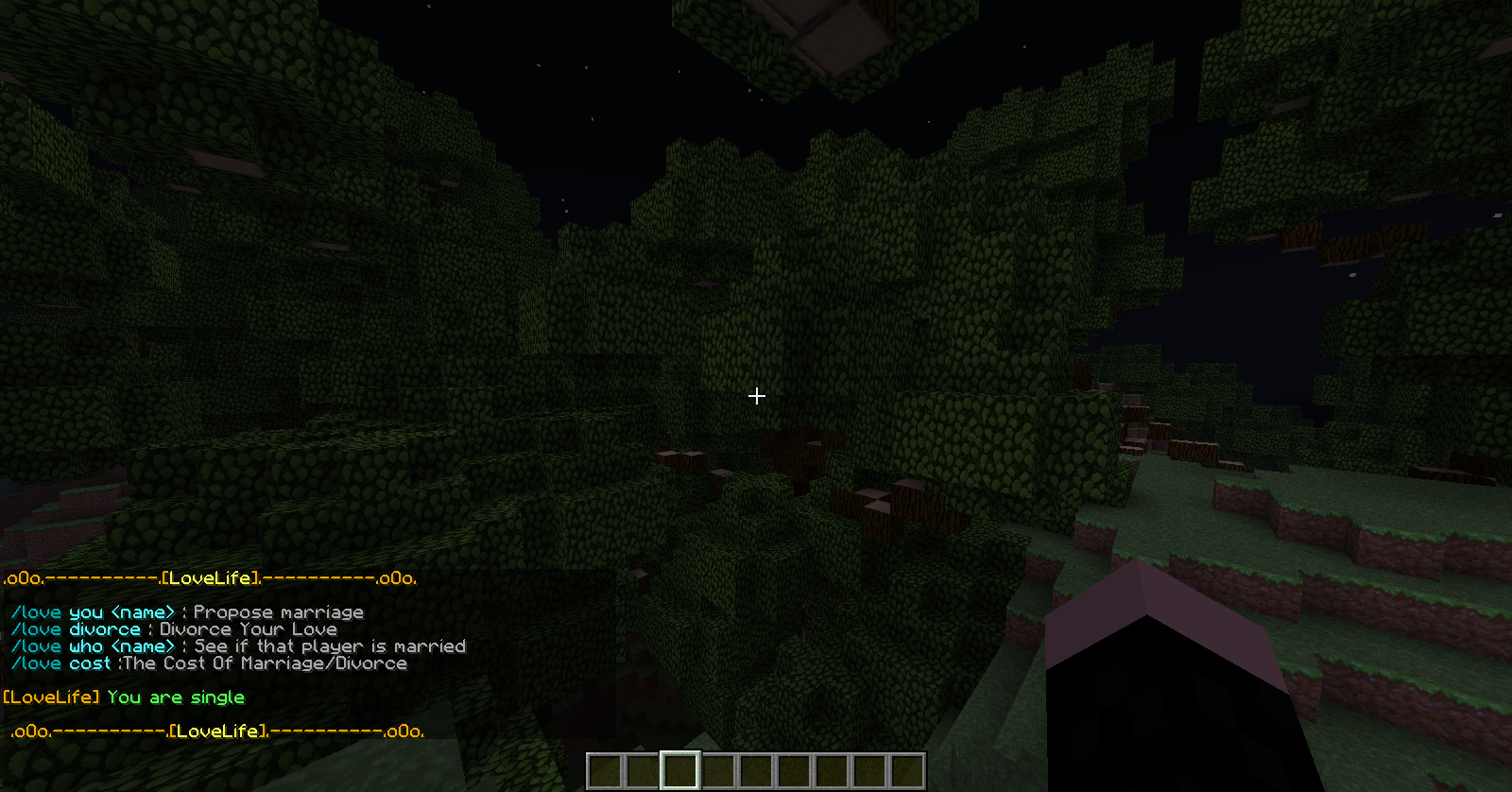

LoveLife
Go and marry the one you loveOn a serverInstaSoup
An easy instant soup plugin with configurable healing amounts and additional recipes.On a server

AssassinPack
AssassinPackOn a serverCCEconomy
The most advanced economy system by CorporateCraftOn a server
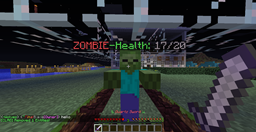
Health-Heads
Health Above Heads!On a serverAchievements Reloaded
This plugin allows you to add achievements to your serverOn a server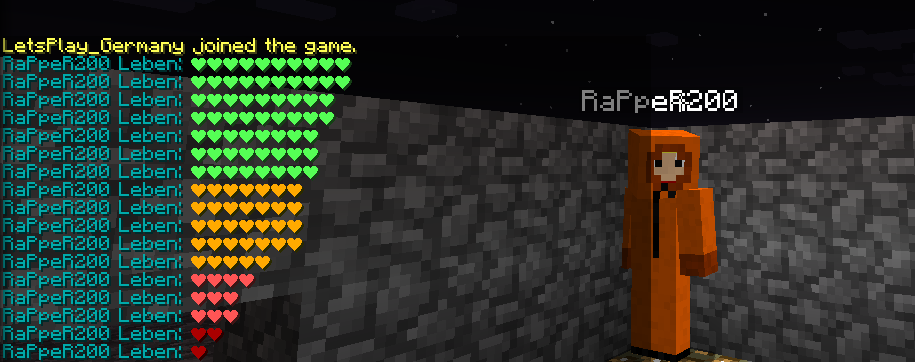
ShowHeal
ShowHealOn a serverLokiBlocker
LokiBlockerOn a serverBroadcaster
Broadcast easier!On a serverAllow Lockpicking
Allows players to attempt to open locked chests and doors with a configurable "lockpick" item.On a serverSpawnPlus
Easy SetSpawn and Spawn pluginOn a serverGroupCodesPEX
GroupCodesPEXOn a server

TeleportBow
TeleportBowOn a servermychatmanager
mychatmanagerOn a server

MCTag
Play Tag in MinecraftOn a server
LWC Unlock
Remove LWC protections (all) after X days that user did not login!On a serverAutoTimeSet
AutoTimeSet by EikesterOn a serverBattleEnchant
Simple commands to enchant items of yourself or other playersOn a serverSafeFire
SafeFireOn a serverFAQ
How is a plugin different from a mod?
A plugin runs only on the server and requires nothing from players: the client stays vanilla. A mod has to be installed by everyone, and it changes the game itself.
Where do I put a plugin?
Put the .jar file in the plugins folder on the server, then restart the server. The plugin will create its config on first launch.
Will a Spigot plugin work on Paper?
Usually yes: Paper and Purpur are built on Spigot and are compatible with its plugins. The reverse isn't true — a plugin that uses Paper features won't work on plain Spigot.
How do I install a plugin on Aternos?
On Aternos, plugins can only be installed from the built-in list in the “Plugins” section of the panel. You can't upload your own .jar file, so paid and rare plugins can't be installed on Aternos. If the plugin you need isn't on the list, you need hosting with access to the plugins folder: put the file there and restart the server.
Which plugins should I install on a server first?
People usually start with four: EssentialsX (homes, warps, kits, teleport), LuckPerms (groups and permissions), WorldGuard together with WorldEdit (spawn and region protection) and ViaVersion (joining from other game versions). For a server with nickname login, add AuthMe for passwords and SkinsRestorer for skins.
Which plugins should I install on a server for playing with friends?
A small server for friends needs just a few: EssentialsX (home, teleport to a friend, warps), CoreProtect (rolling back griefing and finding who broke a block) and Simple Voice Chat for voice chat, which needs the mod of the same name on players' side. Permissions and region protection are usually unnecessary on such a server.
How do I install a plugin on Paper?
Download the plugin file for your Paper version, put the .jar into the plugins folder and restart the server — the /plugins command will list it. On Millida Hosting the On a server button on the plugin page does the same.
Plugins for Minecraft Java 1.5.0
Plugins for Minecraft 1.5.0: 44 items in the Plugins section. Compatibility is checked against the files, not the description: only items with a build for exactly these conditions stay in the list.
Plugins handle almost everything behind the scenes on a server: ranks and permissions, land protection, economy and shops, anti-cheat, map rotation, menus and voting. You install them by copying the .jar file into the plugins folder and restarting the server; most create their own config on first launch, which is what you then edit. The card lists supported cores and game versions, the author and license, and all releases are gathered on one page — you can update the plugin right from there.