
Plugins for Minecraft Java 1.15 — page 3
568 itemsPlugins: list


Dynmap
A Google Maps-like map for your Minecraft server that can be viewed in a browser. Easy to set up when making use of Dynmap's integrated webserver, while also supporting advanced deployment with Apache and other web servers.On a server

Anti X-Ray
Inexpensively protects your ores from cheaters.On a server

Parkour
The ultimate Parkour pluginOn a server

ViaVersion
Allow newer Java Edition versions to connect, why lose players after a Minecraft update?On a server

PlaceholderAPI
A resource that allows information from your favourite plugins be shown practically anywhere!On a server

MyCommand
Make your own, customized Minecraft commandsOn a server

ChangeSkinX
Change your ingame skinOn a server

mclo.gs
Paste, share & analyse your Minecraft logsOn a server
Stone Drop
Makes mining stone way more fun!On a server

Chunky Border
An add-on for Chunky which lets you create and manage world bordersOn a server

Infinite Villager Trading
A spigot plugin that allows villagers to trade infinitelyOn a server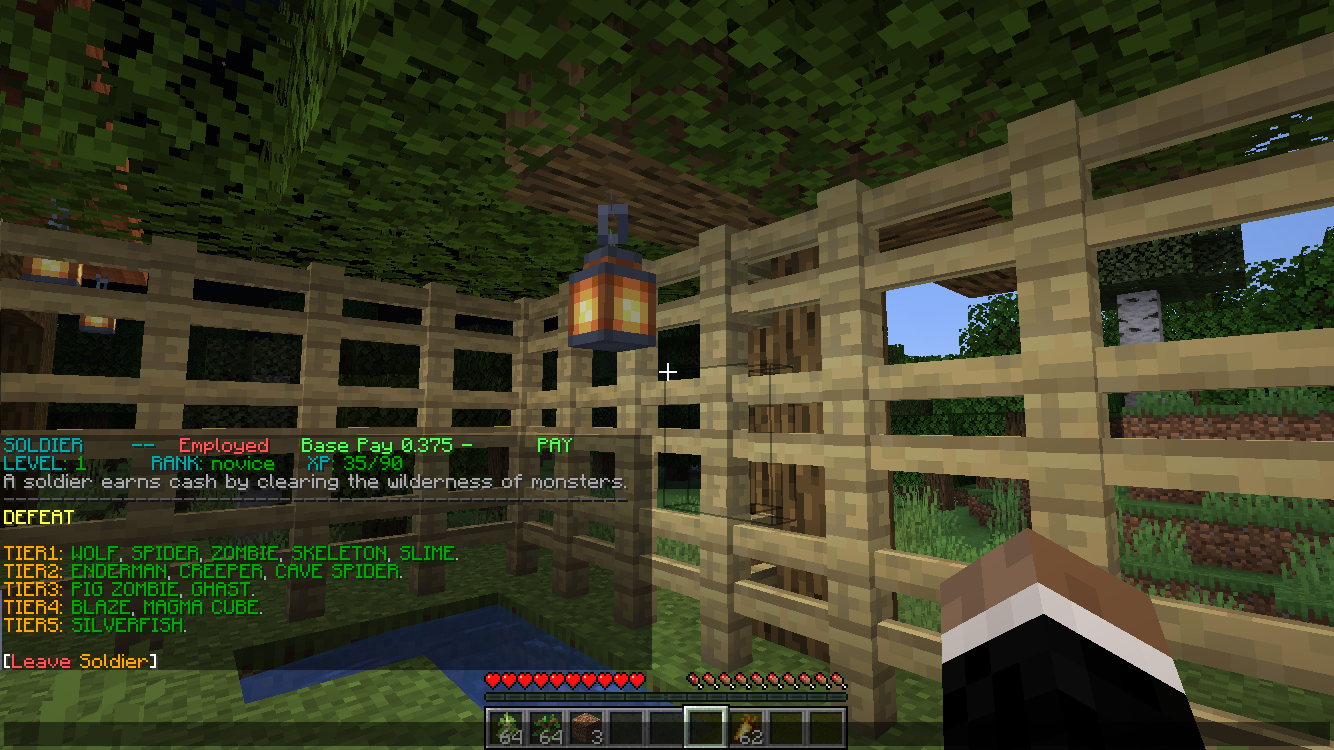

MC Jobs
Pick jobs earn money!On a server
SuperVanish
Advanced /vanish plugin which makes other players think that you're not on the serverOn a server

LagFixer
⚡️ Best Performance Solution! 🗄️Trusted by 3000+ servers! ✅ Lightweight and highly Asynchronous!On a server

NBT-API
Add custom NBT tags to Items/Tiles/Entities without NMSOn a server

DragonTravel
Allows players on a server to travel to places on the back of dragons.On a server

PlayerKits 2
An easy to use but powerful plugin to create survival kits and claim them on a GUI.On a server

Vein Miner
If you've ever used the VeinMiner mod for minecraft Forge, it has now been recreated for Bukkit, CraftBukkit, and SpigotOn a server

DecentHolograms
A lightweight yet very powerful hologram plugin with many features and configuration options.On a server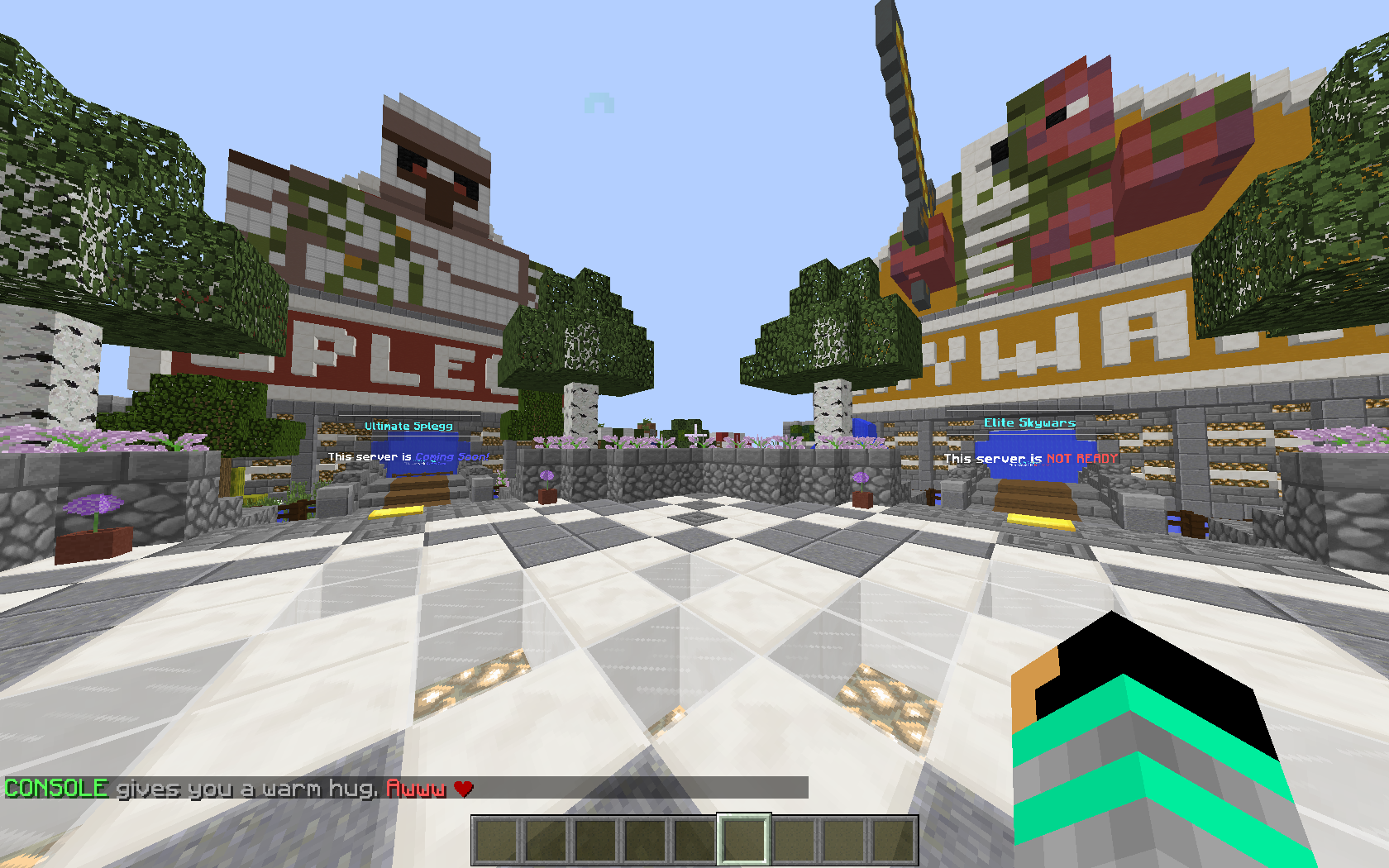

ChatFeelings
The Original Minecraft Emote & Feeling Plugin! Extremely Customizable & Easy to Use.On a server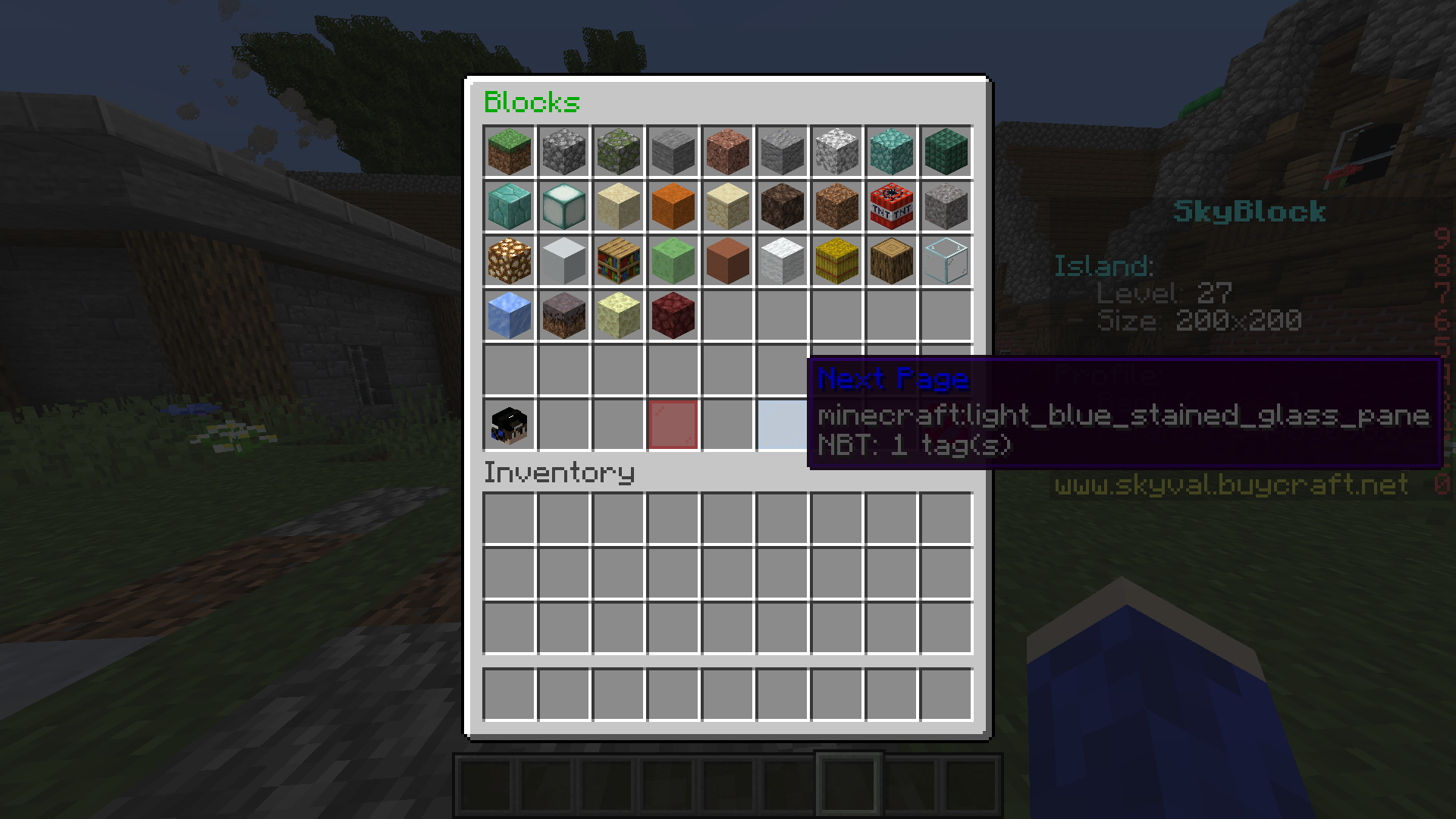

EconomyShopGUI
This is a easy to use GUI shop plugin.On a server
Ancient Gates
Regular and Bungee portal plugin. Can transport players or any entity!On a server
Timber Plugin
With this plugin you can cut down an entire tree by breaking the bottom part!On a serverFAQ
How is a plugin different from a mod?
A plugin runs only on the server and requires nothing from players: the client stays vanilla. A mod has to be installed by everyone, and it changes the game itself.
Where do I put a plugin?
Put the .jar file in the plugins folder on the server, then restart the server. The plugin will create its config on first launch.
Will a Spigot plugin work on Paper?
Usually yes: Paper and Purpur are built on Spigot and are compatible with its plugins. The reverse isn't true — a plugin that uses Paper features won't work on plain Spigot.
How do I install a plugin on Aternos?
On Aternos, plugins can only be installed from the built-in list in the “Plugins” section of the panel. You can't upload your own .jar file, so paid and rare plugins can't be installed on Aternos. If the plugin you need isn't on the list, you need hosting with access to the plugins folder: put the file there and restart the server.
Which plugins should I install on a server first?
People usually start with four: EssentialsX (homes, warps, kits, teleport), LuckPerms (groups and permissions), WorldGuard together with WorldEdit (spawn and region protection) and ViaVersion (joining from other game versions). For a server with nickname login, add AuthMe for passwords and SkinsRestorer for skins.
Which plugins should I install on a server for playing with friends?
A small server for friends needs just a few: EssentialsX (home, teleport to a friend, warps), CoreProtect (rolling back griefing and finding who broke a block) and Simple Voice Chat for voice chat, which needs the mod of the same name on players' side. Permissions and region protection are usually unnecessary on such a server.
How do I install a plugin on Paper?
Download the plugin file for your Paper version, put the .jar into the plugins folder and restart the server — the /plugins command will list it. On Millida Hosting the On a server button on the plugin page does the same.
Plugins for Minecraft Java 1.15
Plugins for Minecraft 1.15: 568 items in the Plugins section. Compatibility is checked against the files, not the description: only items with a build for exactly these conditions stay in the list.
Plugins handle almost everything behind the scenes on a server: ranks and permissions, land protection, economy and shops, anti-cheat, map rotation, menus and voting. You install them by copying the .jar file into the plugins folder and restarting the server; most create their own config on first launch, which is what you then edit. The card lists supported cores and game versions, the author and license, and all releases are gathered on one page — you can update the plugin right from there.