
Plugins for Minecraft Java 1.13 — page 6
591 itemsPlugins: list


EnchantPlus
EnchantPlusOn a server

NexusAuctionHouse
The easy auction house plugin you've looked for, and for free!On a server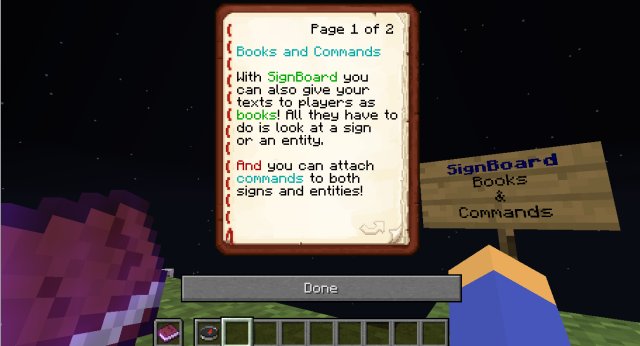
SignBoard
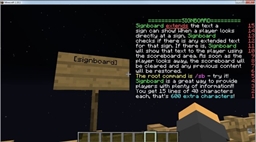
Attach unlimited text to signs and living entities and run commands when they're clicked!On a server

ImageMaps
Draw images on maps and put them in ItemframesOn a server

NexusCore
The library required to use all of Nexus Studio plugins.On a server

SetSpawn
Set your servers spawn and teleport back to it!On a server

Quests
An extensive questing systemOn a server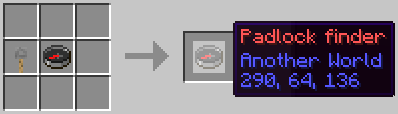

SerialKey
Lock your doors, chests and more !On a server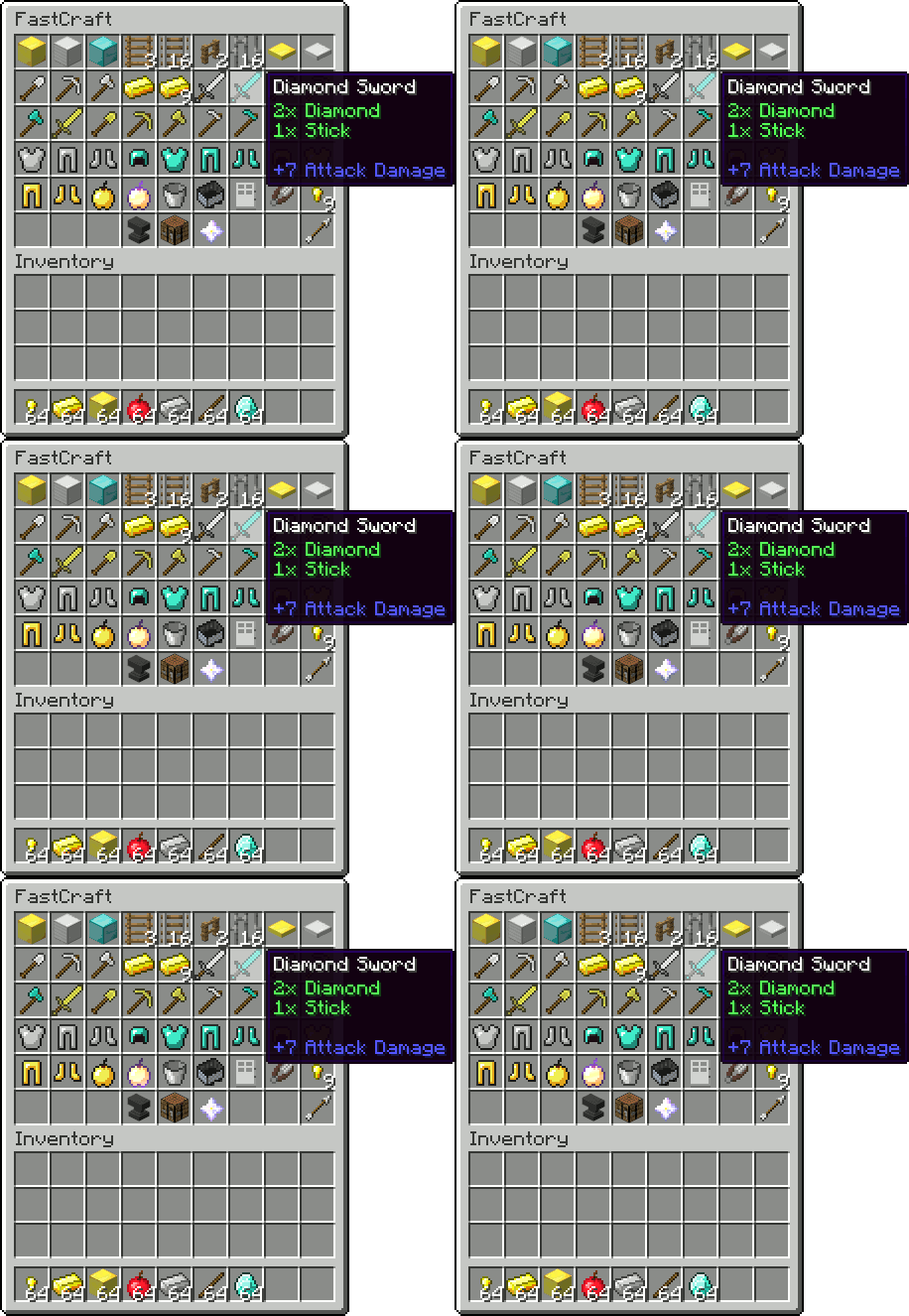
FastCraft
Craft items with a single click!On a serverAntiFire
stop fire spread, damage, and start with loggingOn a server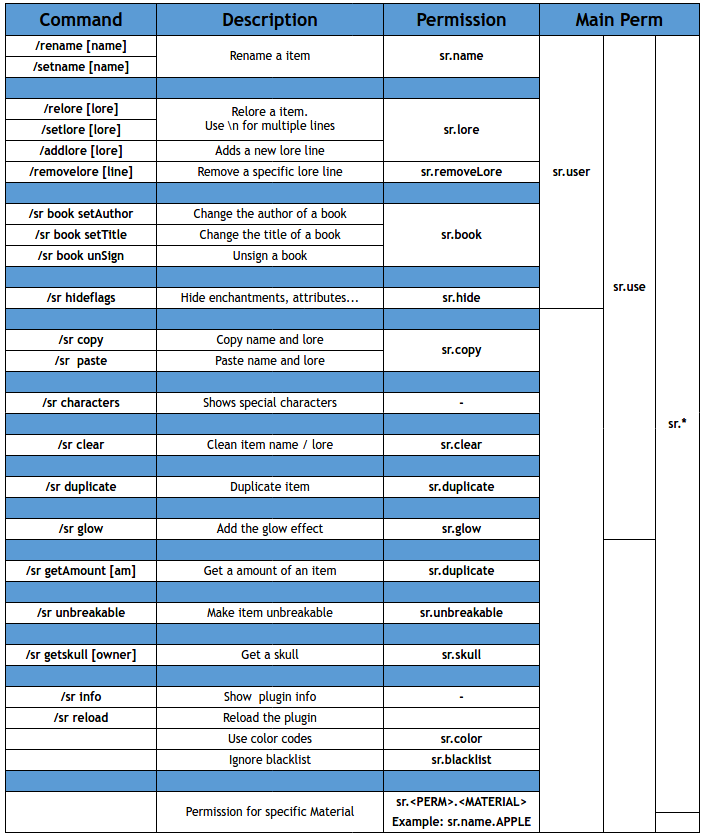

Simple Rename
Simple RenameOn a server

Advanced Portals
Advanced Portals is a portal plugin for bukkit designed to have a wide range of features which are easy to use.On a server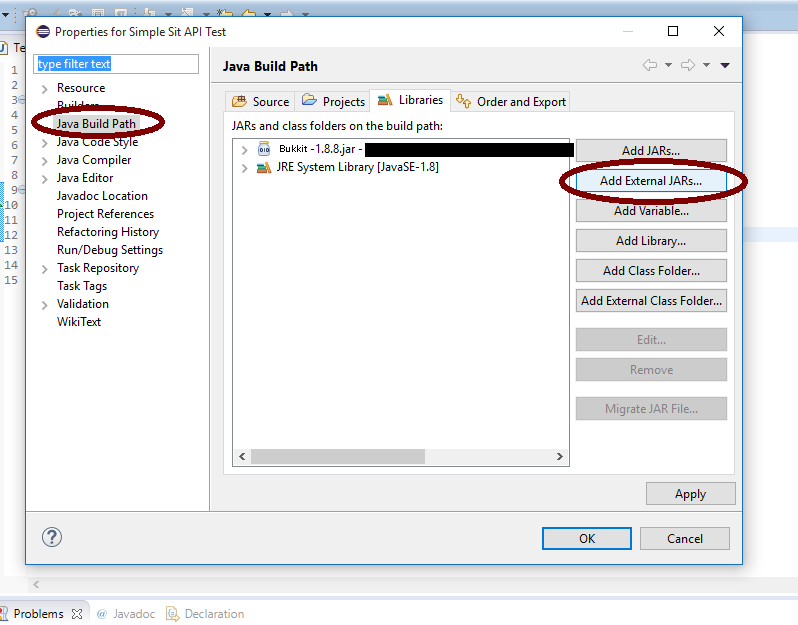

Simple Sit
Simple SitOn a server

FactionChat
replacement for faction chat with faction 1.7.8+On a server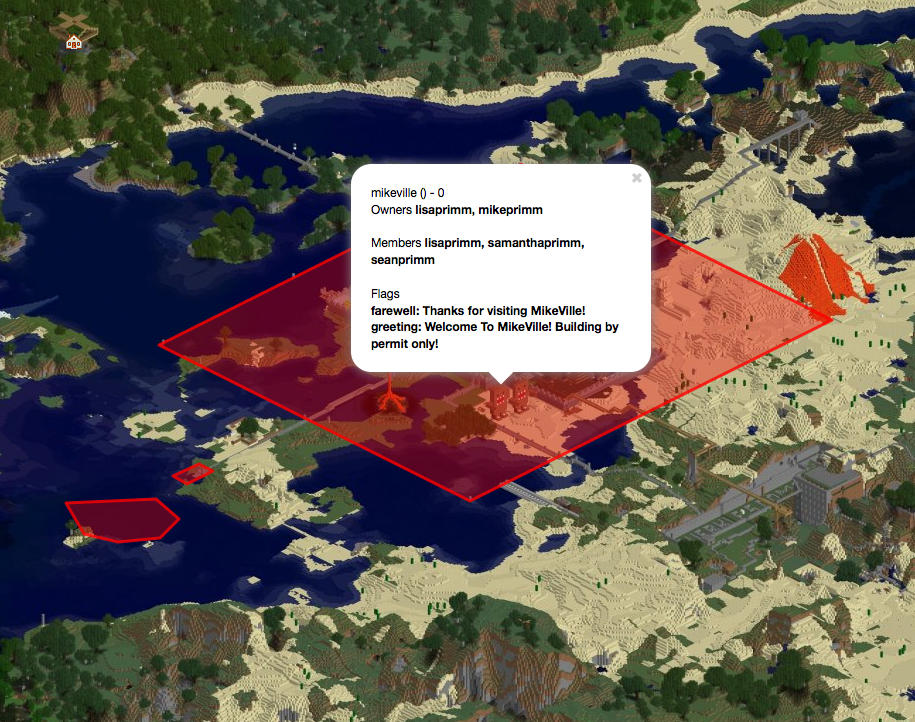
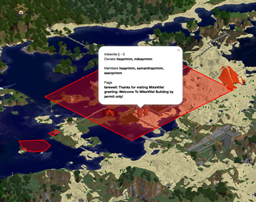
Dynmap-WorldGuard
Show WorldGuard regions on Dynmap's maps, with live updateOn a server

Marriage Reloaded
Marriage ReloadedOn a server

LibreLogin
Open-source, multiplatform, and highly customizable authentication plugin with outstanding features.On a server

AFK
AFKOn a server
Take Aim
Improve aiming of creaturesOn a serverServerTutorial
Allows you to create a tutorial for your players to followOn a server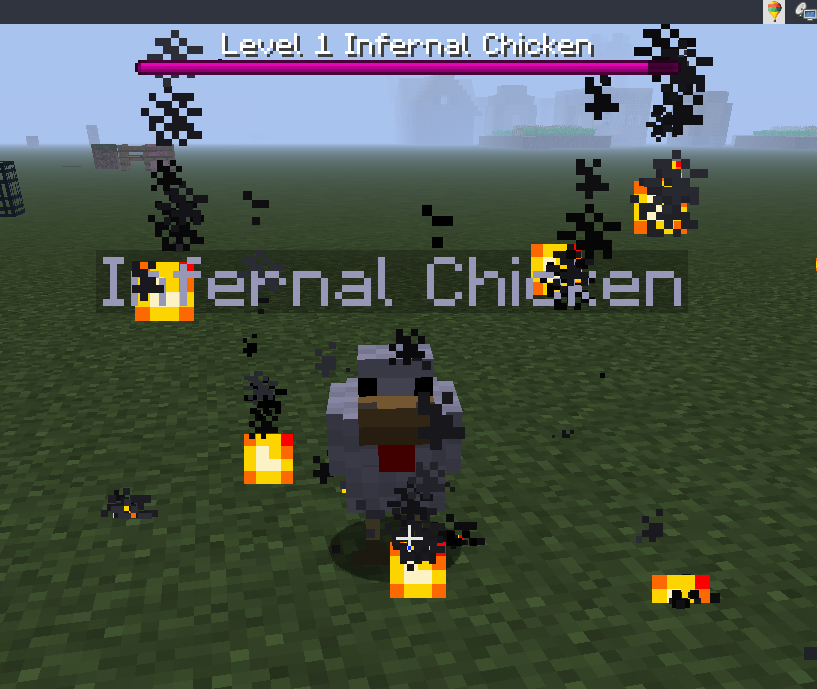

Infernal Mobs
Mobs will randomly become infernal and have awesome powers!On a server
Baby mode (by Fundy)
SUPER easy mode minecraft created by youtuber FundyOn a server
QuickShop-Reremake
A shop plugin that allows players to sell items from a chest with no commands.On a serverFAQ
How is a plugin different from a mod?
A plugin runs only on the server and requires nothing from players: the client stays vanilla. A mod has to be installed by everyone, and it changes the game itself.
Where do I put a plugin?
Put the .jar file in the plugins folder on the server, then restart the server. The plugin will create its config on first launch.
Will a Spigot plugin work on Paper?
Usually yes: Paper and Purpur are built on Spigot and are compatible with its plugins. The reverse isn't true — a plugin that uses Paper features won't work on plain Spigot.
How do I install a plugin on Aternos?
On Aternos, plugins can only be installed from the built-in list in the “Plugins” section of the panel. You can't upload your own .jar file, so paid and rare plugins can't be installed on Aternos. If the plugin you need isn't on the list, you need hosting with access to the plugins folder: put the file there and restart the server.
Which plugins should I install on a server first?
People usually start with four: EssentialsX (homes, warps, kits, teleport), LuckPerms (groups and permissions), WorldGuard together with WorldEdit (spawn and region protection) and ViaVersion (joining from other game versions). For a server with nickname login, add AuthMe for passwords and SkinsRestorer for skins.
Which plugins should I install on a server for playing with friends?
A small server for friends needs just a few: EssentialsX (home, teleport to a friend, warps), CoreProtect (rolling back griefing and finding who broke a block) and Simple Voice Chat for voice chat, which needs the mod of the same name on players' side. Permissions and region protection are usually unnecessary on such a server.
How do I install a plugin on Paper?
Download the plugin file for your Paper version, put the .jar into the plugins folder and restart the server — the /plugins command will list it. On Millida Hosting the On a server button on the plugin page does the same.
Plugins for Minecraft Java 1.13
Plugins for Minecraft 1.13: 591 items in the Plugins section. Compatibility is checked against the files, not the description: only items with a build for exactly these conditions stay in the list.
Plugins handle almost everything behind the scenes on a server: ranks and permissions, land protection, economy and shops, anti-cheat, map rotation, menus and voting. You install them by copying the .jar file into the plugins folder and restarting the server; most create their own config on first launch, which is what you then edit. The card lists supported cores and game versions, the author and license, and all releases are gathered on one page — you can update the plugin right from there.