
Plugins for Minecraft Java 1.13 — page 2
591 itemsPlugins: list

WorldChangeScreenRemover
Removes the dirt screen that appears when changing worlds.On a serverProtocolLib
Library for intercepting sent and receieved Minecraft packets.On a server
DropHeads
Player and Mob Heads Full-featured pluginOn a server

ViaBackwards
Allow older Java Edition clients to connect to newer servers.On a server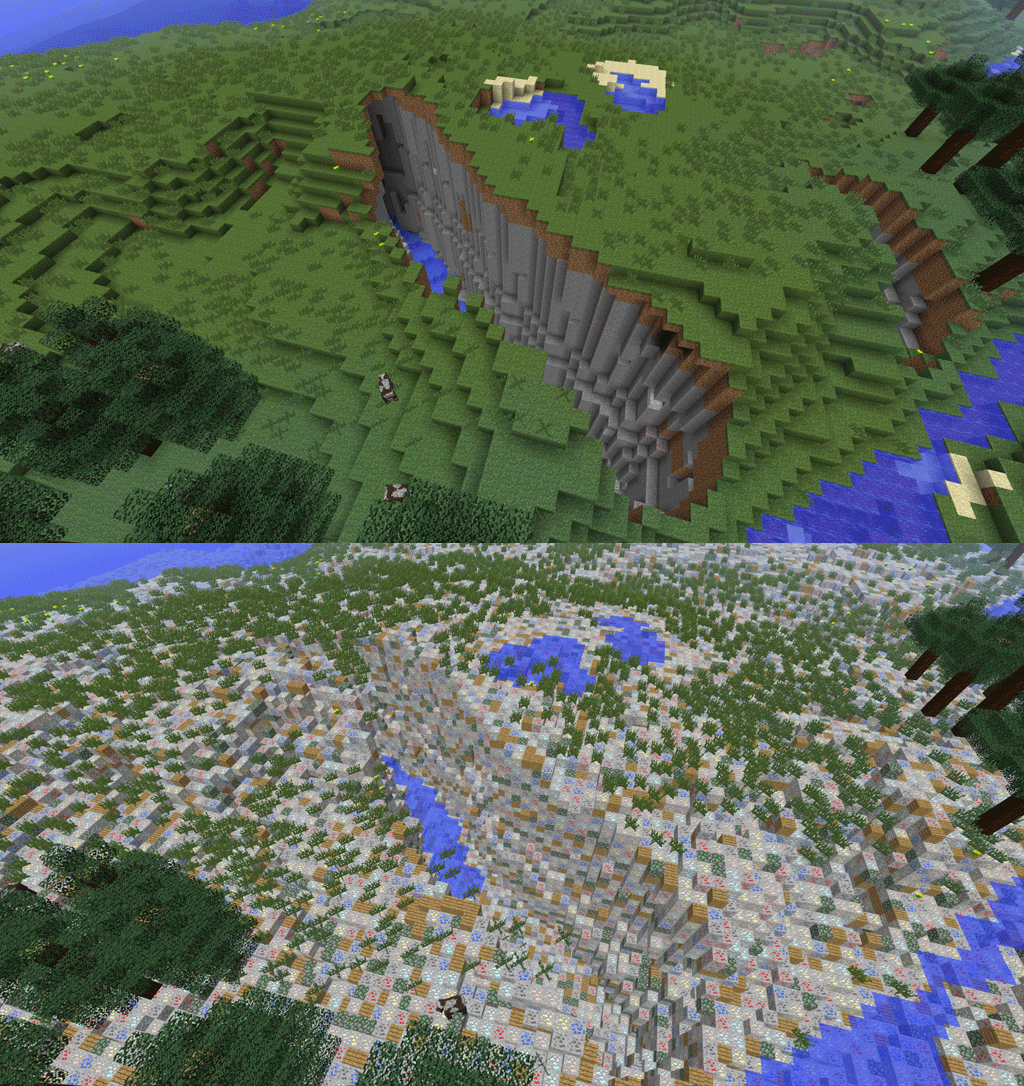

Orebfuscator
Orebfuscator - Anti XrayOn a server

SkinsRestorer
🎨 Ability to restore/change skins on servers! (Offline and Online Mode)On a server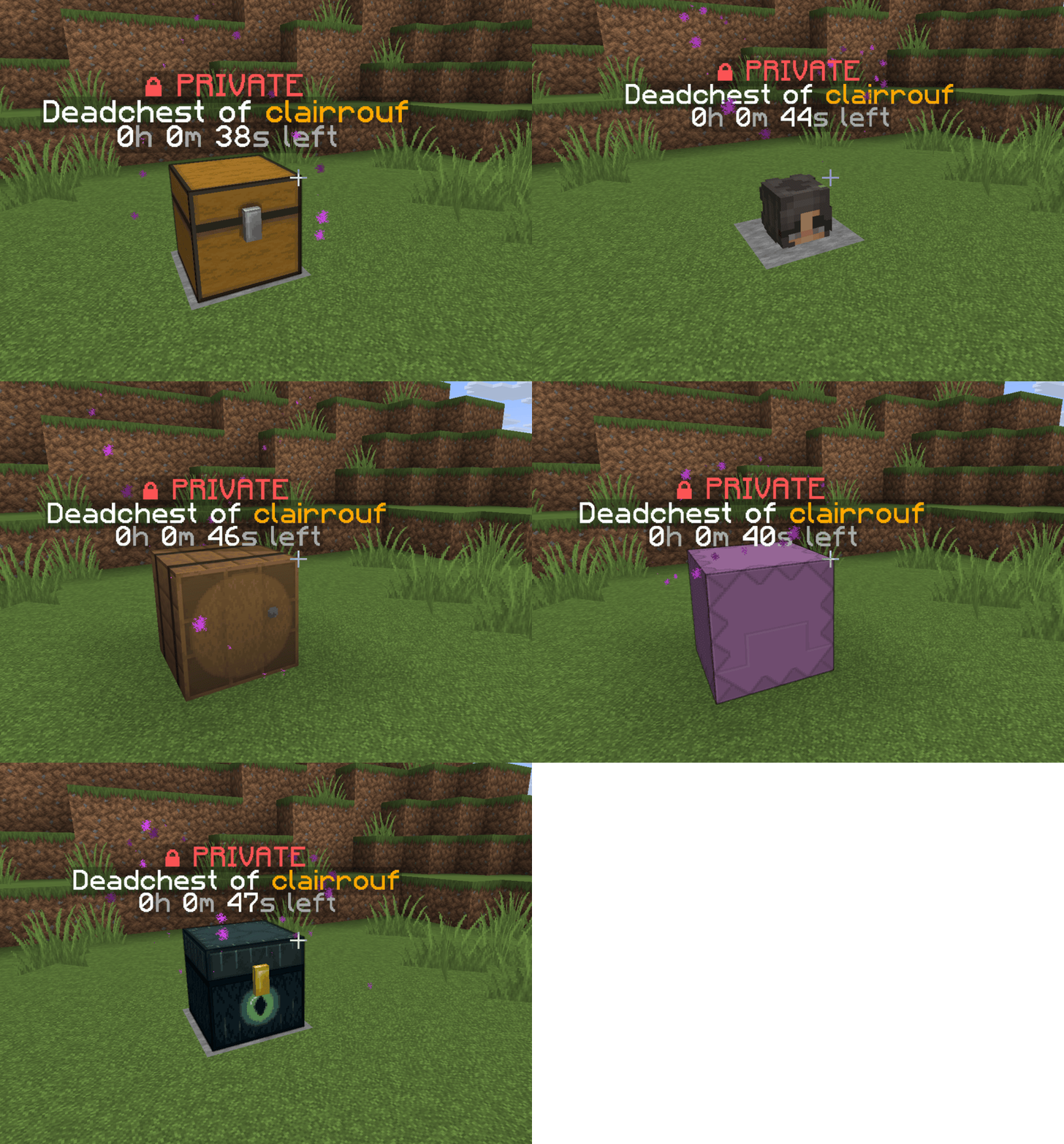

DeadChest
Modern Minecraft death chest plugin for Bukkit, Spigot, and Paper servers.On a server
Tebex
Gaming Payments Done Right. The #1 platform for funding your community.On a server
ServerRestartWarning
A plugin to warn your players when your server will restart!On a server
Chest Commands
[UNMAINTAINED] Intuitive and powerful plugin to create graphical user interfaces.On a server

MobArena
MobArenaOn a server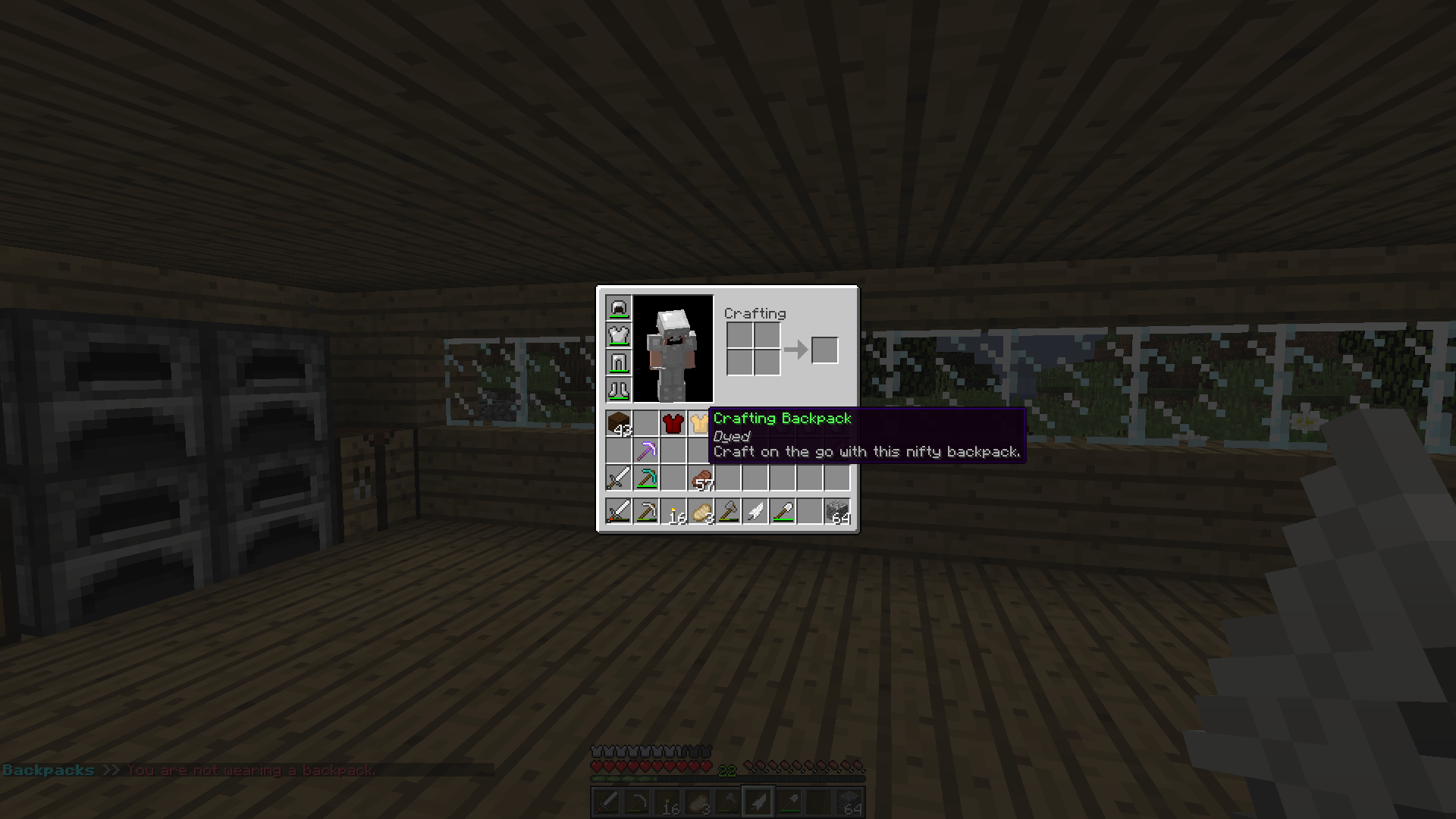

BackpacksRemastered
Backpacks, mobile furnaces, etc... as items! No client-side mods required.On a server

Tree Assist
Auto Tree Replanting and RemovalOn a server

LoginSecurity
LoginSecurityOn a server

SetSpawn
SetSpawnOn a server

PacketEvents
PacketEvents is a protocol library tailored to Minecraft Java Edition, designed to facilitate the processing and transmission of packets.On a server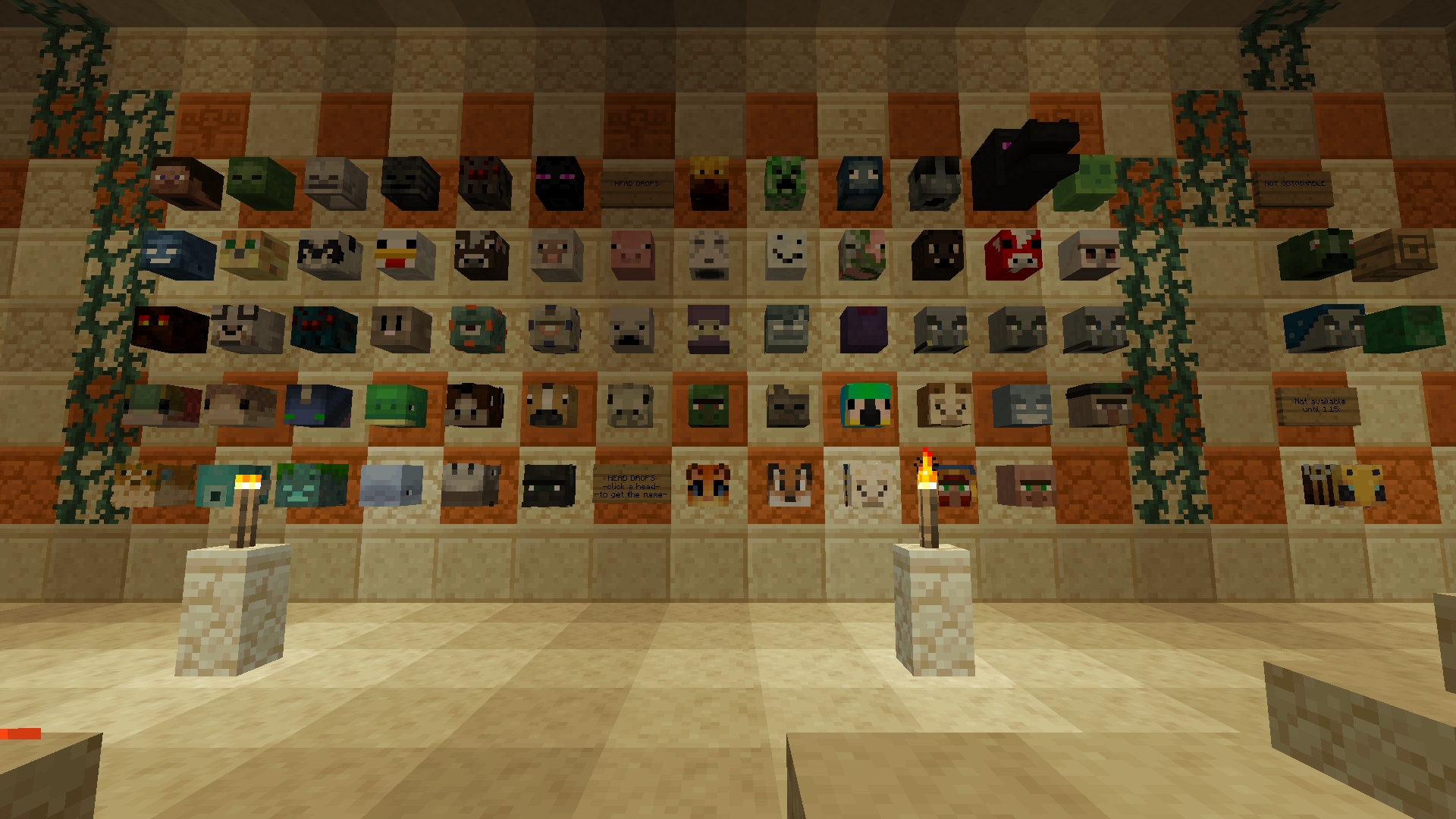

Player Heads
Lop off Player and all Mob Heads with configurable drop rates + pvp-farming nerf, includes detailed commands and permissionsOn a server

Grim Anticheat
Fully async, multithreaded, predictive, open source, 3.01 reach, 1.005 timer, 0.01% speed, 99.99% antikb, "bypassable" 1.8-1.21 anticheatOn a server
Bedwars
Manage Bedwars-Maps automaticlyOn a server

iDisguise
Disguise as a mob or as another playerOn a server
AddLight
Quickly add invisible light sourcesOn a server

ViaBackwards
Allow Java Edition clients with older versions to connect to your Minecraft serverOn a server

Carz
Drive in MinecraftOn a serverFAQ
How is a plugin different from a mod?
A plugin runs only on the server and requires nothing from players: the client stays vanilla. A mod has to be installed by everyone, and it changes the game itself.
Where do I put a plugin?
Put the .jar file in the plugins folder on the server, then restart the server. The plugin will create its config on first launch.
Will a Spigot plugin work on Paper?
Usually yes: Paper and Purpur are built on Spigot and are compatible with its plugins. The reverse isn't true — a plugin that uses Paper features won't work on plain Spigot.
How do I install a plugin on Aternos?
On Aternos, plugins can only be installed from the built-in list in the “Plugins” section of the panel. You can't upload your own .jar file, so paid and rare plugins can't be installed on Aternos. If the plugin you need isn't on the list, you need hosting with access to the plugins folder: put the file there and restart the server.
Which plugins should I install on a server first?
People usually start with four: EssentialsX (homes, warps, kits, teleport), LuckPerms (groups and permissions), WorldGuard together with WorldEdit (spawn and region protection) and ViaVersion (joining from other game versions). For a server with nickname login, add AuthMe for passwords and SkinsRestorer for skins.
Which plugins should I install on a server for playing with friends?
A small server for friends needs just a few: EssentialsX (home, teleport to a friend, warps), CoreProtect (rolling back griefing and finding who broke a block) and Simple Voice Chat for voice chat, which needs the mod of the same name on players' side. Permissions and region protection are usually unnecessary on such a server.
How do I install a plugin on Paper?
Download the plugin file for your Paper version, put the .jar into the plugins folder and restart the server — the /plugins command will list it. On Millida Hosting the On a server button on the plugin page does the same.
Plugins for Minecraft Java 1.13
Plugins for Minecraft 1.13: 591 items in the Plugins section. Compatibility is checked against the files, not the description: only items with a build for exactly these conditions stay in the list.
Plugins handle almost everything behind the scenes on a server: ranks and permissions, land protection, economy and shops, anti-cheat, map rotation, menus and voting. You install them by copying the .jar file into the plugins folder and restarting the server; most create their own config on first launch, which is what you then edit. The card lists supported cores and game versions, the author and license, and all releases are gathered on one page — you can update the plugin right from there.