
Minecraft mods — page 85
9,024 itemsMods: list


Block Swap Lite
A simple mod to replace a given block with another.Install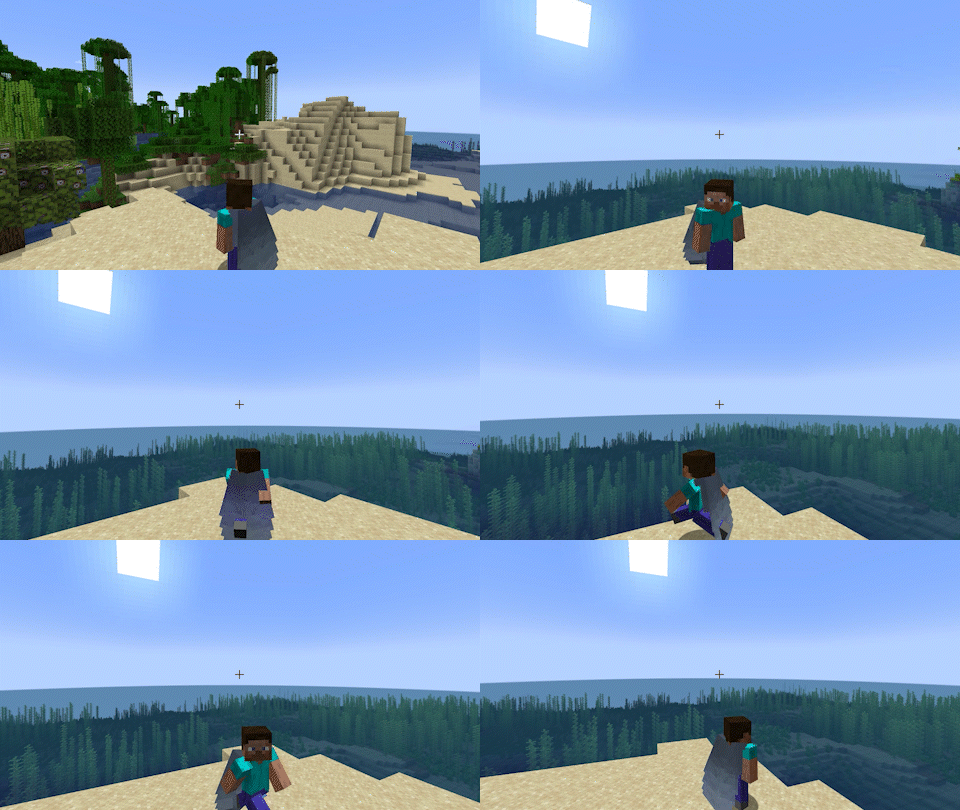
Leawind's Third Person
A smooth third person perspective modInstall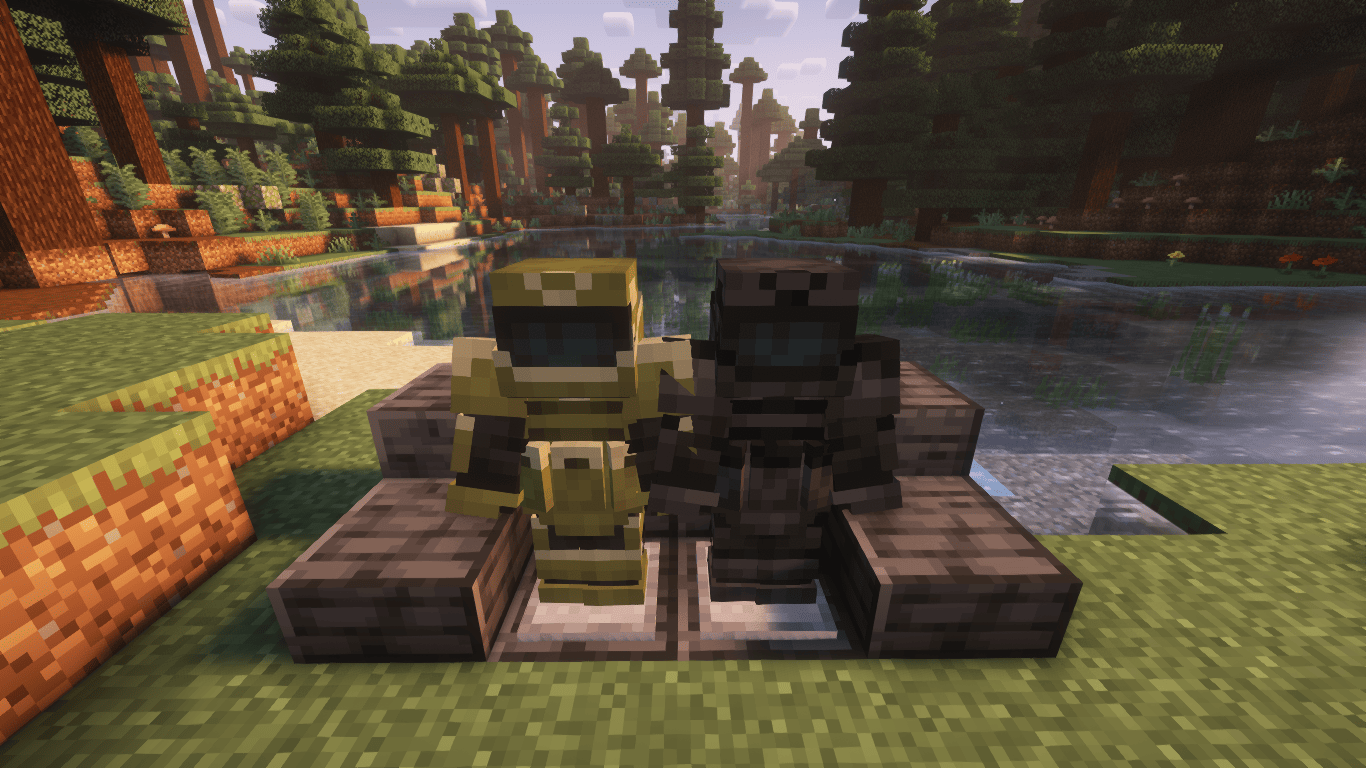
Marbled's Arsenal (Legacy)
A mod that adds modern military and tactical armors.Install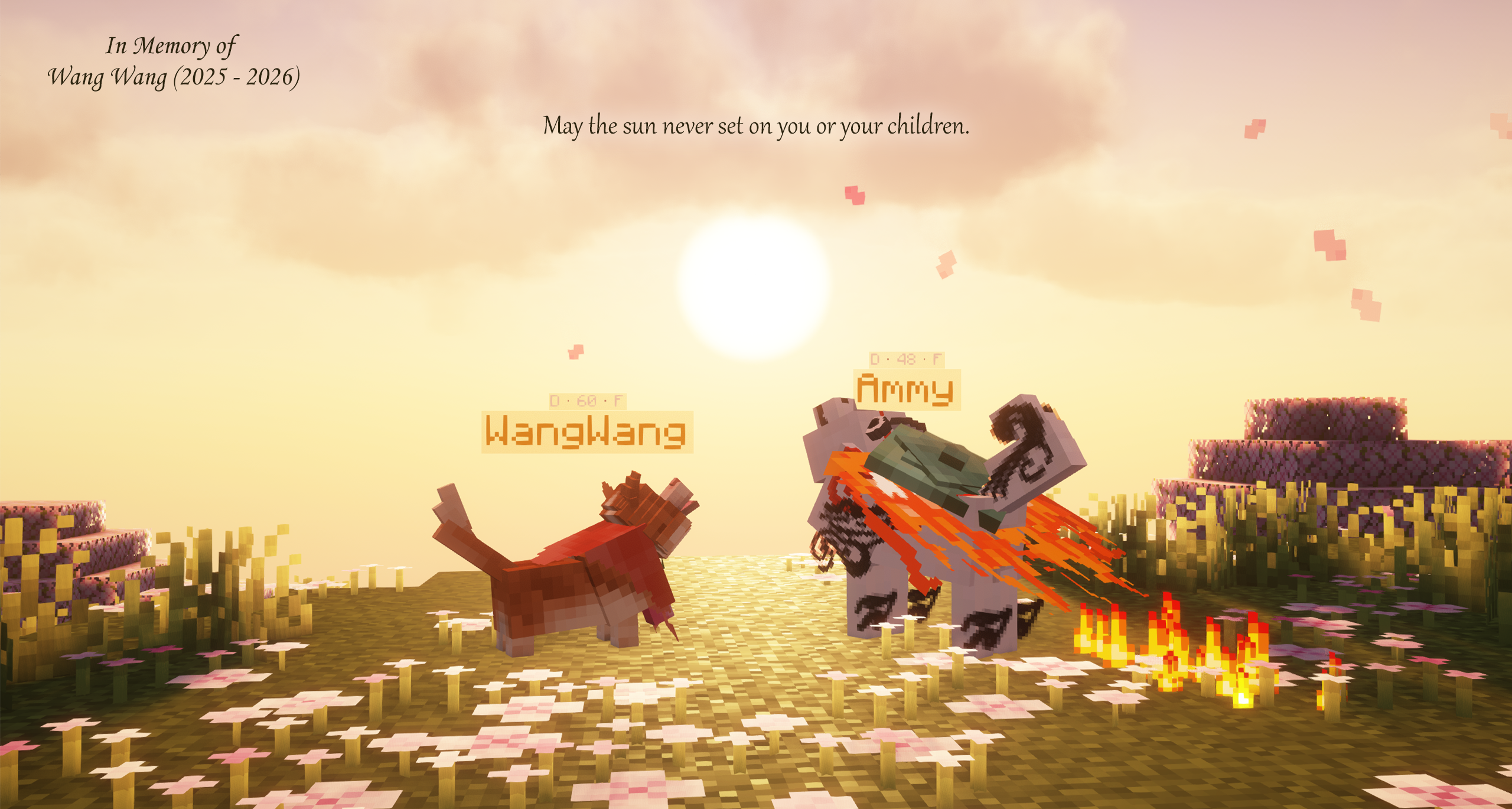
Doggy Talents Next
The Art of Minecraft WolfInstall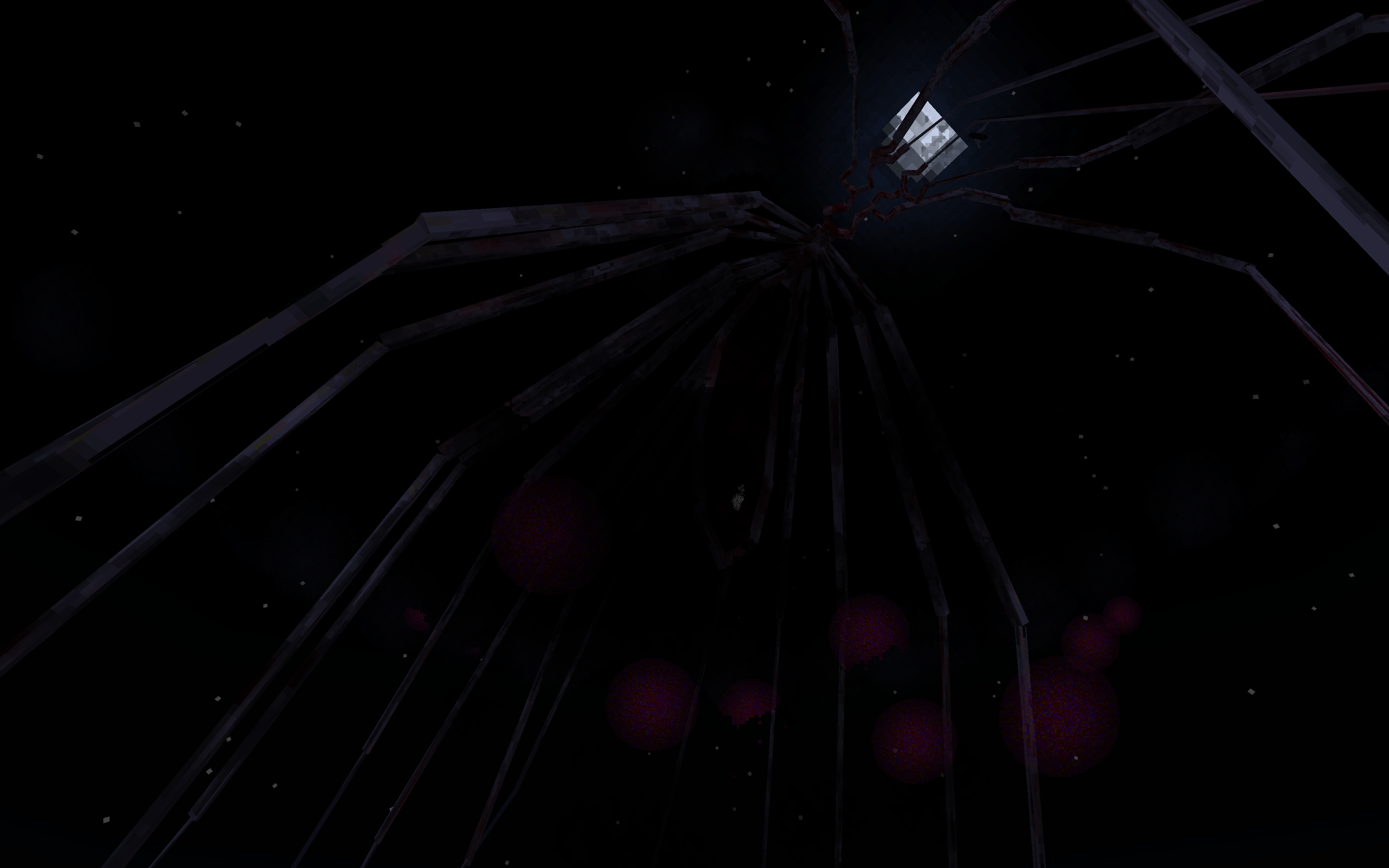
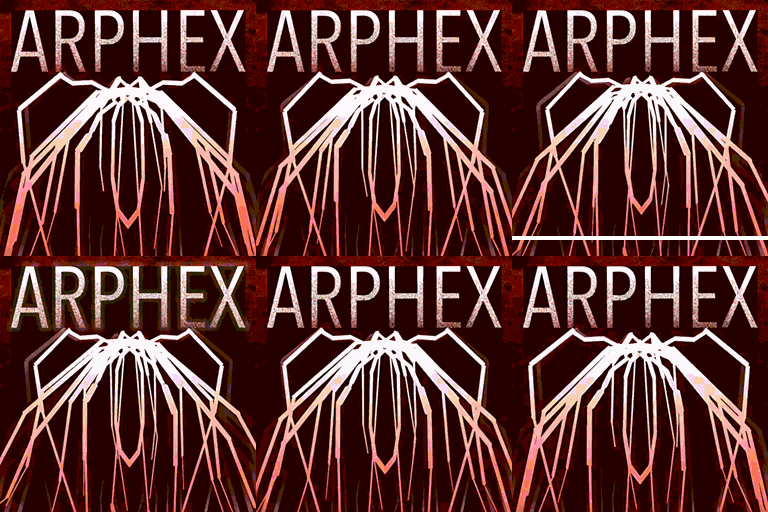
Arthropod Phobia Expansions + Horror Bosses (Spiders, Arachnophobia)
ArPhEx: Intricate, phobia-inducing, realistic mobs, and supernatural bossesInstall

[Let's Do] HerbalBrews
It's Tea Time! Brew Tea, Coffee and Flasks.InstallOn a server
Fast Furnace minus Replacement
FastFurnace but without Registry ReplacementInstall
No Night Vision Flashing
Hate Night Vision flashing when it has less than 10 seconds remaining? We do too, so this mod removes it - no more flashing!Install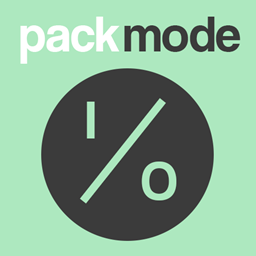
PackMode
Simple Mod-pack Utility to allow switching between PackModesInstall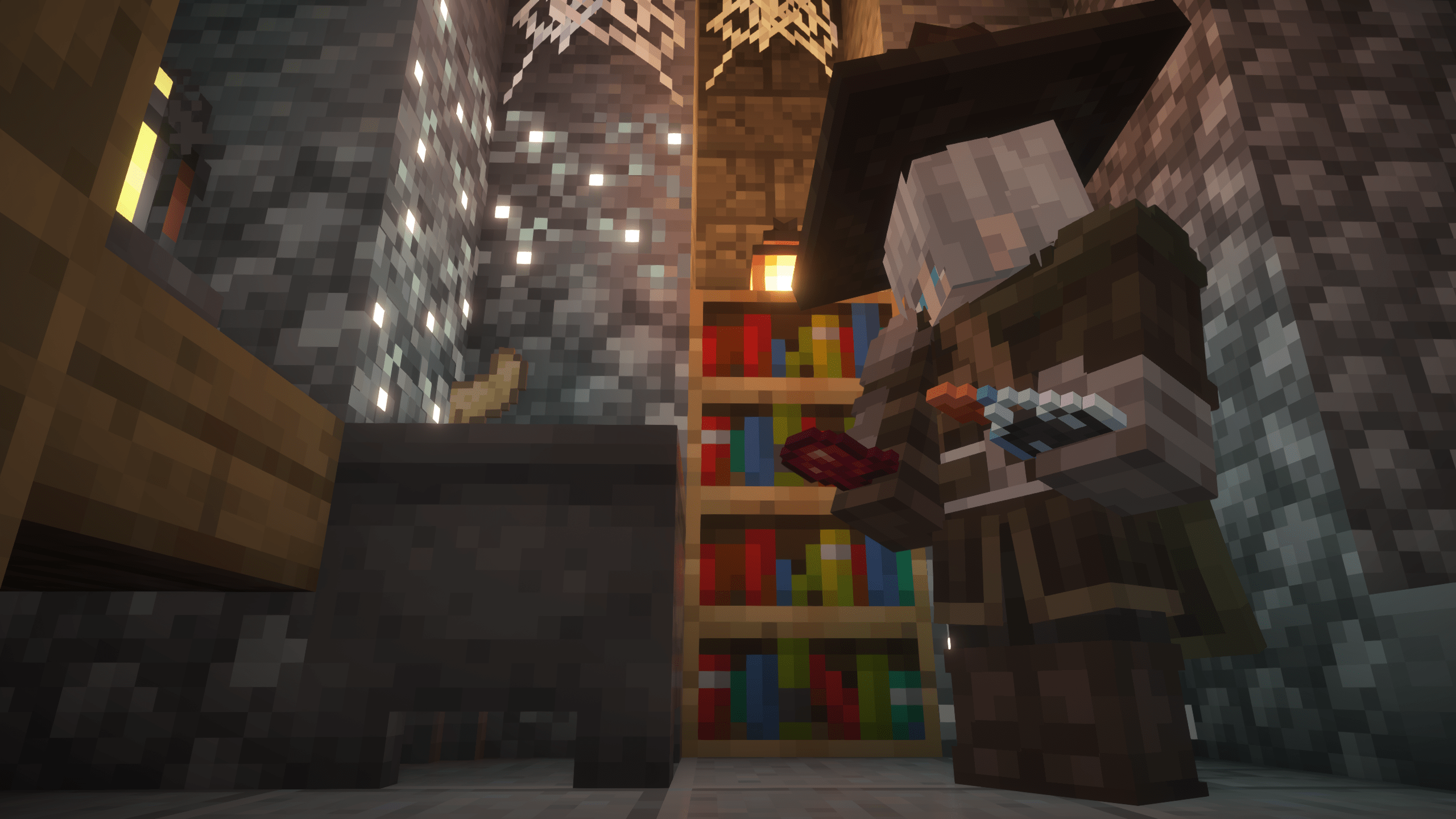

Fantasy Armor (Medieval Series)
New armor sets with 3D models in medieval fantasy style.Install
Biome Bundle
A custom overworld replacement made with Open Terrain Generator (OTG)Install
NaN Health Fixer
Try to kill an entity with NaN health.Install

Extra Golems
Adds 100+ golems with unique abilities!Install
Enchanted Book Redesign
Better identify enchanted booksInstall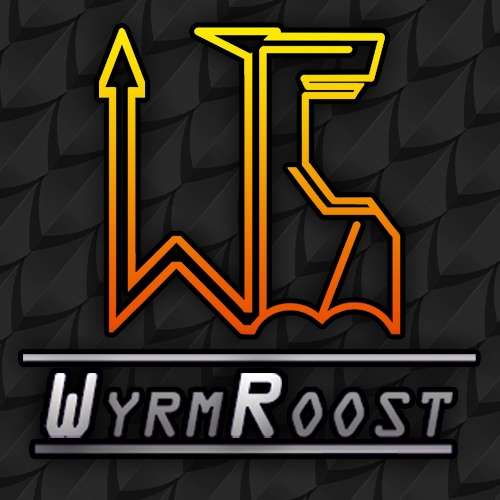
Wyrmroost
A dragon mod that strives for unique and useful dragons in Minecraft. A dimension is planned!Install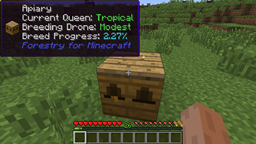
WAILA Plugins
Extra WAILA info for your favorite mods!Install
Mine & Blade: Battlegear 2
Minecraft Combat: AdvancedInstall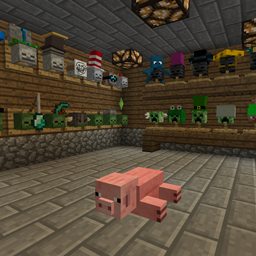
Hat Stand
An addon to Hats, adds Hat Stands for display of hats, anywhere.Install
World Utils
Several commands to edit or fix Minecraft worldsInstall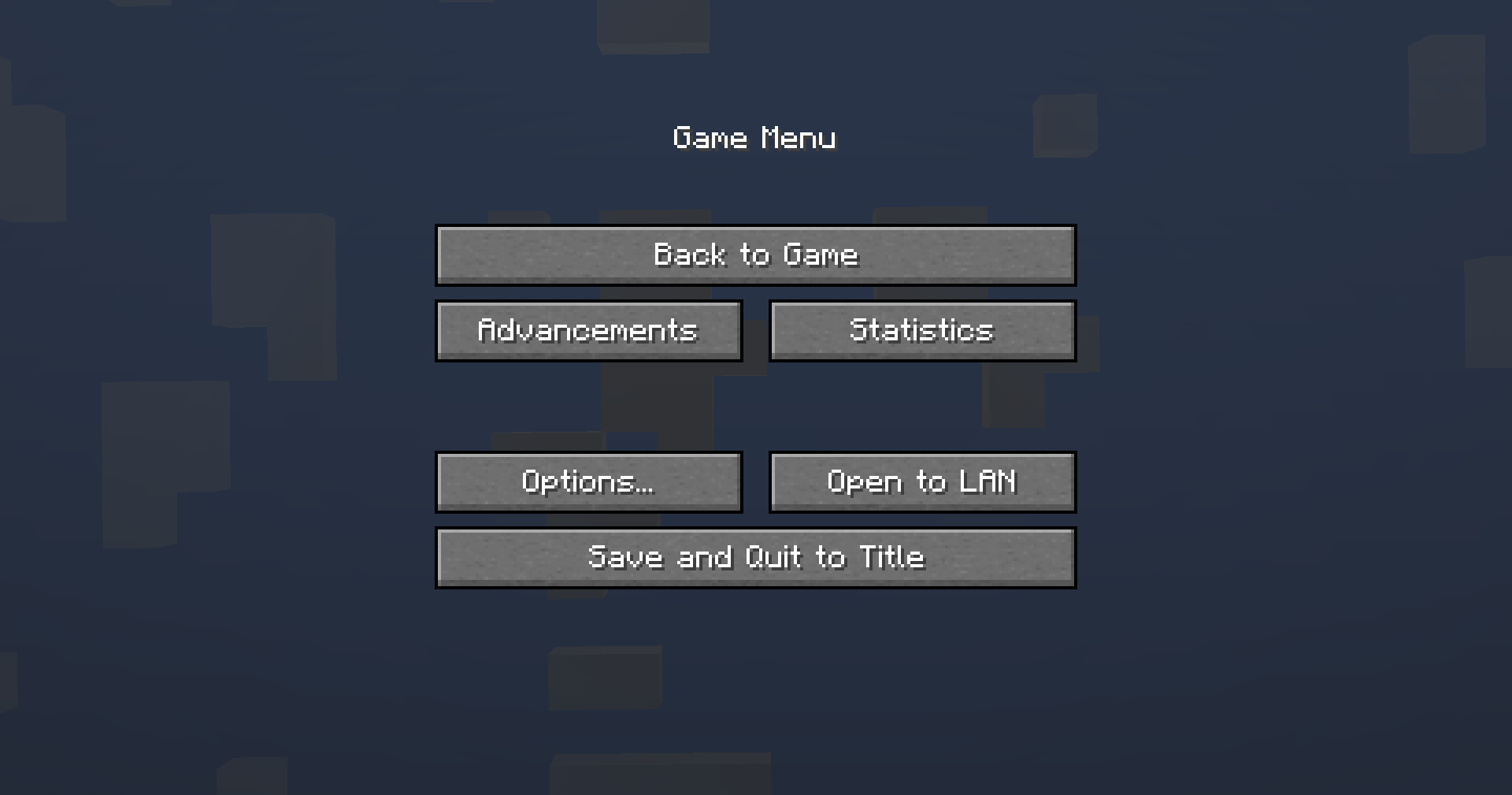

Game Menu Remove GFARB
Remove the "Give Feed Back" and "Report Bugs" buttons from the game menu.Install
Mowzie's Mobs
Mowzie's Mobs adds a variety of fictional creatures to Minecraft, priding itself in unique AI, rich atmosphere, and fluid animations. Prove your might against new bosses and enemies and claim their magical abilities as your own.InstallOn a server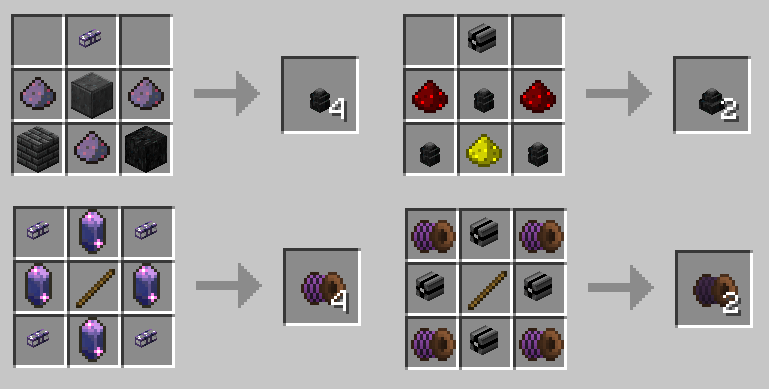
Immersive Integration
Integrates IE with other mods, as well as some useful addition to IE itselfInstall
Void Fog
Brings back the void fog that was removed in Minecraft 1.8InstallFAQ
How is Forge different from Fabric?
They're two different mod loaders that aren't compatible with each other. Forge is the older one and better suited to big tech and magic modpacks; Fabric is lighter, updates to new game versions faster, and hosts most performance mods. NeoForge is a Forge fork for newer versions, and Quilt is a Fabric fork. A Forge mod won't run on Fabric, and vice versa. Millida Launcher installs the right loader for you.
How do I know which mod version I need?
The one that matches your game version and loader. The “Install” button picks the file for you: Millida Launcher grabs the version for your modpack. A mod for 1.20.1 usually won't work on 1.21.
How do I install a mod?
Click “Install” and Millida Launcher will download the mod, its dependencies and the right loader for you. To install a downloaded file manually, put it in the mods folder inside the game directory.
Do I need CurseForge to install mods?
No. The Install button on a mod page opens Millida Launcher: it downloads the mod, its dependencies and the right loader into the chosen instance by itself. No CurseForge and no manual file copying.
Which mods are there for 1.20.1?
1.20.1 is one of the most modded versions, especially on Forge: tech, magic, RPG, furniture, weapons. Pick 1.20.1 in the version filter to keep only mods with a file built exactly for it, then pick Forge or Fabric next to it.
Can I install mods on my phone?
On Android, yes: Millida Launcher runs the Java edition on a phone, and mods work there just like on a PC, though light ones run much better than heavy ones. Minecraft PE (Bedrock) cannot load PC mods — it has add-ons instead, in the Minecraft PE mods section.
Which mods are best to play with friends?
The usual picks are Simple Voice Chat for proximity voice chat, Waystones for fast travel, Xaero's Minimap and something big to work on together, such as Create. Mods that change the world must be installed by every player and on the server, while client-side ones like a minimap or performance mods are up to each player.
Minecraft mods
A mod is an add-on that changes the game itself: it adds blocks, mobs and mechanics, or speeds up world rendering. It isn't installed into the game directly but on top of a loader — Forge, Fabric, NeoForge or Quilt — and it's the loader that decides whether the file will run. That's why every card here lists both the game version and the loader: two mods with the same name for 1.12.2 Forge and 1.21 Fabric are two different files, and mixing them up means a crash on launch.
The most searched Minecraft mods are weapon, furniture, horror and performance mods: each theme has its own collection, and links to the themes and the most wanted versions are in the Popular block. Version 1.20.1 on Forge still holds the most big tech, magic and RPG mods, while the fresh 1.21.11 and 26.2 get Fabric and NeoForge mods fastest.
One mod in the catalog, one page. Every version the author has released is listed on its card: pick your game version and loader right there instead of jumping between ten similar pages. Each file shows its size, release date and checksum, and the mod itself shows the author, license and a link to the original source. Files whose license allows rehosting are stored with us and download directly — no link shorteners, timers or ad redirects. If the license forbids rehosting, the button honestly takes you to the author.