
Minecraft mods — page 81
9,024 itemsMods: list


Treasure2
Who doesn't like finding loot? It is always fun to find free stuff!Install
Xaero's Minimap (Fair-play Edition)
Fair-play edition of the Xaero's Minimap mod, designed for fair PVP against players without a minimap.Install
Loot Integrations: Moog's Voyager, Soaring, End & Nether Structures
Adds better loot to Moog's Voyager, Soaring, End & Nether Structures chests, including modded lootInstall

AsyncParticles
Async particle tick, GPU accelerated particle rendering.Install
Item Model Fix (Fabric)
Fixes gaps in default item modelsInstall

Just Enough Effect Descriptions (JEED)
JEI plugin that displays information on all status effectsInstall
InstantUnify
Automatically unifies different ores/ingots/dusts and more.Install
Ender Tweaker
EnderIO + CraftTweakerInstall

Borderless Mining
Changes Fullscreen to use a borderless window.Install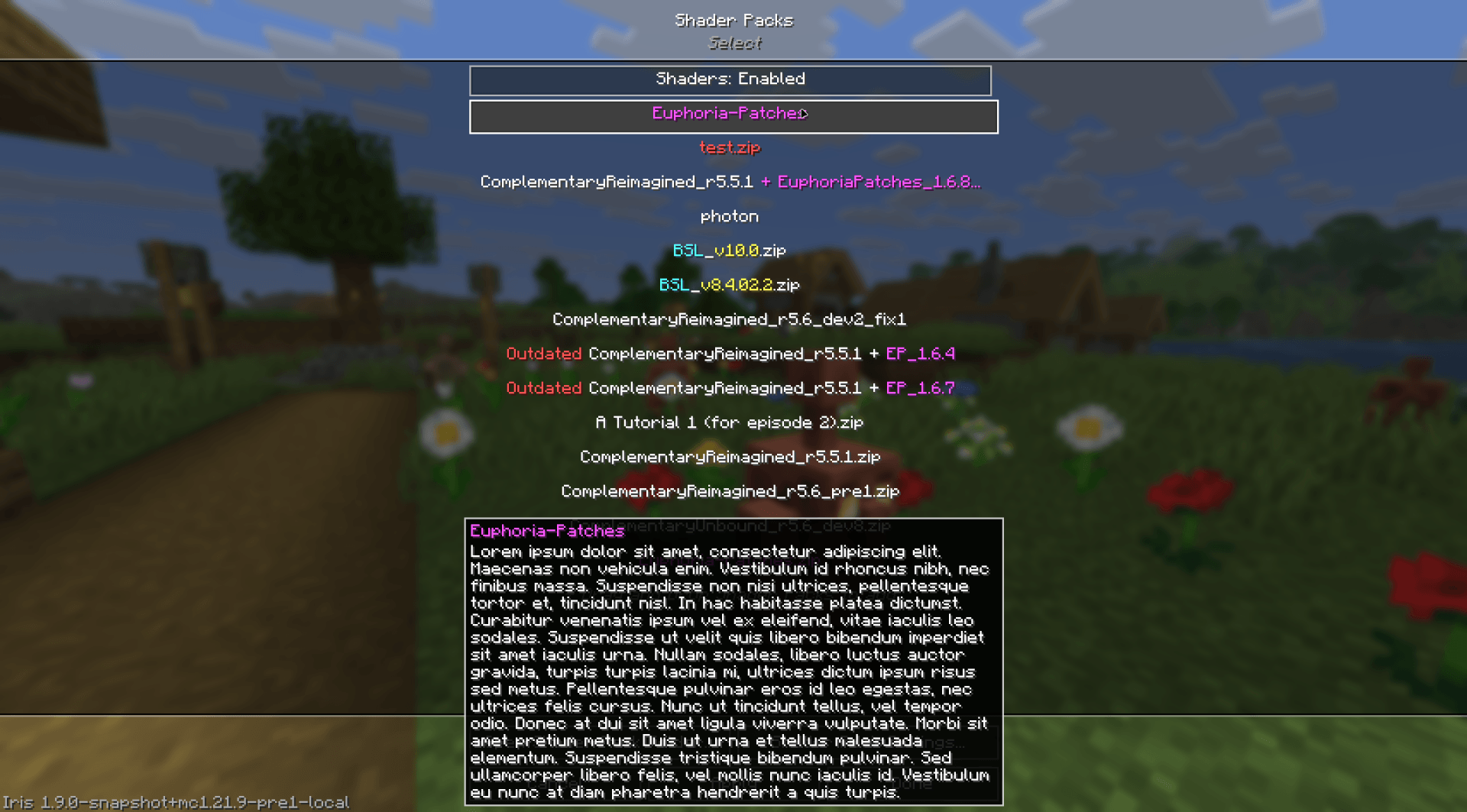

Iris/Oculus Shader Folder
A mod to hide, recolor, add tooltips, and reorder shaderpacks in the Iris/Oculus shaders menu using flexible patterns. THIS IS NOT A SHADER LOADERInstall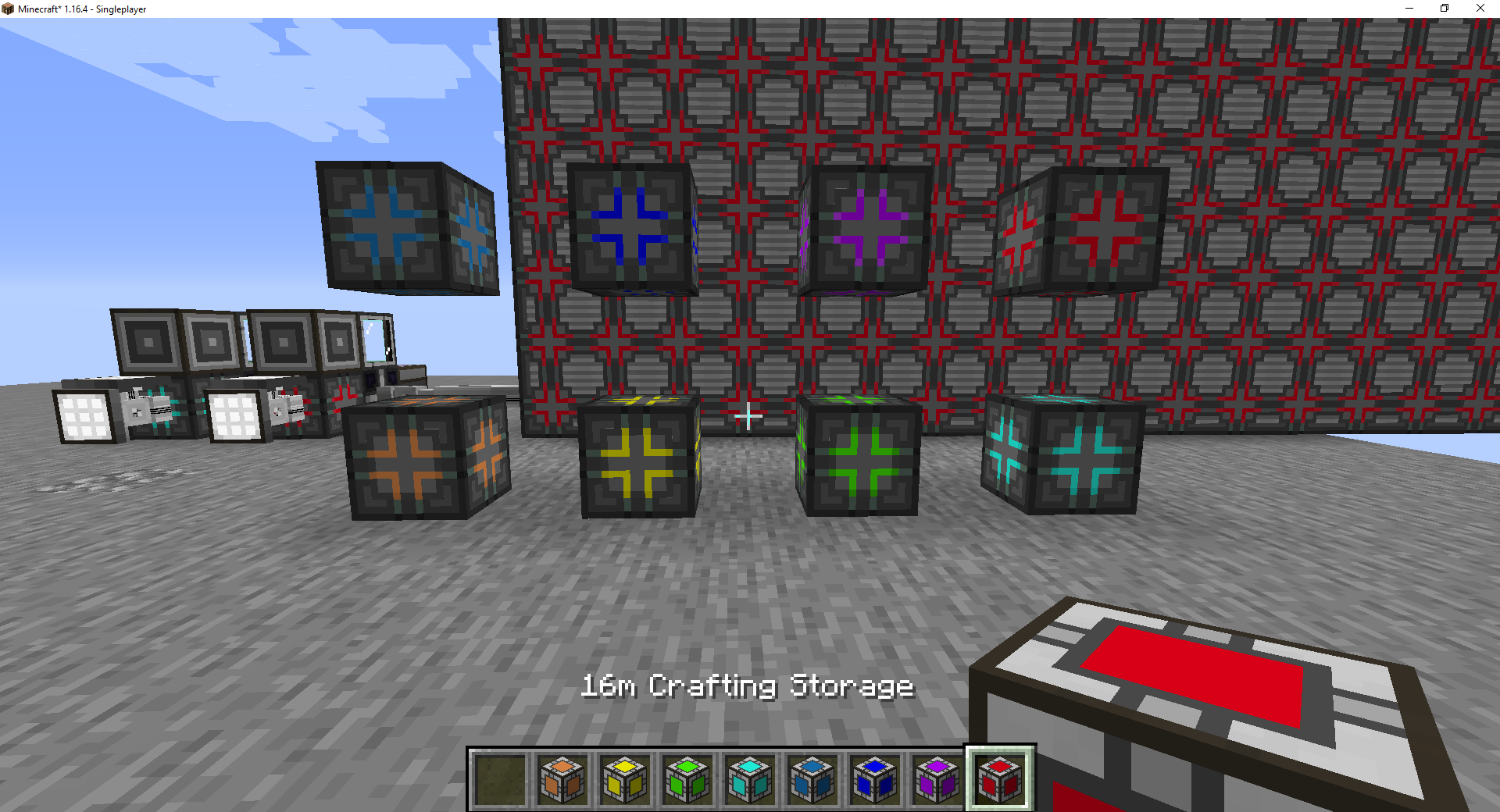
AE2 Extras
Adds some extra stuff to AE2Install

Structory
A seasonally updated and atmospheric structure mod with light loreInstallOn a server
Architectury API (UNUSED)
An intermediary api aimed to ease developing multiplatform mods.Install
ItemZoom
Shows a zoomed version of the item you hover over.Install
Certain Questing Additions
Small QoL and animation tweaks for FTB Quests.Install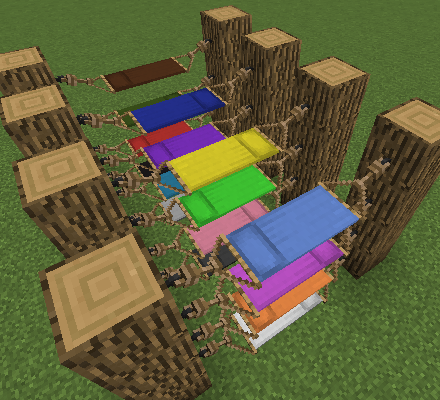

Comforts (Fabric 1.16.5 - 1.19.2)
Adds sleeping bags and hammocks for, respectively, portability and turning day to night, without setting new spawns. Comes in 16 different colors!Install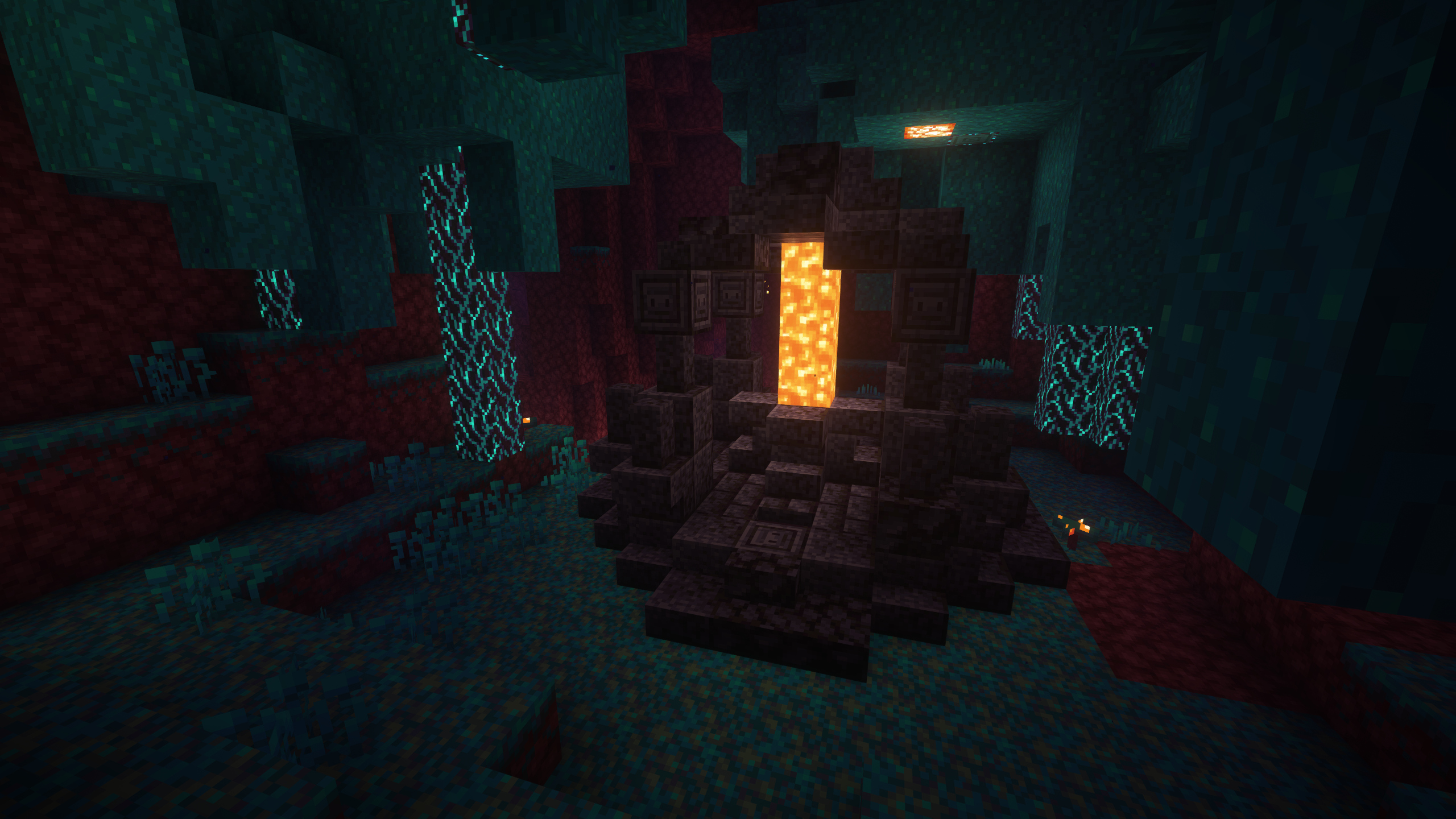

Medieval Buildings [Nether Edition]
New incredible medieval-style structures for the Nether!Install

Chef's Delight - Farmer's Delight Villagers
Add-on for the Farmer's Delight mod. Adds 2 new professions to villagers. Chef and Cook. Depends on Farmer's Delight.InstallOn a server
Ars Unification
Lets Ars Nouveau take recipes from other mods.Install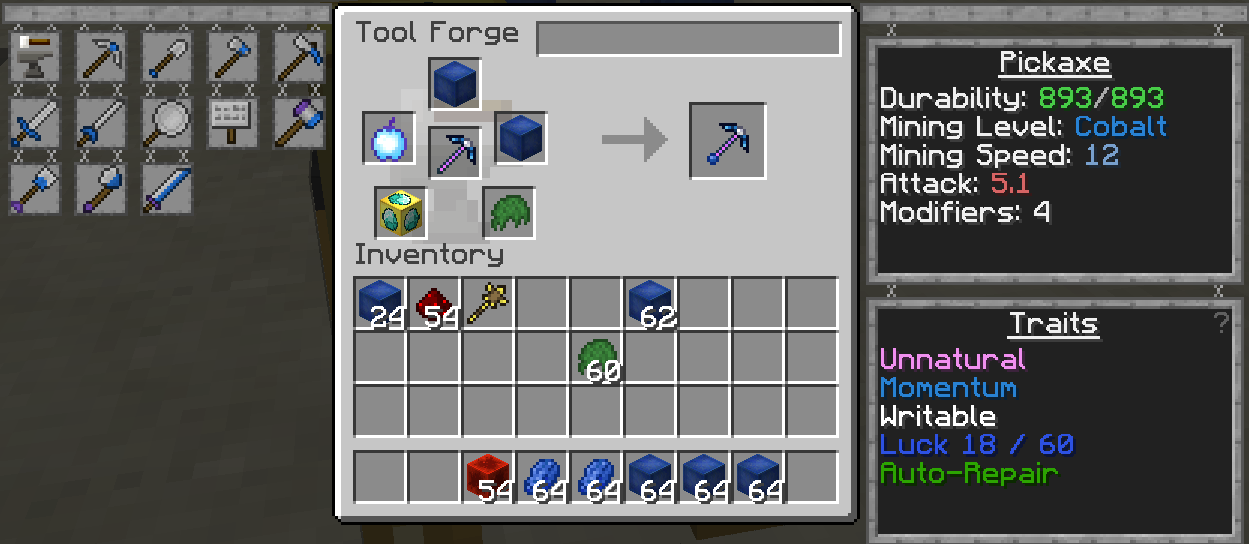

Tinkers' Addons
Adding Back old TiCon Modifiers to Tinkers' Construct 2Install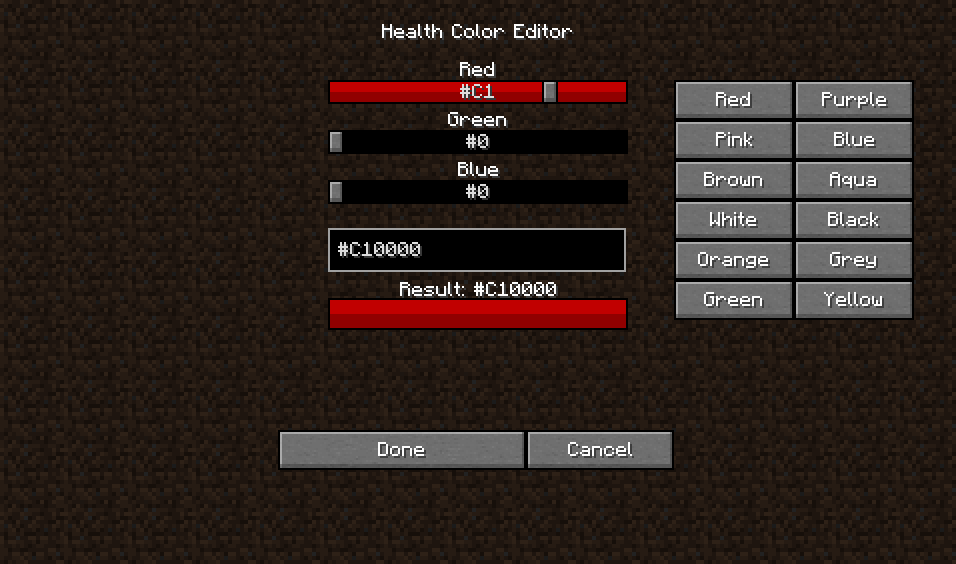
RPG-Hud [Forge]
This mod will change your HUD (Heads Up Display) and add a few new features to it!Install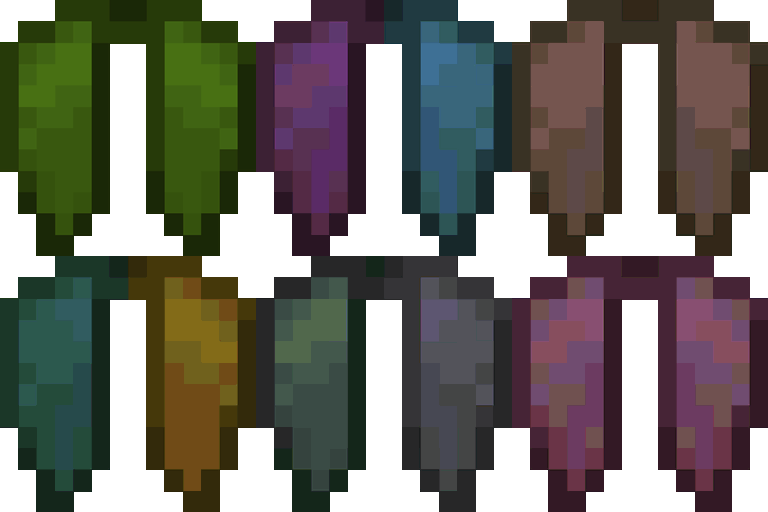
Customizable Elytra
Adds a variety of colorful ways to customize your elytra!Install
Mana Gear
Use Botania metals for Silent GearInstallFAQ
How is Forge different from Fabric?
They're two different mod loaders that aren't compatible with each other. Forge is the older one and better suited to big tech and magic modpacks; Fabric is lighter, updates to new game versions faster, and hosts most performance mods. NeoForge is a Forge fork for newer versions, and Quilt is a Fabric fork. A Forge mod won't run on Fabric, and vice versa. Millida Launcher installs the right loader for you.
How do I know which mod version I need?
The one that matches your game version and loader. The “Install” button picks the file for you: Millida Launcher grabs the version for your modpack. A mod for 1.20.1 usually won't work on 1.21.
How do I install a mod?
Click “Install” and Millida Launcher will download the mod, its dependencies and the right loader for you. To install a downloaded file manually, put it in the mods folder inside the game directory.
Do I need CurseForge to install mods?
No. The Install button on a mod page opens Millida Launcher: it downloads the mod, its dependencies and the right loader into the chosen instance by itself. No CurseForge and no manual file copying.
Which mods are there for 1.20.1?
1.20.1 is one of the most modded versions, especially on Forge: tech, magic, RPG, furniture, weapons. Pick 1.20.1 in the version filter to keep only mods with a file built exactly for it, then pick Forge or Fabric next to it.
Can I install mods on my phone?
On Android, yes: Millida Launcher runs the Java edition on a phone, and mods work there just like on a PC, though light ones run much better than heavy ones. Minecraft PE (Bedrock) cannot load PC mods — it has add-ons instead, in the Minecraft PE mods section.
Which mods are best to play with friends?
The usual picks are Simple Voice Chat for proximity voice chat, Waystones for fast travel, Xaero's Minimap and something big to work on together, such as Create. Mods that change the world must be installed by every player and on the server, while client-side ones like a minimap or performance mods are up to each player.
Minecraft mods
A mod is an add-on that changes the game itself: it adds blocks, mobs and mechanics, or speeds up world rendering. It isn't installed into the game directly but on top of a loader — Forge, Fabric, NeoForge or Quilt — and it's the loader that decides whether the file will run. That's why every card here lists both the game version and the loader: two mods with the same name for 1.12.2 Forge and 1.21 Fabric are two different files, and mixing them up means a crash on launch.
The most searched Minecraft mods are weapon, furniture, horror and performance mods: each theme has its own collection, and links to the themes and the most wanted versions are in the Popular block. Version 1.20.1 on Forge still holds the most big tech, magic and RPG mods, while the fresh 1.21.11 and 26.2 get Fabric and NeoForge mods fastest.
One mod in the catalog, one page. Every version the author has released is listed on its card: pick your game version and loader right there instead of jumping between ten similar pages. Each file shows its size, release date and checksum, and the mod itself shows the author, license and a link to the original source. Files whose license allows rehosting are stored with us and download directly — no link shorteners, timers or ad redirects. If the license forbids rehosting, the button honestly takes you to the author.