
Minecraft mods — page 69
9,023 itemsMods: list
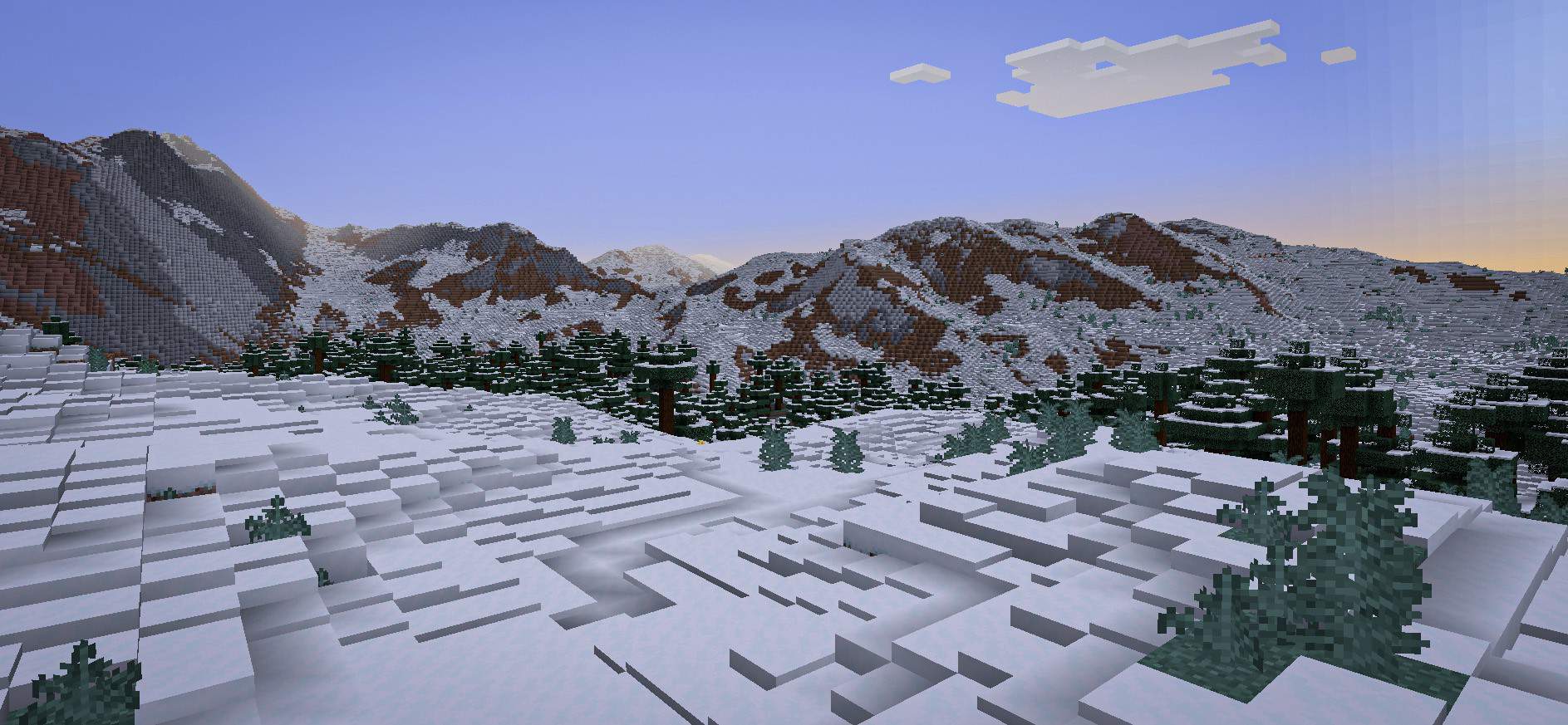



Alex's Caves
Explore six new rare cave biomes hidden under the surface of the Overworld...InstallOn a server

Create Crafts & Additions
Create Crafts & Additions extends Create and acts as a bridge between electricity and kinetic energyInstallOn a server
Buildcraft Compat
BuildCraft Compat is a BuildCraft addon designed to add cross-mod compatibility with other mods.Install

Macaw's Fences and Walls
Adds new vanilla styled fences, walls and gates!InstallOn a server
Illagers+
A mod that adds additional Illagers and Structures!Install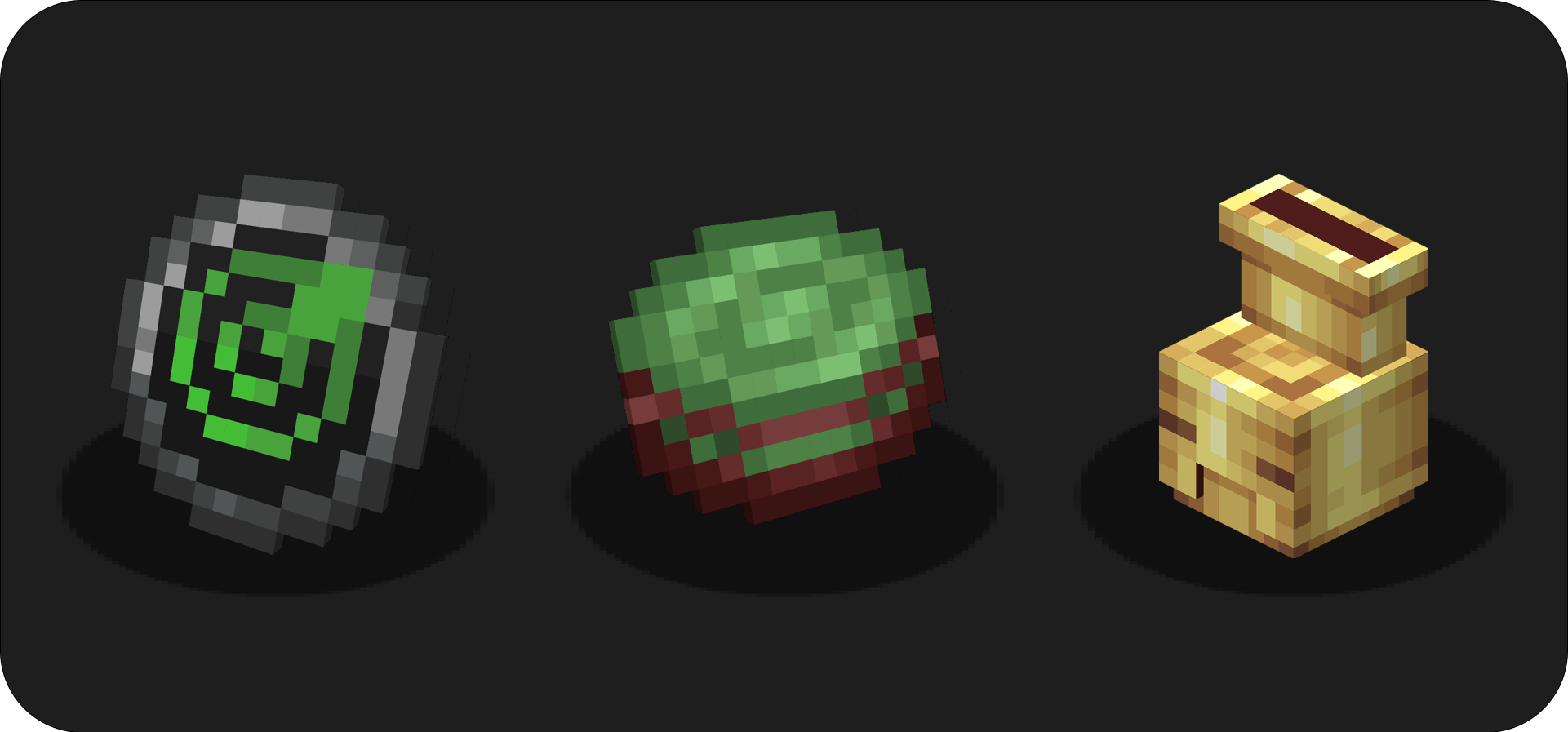
Create : Misc & Things
🔧 Add useful and fun things to CreateInstall

Adorn
Decorate your home!Install
Achievements Optimizer
Improved achievement performanceInstall

The Lost Cities
Allows the player to play in an old abandoned city instead of the normal overworldInstallOn a server
ShadowizardLib
A library mod that contains shared code between my modsInstall
ID Squeezer Tweak
Fixes the ID Squeezer at low TPS.Install
Create: Aquatic Ambitions
Introduces new bulk process which allows for more options for Prismarine, Coral and Copper automation!Install

When Dungeons Arise
Adds various elegant -and likely hostile- roguelike dungeons and structures that generate on your worlds!InstallOn a server

Geophilic
A subtle-ish overhaul of vanilla Overworld biomes! Reworked!InstallOn a server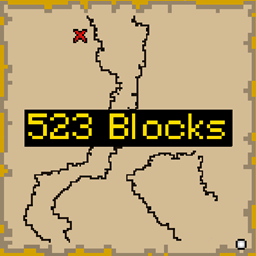
Better Treasure Map
Display Block Distance on Treasure MapsInstall
Gas Conduits
EnderIO Conduits for Mekanism GasesInstall
Better Ping Display
Displays ping in milliseconds in the player list in a configurable wayInstall
Translocators
transfer items and fluidsInstall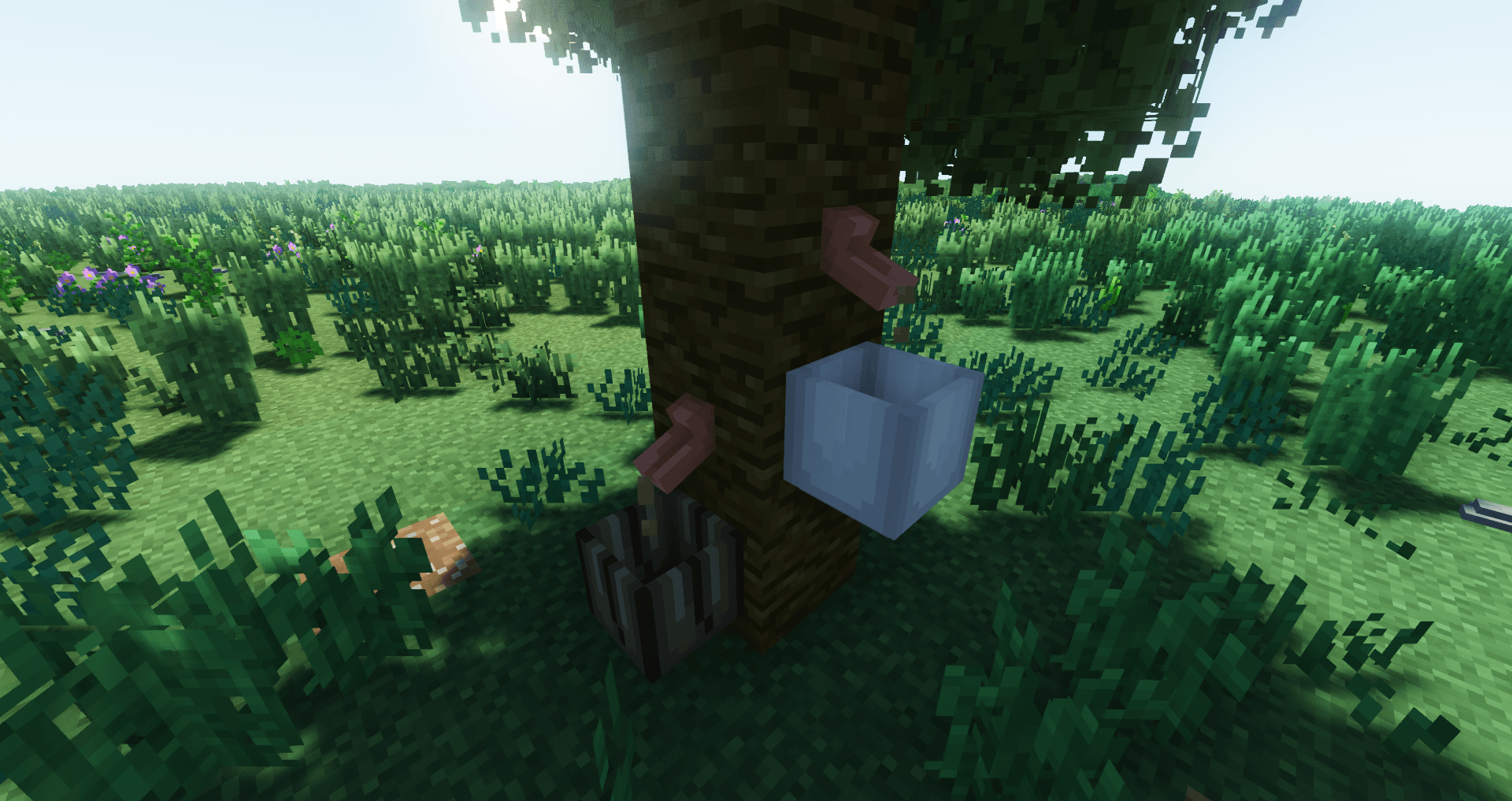

Tree Tap
Extract juicy stuff from tree trunksInstall
Mythic Metals
A Fabric-based ore mod which adds new sets of tools, weapons, ores, and sets of armor.Install
Sophisticated Core (Unofficial Fabric port)
The Unofficial Fabric version of the Sophisticated Core LibraryInstall
Refined Storage - Mekanism Integration
This optional integration adds support for Mekanism chemicals in various Refined Storage components, allowing storage, transfer, viewing, and autocrafting with chemicals.Install

Cull Leaves
Adds culling to leaf blocks, providing a huge performance boost over vanilla.InstallFAQ
How is Forge different from Fabric?
They're two different mod loaders that aren't compatible with each other. Forge is the older one and better suited to big tech and magic modpacks; Fabric is lighter, updates to new game versions faster, and hosts most performance mods. NeoForge is a Forge fork for newer versions, and Quilt is a Fabric fork. A Forge mod won't run on Fabric, and vice versa. Millida Launcher installs the right loader for you.
How do I know which mod version I need?
The one that matches your game version and loader. The “Install” button picks the file for you: Millida Launcher grabs the version for your modpack. A mod for 1.20.1 usually won't work on 1.21.
How do I install a mod?
Click “Install” and Millida Launcher will download the mod, its dependencies and the right loader for you. To install a downloaded file manually, put it in the mods folder inside the game directory.
Do I need CurseForge to install mods?
No. The Install button on a mod page opens Millida Launcher: it downloads the mod, its dependencies and the right loader into the chosen instance by itself. No CurseForge and no manual file copying.
Which mods are there for 1.20.1?
1.20.1 is one of the most modded versions, especially on Forge: tech, magic, RPG, furniture, weapons. Pick 1.20.1 in the version filter to keep only mods with a file built exactly for it, then pick Forge or Fabric next to it.
Can I install mods on my phone?
On Android, yes: Millida Launcher runs the Java edition on a phone, and mods work there just like on a PC, though light ones run much better than heavy ones. Minecraft PE (Bedrock) cannot load PC mods — it has add-ons instead, in the Minecraft PE mods section.
Which mods are best to play with friends?
The usual picks are Simple Voice Chat for proximity voice chat, Waystones for fast travel, Xaero's Minimap and something big to work on together, such as Create. Mods that change the world must be installed by every player and on the server, while client-side ones like a minimap or performance mods are up to each player.
Minecraft mods
A mod is an add-on that changes the game itself: it adds blocks, mobs and mechanics, or speeds up world rendering. It isn't installed into the game directly but on top of a loader — Forge, Fabric, NeoForge or Quilt — and it's the loader that decides whether the file will run. That's why every card here lists both the game version and the loader: two mods with the same name for 1.12.2 Forge and 1.21 Fabric are two different files, and mixing them up means a crash on launch.
The most searched Minecraft mods are weapon, furniture, horror and performance mods: each theme has its own collection, and links to the themes and the most wanted versions are in the Popular block. Version 1.20.1 on Forge still holds the most big tech, magic and RPG mods, while the fresh 1.21.11 and 26.2 get Fabric and NeoForge mods fastest.
One mod in the catalog, one page. Every version the author has released is listed on its card: pick your game version and loader right there instead of jumping between ten similar pages. Each file shows its size, release date and checksum, and the mod itself shows the author, license and a link to the original source. Files whose license allows rehosting are stored with us and download directly — no link shorteners, timers or ad redirects. If the license forbids rehosting, the button honestly takes you to the author.