
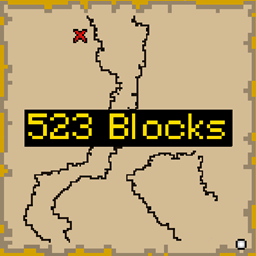
Better Treasure Map Mod for Minecraft 1.20.1, 1.19.2
Display Block Distance on Treasure Maps
 NeoForge
 Fabric
 Forge
ForgeAbout the Better Treasure Map mod
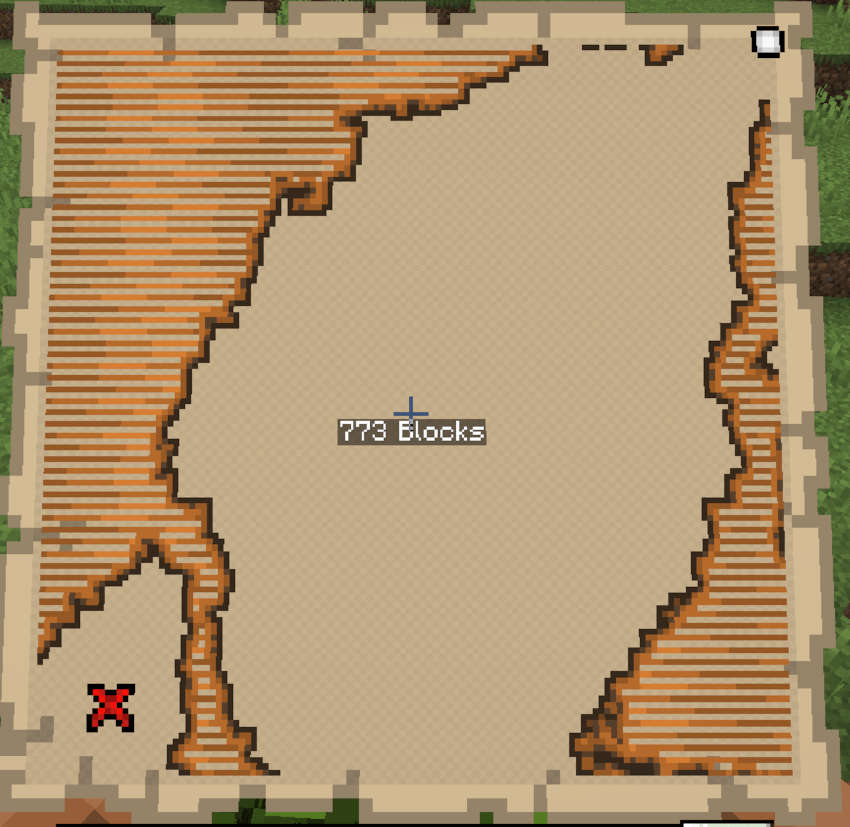
Better Treasure Maps is a handy modification for Minecraft that enhances the treasure-hunting experience.
- Designed for adventurers and explorers seeking hidden riches, this mod adds a convenient feature to treasure maps by displaying the precise distance to the treasure.
- With the Treasure Locator Mod installed, you no longer need to rely solely on your instincts or vague map drawings to find buried loot.
- As you hold a treasure map in your hands, the mod automatically calculates and displays the exact distance to the hidden treasure on your screen.
- The distance is represented in blocks, enabling you to navigate with greater precision and efficiency.
- The mod seamlessly integrates with Minecraft's existing treasure map functionality, ensuring a seamless and immersive experience.
- Whether you're embarking on a treasure hunt in vast deserts, deep forests, or underwater caves, the Treasure Locator Mod becomes an invaluable companion that guides you toward untold riches.
How to install Better Treasure Map
With Millida Launcher
Install Millida Launcher
The launcher is free: download it at millida.net/launcher and sign in with any nickname.
Click “Install” on this page
The launcher opens and installs the mod for Minecraft 1.19.2–1.21.11 on Fabric, Forge or NeoForge automatically.
Launch the game
A profile with it appears in the launcher: click “Play”.
Manually
Install Fabric, Forge or NeoForge
The loader must match the game version of the mod file, for example Minecraft 1.21.11. After installing it, a separate profile appears in your launcher.
Download the file for your version
In the version list above, pick the file treasuredistance-1.21.11-1.1.jar (6 KB) for your game version and loader.
Put it in the mods folder
The folder is inside .minecraft (Windows: %appdata%\.minecraft\mods). If it does not exist, create it.
Launch the loader profile
Open “Mods” in the main menu: Better Treasure Map should be in the list.
Minecraft 1.21.11 runs on Java 21: with a different Java version the game may close right after launch.
Versions
With dependencies
| Minecraft | Loader | File | Date | Actions |
|---|---|---|---|---|
| 1.21.11 | NeoForge | TreasureDistance 1.21.11 1.16.4 KB | ||
| 1.19.2 | Forge | TreasureDistance 1.19.2 1.26.3 KB 1 | ||
| 1.20.2 | Fabric | Treasure Distance Fabric 1.20.1 1.0.15.1 KB 2 |
FAQ
Which Minecraft versions does Better Treasure Map work on?
There are files for 1.21.11, 1.20.2, 1.20.1, 1.20, 1.19.2. The newest is 1.21.11.
Is Better Treasure Map for Forge or Fabric?
There are files for Fabric: 1.20–1.20.2, for Forge: 1.19.2 and for NeoForge: 1.21.11.
Does Better Treasure Map need other mods?
The author lists no required dependencies: the Fabric, Forge or NeoForge loader is enough.
Which Java does Better Treasure Map need?
Minecraft 1.21.11 runs on Java 21. If the game closes right after launch, the usual cause is the wrong Java version in the profile settings.
Where can I download Better Treasure Map safely?
On this page: the file treasuredistance-1.21.11-1.1.jar (6 KB) is stored on Millida’s server, with no link shorteners. SHA-1 checksum: 2091d3a21b580f95d712011f8a6d5bac78da4526.
Reviews
Be the first to rate Better Treasure Map


