
Minecraft mods — page 51
9,011 itemsMods: list


Better Burning
Improves the burning and fire mechanics of Minecraft.Install

BetterEnd
New Biomes, mysterious rituals and Mobs for your EndInstallOn a server

Global Packs
Ship default Data- & Resourcepacks with Modpacks!InstallOn a server
Waila Stages
Allows access to Waila HUD and specific tool tip info to be restricted based on stages,Install

Explosive Enhancement: Reforged
Make the explosions look cooler. Now for (Neo)Forge.Install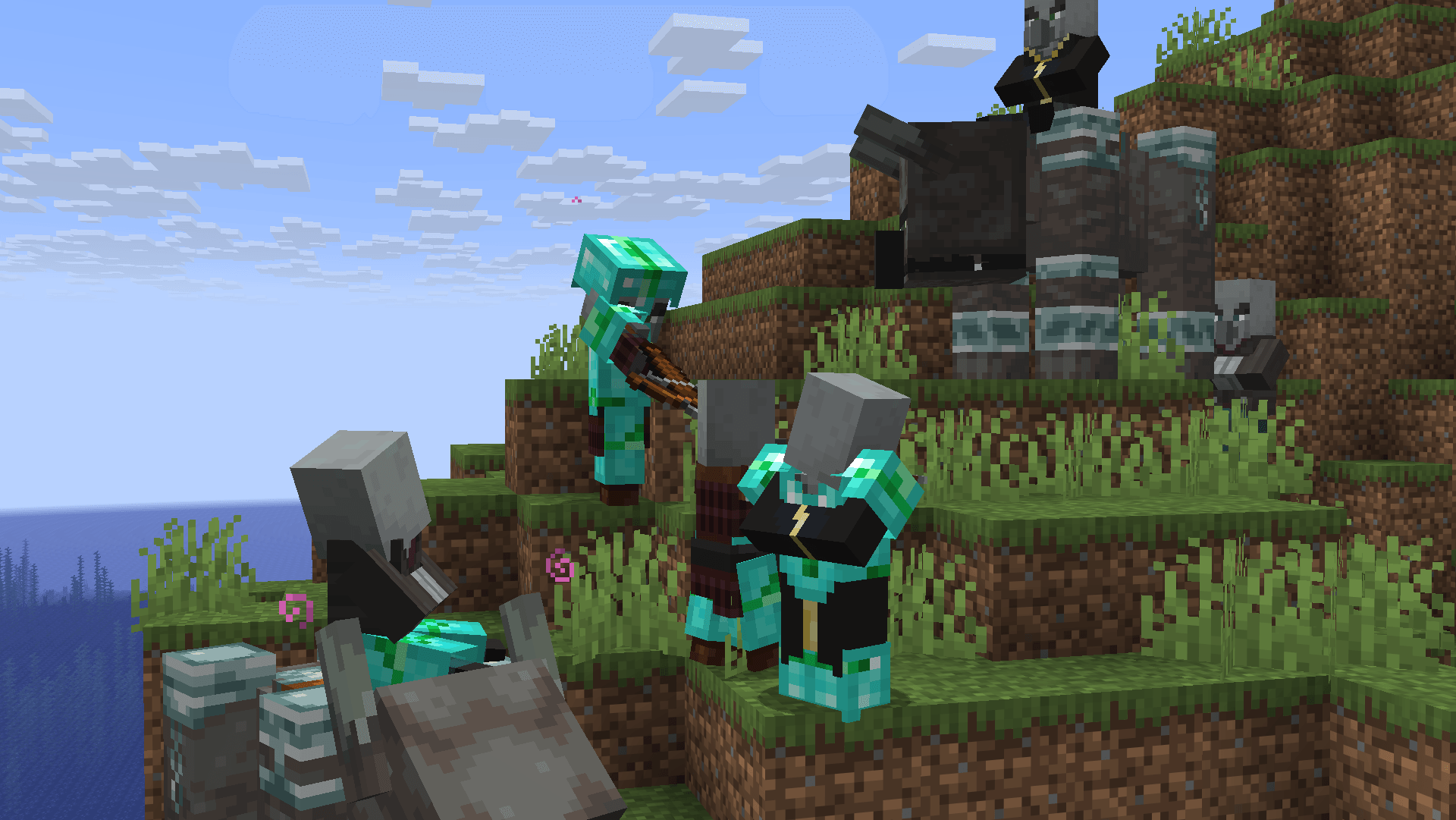
Illagers Wear Armor
Allows Illagers to wear armor!Install

Fusion (Connected Textures)
Fusion allows resource packs to use additional texture and model types such as connected textures!Install

JourneyMap
Real-time map used for mapping in-game or your browser as you explore.InstallOn a server

What Are They Up To (Watut)
Lets you see if players are typing, in a GUI, idle, with cool ingame visualsInstallOn a server
Flat Bedrock (Forge / Fabric)
Make the world have flat bedrockInstall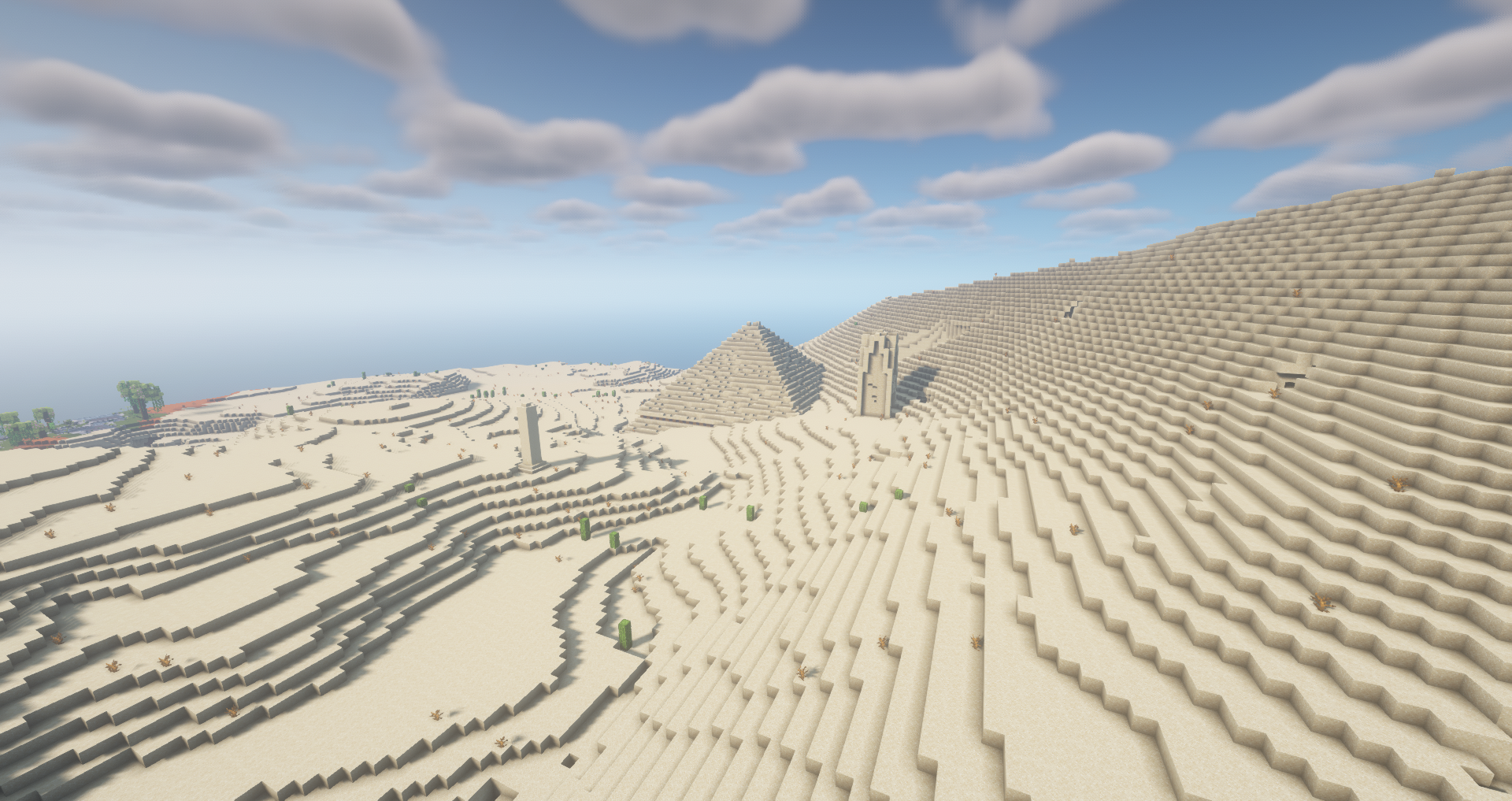

YUNG's Better Desert Temples (NeoForge) [1.20.4 - 1.21.1 ONLY]
A complete redesign of Minecraft's desert temples!Install

Eating Animation
A mod that adds sprite animations for edible and drinkable items.Install
DimensionalDoors
Mazes, puzzles and traps. Doors and portals that can teleport you anywhere. Envious, malevolent eyes looking at you from the eldritch Limbo dimension.Install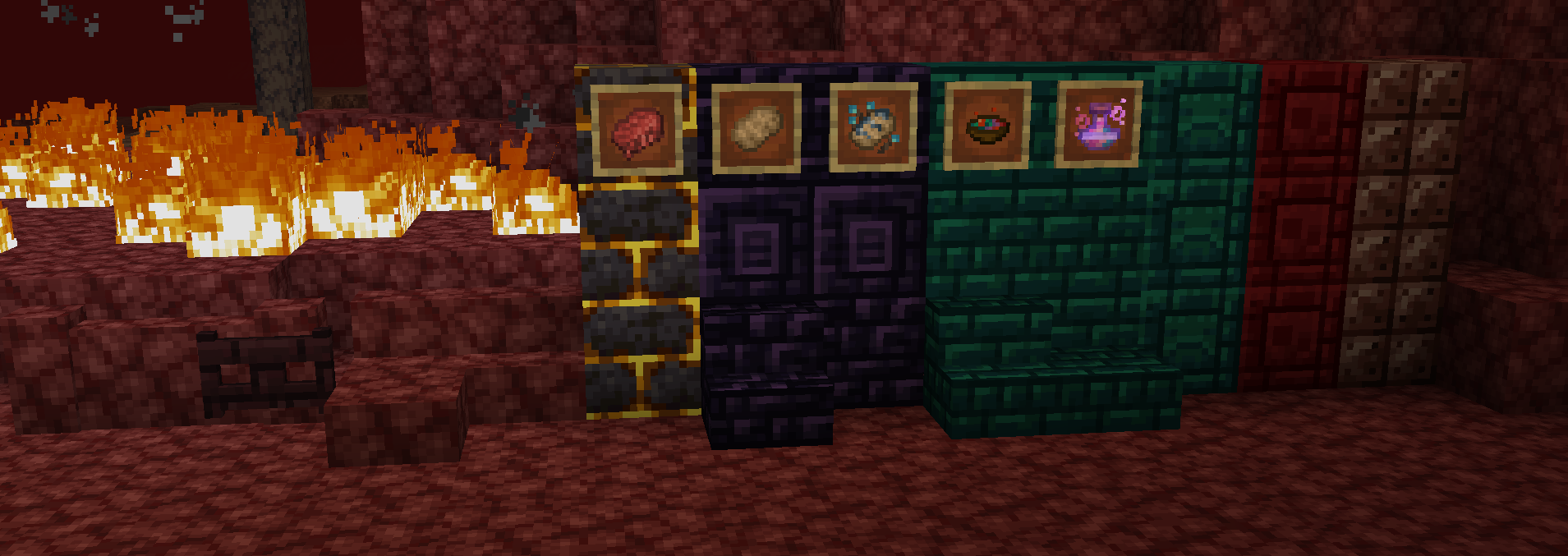
Netherific
Expands on the Nether further than mojang did with unique mechanics, blocks, items, and mobs, AKA Nourished NetherInstall
Village Spawn Point
🏙 Sets the spawn point in a new world to the center of a village.Install
WTHIT
What the hell is that? A fork of Hwyla which is a fork of Waila.Install
Proportional Destruction Particles
A client-side mod that causes block destruction particles to only spawn in blocks' collision/bounding boxes.Install
Tetranomicon
Adds Tetra support to other mods' materials.Install
Prestige
Allows progress that extends beyond a world.Install

Cardinal Components API
A data attachment API that is easy, modular, and extremely fast.InstallOn a server
Paxi (Fabric)
Global data & resource packs made easy.Install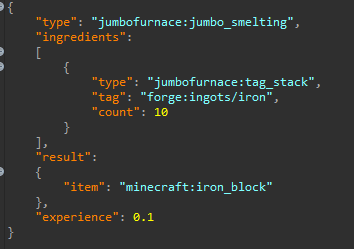
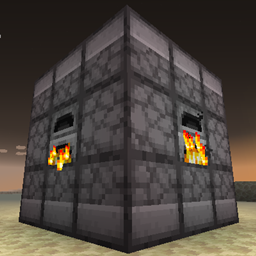
Jumbo Furnace
A forge mod that adds a multiblock furnace that can smelt multiple items at onceInstall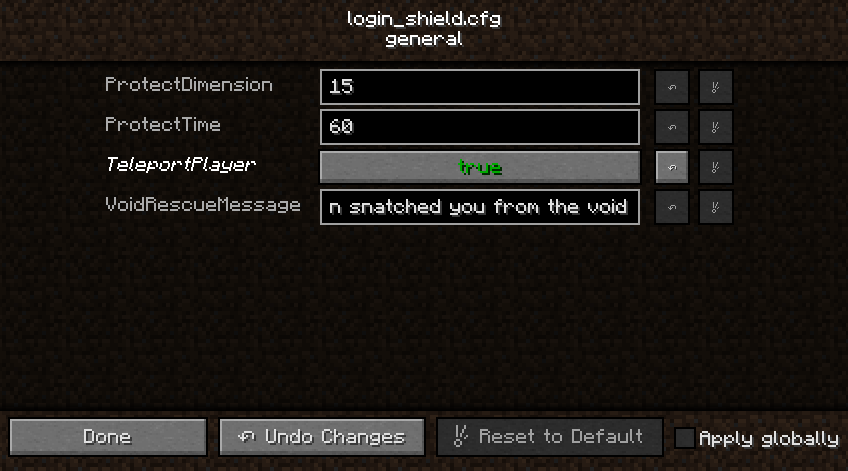
Login Shield
Protects players from damage when client lags on server connectInstallFAQ
How is Forge different from Fabric?
They're two different mod loaders that aren't compatible with each other. Forge is the older one and better suited to big tech and magic modpacks; Fabric is lighter, updates to new game versions faster, and hosts most performance mods. NeoForge is a Forge fork for newer versions, and Quilt is a Fabric fork. A Forge mod won't run on Fabric, and vice versa. Millida Launcher installs the right loader for you.
How do I know which mod version I need?
The one that matches your game version and loader. The “Install” button picks the file for you: Millida Launcher grabs the version for your modpack. A mod for 1.20.1 usually won't work on 1.21.
How do I install a mod?
Click “Install” and Millida Launcher will download the mod, its dependencies and the right loader for you. To install a downloaded file manually, put it in the mods folder inside the game directory.
Do I need CurseForge to install mods?
No. The Install button on a mod page opens Millida Launcher: it downloads the mod, its dependencies and the right loader into the chosen instance by itself. No CurseForge and no manual file copying.
Which mods are there for 1.20.1?
1.20.1 is one of the most modded versions, especially on Forge: tech, magic, RPG, furniture, weapons. Pick 1.20.1 in the version filter to keep only mods with a file built exactly for it, then pick Forge or Fabric next to it.
Can I install mods on my phone?
On Android, yes: Millida Launcher runs the Java edition on a phone, and mods work there just like on a PC, though light ones run much better than heavy ones. Minecraft PE (Bedrock) cannot load PC mods — it has add-ons instead, in the Minecraft PE mods section.
Which mods are best to play with friends?
The usual picks are Simple Voice Chat for proximity voice chat, Waystones for fast travel, Xaero's Minimap and something big to work on together, such as Create. Mods that change the world must be installed by every player and on the server, while client-side ones like a minimap or performance mods are up to each player.
Minecraft mods
A mod is an add-on that changes the game itself: it adds blocks, mobs and mechanics, or speeds up world rendering. It isn't installed into the game directly but on top of a loader — Forge, Fabric, NeoForge or Quilt — and it's the loader that decides whether the file will run. That's why every card here lists both the game version and the loader: two mods with the same name for 1.12.2 Forge and 1.21 Fabric are two different files, and mixing them up means a crash on launch.
The most searched Minecraft mods are weapon, furniture, horror and performance mods: each theme has its own collection, and links to the themes and the most wanted versions are in the Popular block. Version 1.20.1 on Forge still holds the most big tech, magic and RPG mods, while the fresh 1.21.11 and 26.2 get Fabric and NeoForge mods fastest.
One mod in the catalog, one page. Every version the author has released is listed on its card: pick your game version and loader right there instead of jumping between ten similar pages. Each file shows its size, release date and checksum, and the mod itself shows the author, license and a link to the original source. Files whose license allows rehosting are stored with us and download directly — no link shorteners, timers or ad redirects. If the license forbids rehosting, the button honestly takes you to the author.