

Netherific Mod for Minecraft 1.20.1, 1.16.5
Expands on the Nether further than mojang did with unique mechanics, blocks, items, and mobs, AKA Nourished Nether
- downloads
- 1 downloads
- views
- 10 views
- Updated
- Updated 20.10.2026
- 1.16.5 — 1.20.1
 Forge
Forge
About the Netherific mod
This mod has been archived and will no longer receive further updates.
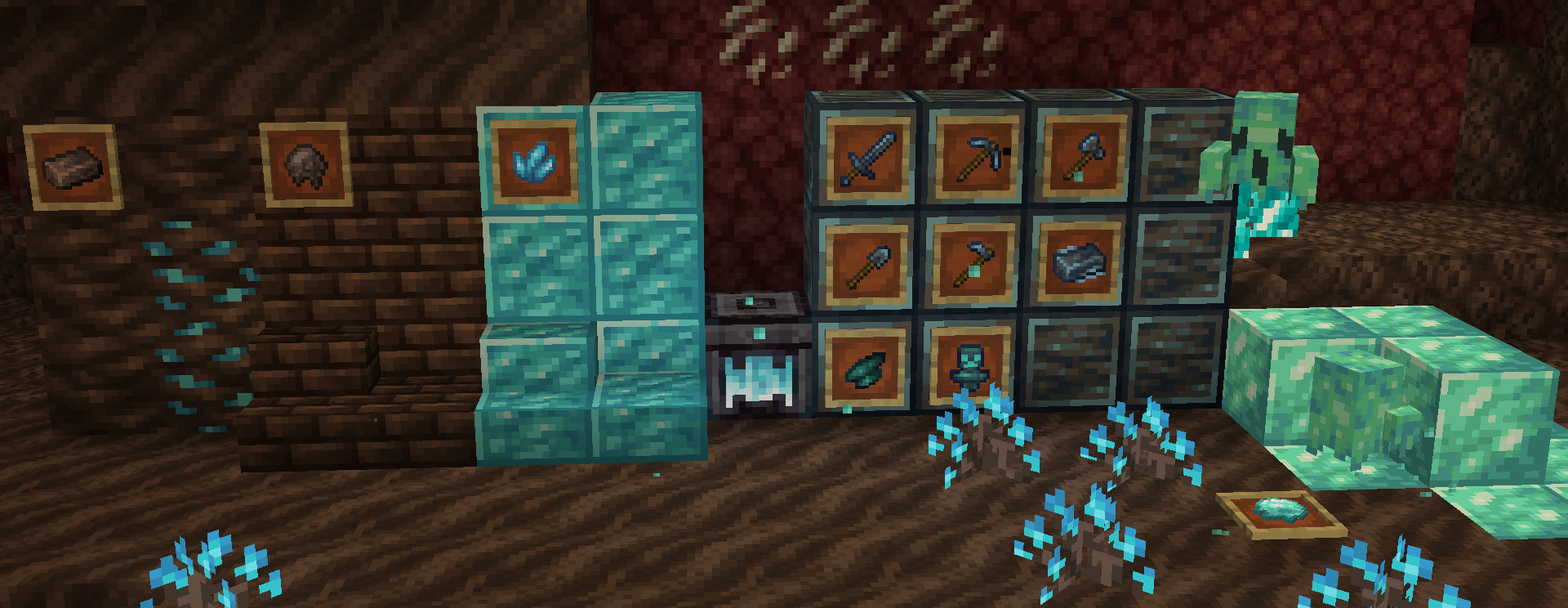
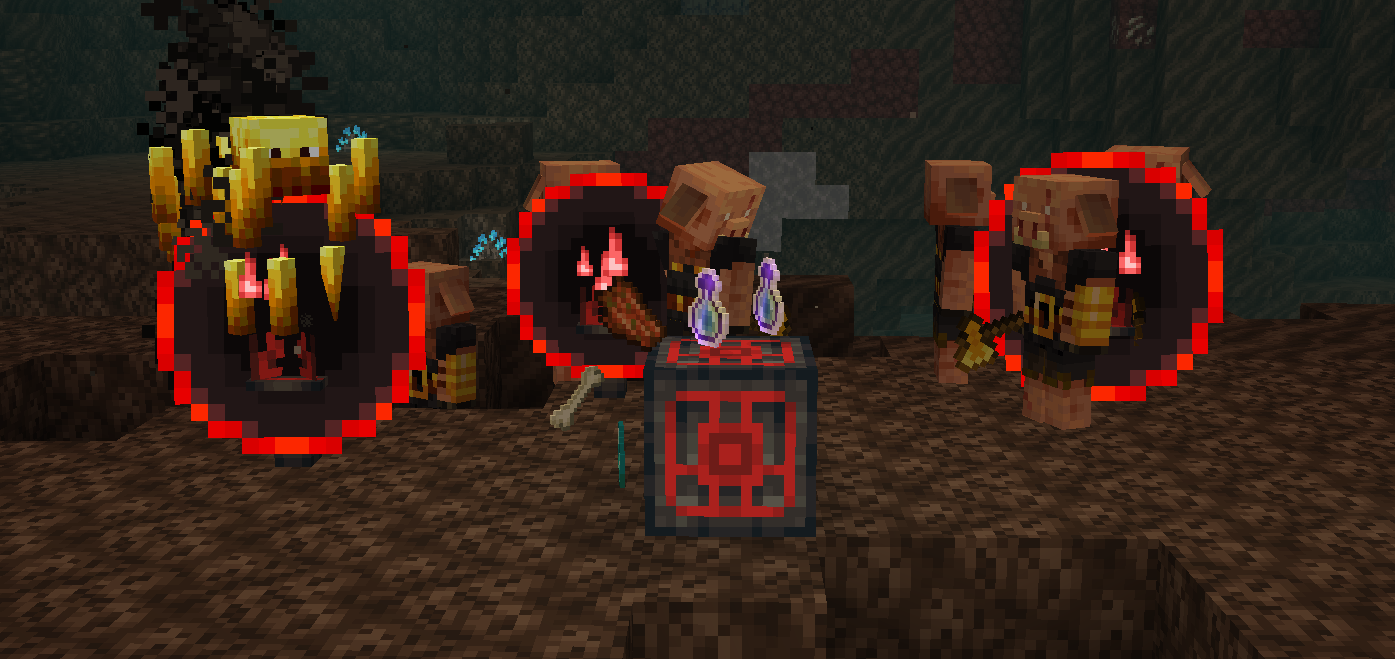
Netherific (AKA Phantasmic) is a nether expansion mod for 1.18.2+ which aims to expand further on the Nether than Mojang did during the Nether Update. It expands on all of the current nether biomes with new mechanics, mobs, items, blocks & more, all while still feeling vanilla.
undefined
Requires Geckolib for some versions
- 50+ new blocks total, with a lot of them being decorative and a few having unique functionalities.
- New nether related foods such as Ghost Peppers, Fungus stew, Polterpork, and Hoglin meat
- Adds the Nether Reactor Core from old Pocket Edition versions with a fresh take.
- A new ghostly mob for the soul sand valleys
- A new soul forging mechanic used to convert both specific overworld and nether items to more "soul-like" items.
- A new unique toolset created from soul forging
- Expansions on all current nether biomes, such as new decorations, blocks, and items.
- Certain features are configurable via config-file and gamerules!
-Most these features are only present in the latest versions-
"Will Phantasmic be back-ported to X version?"
1.18.2 is the only version it will be backported to.
"Will Phantasmic be ported to fabric?"
No.
"Am I allowed to use Phantasmic in my modpack?"
Of course! credit / a link to the mod would appreciated but is not necessary whatsoever.
"Where can I provide a translation / contribute to translations of the mod?"
You can translate the mod here
- YouTube can be accessed here
- Community Discord Server can be joined here -- (Join for sneak peaks and support!)
- If you'd like to donate, my Ko-Fi can be accessed here
- Made possible using MCreator
How to install Netherific
With Millida Launcher
Install Millida Launcher
The launcher is free: download it at millida.net/launcher and sign in with any nickname.
Click “Install” on this page
The launcher opens and installs the mod for Minecraft 1.16.5–1.20.1 on Forge automatically.
Launch the game
A profile with it appears in the launcher: click “Play”.
Manually
Install Forge
The loader must match the game version of the mod file, for example Minecraft 1.20.1. After installing it, a separate profile appears in your launcher.
Download the file for your version
In the version list above, pick the file phantasmic-1.20.1-0.2.5.jar (1.2 MB) for your game version.
Put it in the mods folder
The folder is inside .minecraft (Windows: %appdata%\.minecraft\mods). If it does not exist, create it.
Launch the loader profile
Open “Mods” in the main menu: Netherific should be in the list.
Minecraft 1.20.1 runs on Java 17: with a different Java version the game may close right after launch.
Versions
With dependencies
| Minecraft | Loader | File | Date | Actions |
|---|---|---|---|---|
| 1.20.1 | Forge | 0.2.5 - 1.20.11.2 MB 1 | ||
| 1.16.5 | — | Release V8580 KB |
FAQ
Which Minecraft versions does Netherific work on?
There are files for 1.20.1, 1.16.5. The newest is 1.20.1.
Is Netherific for Forge or Fabric?
Only for Forge: 1.20.1. There are no files for Fabric or NeoForge: a mod for another loader will not start.
Does Netherific need other mods?
The author lists no required dependencies: the Forge loader is enough.
Which Java does Netherific need?
Minecraft 1.20.1 runs on Java 17. If the game closes right after launch, the usual cause is the wrong Java version in the profile settings.
Where can I download Netherific safely?
On this page: the file phantasmic-1.20.1-0.2.5.jar (1.2 MB) is stored on Millida’s server, with no link shorteners. SHA-1 checksum: d8f98348248c3712b257132a35eec35e5f3643f5.
Reviews
Be the first to rate Netherific


