
Minecraft mods — page 44
9,009 itemsMods: list

FTB JEI Extras
JEI Extras is a small mod designed to bridge the gap between other mods and JEI.Install
Extra Bit Manipulation
Adds extra in-world bit manipulation to the Chisels & Bits mod.Install
Sophisticated Backpacks Create Integration
Sophisticated Backpacks on create contraptionsInstall
Feature NBT Deadlock Be Gone
Fixes deadlocks caused by https://bugs.mojang.com/browse/MC-246262Install

Prism
A library all about color! Provides lots of color-related functionality for dependent mods.Install
AzureLib Armor
A striped down Azurelib just for Armor!Install
Origins (Forge)
This is an unofficial forge port of the Origins mod for fabricInstall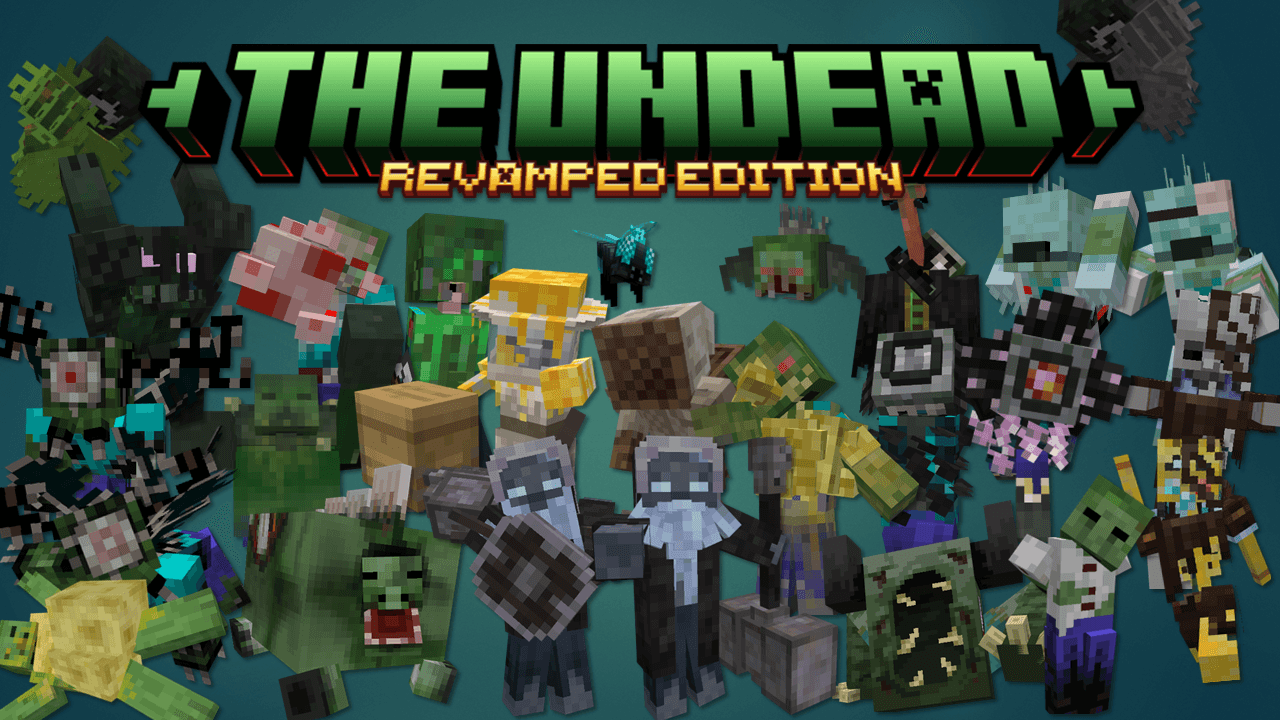

THE UNDEAD REVAMPED
This mod add some new types of undeads.Install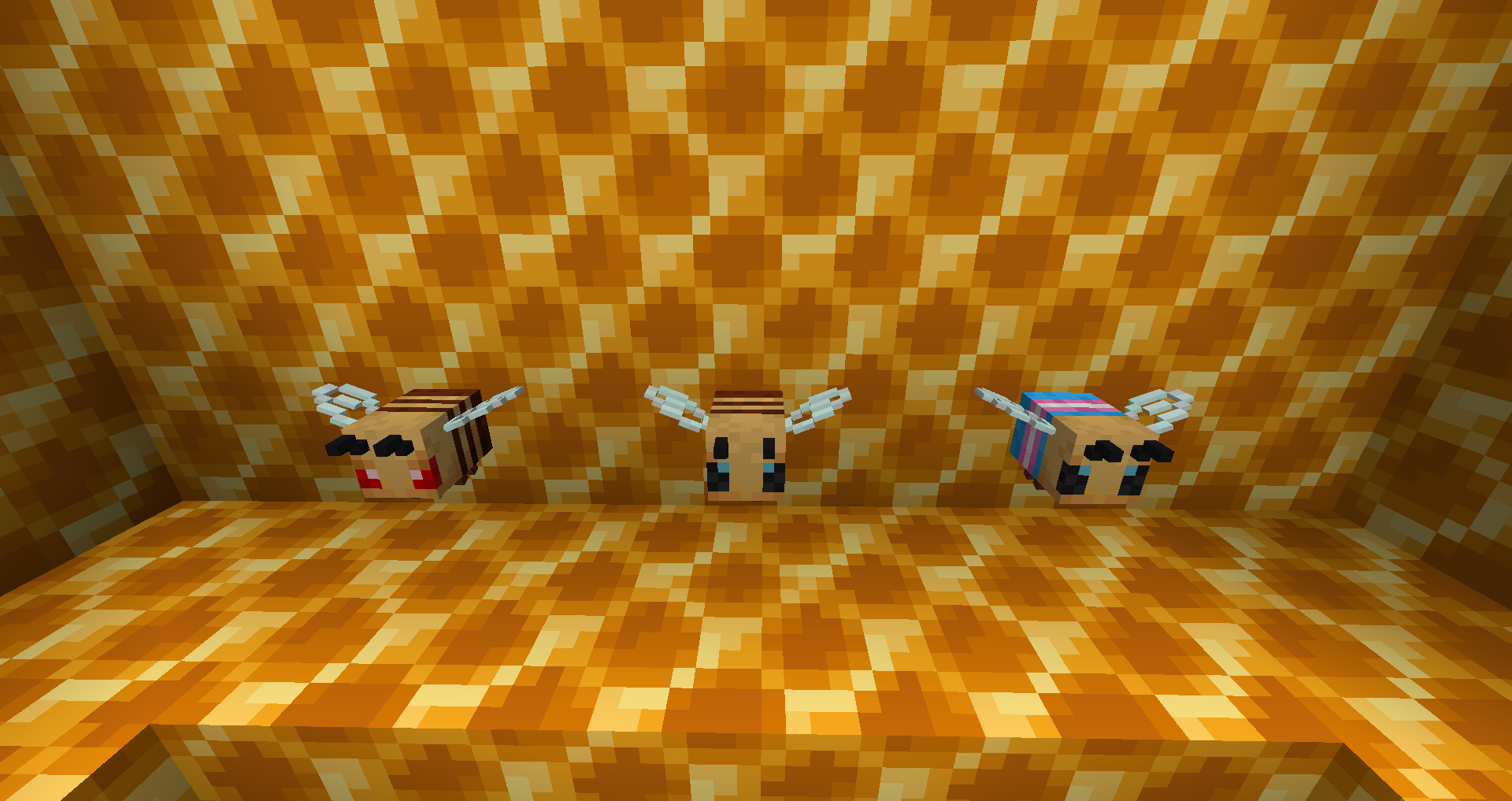

Statues
A little decorative and functional modInstall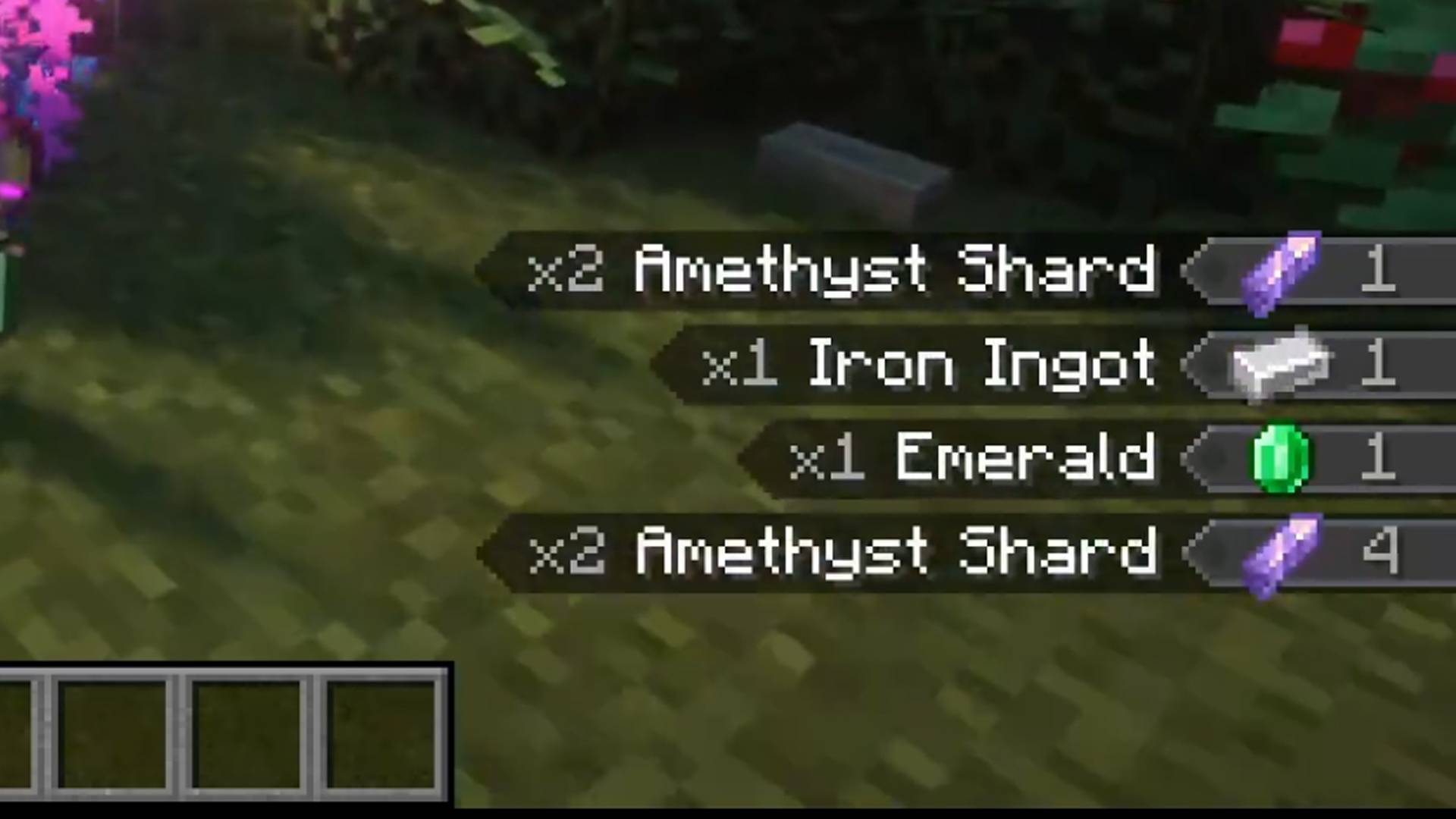
Loot Journal: Pickup Notifier [Forge Edition]
Ultimate item pick-up notifier featuring rich animations, full theming support, customizable layouts, and powerful filtering options!Install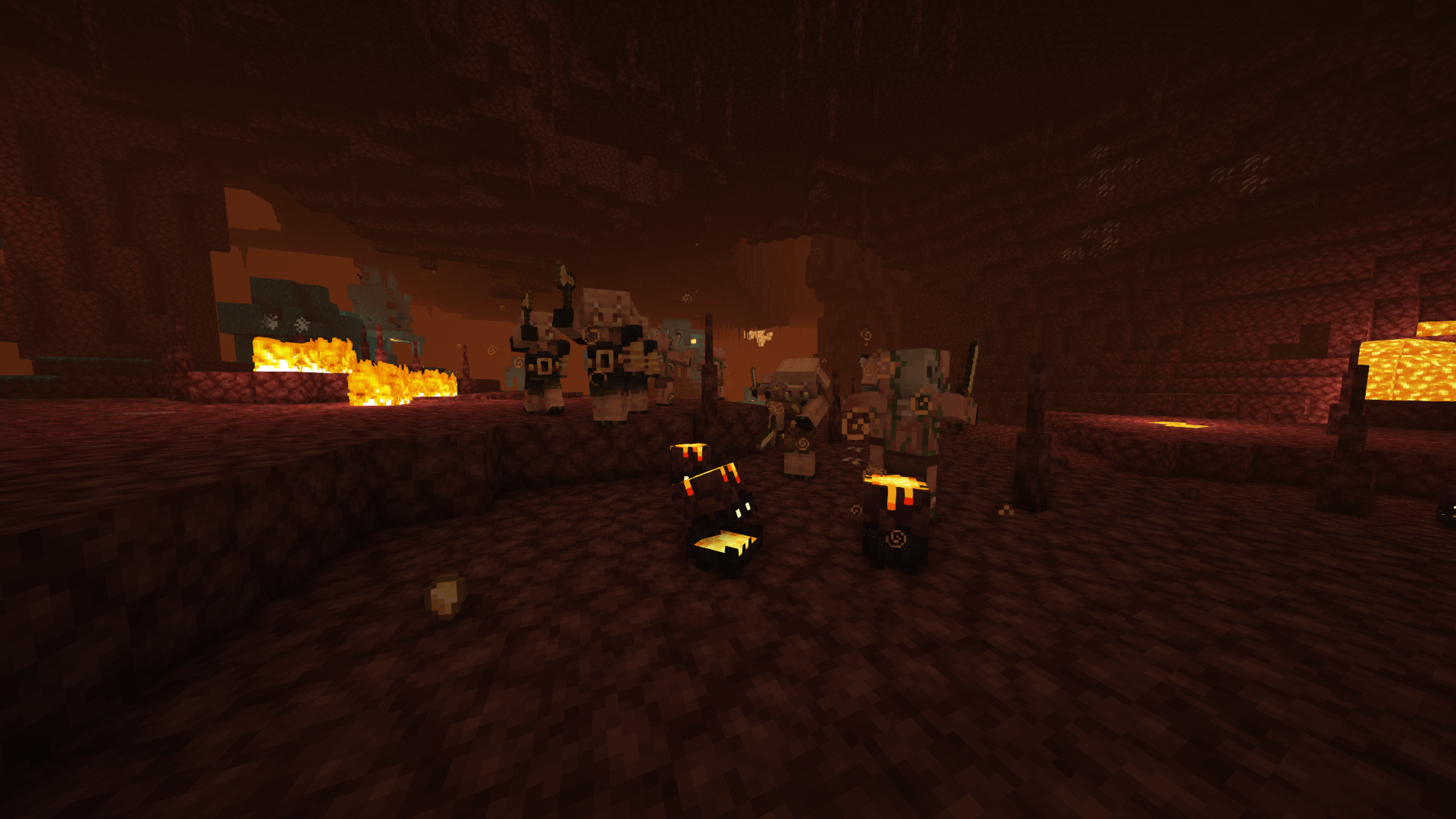

Infernal Expansion
Expanding the Nether beyond its official update with tons of new mobs & blocks, all while staying true to the Vanilla feel!Install
Paginated Advancements & Custom Frames
Better advancements screenInstall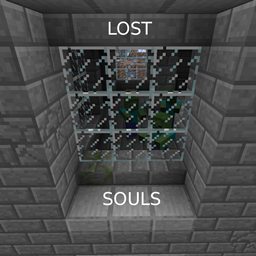
Lost Souls
Lost Souls is an addon mod for The Lost Cities to add more danger to the buildingsInstall

YUNG's Better Witch Huts
Adds overhauled witch huts to swamps!InstallOn a server
SlimyBoyos
Makes slimes pickup items.Install
Cryonic Config
Chill Minimal Config APIInstall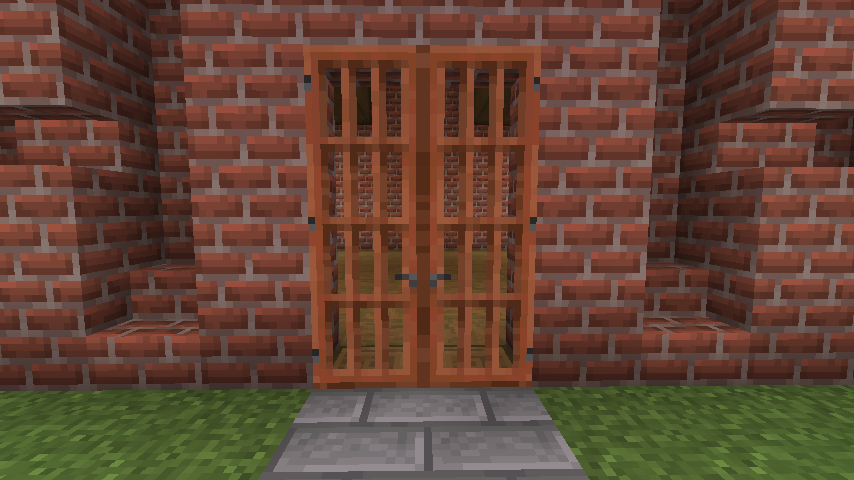

Dramatic Doors
3-block high doors, in every vanilla variety! End enderman discrimination!Install
NaNny (Fix NaN Health / Absorption)
A Minecraft Neo/Forge mod that cleans up after mods that set entities' health and/or absorption to NaN.Install
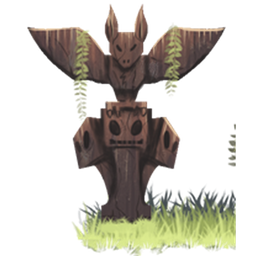
Totemic
A mod with a focus on Totems, music and natureInstall

Advancement Plaques
Replace those boring advancement popups with something flashier.Install

Particle Core
Particle optimizations: Culling, rendering optimizations, configurable particle-type-specific spawn reduction, and potion particle disabling. Compatible with Sodium, improves performance over Sodium alone.Install
RealBench
Makes vanilla workbench usableInstall

Variants&Ventures
Adds multiple new mob variants seamlessly integrated into your Minecraft world.InstallFAQ
How is Forge different from Fabric?
They're two different mod loaders that aren't compatible with each other. Forge is the older one and better suited to big tech and magic modpacks; Fabric is lighter, updates to new game versions faster, and hosts most performance mods. NeoForge is a Forge fork for newer versions, and Quilt is a Fabric fork. A Forge mod won't run on Fabric, and vice versa. Millida Launcher installs the right loader for you.
How do I know which mod version I need?
The one that matches your game version and loader. The “Install” button picks the file for you: Millida Launcher grabs the version for your modpack. A mod for 1.20.1 usually won't work on 1.21.
How do I install a mod?
Click “Install” and Millida Launcher will download the mod, its dependencies and the right loader for you. To install a downloaded file manually, put it in the mods folder inside the game directory.
Do I need CurseForge to install mods?
No. The Install button on a mod page opens Millida Launcher: it downloads the mod, its dependencies and the right loader into the chosen instance by itself. No CurseForge and no manual file copying.
Which mods are there for 1.20.1?
1.20.1 is one of the most modded versions, especially on Forge: tech, magic, RPG, furniture, weapons. Pick 1.20.1 in the version filter to keep only mods with a file built exactly for it, then pick Forge or Fabric next to it.
Can I install mods on my phone?
On Android, yes: Millida Launcher runs the Java edition on a phone, and mods work there just like on a PC, though light ones run much better than heavy ones. Minecraft PE (Bedrock) cannot load PC mods — it has add-ons instead, in the Minecraft PE mods section.
Which mods are best to play with friends?
The usual picks are Simple Voice Chat for proximity voice chat, Waystones for fast travel, Xaero's Minimap and something big to work on together, such as Create. Mods that change the world must be installed by every player and on the server, while client-side ones like a minimap or performance mods are up to each player.
Minecraft mods
A mod is an add-on that changes the game itself: it adds blocks, mobs and mechanics, or speeds up world rendering. It isn't installed into the game directly but on top of a loader — Forge, Fabric, NeoForge or Quilt — and it's the loader that decides whether the file will run. That's why every card here lists both the game version and the loader: two mods with the same name for 1.12.2 Forge and 1.21 Fabric are two different files, and mixing them up means a crash on launch.
The most searched Minecraft mods are weapon, furniture, horror and performance mods: each theme has its own collection, and links to the themes and the most wanted versions are in the Popular block. Version 1.20.1 on Forge still holds the most big tech, magic and RPG mods, while the fresh 1.21.11 and 26.2 get Fabric and NeoForge mods fastest.
One mod in the catalog, one page. Every version the author has released is listed on its card: pick your game version and loader right there instead of jumping between ten similar pages. Each file shows its size, release date and checksum, and the mod itself shows the author, license and a link to the original source. Files whose license allows rehosting are stored with us and download directly — no link shorteners, timers or ad redirects. If the license forbids rehosting, the button honestly takes you to the author.