
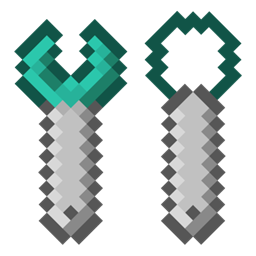
Extra Bit Manipulation Mod for Minecraft 1.12.2
Adds extra in-world bit manipulation to the Chisels & Bits mod.
About the Extra Bit Manipulation mod
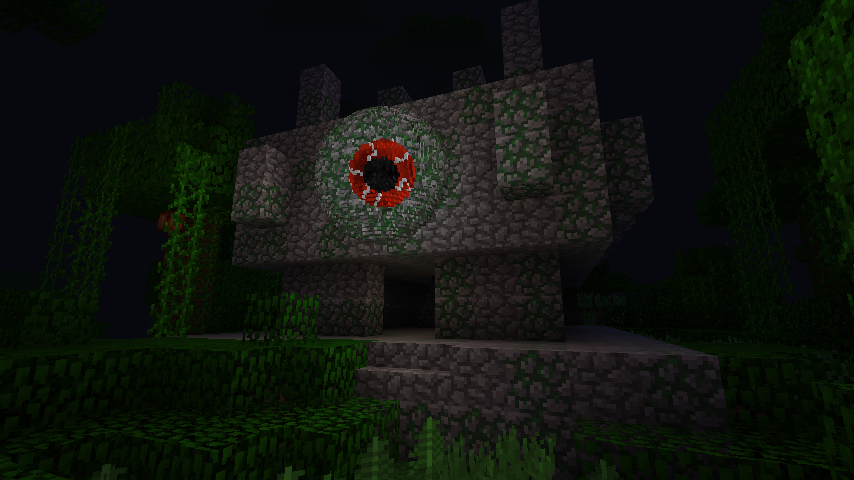
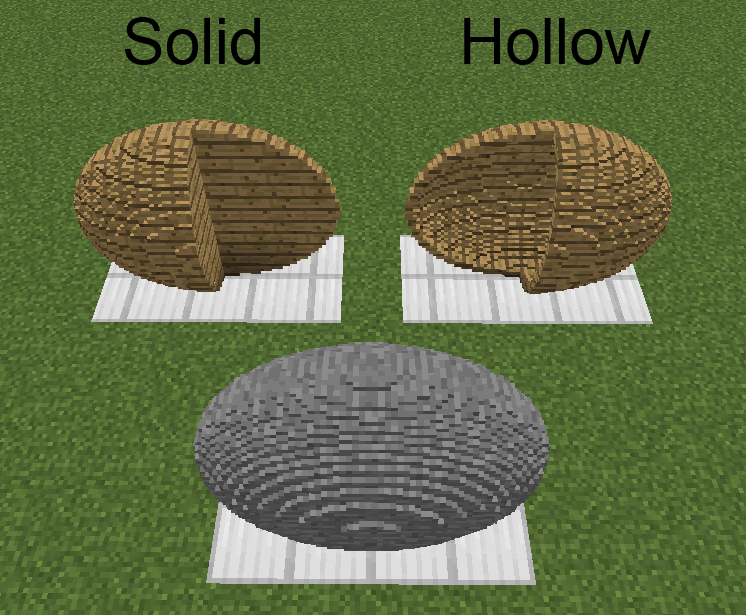
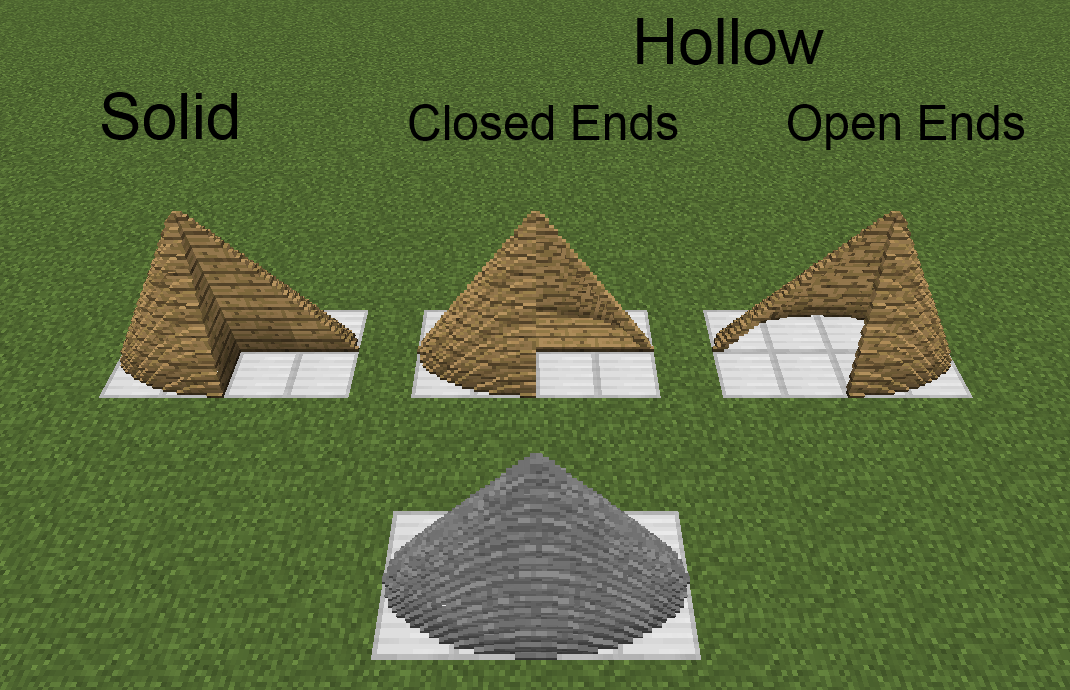
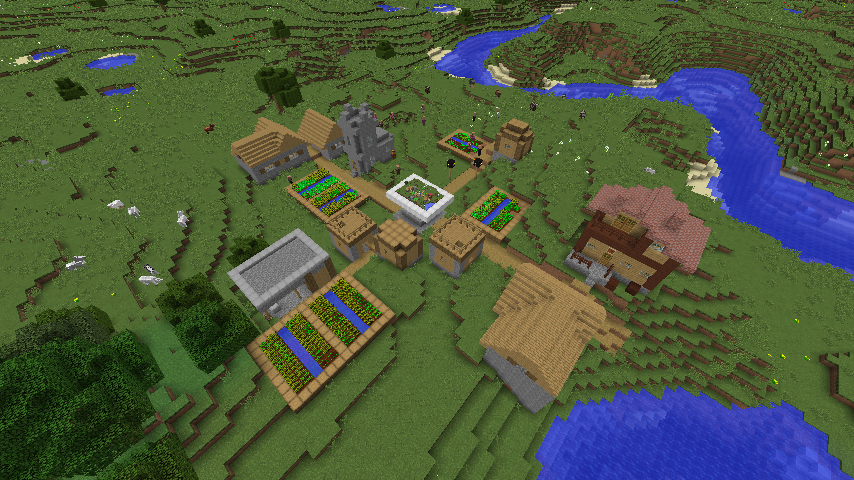
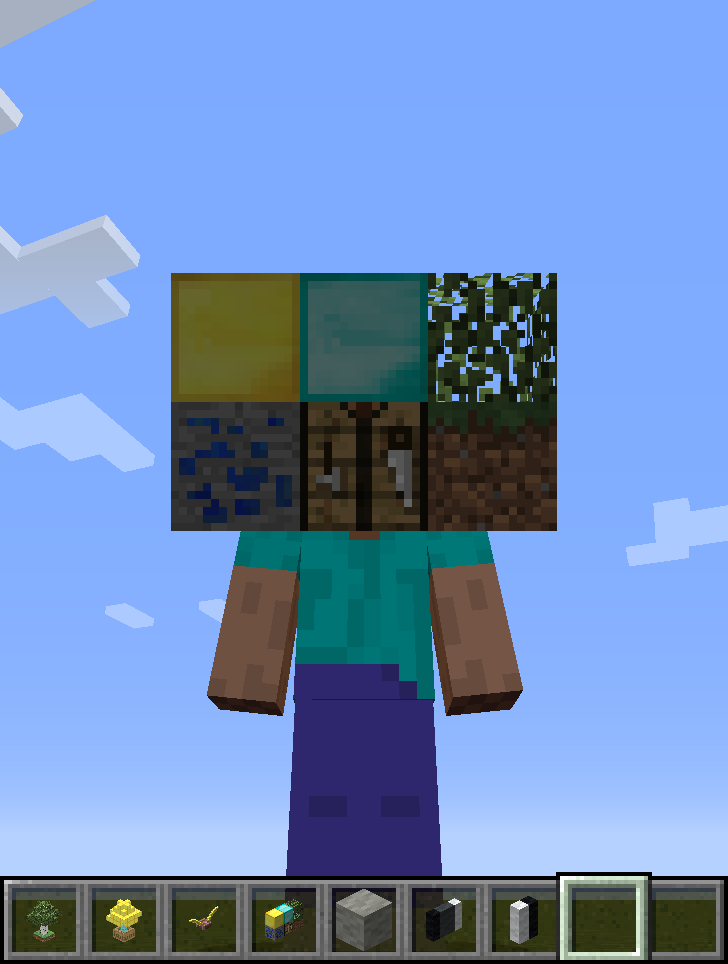
This mod is an addon to the Chisels & Bits mod. It adds a wrench that rotates/mirrors/translates/inverts chiseled blocks, sculpting wires/spades that remove/add cuboidal/ellipsoidal/cylindrical/conic/pyramidal areas of bits from chiseled/chiselable blocks, a modeling tool that makes chiseled block models of 16^3 areas of blocks in the world, and armor pieces that render chiseled blocks (and any items) as their moving parts. It also allows chisel designs to be edited and bits to be thrown like snowballs.
Issues should be submitted via GitHub (here), if possible, but can be submitted internally, if need be.
This mod has been released into the public domain. Use it anywhere in any way.
- Items
- Chiseled Armor
- Sculpting Shapes
- Configs
- Recipes
- Changelogs
- Images
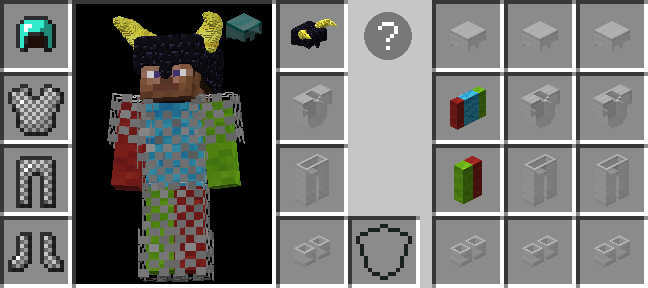
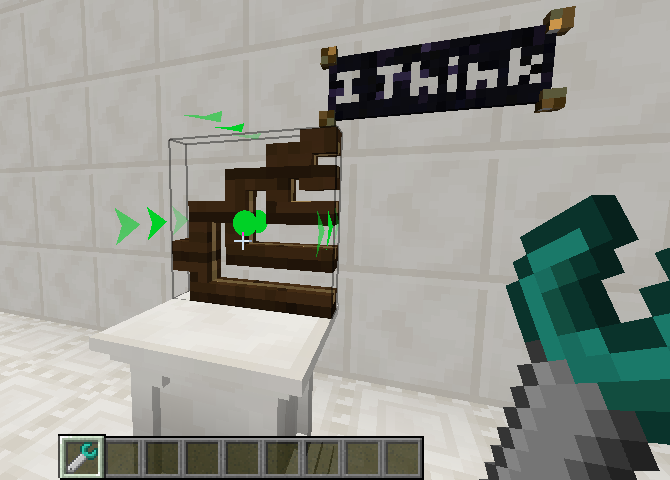
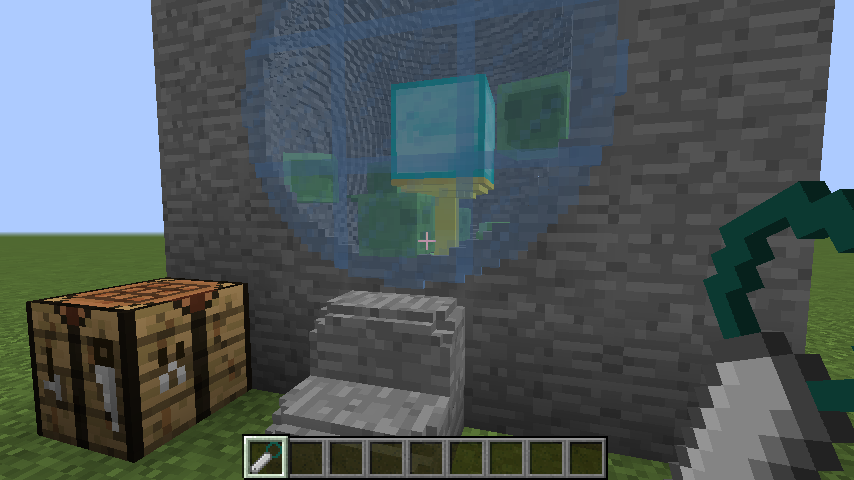
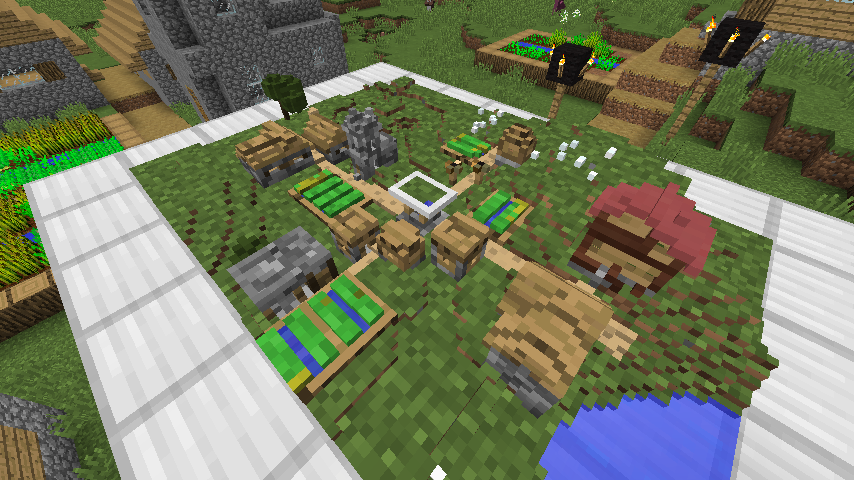
Chiseled Armor tutorial by Pooka Plays:
Clarifications:
- 3:55 [FIXED] Armor worn in vanity slots is now visible to everyone.
- 23:51 [INFO] Both 'before' and 'after' GL operations apply to all blocks/items of a moving part. The order is 'before', then 'part-specific', then 'after', since order maters in Open GL.
- 41:35 I never even thought about enchantment overlay rendering. I'll have to look into it.
- 45:55 [ADDED] The moving parts of chiseled armor pieces can prevent moving parts and overlays of the player model from rendering.
- 48:27 [INFO] Holding shift, while in collection mode, causes the collection area start/end points to be offset by one from the block/pixel you are looking at. This makes collecting liquid bits easier.
- 59:05 [INFO] Blocks are collected by clicking on one block/bit and releasing on another to collect all intersecting bits. Blocks/bits do not need to be individually clicked.
Finally, I highly suggest that everyone read the tooltips for chiseled armor items while holding control (while in different modes, since the info is mode-specific), as well as clicking the question mark in GUIs and reading all the more detailed hover text while hovering the cursor over each highlighted element.
How to install Extra Bit Manipulation
With Millida Launcher
Install Millida Launcher
The launcher is free: download it at millida.net/launcher and sign in with any nickname.
Click “Install” on this page
The launcher opens and installs the mod for Minecraft 1.12–1.12.2 automatically.
Launch the game
A profile with it appears in the launcher: click “Play”.
Manually
Download the file for your version
In the version list above, pick the file ExtraBitManipulation-1.12.2-3.4.1.jar (3.7 MB) for your game version.
Put it in the mods folder
The folder is inside .minecraft (Windows: %appdata%\.minecraft\mods). If it does not exist, create it.
Launch the loader profile
Open “Mods” in the main menu: Extra Bit Manipulation should be in the list.
Minecraft 1.12.2 runs on Java 8: with a different Java version the game may close right after launch.
Versions
With dependencies
| Minecraft | Loader | File | Date | Actions |
|---|---|---|---|---|
| 1.12.1 | — | ExtraBitManipulation-1.12.2-3.4.1.jar3.7 MB | ||
| 1.12 | — | ExtraBitManipulation-1.12-3.0.0.jar2.9 MB |
FAQ
Which Minecraft versions does Extra Bit Manipulation work on?
There are files for 1.12.2, 1.12.1, 1.12. The newest is 1.12.2.
Which Java does Extra Bit Manipulation need?
Minecraft 1.12.2 runs on Java 8. If the game closes right after launch, the usual cause is the wrong Java version in the profile settings.
Where can I download Extra Bit Manipulation safely?
On this page: the file ExtraBitManipulation-1.12.2-3.4.1.jar (3.7 MB) is stored on Millida’s server, with no link shorteners. SHA-1 checksum: b6b018634075e995bdaf1318a4ac7d0f6c1d2158.
Reviews
Be the first to rate Extra Bit Manipulation


