
Minecraft mods — page 337
9,025 itemsMods: list
Portals Gui [Fabric/Forge]
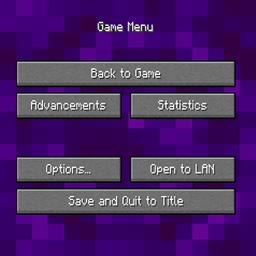
Prevent nether portals from closing GUIs.Install
Auto Elytra
A mod that automatically switches your elytra and chestplate when you try to fly.Install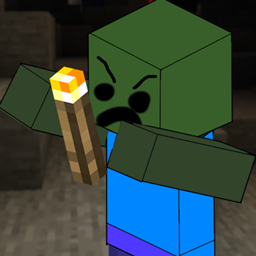
Zombies Hates Light
Zombies will try to destroy your light sourcesInstall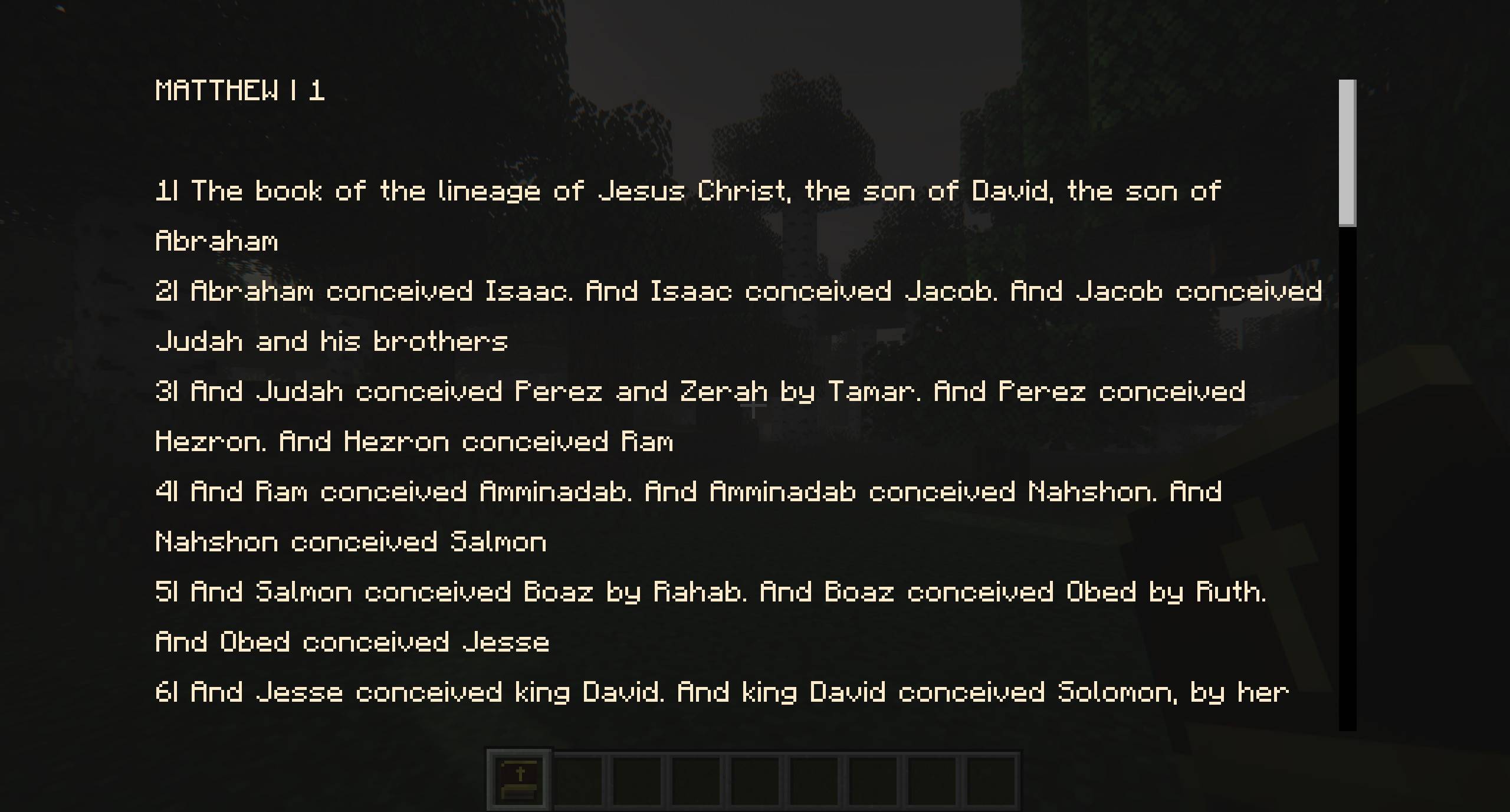
The Bible
Adds the entire CPDV translation of the Bible as an item.Install
Mebahel's Antique Beasts
Inspired by Skyrim and Age of Mythology — battle ancient warriors, tame legendary beasts, and explore forgotten ruins from across civilizations. Myth, magic, and chaos await in this immersive fantasy overhaul.Install
OtterLib
A cool new simple library mod that everyone can use!Install
Stacked Blocks: Supplementaries
A compatibility mod for Stacked Blocks and Supplementaries.Install
Early-Game Buckets
Adds wooden and ceramic buckets to the game (w/ durability!)Install
Hey That's Mine
A fabric mod for a container claiming and trusting system.Install
Floating Items Enchanting Table
Enchanting Table animations to feel the magicInstall
Air Jump Enchantment (Fabric/Forge/NeoForge/Quilt)
A new enchantment for boots to do a extra jump when the player is falling!Install
Armor Durability HUD Display
Vanilla style widget showing your armor and a low durability warning.Install

Maintenance Mode
Put your server in maintenance mode!Install
Linear Levels
Adds configuration options for experience levelsInstall
Useful Tools
Early game items for your building, farming and mining needs.Install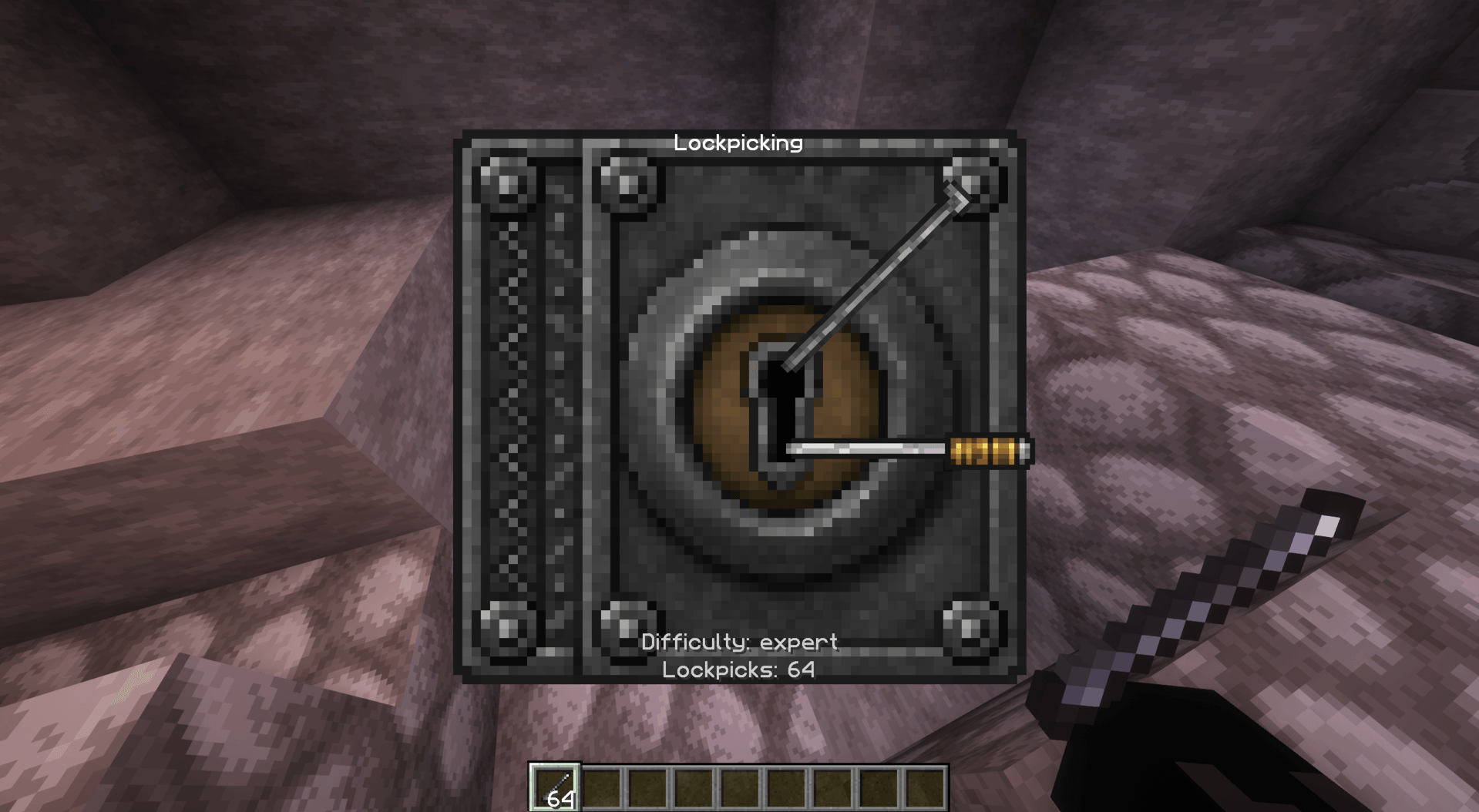
Mebahel's Elder Scrolls Core
Bring Elder Scrolls alchemy, soul magic, lockpicking, and Standing Stone blessings to Minecraft with iconic ingredients, powerful potions, weapon coatings, craftable Soul Gems, and secured treasure chests.Install
Incorporeal 3
Addon to a magic mod. More toys for Botania corporea dorks. For 1.18.2.Install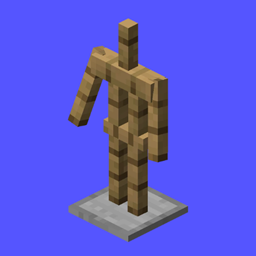
Jodek's Armor Stand Arms
All armor stands now come with arms by default! Right click + shift to show or hide the arms!Install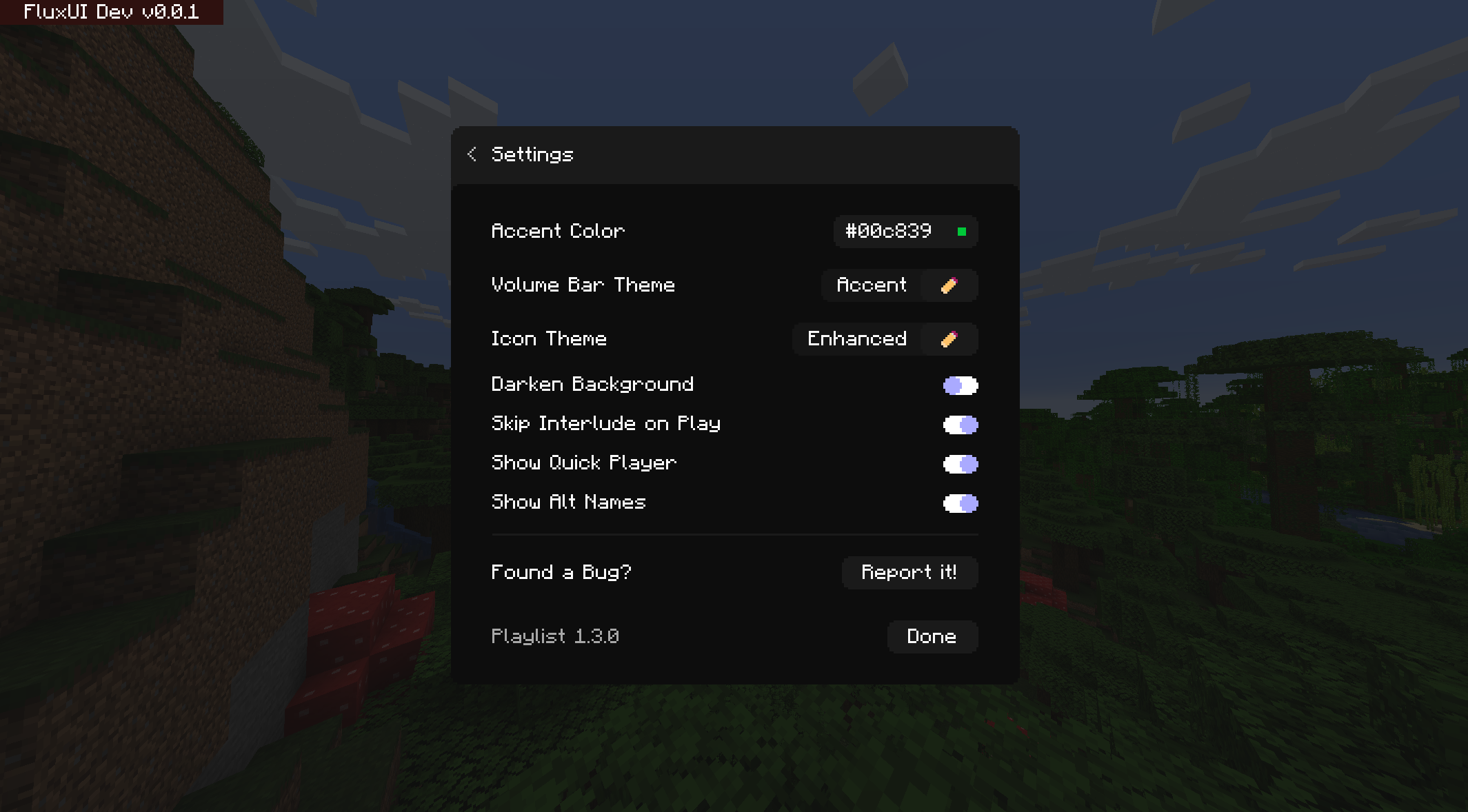
Playlist
Take control of Minecraft's musicInstall
BankSystem
BankSystem is a Minecraft mod that brings money in to the game. Used as a dependency for other modsInstall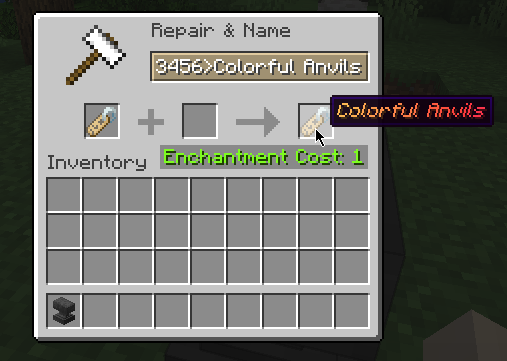

Colorful Anvils
🎨 Use large variety of colors in anvilsInstall
Guns Without Roses
Simple Terraria-like guns and bullets to go with them. Does not add roses.InstallOn a server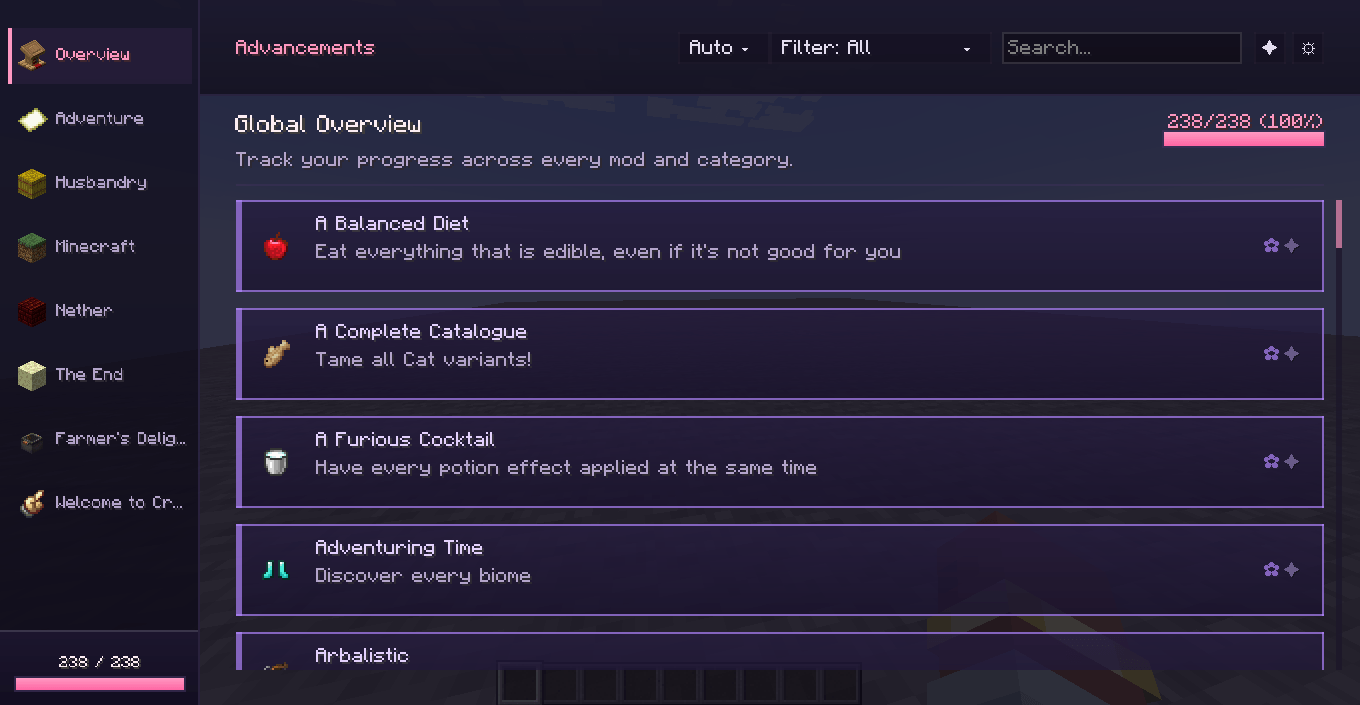
Lucid Advancements
A modern overhaul of Minecraft's Advancements screen with a cleaner interface, global progress tracking, powerful search, and a more organized way to browse advancements from every mod.InstallFAQ
How is Forge different from Fabric?
They're two different mod loaders that aren't compatible with each other. Forge is the older one and better suited to big tech and magic modpacks; Fabric is lighter, updates to new game versions faster, and hosts most performance mods. NeoForge is a Forge fork for newer versions, and Quilt is a Fabric fork. A Forge mod won't run on Fabric, and vice versa. Millida Launcher installs the right loader for you.
How do I know which mod version I need?
The one that matches your game version and loader. The “Install” button picks the file for you: Millida Launcher grabs the version for your modpack. A mod for 1.20.1 usually won't work on 1.21.
How do I install a mod?
Click “Install” and Millida Launcher will download the mod, its dependencies and the right loader for you. To install a downloaded file manually, put it in the mods folder inside the game directory.
Do I need CurseForge to install mods?
No. The Install button on a mod page opens Millida Launcher: it downloads the mod, its dependencies and the right loader into the chosen instance by itself. No CurseForge and no manual file copying.
Which mods are there for 1.20.1?
1.20.1 is one of the most modded versions, especially on Forge: tech, magic, RPG, furniture, weapons. Pick 1.20.1 in the version filter to keep only mods with a file built exactly for it, then pick Forge or Fabric next to it.
Can I install mods on my phone?
On Android, yes: Millida Launcher runs the Java edition on a phone, and mods work there just like on a PC, though light ones run much better than heavy ones. Minecraft PE (Bedrock) cannot load PC mods — it has add-ons instead, in the Minecraft PE mods section.
Which mods are best to play with friends?
The usual picks are Simple Voice Chat for proximity voice chat, Waystones for fast travel, Xaero's Minimap and something big to work on together, such as Create. Mods that change the world must be installed by every player and on the server, while client-side ones like a minimap or performance mods are up to each player.
Minecraft mods
A mod is an add-on that changes the game itself: it adds blocks, mobs and mechanics, or speeds up world rendering. It isn't installed into the game directly but on top of a loader — Forge, Fabric, NeoForge or Quilt — and it's the loader that decides whether the file will run. That's why every card here lists both the game version and the loader: two mods with the same name for 1.12.2 Forge and 1.21 Fabric are two different files, and mixing them up means a crash on launch.
The most searched Minecraft mods are weapon, furniture, horror and performance mods: each theme has its own collection, and links to the themes and the most wanted versions are in the Popular block. Version 1.20.1 on Forge still holds the most big tech, magic and RPG mods, while the fresh 1.21.11 and 26.2 get Fabric and NeoForge mods fastest.
One mod in the catalog, one page. Every version the author has released is listed on its card: pick your game version and loader right there instead of jumping between ten similar pages. Each file shows its size, release date and checksum, and the mod itself shows the author, license and a link to the original source. Files whose license allows rehosting are stored with us and download directly — no link shorteners, timers or ad redirects. If the license forbids rehosting, the button honestly takes you to the author.