
Minecraft mods — page 332
9,025 itemsMods: list

Jumpy Boats(Fabric/Quilt)
Let your boats Jump!Install
GravityAPI
An API that lets the player change their gravityInstall
Withering Enchantment (Fabric/Forge/NeoForge/Quilt)
New enchantment for swords that applies wither!Install
NexusLib
A library mod featuring some useful helpers and systemsInstall
Lava Clear View (Old Fabric)
Allow you to see more easily under lava, when you have fire resistance.Install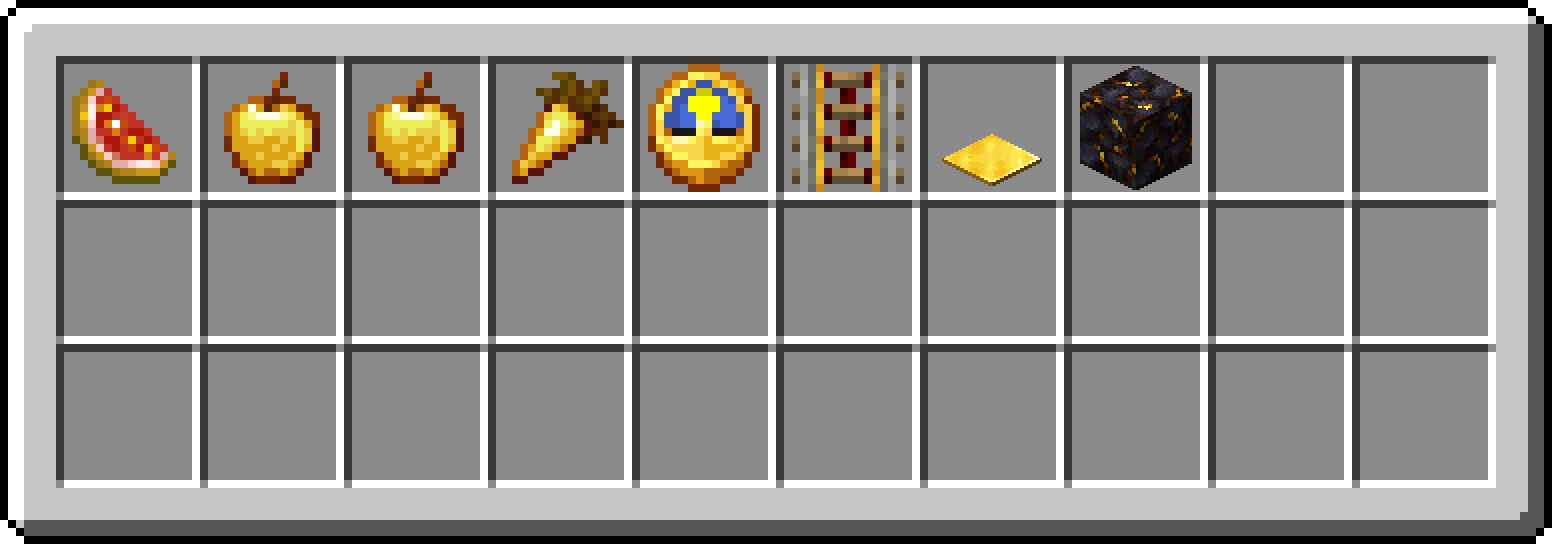
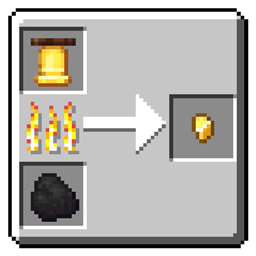
Gold Nugget Recycling
Lets you smelt most gold-requiring items into Gold Nuggets. Must-have for Vanilla+ playthroughs.Install
Pettable
A Minecraft mod that lets you pet friendly creaturesInstall
FoxGlow
When foxes and players eat glow berries they should glow, shouldn't they? Maybe even multicolor glow!Install
Touhou Origins
Adds 16+ origins to the Origins mod inspired by the Touhou Project seriesInstall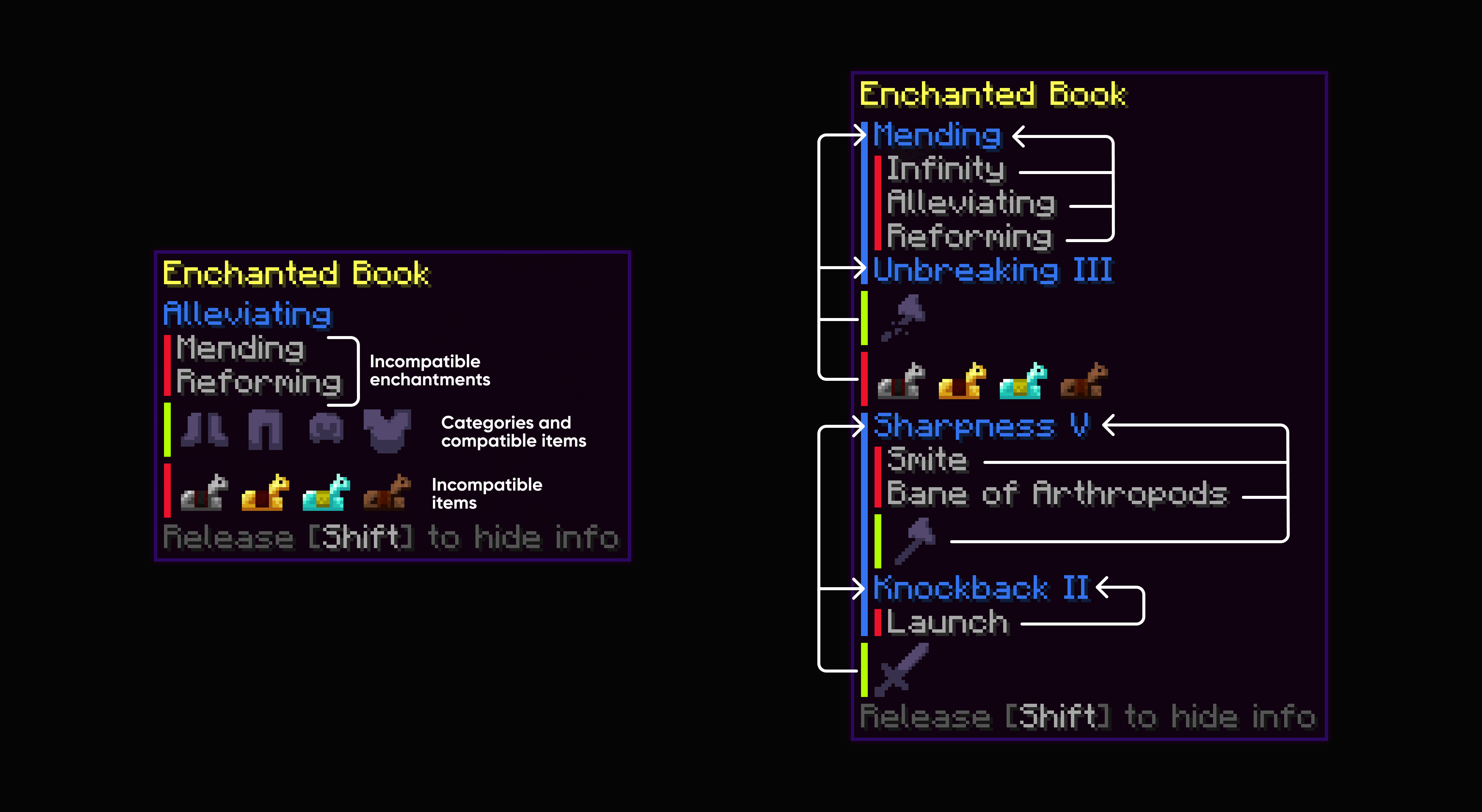

Enchantment Info
Shows compatibilities and other info about Enchantments in Enchanted Book's tooltip.Install

Ars Elixirum [Fabric Edition]
Ultimate extension of potion crafting, applications, and diversity!Install
ChatLagRemover
Removes the laggs that sometimes come when a message comes in chat.Install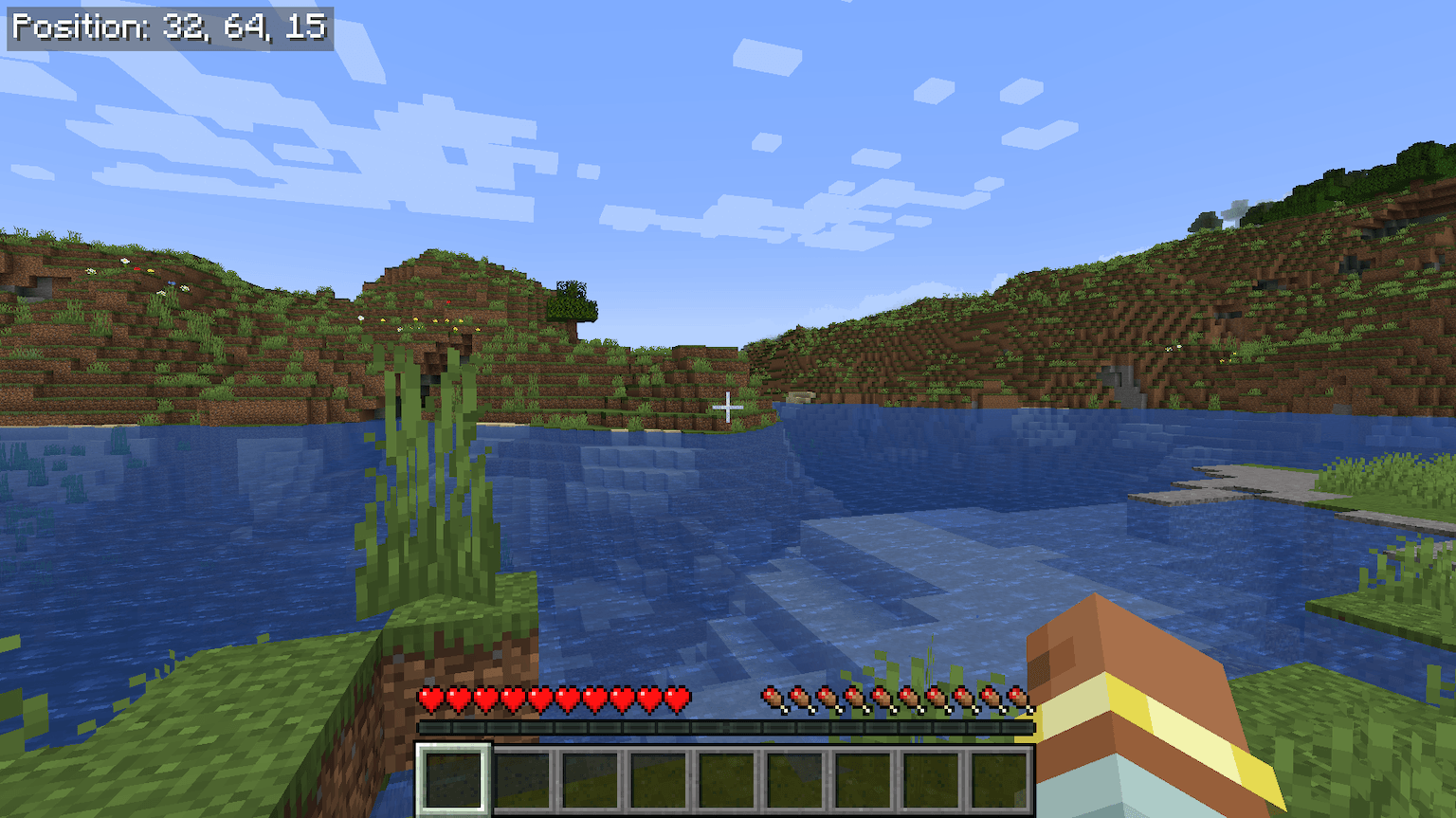
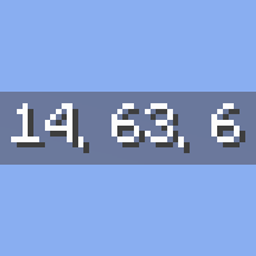
Just Coordinates
Displays simple XYZ coordinates on screen, like Bedrock Edition. Client-side, lightweight, and dependency-free (Fabric API only).Install
Chime (Fabric)
More options for creating dynamic item modelsInstall
Swiftness Enchantment (Fabric/Forge/NeoForge/Quilt)
New enchantment for boots to increase movement speed!Install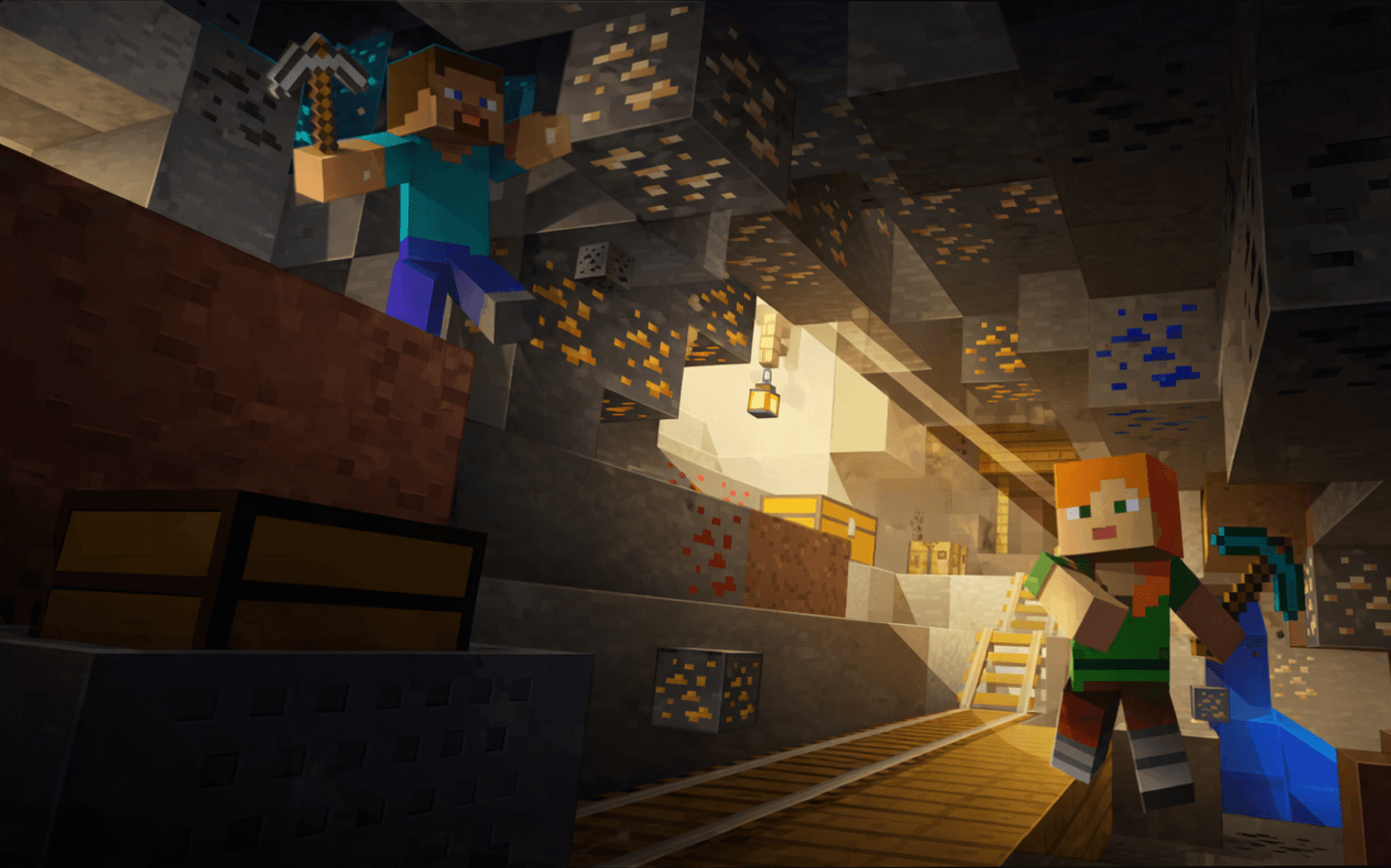
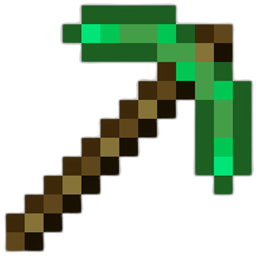
Vein Miner & Preview
A universal vein miner lets you mine entire ore veins and trees by sneaking and breakingInstall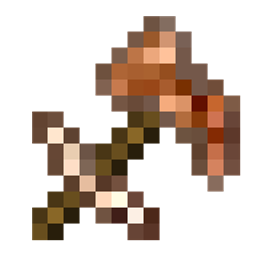
More Than A Pickaxe (Fabric/Quilt)
A multitool Minecraft mod that is a pickaxe, axe, sword, hoe, and shovel.Install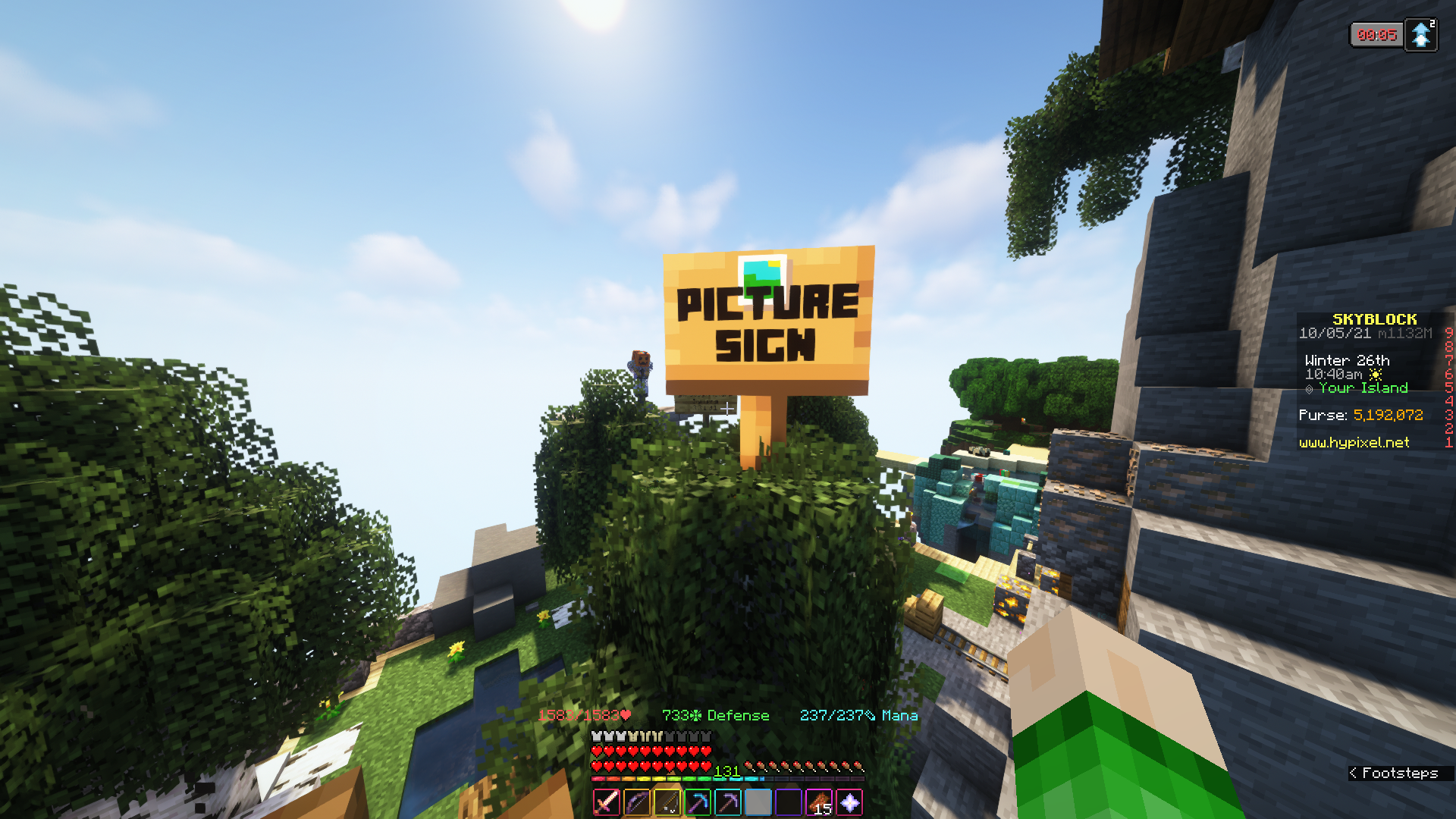

PictureSign
Use signs to display pictures from the web completely client-side!Install
Replanter Plus
Client-side mod for harvesting and replanting crops automatically with a single clickInstall
Soulbound Enchantment (Fabric/Forge/NeoForge/Quilt)
New enchantment thats returns your item upon death!Install
Pink
Adding cute and pink things to your worldInstall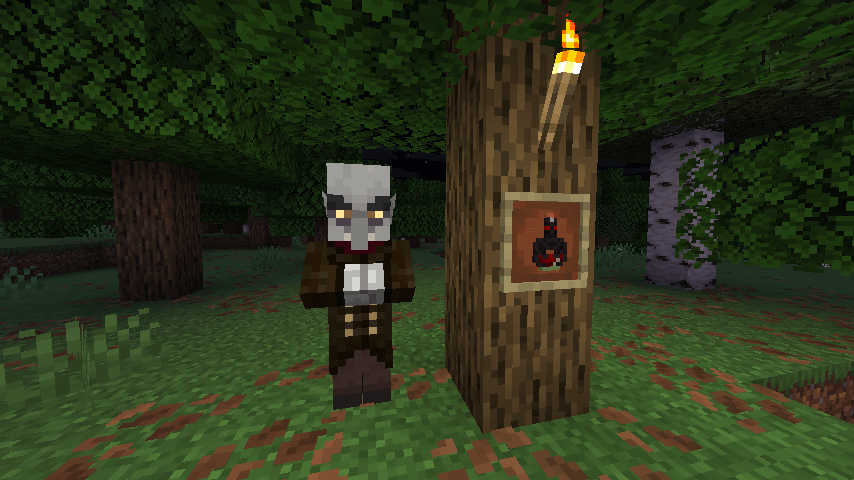
Nycto
Adds vampires (and later werewolves), and allows you turn into or hunt themInstall
VehicleFix
A small mod that makes it so vehicles (boat, horse, minecart, etc) check if their passenger is going to collide with blocks when it moves.InstallFAQ
How is Forge different from Fabric?
They're two different mod loaders that aren't compatible with each other. Forge is the older one and better suited to big tech and magic modpacks; Fabric is lighter, updates to new game versions faster, and hosts most performance mods. NeoForge is a Forge fork for newer versions, and Quilt is a Fabric fork. A Forge mod won't run on Fabric, and vice versa. Millida Launcher installs the right loader for you.
How do I know which mod version I need?
The one that matches your game version and loader. The “Install” button picks the file for you: Millida Launcher grabs the version for your modpack. A mod for 1.20.1 usually won't work on 1.21.
How do I install a mod?
Click “Install” and Millida Launcher will download the mod, its dependencies and the right loader for you. To install a downloaded file manually, put it in the mods folder inside the game directory.
Do I need CurseForge to install mods?
No. The Install button on a mod page opens Millida Launcher: it downloads the mod, its dependencies and the right loader into the chosen instance by itself. No CurseForge and no manual file copying.
Which mods are there for 1.20.1?
1.20.1 is one of the most modded versions, especially on Forge: tech, magic, RPG, furniture, weapons. Pick 1.20.1 in the version filter to keep only mods with a file built exactly for it, then pick Forge or Fabric next to it.
Can I install mods on my phone?
On Android, yes: Millida Launcher runs the Java edition on a phone, and mods work there just like on a PC, though light ones run much better than heavy ones. Minecraft PE (Bedrock) cannot load PC mods — it has add-ons instead, in the Minecraft PE mods section.
Which mods are best to play with friends?
The usual picks are Simple Voice Chat for proximity voice chat, Waystones for fast travel, Xaero's Minimap and something big to work on together, such as Create. Mods that change the world must be installed by every player and on the server, while client-side ones like a minimap or performance mods are up to each player.
Minecraft mods
A mod is an add-on that changes the game itself: it adds blocks, mobs and mechanics, or speeds up world rendering. It isn't installed into the game directly but on top of a loader — Forge, Fabric, NeoForge or Quilt — and it's the loader that decides whether the file will run. That's why every card here lists both the game version and the loader: two mods with the same name for 1.12.2 Forge and 1.21 Fabric are two different files, and mixing them up means a crash on launch.
The most searched Minecraft mods are weapon, furniture, horror and performance mods: each theme has its own collection, and links to the themes and the most wanted versions are in the Popular block. Version 1.20.1 on Forge still holds the most big tech, magic and RPG mods, while the fresh 1.21.11 and 26.2 get Fabric and NeoForge mods fastest.
One mod in the catalog, one page. Every version the author has released is listed on its card: pick your game version and loader right there instead of jumping between ten similar pages. Each file shows its size, release date and checksum, and the mod itself shows the author, license and a link to the original source. Files whose license allows rehosting are stored with us and download directly — no link shorteners, timers or ad redirects. If the license forbids rehosting, the button honestly takes you to the author.