
Minecraft mods — page 327
9,025 itemsMods: list

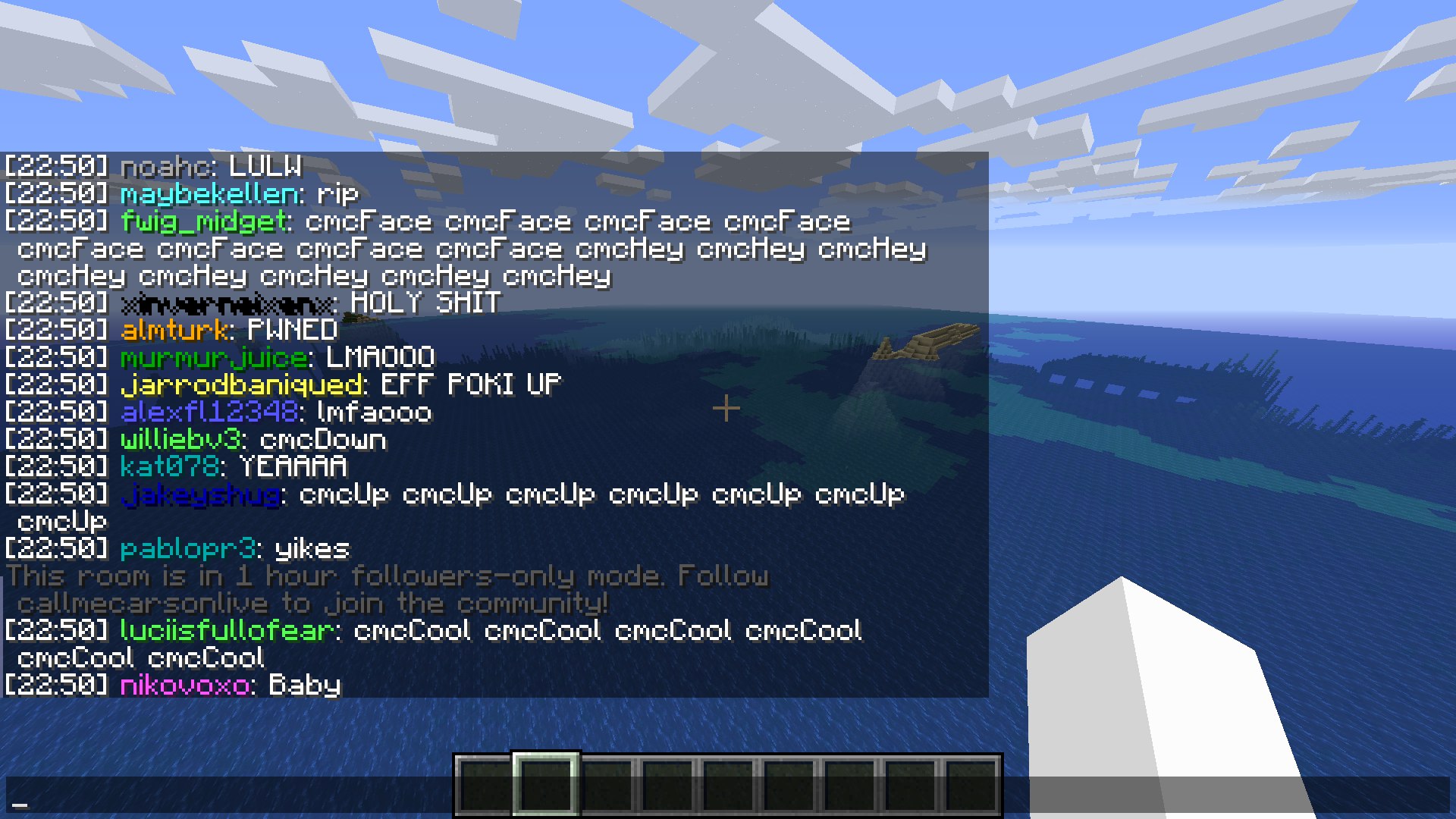
Twitch Chat Bridge (Fabric)
Connect Minecraft chat and Twitch chat!Install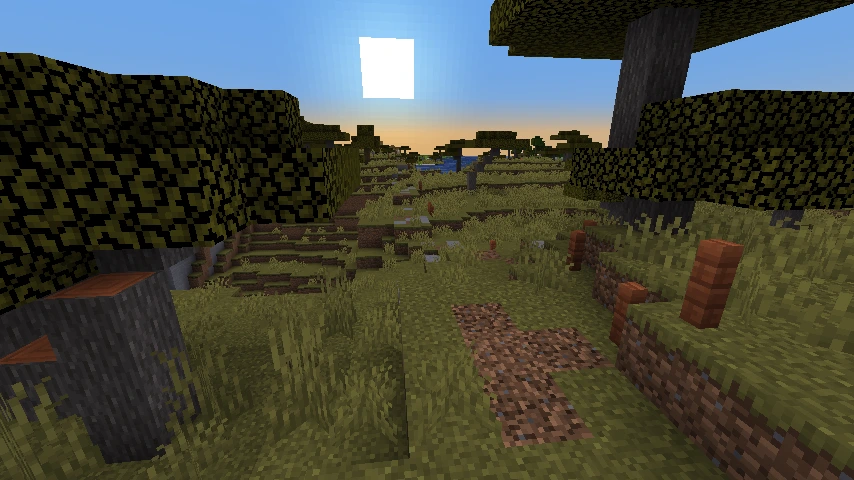
RoadArchitect
Travel around the world without barriers: RoadArchitect automatically scans your world, finds villages, and other structures, and then lays a network of roads between them.Install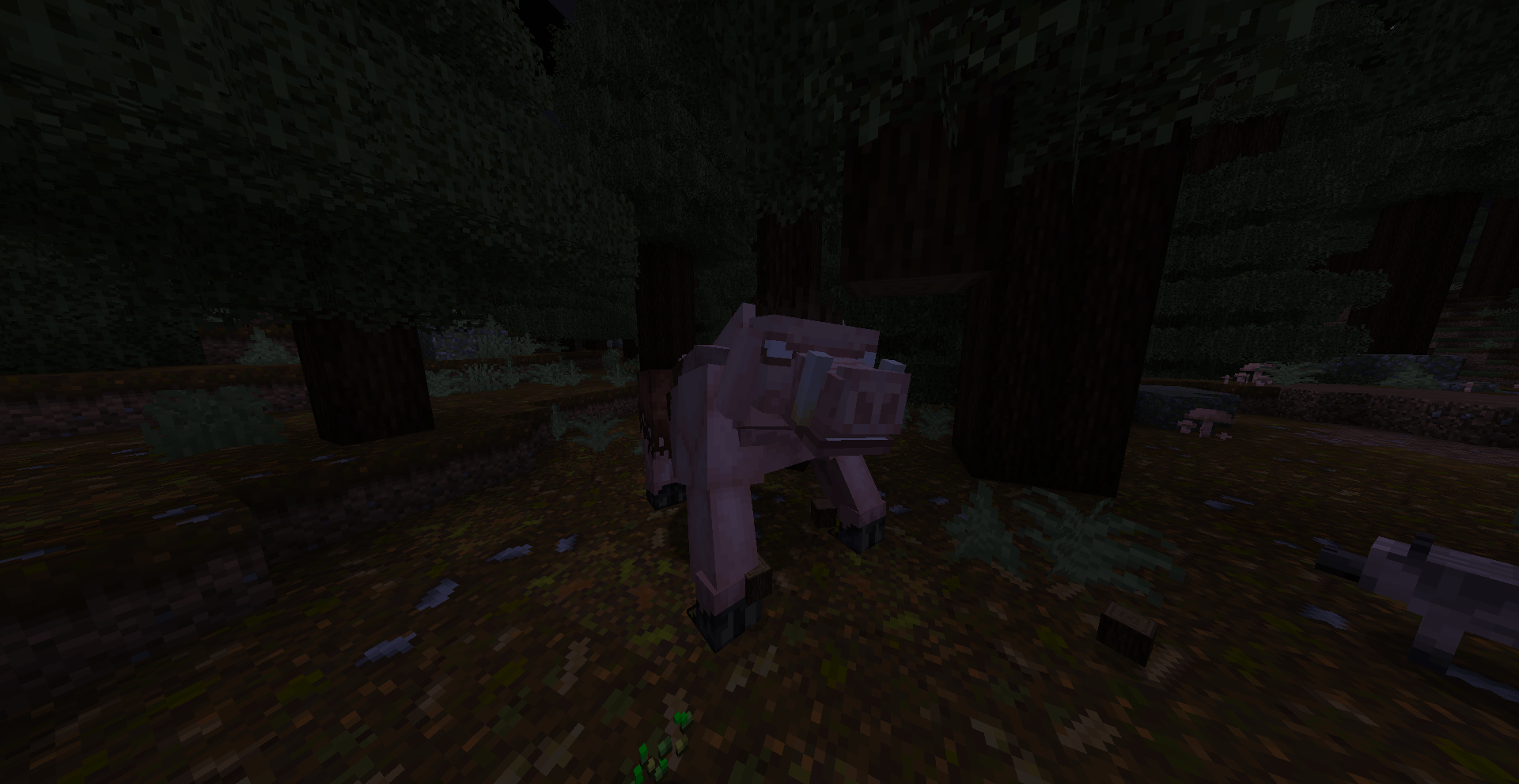
Anthropophagy
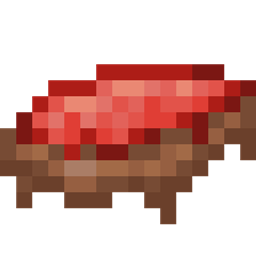
Adds a (dubious) alternate source of foodInstall
Daily Quests
🧭 Complete randomly generated quests each day for experience and loot!Install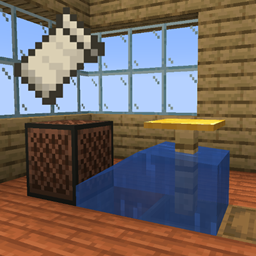
One Block Fish Farm [Fabric]
This mod allows the use of old fishing farms before 1.16Install
Elytra Bounce
Lets you bounce instead of landing with an Elytra!Install
Smelting Touch
Adds an enchantment that autosmelts blocks you mine.Install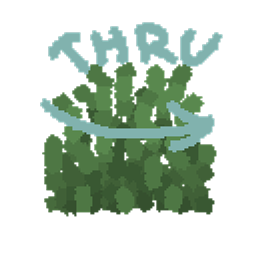
SwingThrough
Allows targeting (and interacting with and attacking) living entities through transparent blocks like grass, crops, and flowers.Install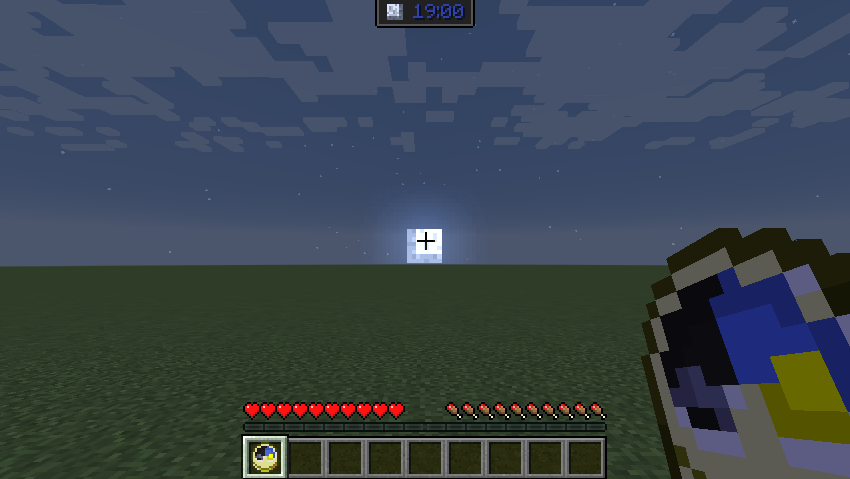
OdysseyHUD [Fabric/Quilt & Forge]
new Hud for the clock, compass, lodestone compass, recovery compass and gps. also you can use Trinkets / Baubles / Curios, now you have a new item frame hud for the itemsInstall
WorldTools: World Downloader (Fabric / Forge)
WorldTools is a powerful Minecraft Mod that allows you to capture and save high-detail snapshots of server worlds locally.Install
Cave Dweller Reimagined (Fabric/Quilt)
Fork of Cave Dweller Reimagined with fabric supportInstall
Totally Enough Pain
Minecraft Hardcore mod for FabricInstall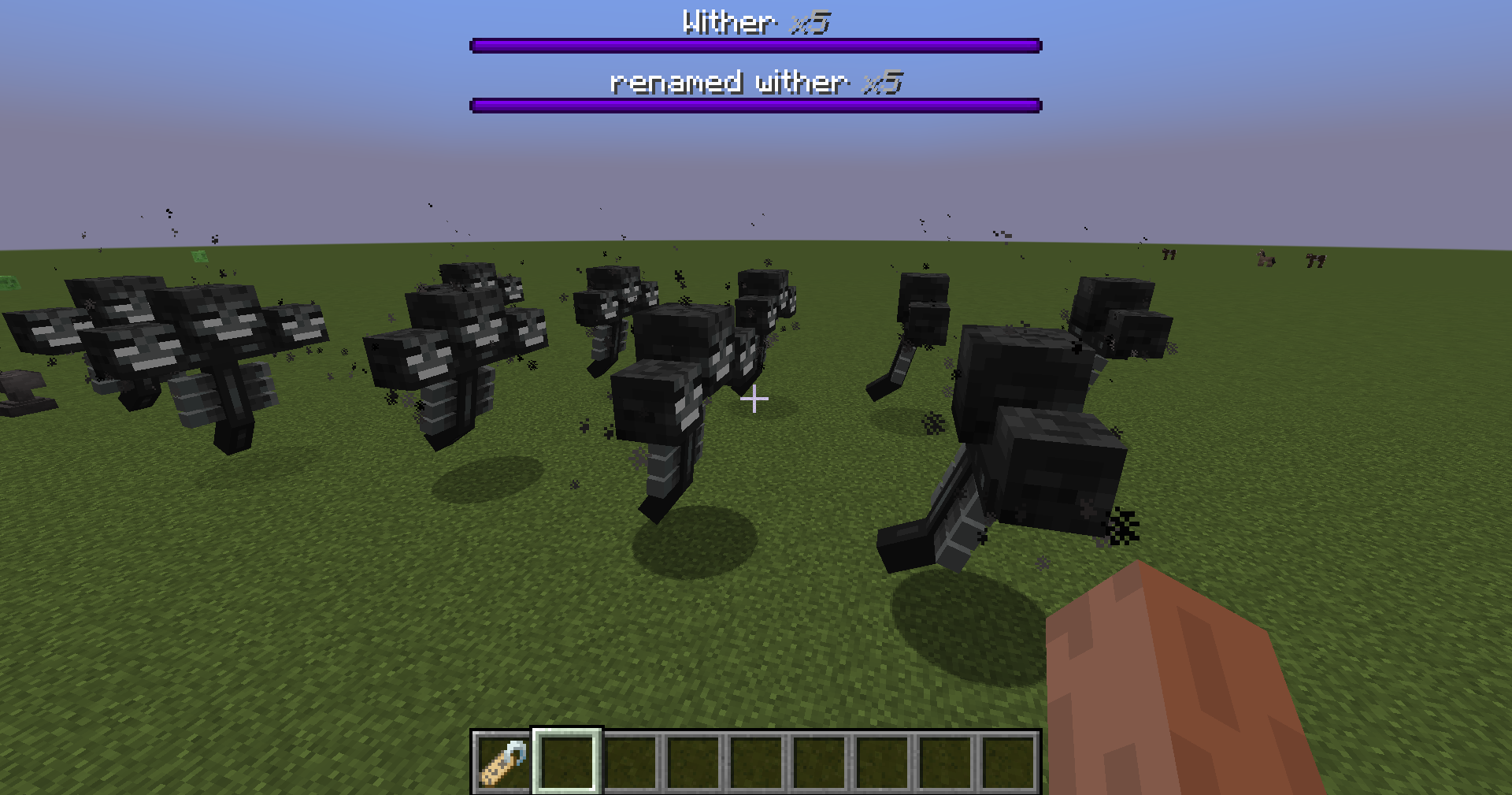

Bossbar Stack [Fabric/Forge]
Stacks all bossbars with the same name together. Clientside mod.Install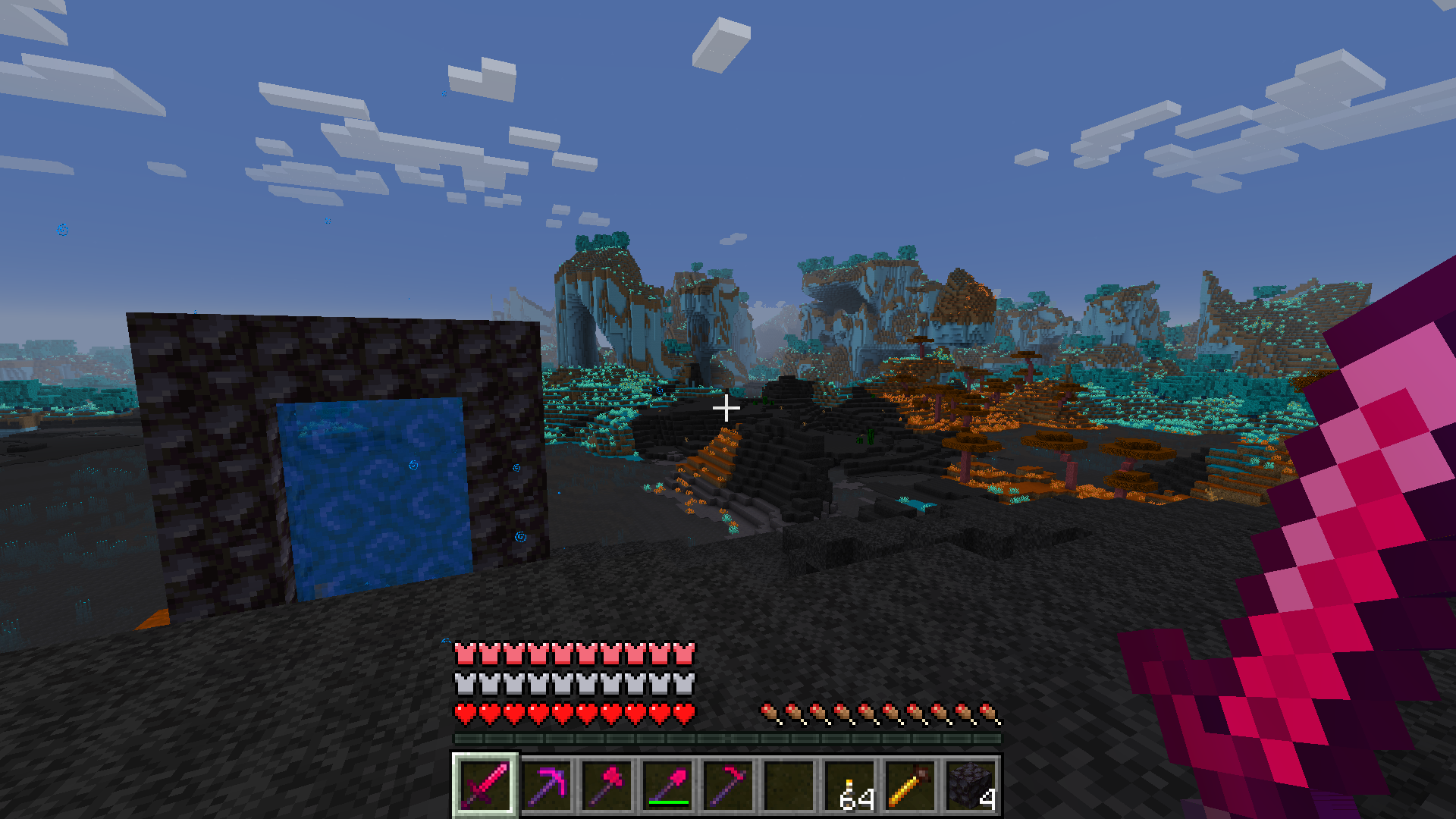
Exotelcraft
A large multi-feature Minecraft mod mainly adding the Exotel dimension, toggleable April Fools' snapshot content, overworld additions, craftable world map, and optional Bedrock-styled UI.Install
Info Overlay
🖥️ Displays your FPS and other information on the screen. Supports large customization and new versions of Minecraft.Install
Infinite Music (updated)
Removes the delay between music tracks.Install
TOP Plus
A add-on for TOP that adds more mod info to modded blocksInstall
Gilded Netherite
Swim in lava with your new armorInstall
FeatureCreep
A Modloader for Making Version independent ModsInstall
GolfIV
Anti-exploit mod for fabricInstall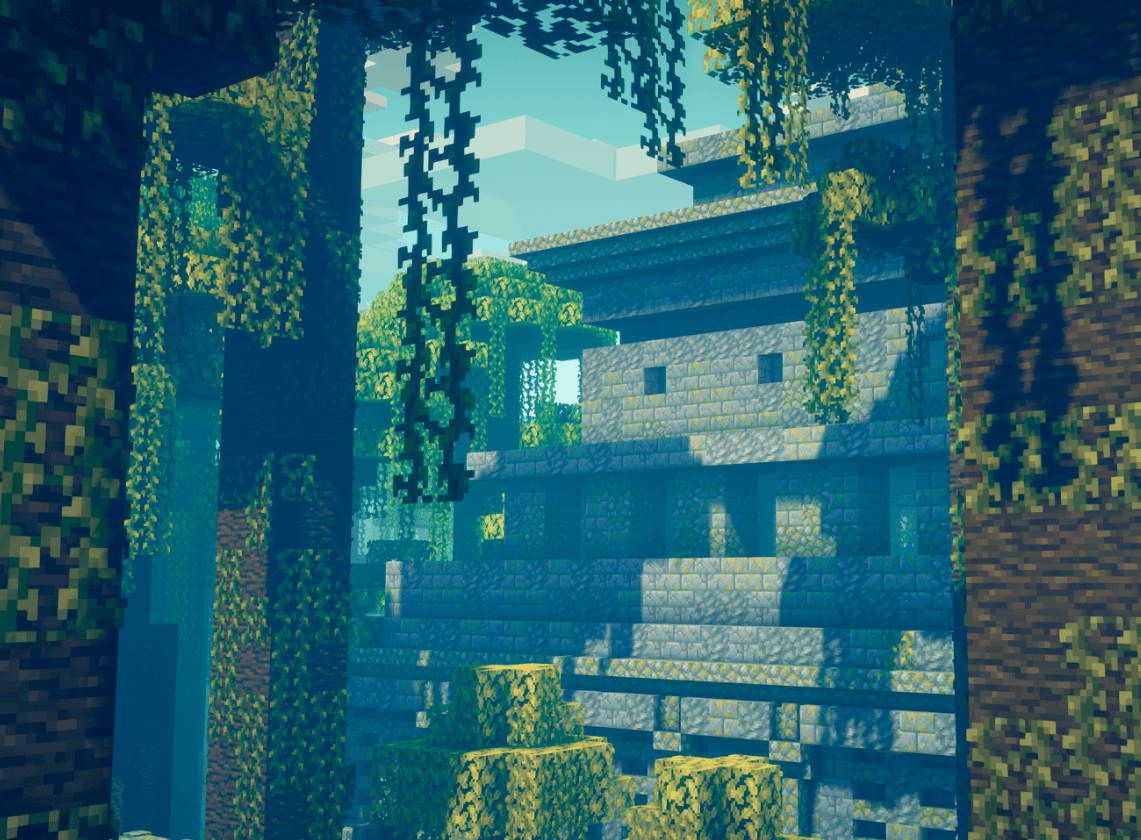

Epic Structures: Jungle Temples
Adds sprawling Jungle Temples to your worldInstall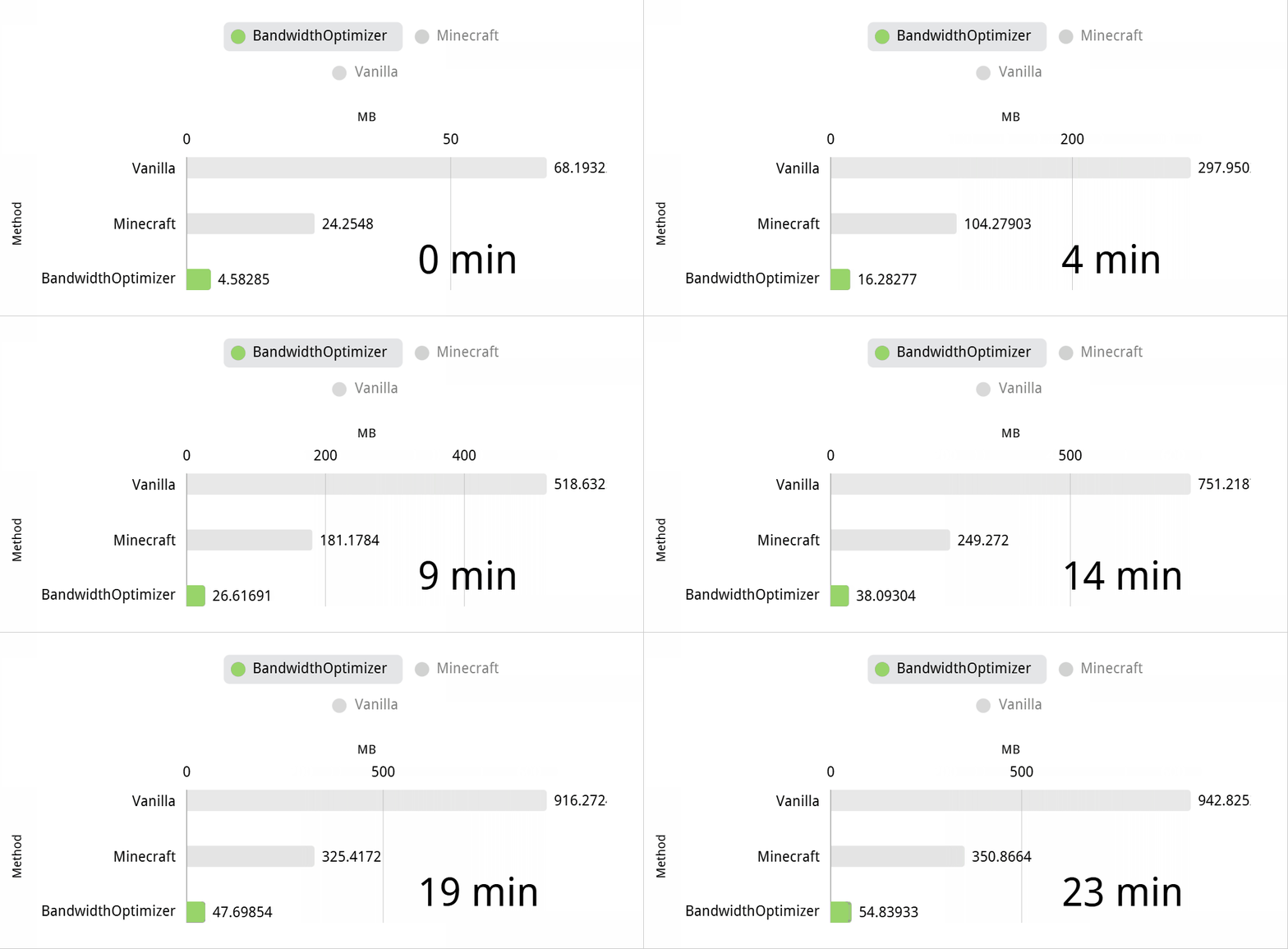

BandwidthOptimizer
Save your MC bandwidth with big quantities.Install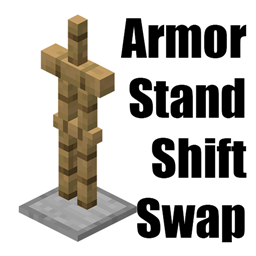
Armor Stand Shift Swap
Shift right click armor stand to swap your whole armor setInstallFAQ
How is Forge different from Fabric?
They're two different mod loaders that aren't compatible with each other. Forge is the older one and better suited to big tech and magic modpacks; Fabric is lighter, updates to new game versions faster, and hosts most performance mods. NeoForge is a Forge fork for newer versions, and Quilt is a Fabric fork. A Forge mod won't run on Fabric, and vice versa. Millida Launcher installs the right loader for you.
How do I know which mod version I need?
The one that matches your game version and loader. The “Install” button picks the file for you: Millida Launcher grabs the version for your modpack. A mod for 1.20.1 usually won't work on 1.21.
How do I install a mod?
Click “Install” and Millida Launcher will download the mod, its dependencies and the right loader for you. To install a downloaded file manually, put it in the mods folder inside the game directory.
Do I need CurseForge to install mods?
No. The Install button on a mod page opens Millida Launcher: it downloads the mod, its dependencies and the right loader into the chosen instance by itself. No CurseForge and no manual file copying.
Which mods are there for 1.20.1?
1.20.1 is one of the most modded versions, especially on Forge: tech, magic, RPG, furniture, weapons. Pick 1.20.1 in the version filter to keep only mods with a file built exactly for it, then pick Forge or Fabric next to it.
Can I install mods on my phone?
On Android, yes: Millida Launcher runs the Java edition on a phone, and mods work there just like on a PC, though light ones run much better than heavy ones. Minecraft PE (Bedrock) cannot load PC mods — it has add-ons instead, in the Minecraft PE mods section.
Which mods are best to play with friends?
The usual picks are Simple Voice Chat for proximity voice chat, Waystones for fast travel, Xaero's Minimap and something big to work on together, such as Create. Mods that change the world must be installed by every player and on the server, while client-side ones like a minimap or performance mods are up to each player.
Minecraft mods
A mod is an add-on that changes the game itself: it adds blocks, mobs and mechanics, or speeds up world rendering. It isn't installed into the game directly but on top of a loader — Forge, Fabric, NeoForge or Quilt — and it's the loader that decides whether the file will run. That's why every card here lists both the game version and the loader: two mods with the same name for 1.12.2 Forge and 1.21 Fabric are two different files, and mixing them up means a crash on launch.
The most searched Minecraft mods are weapon, furniture, horror and performance mods: each theme has its own collection, and links to the themes and the most wanted versions are in the Popular block. Version 1.20.1 on Forge still holds the most big tech, magic and RPG mods, while the fresh 1.21.11 and 26.2 get Fabric and NeoForge mods fastest.
One mod in the catalog, one page. Every version the author has released is listed on its card: pick your game version and loader right there instead of jumping between ten similar pages. Each file shows its size, release date and checksum, and the mod itself shows the author, license and a link to the original source. Files whose license allows rehosting are stored with us and download directly — no link shorteners, timers or ad redirects. If the license forbids rehosting, the button honestly takes you to the author.