

RoadArchitect Mod for Minecraft 1.20.1, 1.21.10
Travel around the world without barriers: RoadArchitect automatically scans your world, finds villages, and other structures, and then lays a network of roads between them.
 NeoForge
 Quilt
Quilt Fabric
 Forge
Forge
RoadArchitect
RoadArchitect is a mod that automatically scans the world for villages and other structures, connecting them with roads to form a persistent travel network. Roads adapt their style to the biome, and the network is saved between game sessions.
Wiki: RoadArchitect Wiki
Features
- 🏘 Automatic detection of villages and other structures
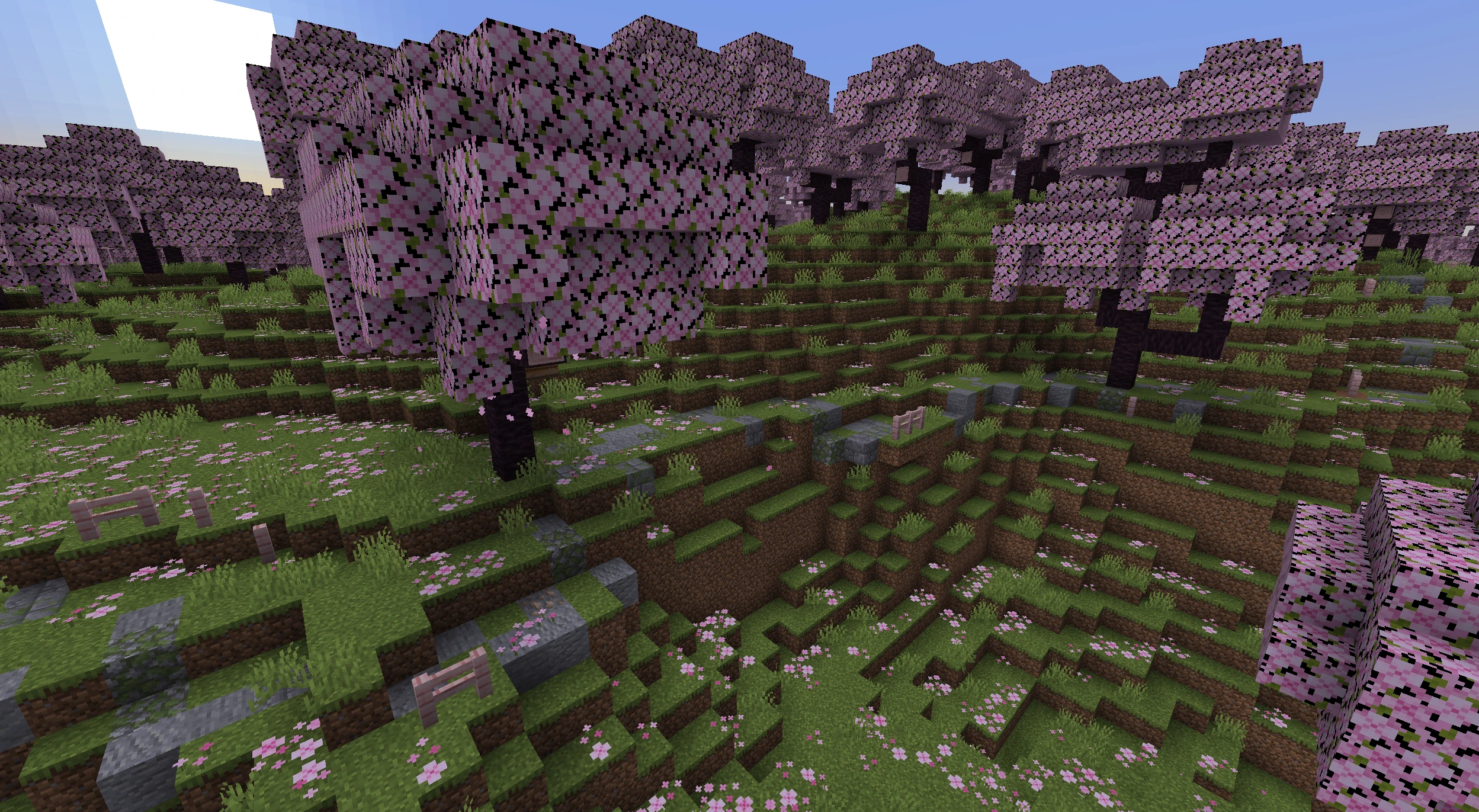
- 🎨 Biome-aware road styles for better immersion
- 🧭 Smart pathfinding using A* with terrain caching
- 💾 Persistent network - roads remain between sessions
- 🔄 Fully automated, minimal configuration required
- 🧰 Configurable via Cloth Config (required on Fabric / Quilt / NeoForge)
- 🌐 Localization: English, Russian, Ukrainian, Spanish, French, German, Chinese
- 🛰 Visual road-graph debugger with pan/zoom, tooltips, and a color legend; in singleplayer, clicking a node teleports to it (default hotkey H)
- 🗺 Terralith-ready - works out of the box with the Terralith world-generation datapack
🧩 Add-ons
- RoadArchitect Encounters: Modrinth / Curseforge / Github
📷 Screenshots
Plains (with lamp decorations)
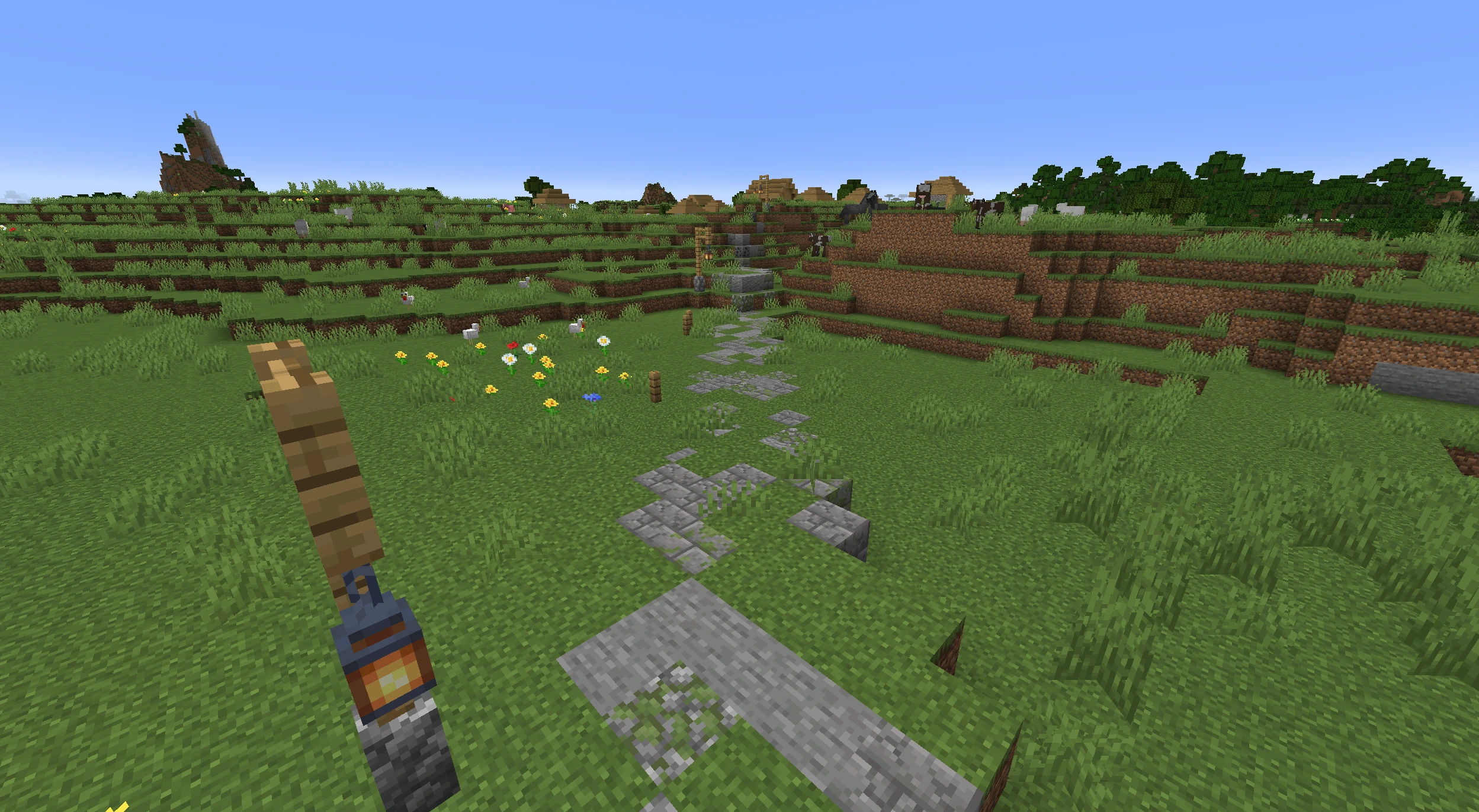
Plains
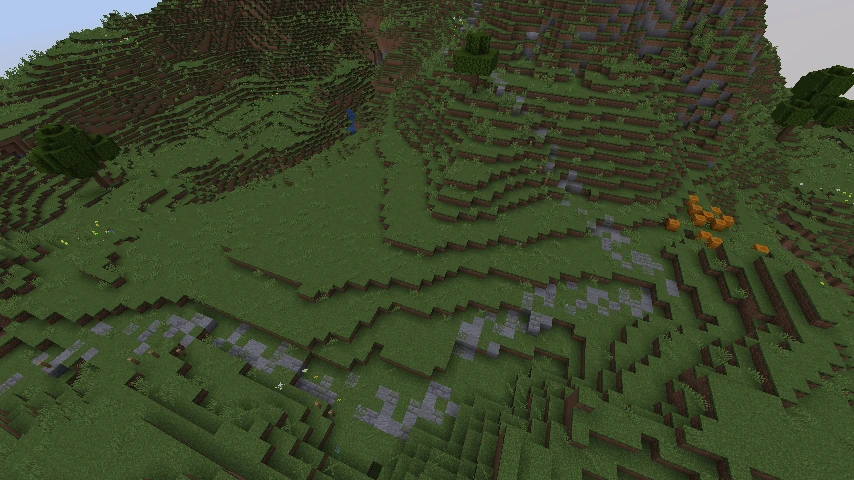
Savanna
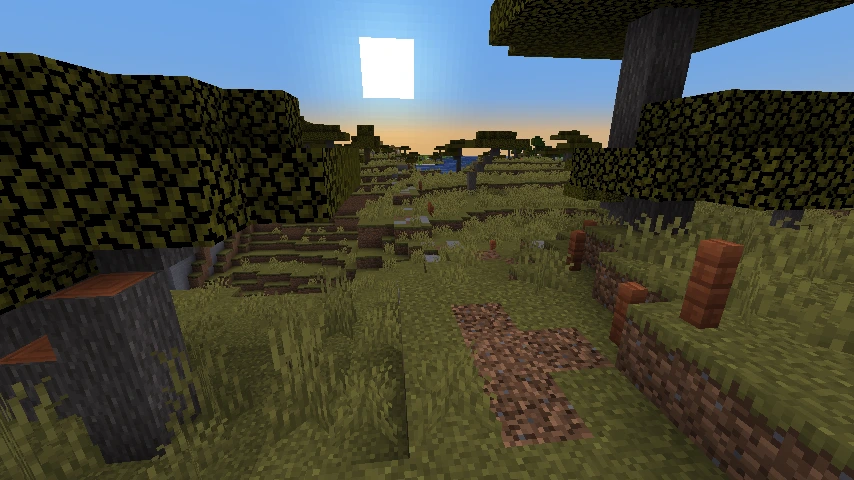
Desert
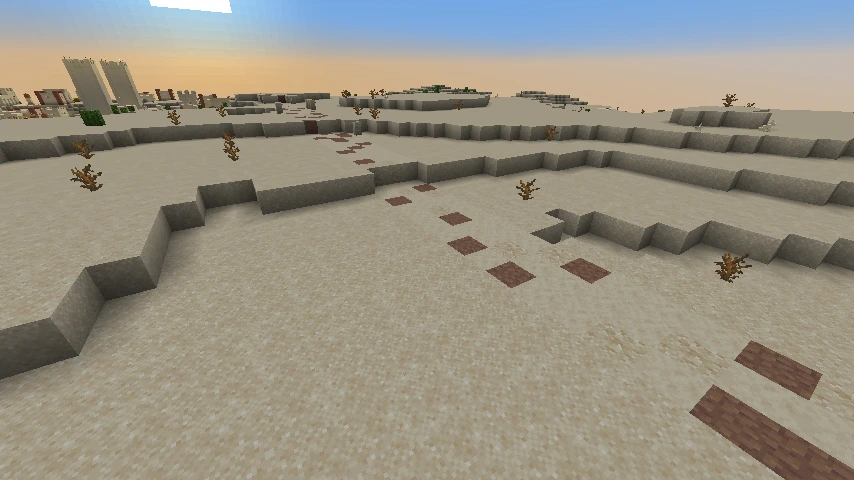
Forest
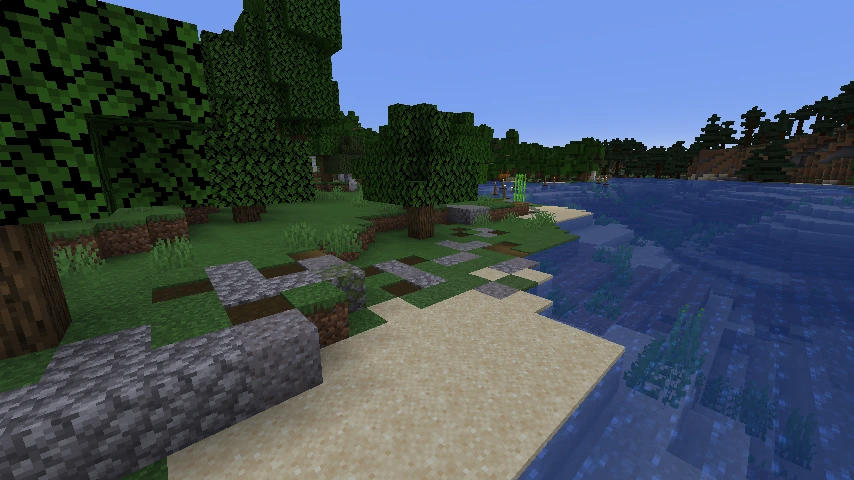
Cherry grove (with lamp decorations)
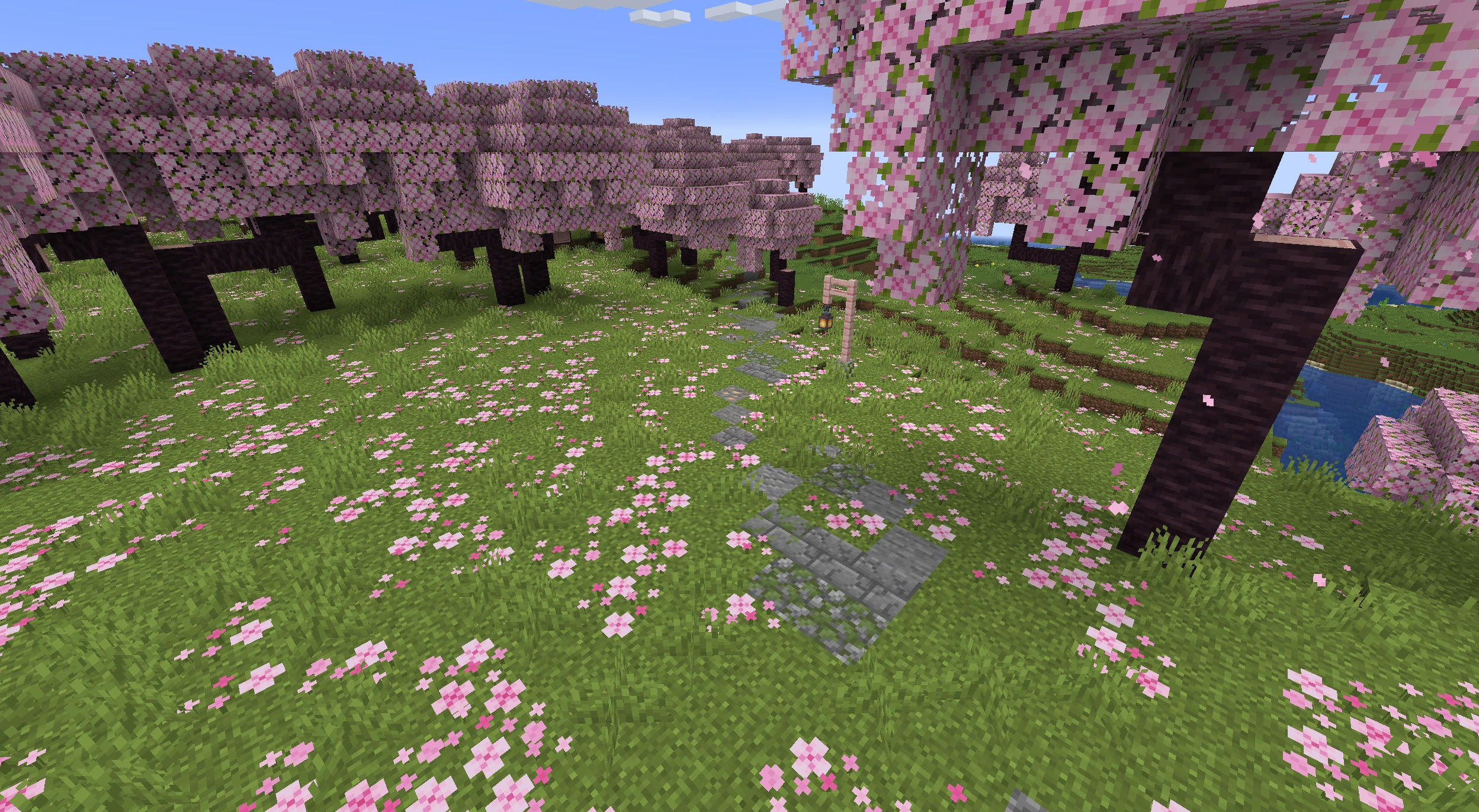
Cherry grove

Taiga
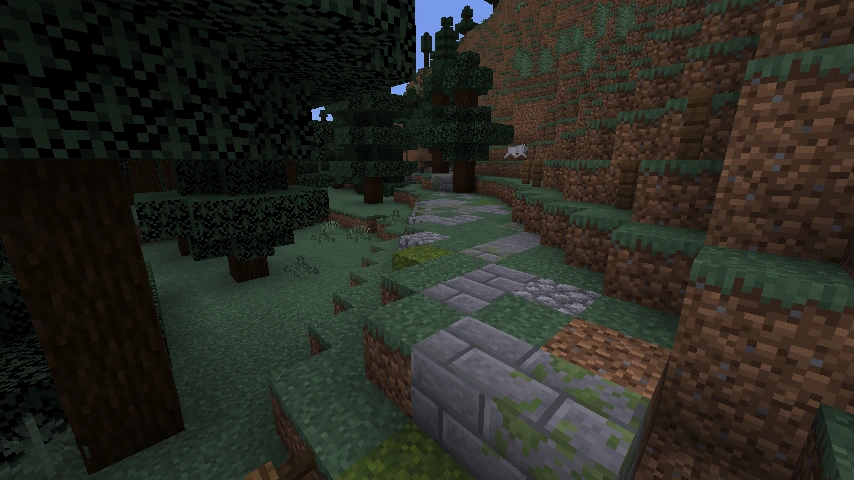
Swamp
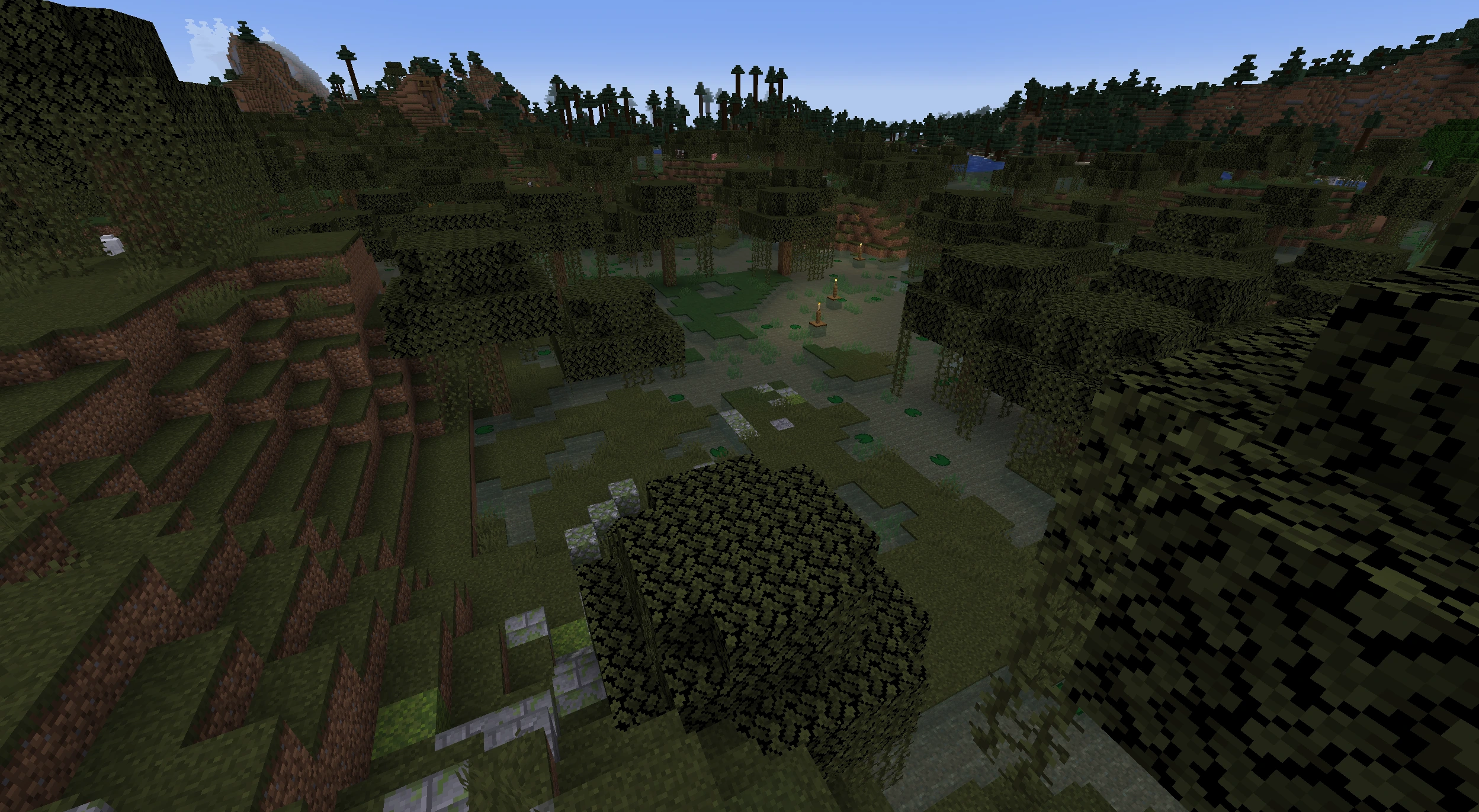
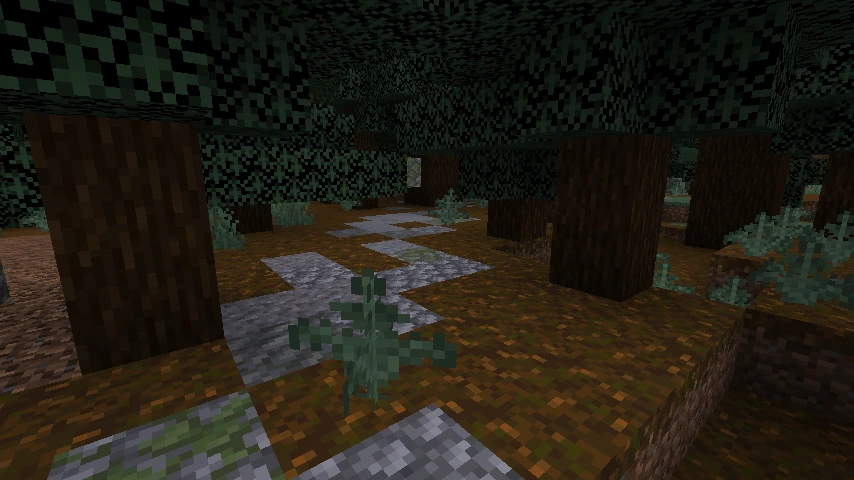
Old growth spruce taiga

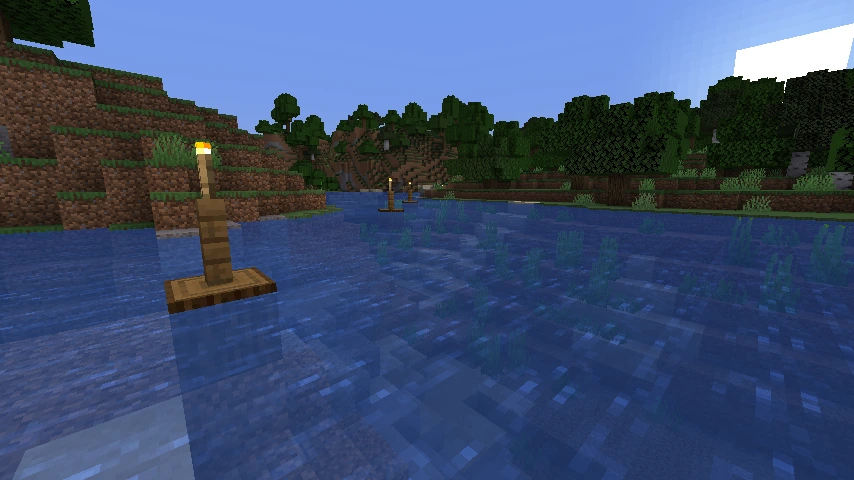
River
📜 Recent changes
v1.6.0 - performance improvements, biome styles, more flexible configuration
✨ Highlights
- ⚡ Performance: significant speedup (up to ~2×) in structure scanning and pathfinding;
- 🌲 Route clearing: automatic removal of trees from the road corridor;
- 🎨 Biome styles: more default presets for vanilla biomes; broad coverage for Biomes O' Plenty;
- 🧰 Configuration:
- works across dimensions;
- road style customization;
- lamppost customization;
- road width customization;
- 🔧 Debugging: new “Debug & Diagnostics (Advanced)” tab in the config; outputs debug messages and pipeline profiler results;
- 🐞 Fixes: corrected translation keys for NeoForge.
Compatibility: no world reset required. Save format unchanged. Existing settings are preserved. Biomes O' Plenty support is optional and activates when the mod is present. The “Detailed debug logging” flag is off by default.
v1.5.0 - Smarter pathfinding, Terrain Analyzer (beta)
✨ Highlights
- 🧭 Terrain Analyzer (beta): clearer recognition of mountainous terrain, with new config options and full translations
- 🧠 Pathfinding controls: configurable land preference and water behavior (acceptable water level, coastal buffer, max coastal speed)
- 🛣️ Partial paths: when a full route can’t be completed, high-progress searches can return the best partial path instead
- 🌊 Safer defaults: oceans are no longer hard-blocked; default “prohibited biomes” now include #minecraft:is_ocean and #minecraft:is_deep_ocean
- 🔒 Stability: thread-safe biome selector cache (eliminates race conditions in concurrent scans)
- 🔧 Fixes: correct player direction on the debug map and reliable point teleportation packet handling; RA config tweaks
- 🧩 Compatibility: improved boot behavior when Distant Horizons is installed
- 🌐 Localization & data: updated category labels, new keys for fresh options, translations split and refreshed (EN/RU/ES/FR/DE/ZH/UK)
Compatibility: No world resets needed. Defaults for water/ocean behavior changed - review new pathfinding options if you rely on custom configs.
v1.4.0 - Add-ons support
✨ Highlights
- 🧩 Add-ons support: official API so other mods can extend Road Architect (events, read-only core views, and per-world storage)
- 📴 No changes out of the box: there are no built-in add-ons; gameplay stays the same unless you install one.
Compatibility: No visible gameplay changes by default; add-ons are optional.;
v1.3.0 - Smarter scans & deterministic decorations
✨ Highlights
- 🧠 Smarter scanning: major performance boost for large-area scans and many structure types-smoother gameplay, cleaner road graphs, and more reliable structure detection.
- 🌲 Deterministic decorations: consistent, per-path placement of decorations (lamps, buoys, side pieces) across chunk loads-less pop-in and cleaner chunk borders. Also fixes common issues like floating fence posts or off-grid buoys.
- 💡 New Lamp decorations: fresh styles and better fence integration where appropriate.
- 🧭 Debug map: shows your position and direction (red dot + arrow).
- ⚙️ New settings (all loaders):
- Lamp interval
- Side decoration interval
- Buoy interval
- Mask erosion near land/water transitions
- Toggle for deterministic decorations
- 🛤️ Smoother road profiles: post-processing reduces spikes and clamps extreme slopes for cleaner elevation transitions.
- 🌐 Localization & UI: updated strings (EN/RU/ES/FR/DE/ZH) and a small progress-stage label fix (“initialisation”).
Compatibility: No breaking changes; existing worlds remain compatible.
v1.2.0 - Vanilla loading, convenient settings, visual debug
✨ Highlights
- 🪄 Progress screen: dropped owo-lib and switched to vanilla rendering (Fabric/Quilt and NeoForge), showing the current pipeline stage.
- 🧭 Road-graph debug screen: pan/zoom, tooltips, and a color legend; in singleplayer, clicking a node teleports to it. Opens with H.
- 🧰 Settings: Cloth Config on all loaders; Mod Menu support (Fabric/Quilt); Catalogue support (NeoForge).
- 🌐 Localizations: English, Russian, Spanish, French, German, Chinese.
Compatibility: No breaking changes; existing worlds remain compatible.
v1.1.0 - Smoother paths, smarter junctions, cleaner buoys
✨ Highlights
- ⚙️ Improved pathfinding (A* / ARA*): adjusted heuristic, removed early termination, expanded profiling.
- 🏗️ Post-processing: added trimming of roads near nodes, improved junction merging and stabilization.
- 🌊 Buoys: now placed only on “clean” water, spaced by real distance, with increased interval (12 → 18).
- 🔧 Fixed client ↔ server sync when registering command arguments.
- 🐛 Fixed swamp style: uses MOSSY_COBBLESTONE_WALL instead of MOSSY_COBBLESTONE.
- 📦 Reduced mod size.
Compatibility: No breaking changes, worlds from 1.0.1 remain fully compatible.
🌉 Related mods & inspiration
- Countered’s Settlement Roads - generates roads between villages with curving paths and smart A* pathfinding.
- All Roads - automatically generates roads between villages and other structures; includes waypoints over water.
Thanks to the authors and the community for pushing this idea forward.
📜 License
This project is licensed under the Apache License 2.0 - see the LICENSE file for details. Full license text: Apache 2.0
Crafted with ❤️ for the Minecraft community
How to install RoadArchitect
With Millida Launcher
Install Millida Launcher
The launcher is free: download it at millida.net/launcher and sign in with any nickname.
Click “Install” on this page
The launcher opens and installs the mod for Minecraft 1.20.1–1.21.10 on Fabric, Forge, NeoForge or Quilt automatically.
Launch the game
A profile with it appears in the launcher: click “Play”.
Manually
Install Fabric, Forge, NeoForge or Quilt
The loader must match the game version of the mod file, for example Minecraft 1.21.10. After installing it, a separate profile appears in your launcher.
Download the file for your version
In the version list above, pick the file roadarchitect-1.6.6-neoforge+1.21.10.jar (1.2 MB) for your game version and loader.
Put it in the mods folder
The folder is inside .minecraft (Windows: %appdata%\.minecraft\mods). If it does not exist, create it.
Launch the loader profile
Open “Mods” in the main menu: RoadArchitect should be in the list.
Minecraft 1.21.10 runs on Java 21: with a different Java version the game may close right after launch.
Versions
With dependencies
| Minecraft | Loader | File | Date | Actions |
|---|---|---|---|---|
| 1.20.1 | Fabric, Quilt | RoadArchitect v1.6.6+1.20.1 [Fabric/Quilt]1.2 MB 1 | ||
| 1.20.1 | Forge | RoadArchitect v1.6.6+1.20.1 [Forge]1.2 MB 1 | ||
| 1.21.10 | NeoForge | RoadArchitect v1.6.6+1.21.10 [NeoForge]1.2 MB 1 | ||
| 1.21.8 | Quilt | RoadArchitect v1.4.0+1.21.8 [Quilt]240 KB |
Reviews
Be the first to rate RoadArchitect


