
Minecraft mods — page 321
9,027 itemsMods: list
Lib39
Useful mixins, events, and utilities originating in Yttr.Install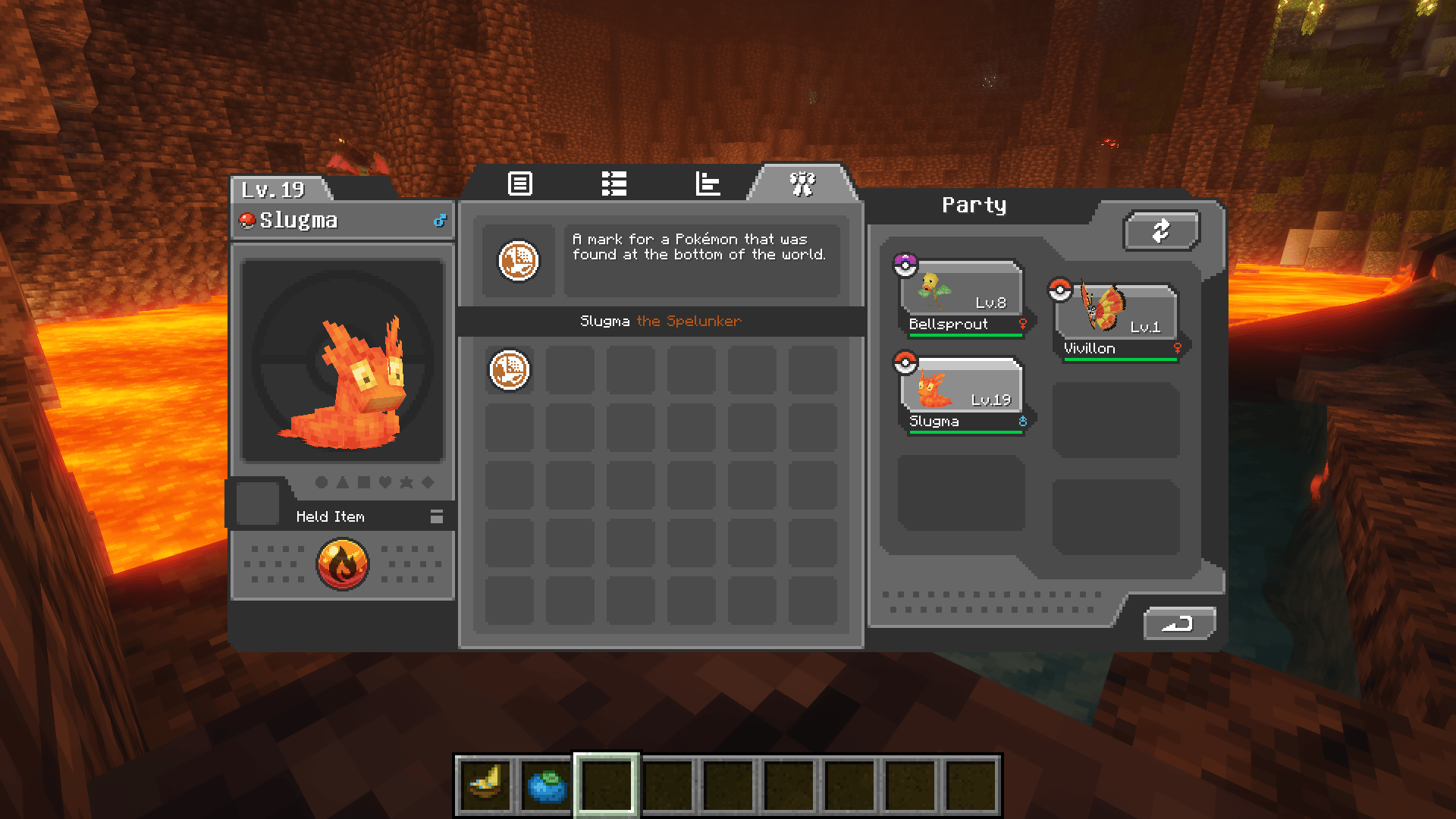
Cobblemarks+ (Cobblemon)
Adds additional marks to Cobblemon, and improves some already existing ones!Install
Patbox's Brewery
Create alcoholic and non-alcoholic drinks with cauldrons and barrels!Install
Keymap
Visually remap your keysInstall
Twerk / Crop Dusting Mod [FABRIC]
a fork of "Dance of Growth"Install
Tough As Nails: A Curios Expansion
Ever thought Tough as Nails needed a few baubles?Install
GUI Effect Timer
⌛ Displays time remaining text inside the mob effect badge on the screen.Install
Deviling Origin
This is a addon for the Origins mod.Install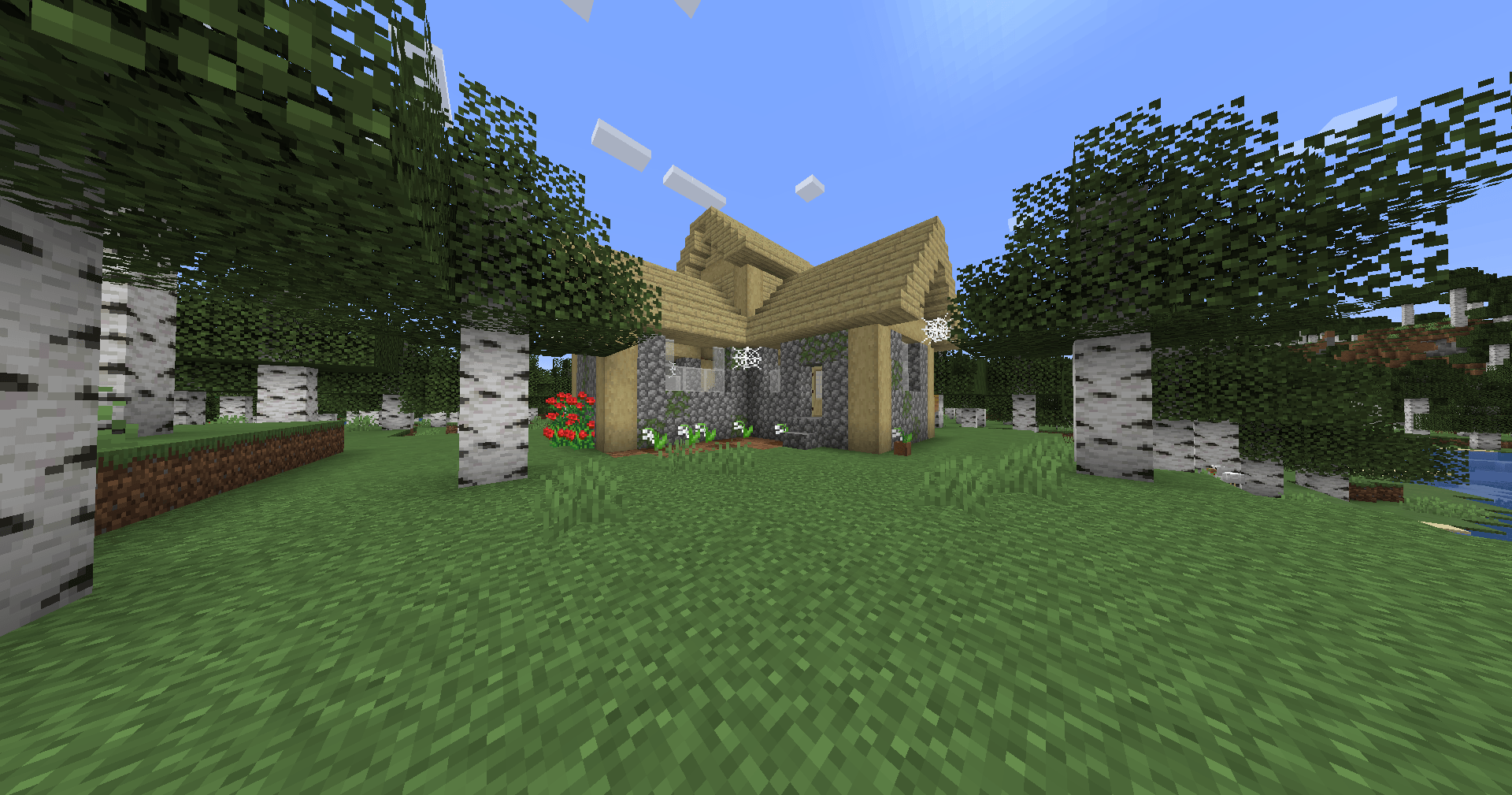
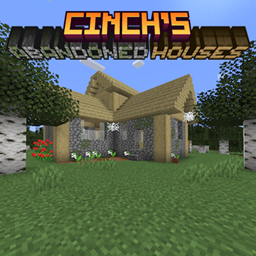
Cinch's Abandoned Houses
Abandoned houses with starter loot can randomly be found around the world.Install
No Sneaking Over Magma!
Makes magma deal damage even when players are crouching. Configurable.Install
Lost Libraries
Lost Libraries lay deep below. What kind of treasures are down there?Install
Better Babies
I made baby mobs cuterInstall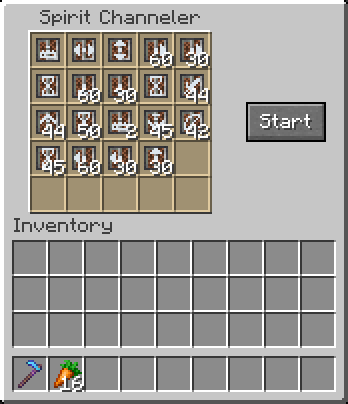
Discarnate
Let a spirit control your body to do your biddingInstall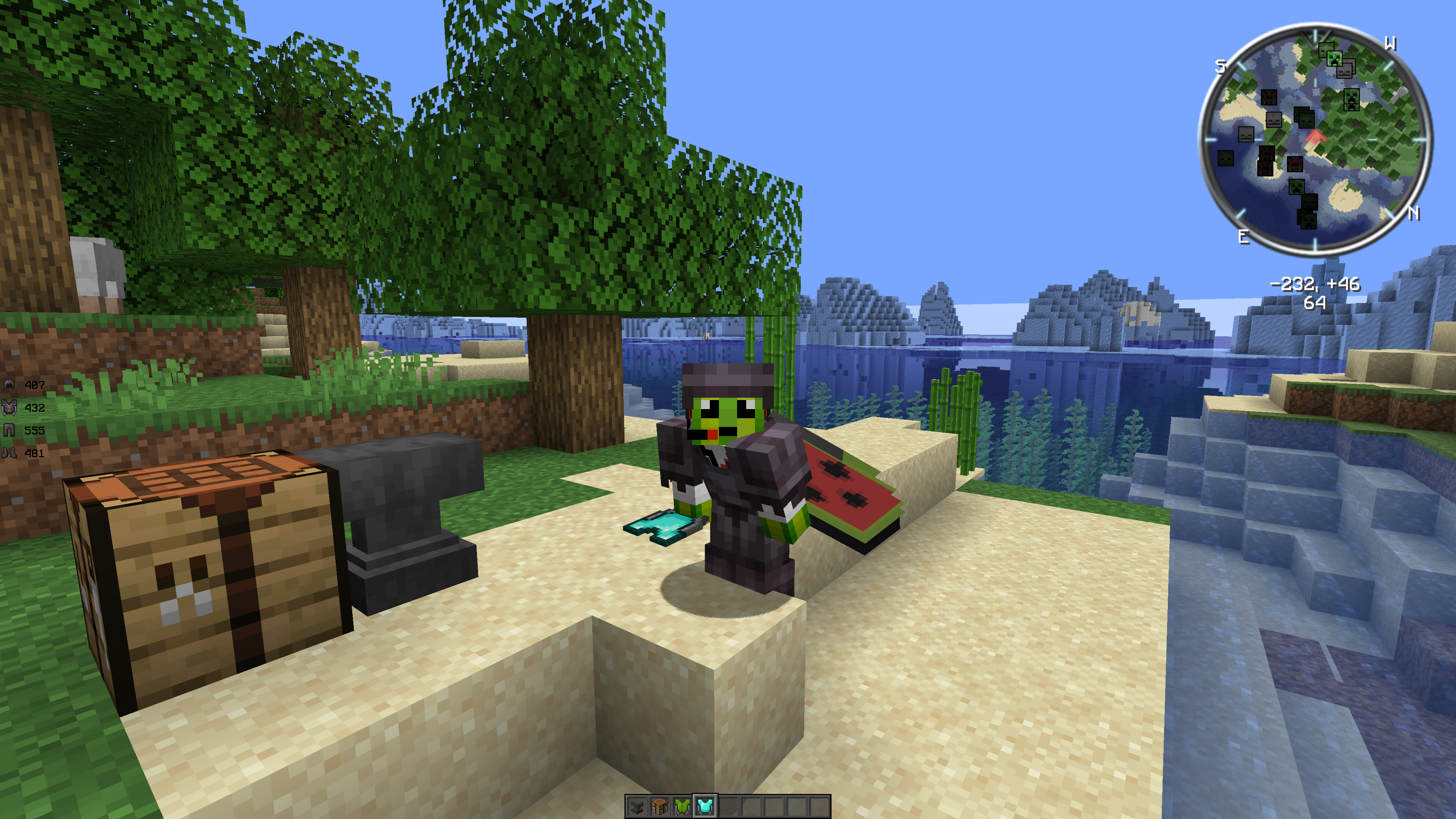
Armored Elytra
Shows the chestplate and elytra at the same when using the Armored Elytra datapack (by Vanilla Tweaks)Install
filament
Data driven Blocks, Items and Decorations for Fabric based servers. No client mods required!Install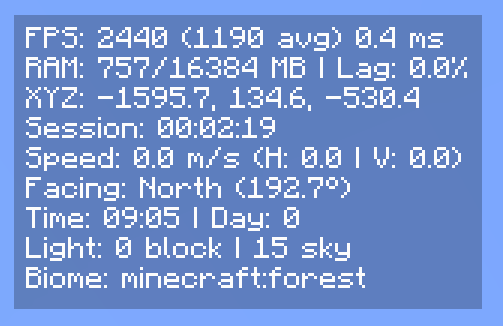
Compact F3 Plus
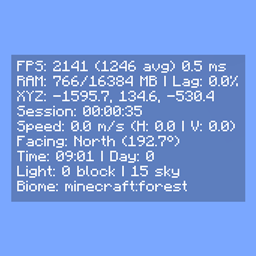
a mod that replaces the vanilla F3 with a clean, minimal hud overlay.Install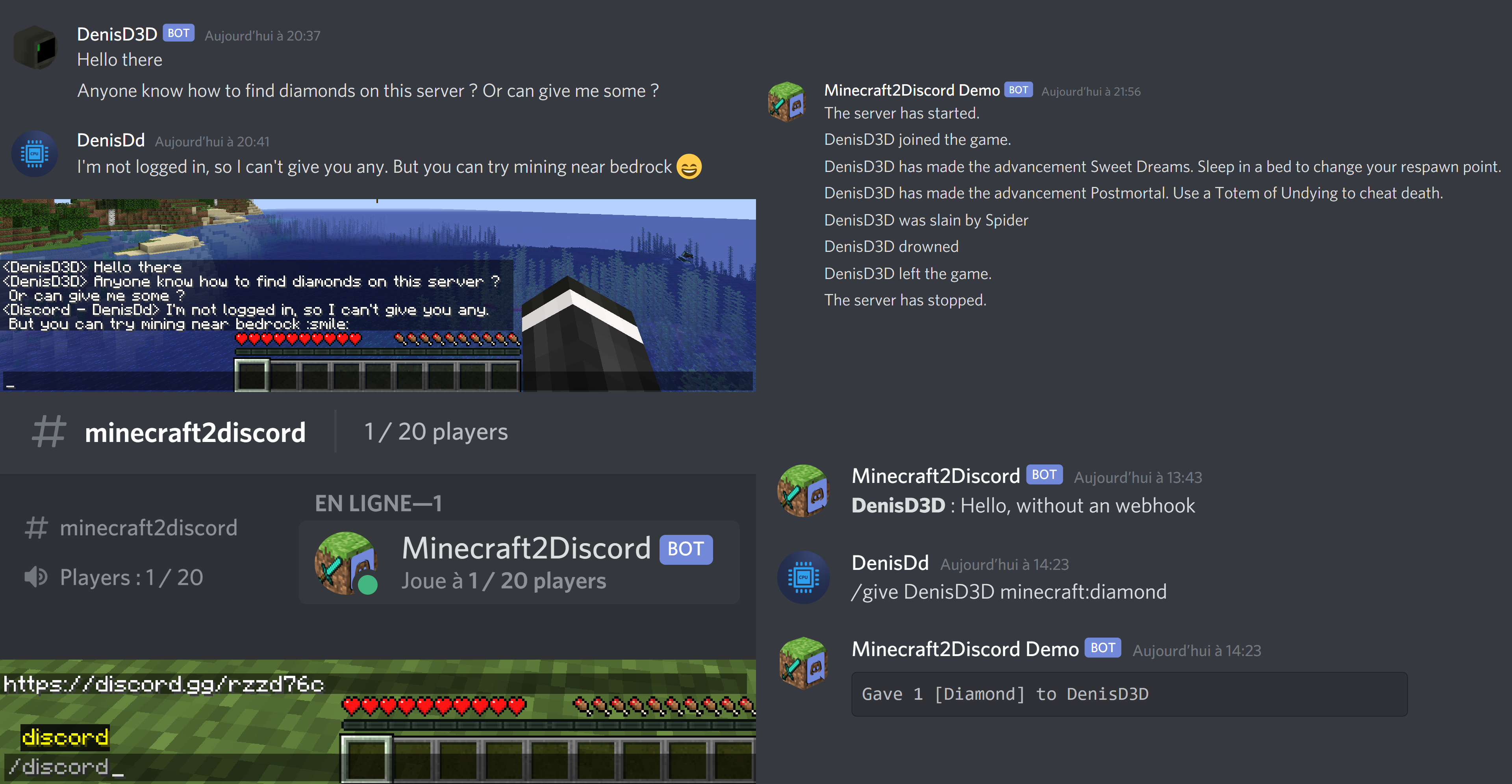
Mc2Discord
Link your Minecraft server chat with your DiscordInstall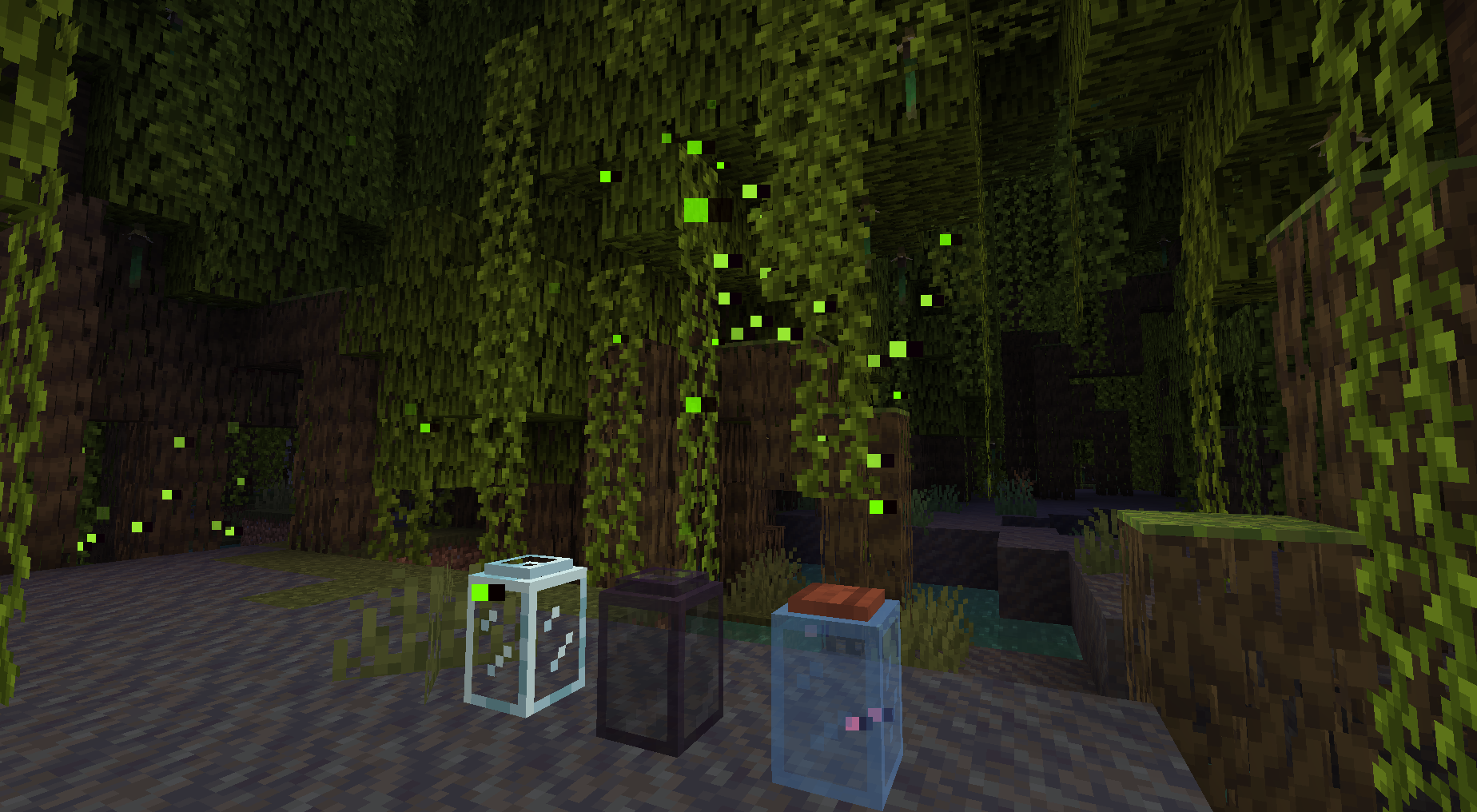
Missing Wilds
Adds the features left behind in the Wild Update.Install
Get Off My Lawn ReServed
Take on player claims for Survival/Freebuild Fabric servers!Install
Creative One-Punch
Lets you One-Punch any entity in creative modeInstall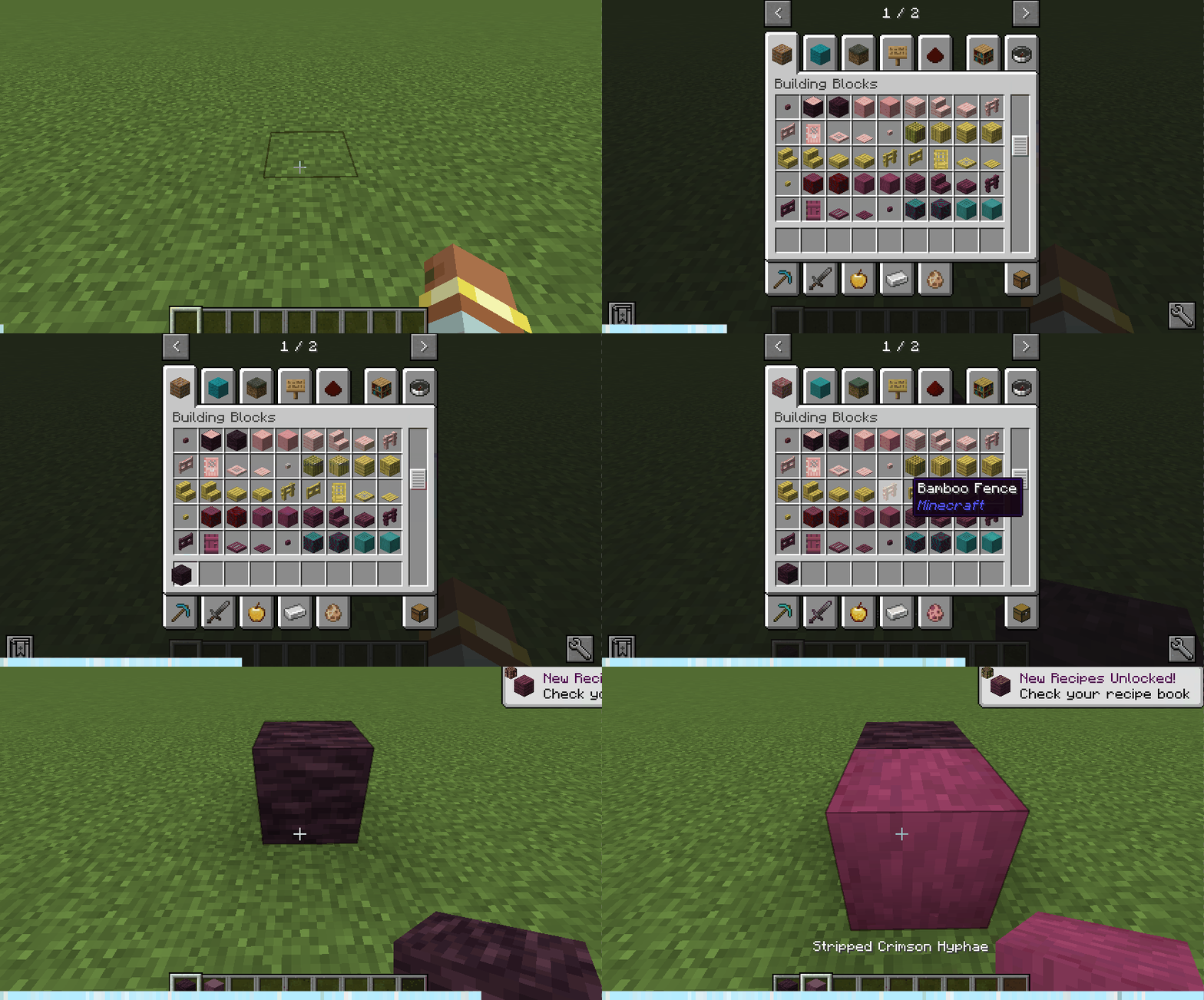
Persistent Creative Inventory
Restore the location of the creative inventory you last scrolled to.Install
Why Am I on Fire?
Hides the obstructive fire overlay when it's not neededInstall
Immersive Sounds
This mod adds ambiental sounds to make you feel more IN the game.InstallFAQ
How is Forge different from Fabric?
They're two different mod loaders that aren't compatible with each other. Forge is the older one and better suited to big tech and magic modpacks; Fabric is lighter, updates to new game versions faster, and hosts most performance mods. NeoForge is a Forge fork for newer versions, and Quilt is a Fabric fork. A Forge mod won't run on Fabric, and vice versa. Millida Launcher installs the right loader for you.
How do I know which mod version I need?
The one that matches your game version and loader. The “Install” button picks the file for you: Millida Launcher grabs the version for your modpack. A mod for 1.20.1 usually won't work on 1.21.
How do I install a mod?
Click “Install” and Millida Launcher will download the mod, its dependencies and the right loader for you. To install a downloaded file manually, put it in the mods folder inside the game directory.
Do I need CurseForge to install mods?
No. The Install button on a mod page opens Millida Launcher: it downloads the mod, its dependencies and the right loader into the chosen instance by itself. No CurseForge and no manual file copying.
Which mods are there for 1.20.1?
1.20.1 is one of the most modded versions, especially on Forge: tech, magic, RPG, furniture, weapons. Pick 1.20.1 in the version filter to keep only mods with a file built exactly for it, then pick Forge or Fabric next to it.
Can I install mods on my phone?
On Android, yes: Millida Launcher runs the Java edition on a phone, and mods work there just like on a PC, though light ones run much better than heavy ones. Minecraft PE (Bedrock) cannot load PC mods — it has add-ons instead, in the Minecraft PE mods section.
Which mods are best to play with friends?
The usual picks are Simple Voice Chat for proximity voice chat, Waystones for fast travel, Xaero's Minimap and something big to work on together, such as Create. Mods that change the world must be installed by every player and on the server, while client-side ones like a minimap or performance mods are up to each player.
Minecraft mods
A mod is an add-on that changes the game itself: it adds blocks, mobs and mechanics, or speeds up world rendering. It isn't installed into the game directly but on top of a loader — Forge, Fabric, NeoForge or Quilt — and it's the loader that decides whether the file will run. That's why every card here lists both the game version and the loader: two mods with the same name for 1.12.2 Forge and 1.21 Fabric are two different files, and mixing them up means a crash on launch.
The most searched Minecraft mods are weapon, furniture, horror and performance mods: each theme has its own collection, and links to the themes and the most wanted versions are in the Popular block. Version 1.20.1 on Forge still holds the most big tech, magic and RPG mods, while the fresh 1.21.11 and 26.2 get Fabric and NeoForge mods fastest.
One mod in the catalog, one page. Every version the author has released is listed on its card: pick your game version and loader right there instead of jumping between ten similar pages. Each file shows its size, release date and checksum, and the mod itself shows the author, license and a link to the original source. Files whose license allows rehosting are stored with us and download directly — no link shorteners, timers or ad redirects. If the license forbids rehosting, the button honestly takes you to the author.