
Minecraft mods — page 320
9,027 itemsMods: list

Glowing Eyes
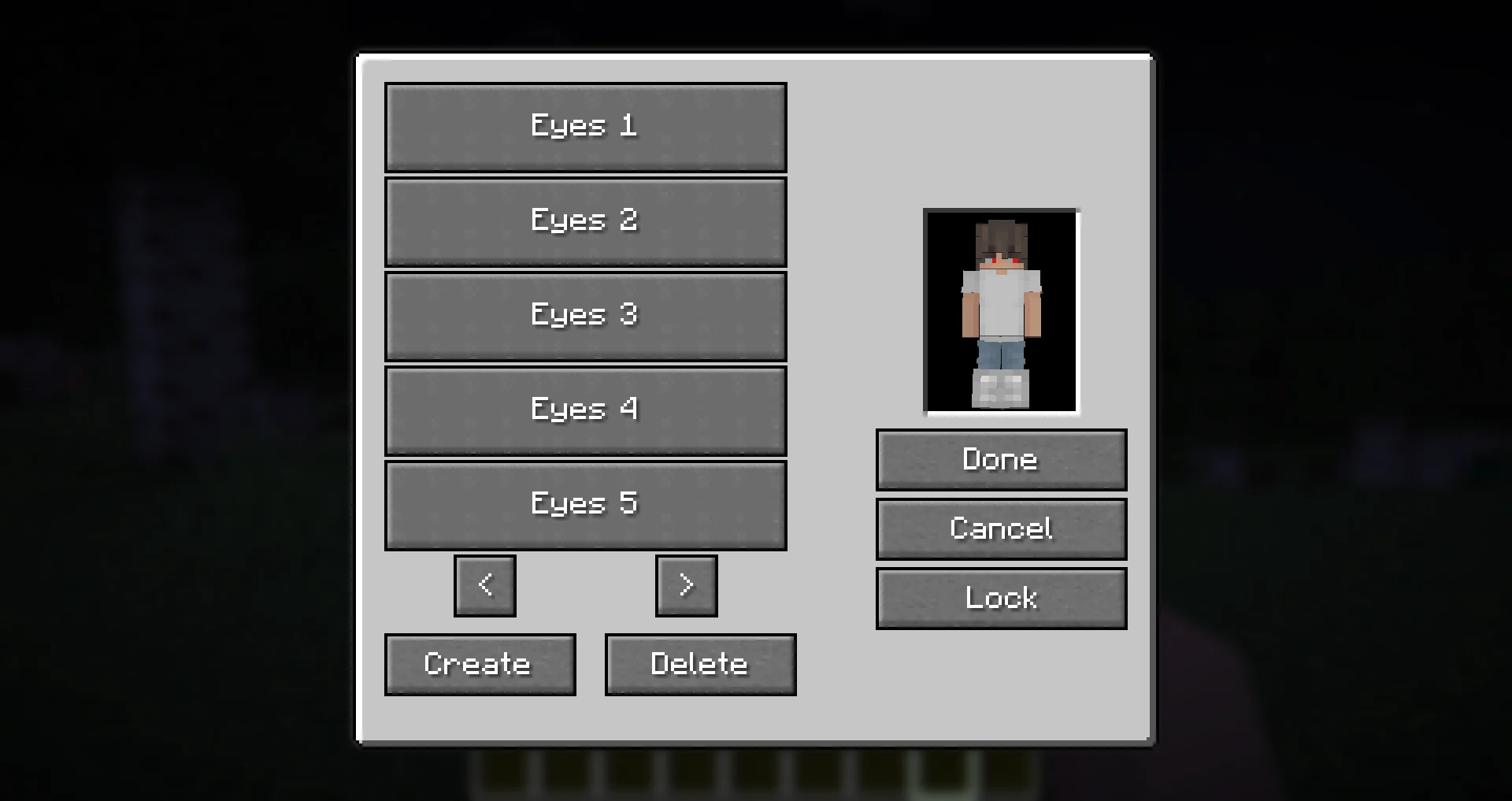
Glowing Eyes is a Minecraft Mod to make your eyes glow, inspired by the Vampirism mod!Install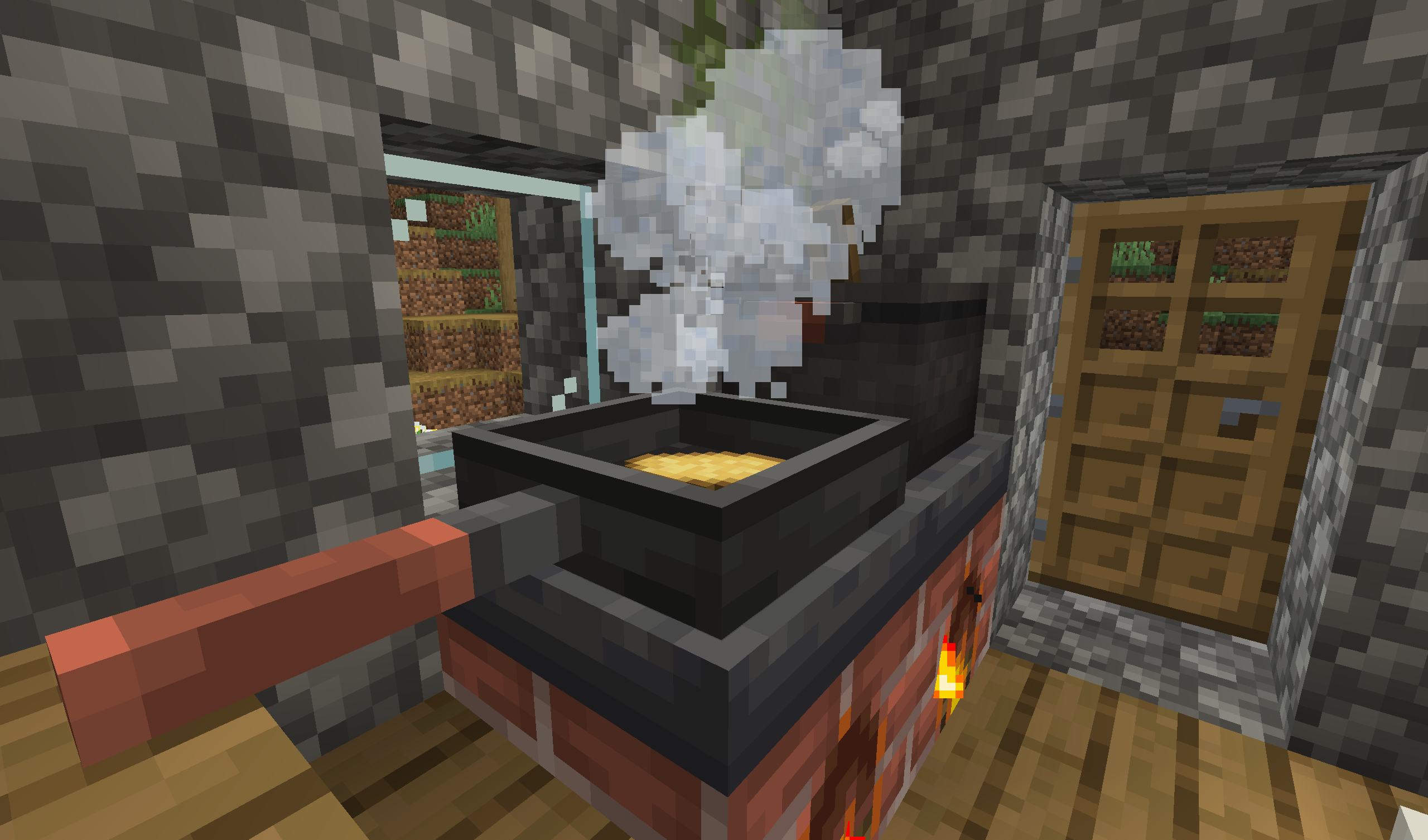
Corn Delight [Fabric/Quilt]
An a-maize-ing addon for Farmer's DelightInstall
DarkKore
A library mod for DarkKronicle's modsInstall
Gourds Fix
Enabling directional placement of Melons and Pumpkins, as well as making them grow horizontally.Install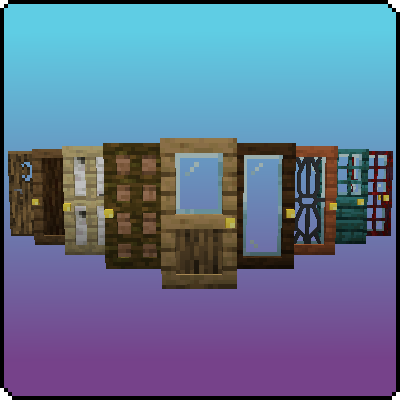
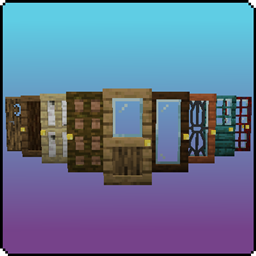
Exline's Doors
This mod adds some new doors!Install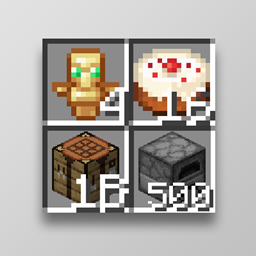
Stackable Items
Modify the max stack size of any item you want, use commands to edit any itemstack sizeInstall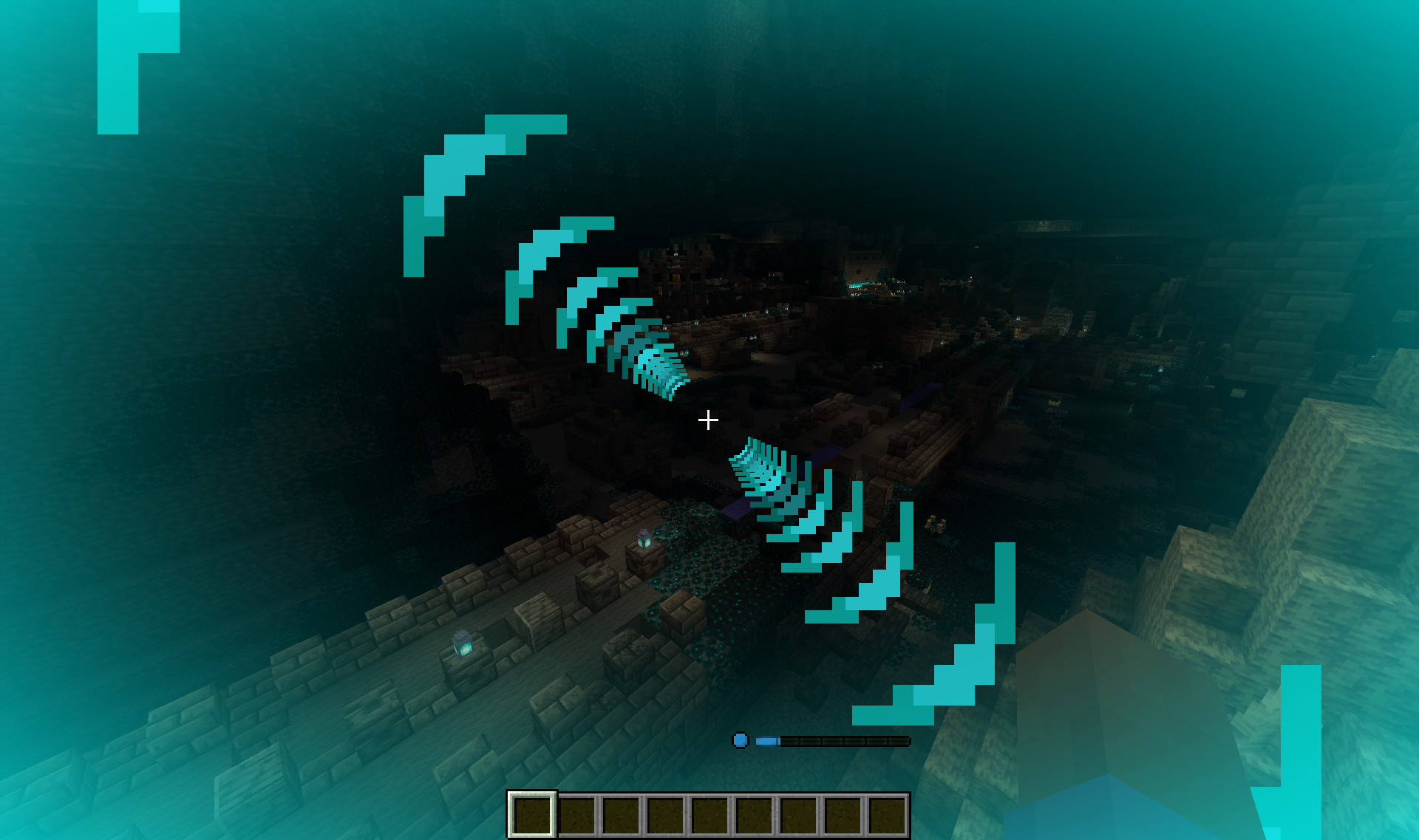
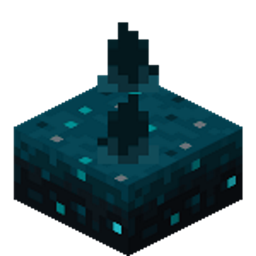
Sculkling Origin
Adds the Sculkling Origin to the Origins modInstall
Higher World Deeper Ocean
Increase the world height so the oceans can be deeper without destroying the cave layers.Install
Expert Armor [Fabric | Forge]
Vanilla Armor, but harder to obtain!Install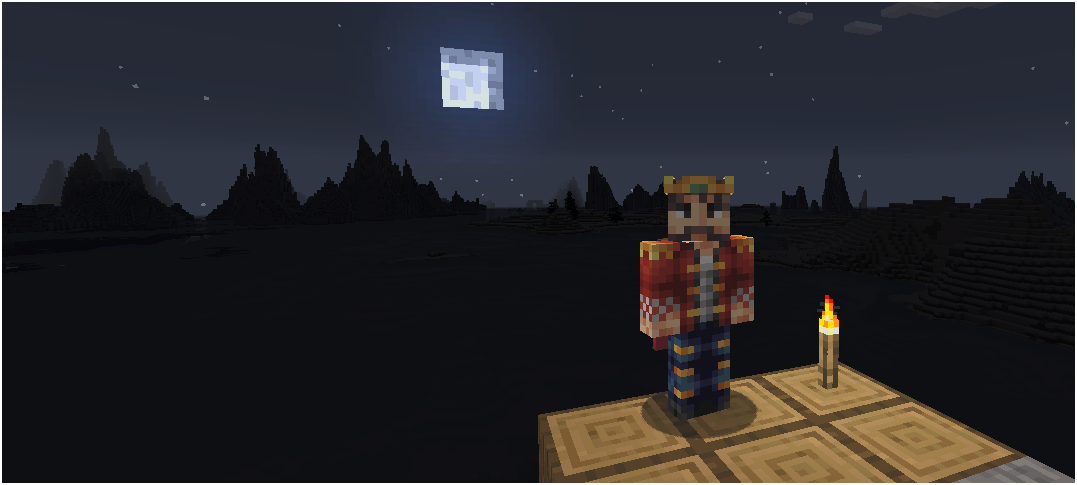

Truly Dark
Adjustable levels of darkness to Minecraft.Install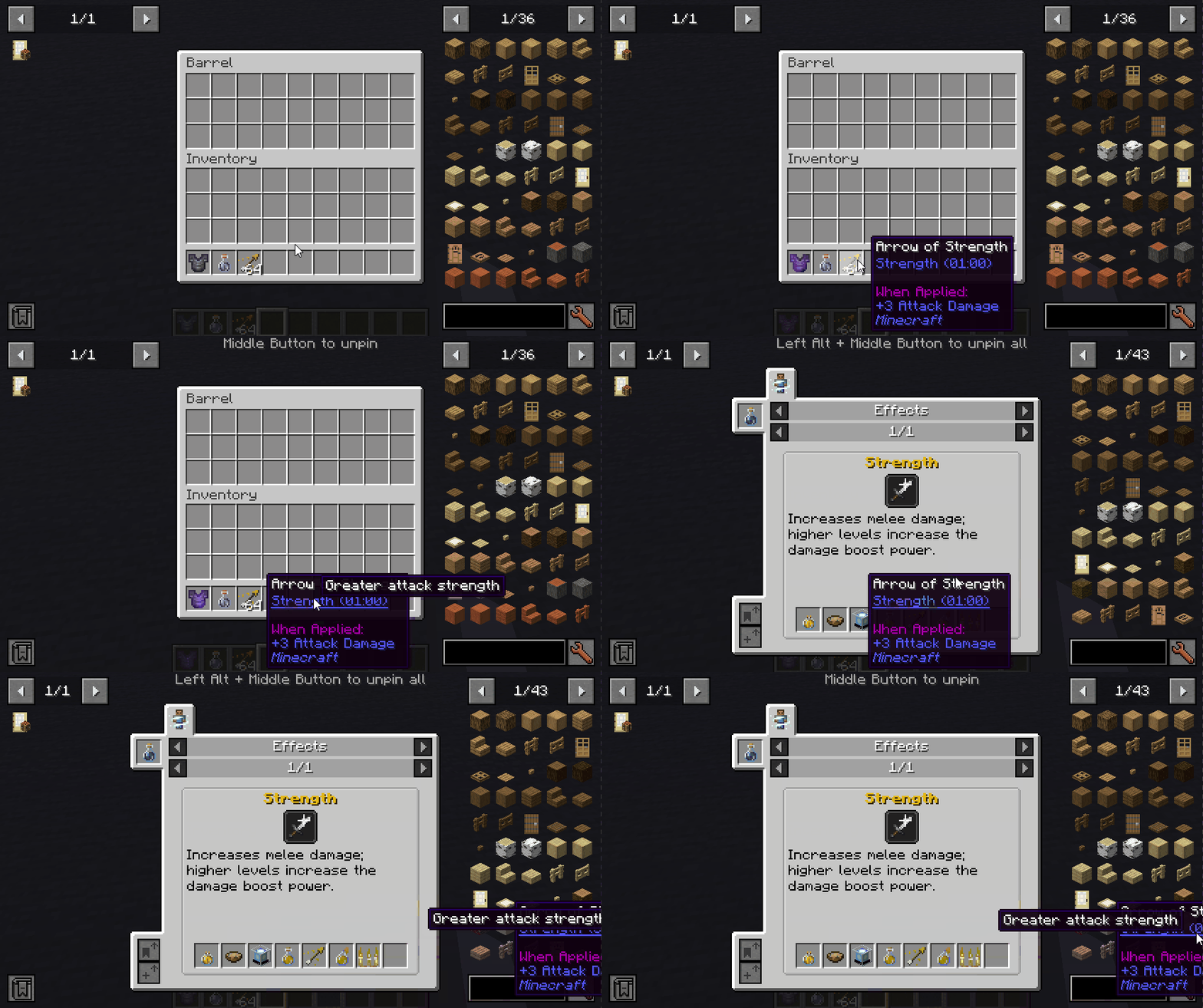

Pin Tooltips
Adds the ability to pin tooltips to the screen and view more information from them such as enchantment and mob effect descriptions.Install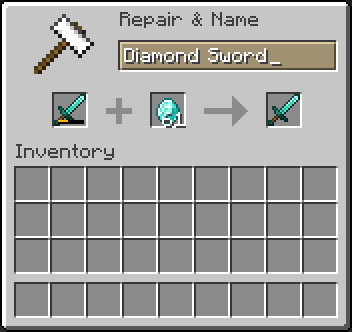
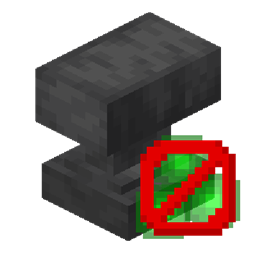
No XP Anvils
Removes the XP cost from anvilsInstall
Galosphere Trimming
Makes items from Galosphere usable as trim materials.Install
Dynocaps
Travel with the comfort of your own homeInstall
Command Keys
Send pre-written messages and commands using hotkeys.Install
NoMoreScore
Removes the score text from the death screenInstall
View Distance Fix
A server side Fabric mod that fixes the fog when having a higher render distance on the client than on the serverInstall
Notebook
Simple notebook in your GUI!Install
Registry Dumper 3000
Registry Dumper 3000 is a developer/debugging utility mod for modpack makers, datapack creators, and mod developers.Install
Auto Reconnect (Reforged)
Automatically reconnect to the last known server after unintentional disconnectionInstall
Create Unlimited
Remove all the limits!Install
Enchanting Table Descriptions
Partner mod to Enchantment Descriptions or idwtialsimmoedm that adds descriptions to the enchantments shown in Enchanting TablesInstall
Graves (Fabric/Forge/NeoForge/Quilt)
A fully customizable grave to save your loot upon death!InstallFAQ
How is Forge different from Fabric?
They're two different mod loaders that aren't compatible with each other. Forge is the older one and better suited to big tech and magic modpacks; Fabric is lighter, updates to new game versions faster, and hosts most performance mods. NeoForge is a Forge fork for newer versions, and Quilt is a Fabric fork. A Forge mod won't run on Fabric, and vice versa. Millida Launcher installs the right loader for you.
How do I know which mod version I need?
The one that matches your game version and loader. The “Install” button picks the file for you: Millida Launcher grabs the version for your modpack. A mod for 1.20.1 usually won't work on 1.21.
How do I install a mod?
Click “Install” and Millida Launcher will download the mod, its dependencies and the right loader for you. To install a downloaded file manually, put it in the mods folder inside the game directory.
Do I need CurseForge to install mods?
No. The Install button on a mod page opens Millida Launcher: it downloads the mod, its dependencies and the right loader into the chosen instance by itself. No CurseForge and no manual file copying.
Which mods are there for 1.20.1?
1.20.1 is one of the most modded versions, especially on Forge: tech, magic, RPG, furniture, weapons. Pick 1.20.1 in the version filter to keep only mods with a file built exactly for it, then pick Forge or Fabric next to it.
Can I install mods on my phone?
On Android, yes: Millida Launcher runs the Java edition on a phone, and mods work there just like on a PC, though light ones run much better than heavy ones. Minecraft PE (Bedrock) cannot load PC mods — it has add-ons instead, in the Minecraft PE mods section.
Which mods are best to play with friends?
The usual picks are Simple Voice Chat for proximity voice chat, Waystones for fast travel, Xaero's Minimap and something big to work on together, such as Create. Mods that change the world must be installed by every player and on the server, while client-side ones like a minimap or performance mods are up to each player.
Minecraft mods
A mod is an add-on that changes the game itself: it adds blocks, mobs and mechanics, or speeds up world rendering. It isn't installed into the game directly but on top of a loader — Forge, Fabric, NeoForge or Quilt — and it's the loader that decides whether the file will run. That's why every card here lists both the game version and the loader: two mods with the same name for 1.12.2 Forge and 1.21 Fabric are two different files, and mixing them up means a crash on launch.
The most searched Minecraft mods are weapon, furniture, horror and performance mods: each theme has its own collection, and links to the themes and the most wanted versions are in the Popular block. Version 1.20.1 on Forge still holds the most big tech, magic and RPG mods, while the fresh 1.21.11 and 26.2 get Fabric and NeoForge mods fastest.
One mod in the catalog, one page. Every version the author has released is listed on its card: pick your game version and loader right there instead of jumping between ten similar pages. Each file shows its size, release date and checksum, and the mod itself shows the author, license and a link to the original source. Files whose license allows rehosting are stored with us and download directly — no link shorteners, timers or ad redirects. If the license forbids rehosting, the button honestly takes you to the author.