
Minecraft mods — page 311
9,028 itemsMods: list

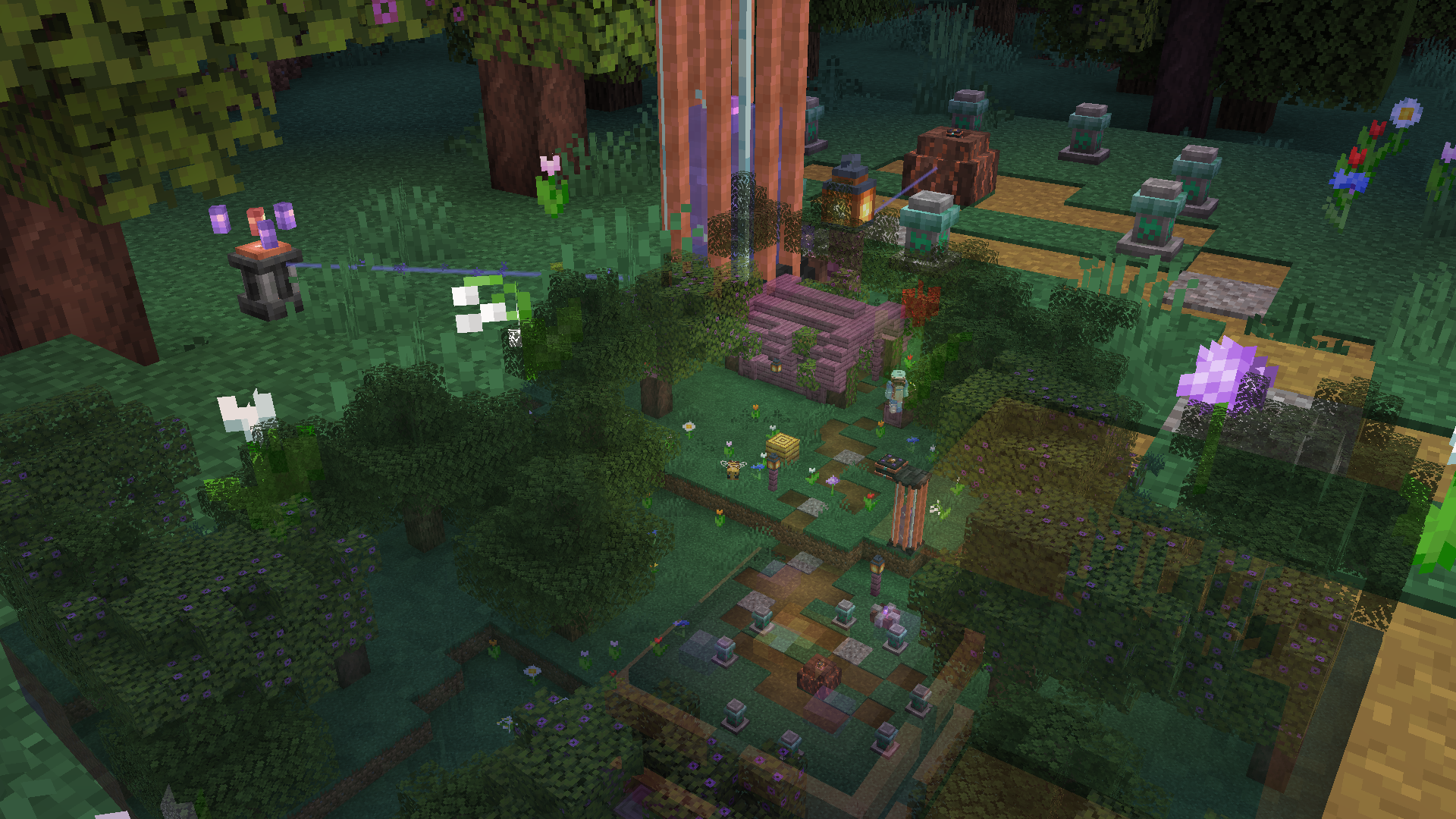
Affinity
A magic mod themed around natural techInstall
thorium
thorium is a fabric mod that fixes 50+ small bugs and annoyances in Minecraft.Install
Phantoms See Phantoms [Origins Addon]
Makes the origin "Phantom" be able to see other phantoms while in the phasing stateInstall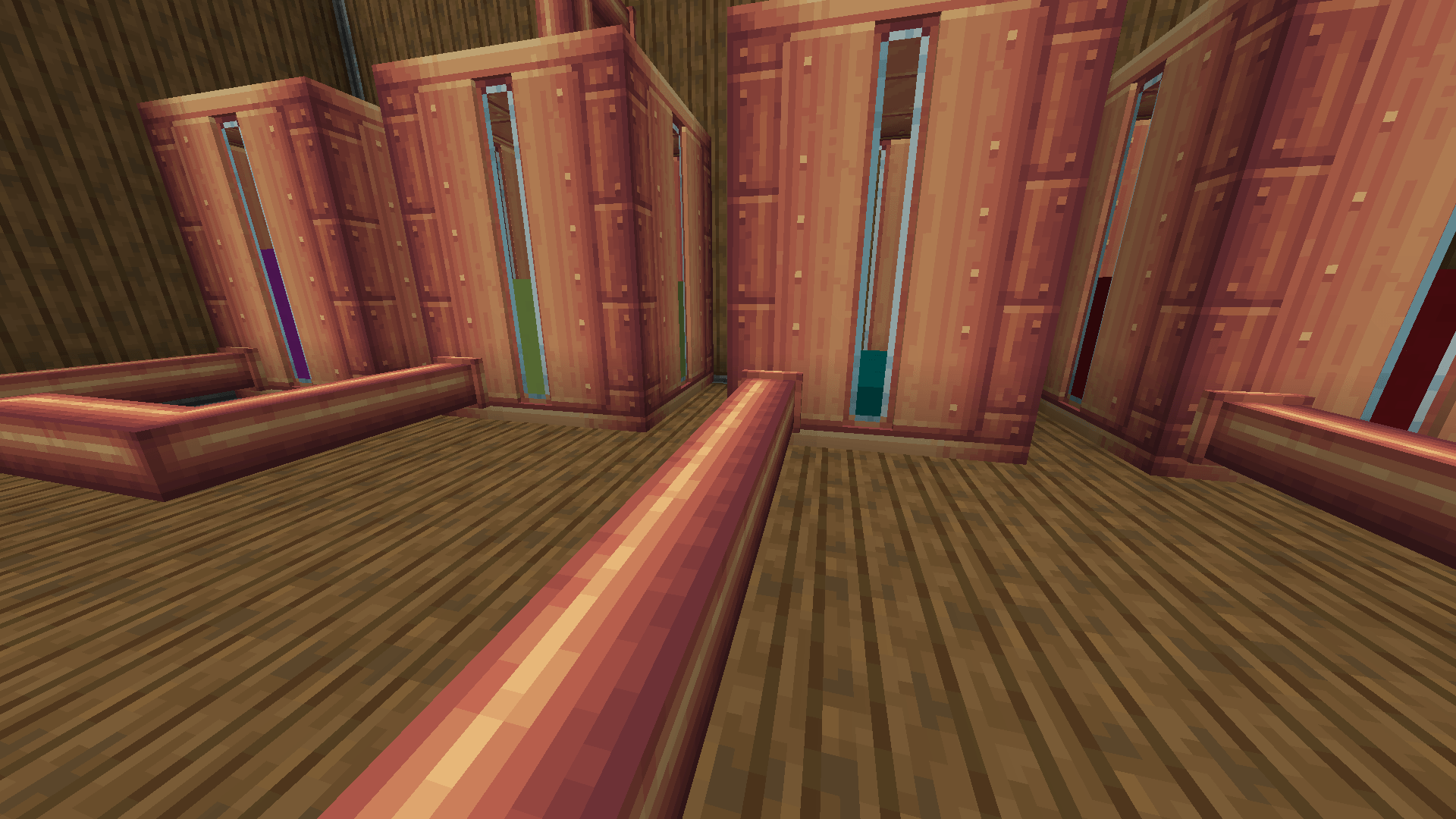

[Let's Do Addon] Fluids
Add fluids to the Let's Do series for even more modded usage !Install
Healight
Adds a green glow when entities heal for clearer feedbackInstall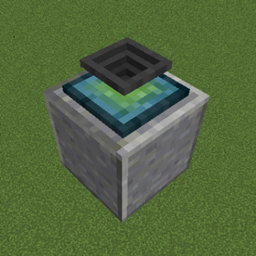
The Plopper
A block that picks up items that are about to despawn.Install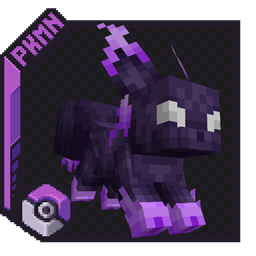
[Simple Version] Extra Eeveelutions for Cobblemon
A Mod that adds evolutions for Eevee for the types that do not have them.Install

Not Enough Items
Recipe Viewer, Inventory Manager, Item Spawner, Cheats and more!Install
Halfdoors
A mod to add some smaller doors.Install

Online Emotes
Allows players to see each other's emotes without emotecraft installed on the server.Install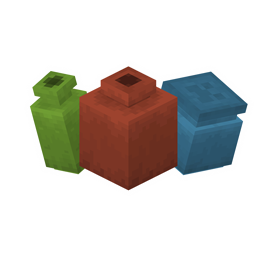
Pottery (Additional Pots)
Pottery adds new decorative pots and some quality of life improvements!Install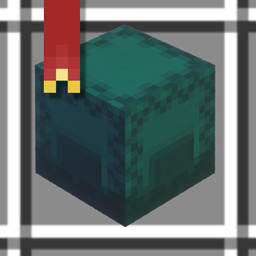
ItemFavorites
Adds the ability to favorite items preventing various unwanted interactions!Install
Beltborne Lanterns
Beltborne Lanterns — free hands, bright path. Press B while holding a lantern — it snaps onto your belt. Walk, jump, fight — the lantern sways with physics and casts light near you. Need it back in your hands? Press B again. 💡Install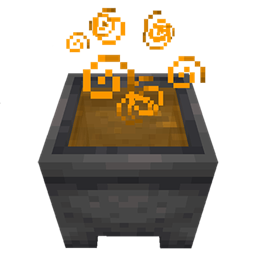
Potion Cauldron
Brings the potion cauldron feature from bedrock edition.Install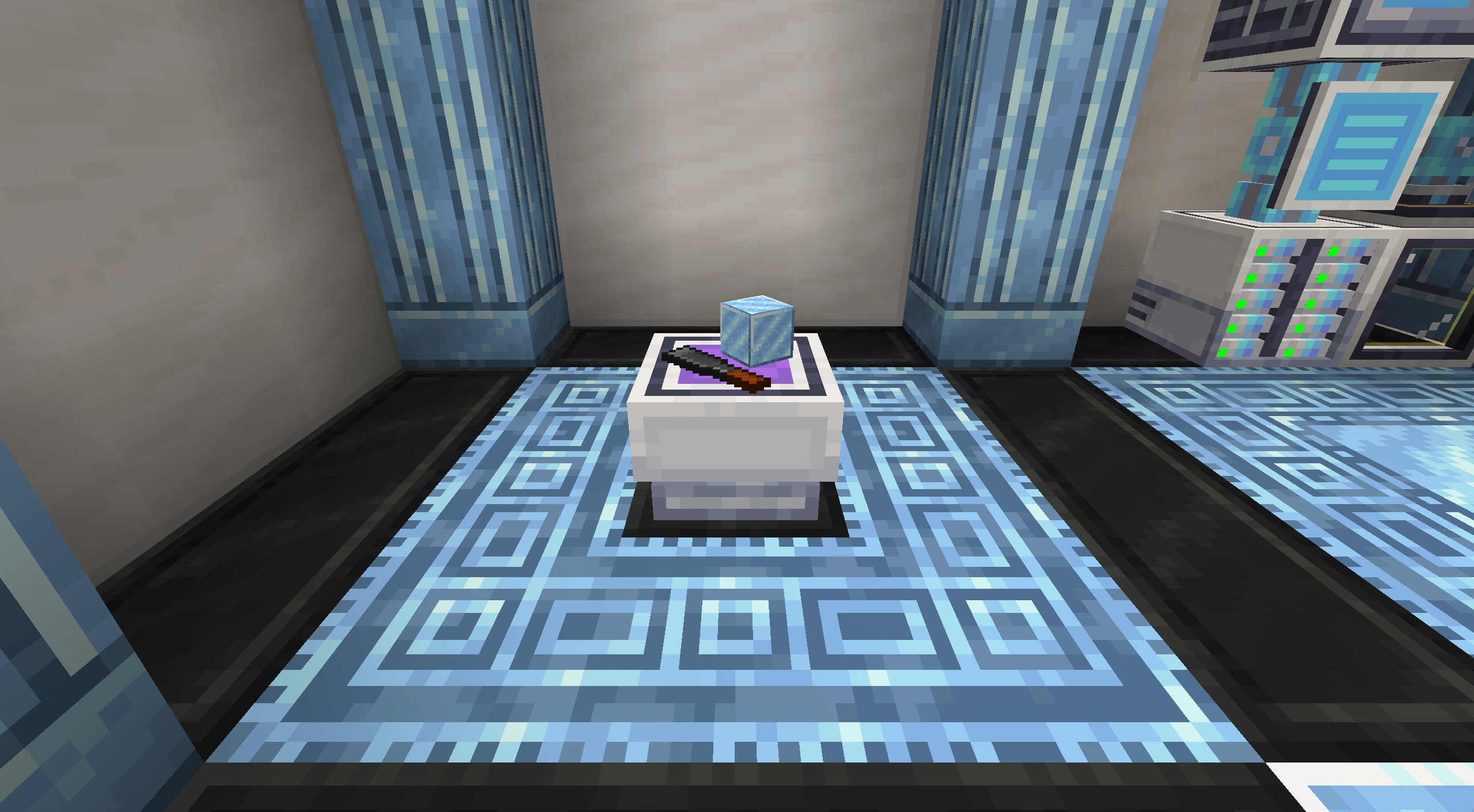
Rechiseled: Applied Energistics 2
Allows autocrafting blocks from Rechiseled with AE2!Install
Lenient Creepers
Makes creepers not destroy already dropped items.Install
Most Arrows Infinity Fix
A balanced, configurable, fix to the Infinity enchantment. Forge & FabricInstall
ColoredGlowLib
Make entities glow any color, with custom animations and rainbow too! Not just the vanilla colors! Available with API and commands!Install
Mom's Love
Turn on KeepInventory for individual player!Install
Ducky Periphs
An add-on peripheral mod for computer craftInstall

FermiumBooter
Simplistic mixin mod utility to allow developers to load mixins both early and lateInstallOn a server

Entangled
Entangled allows you to 'entangle' two blocks together!InstallOn a server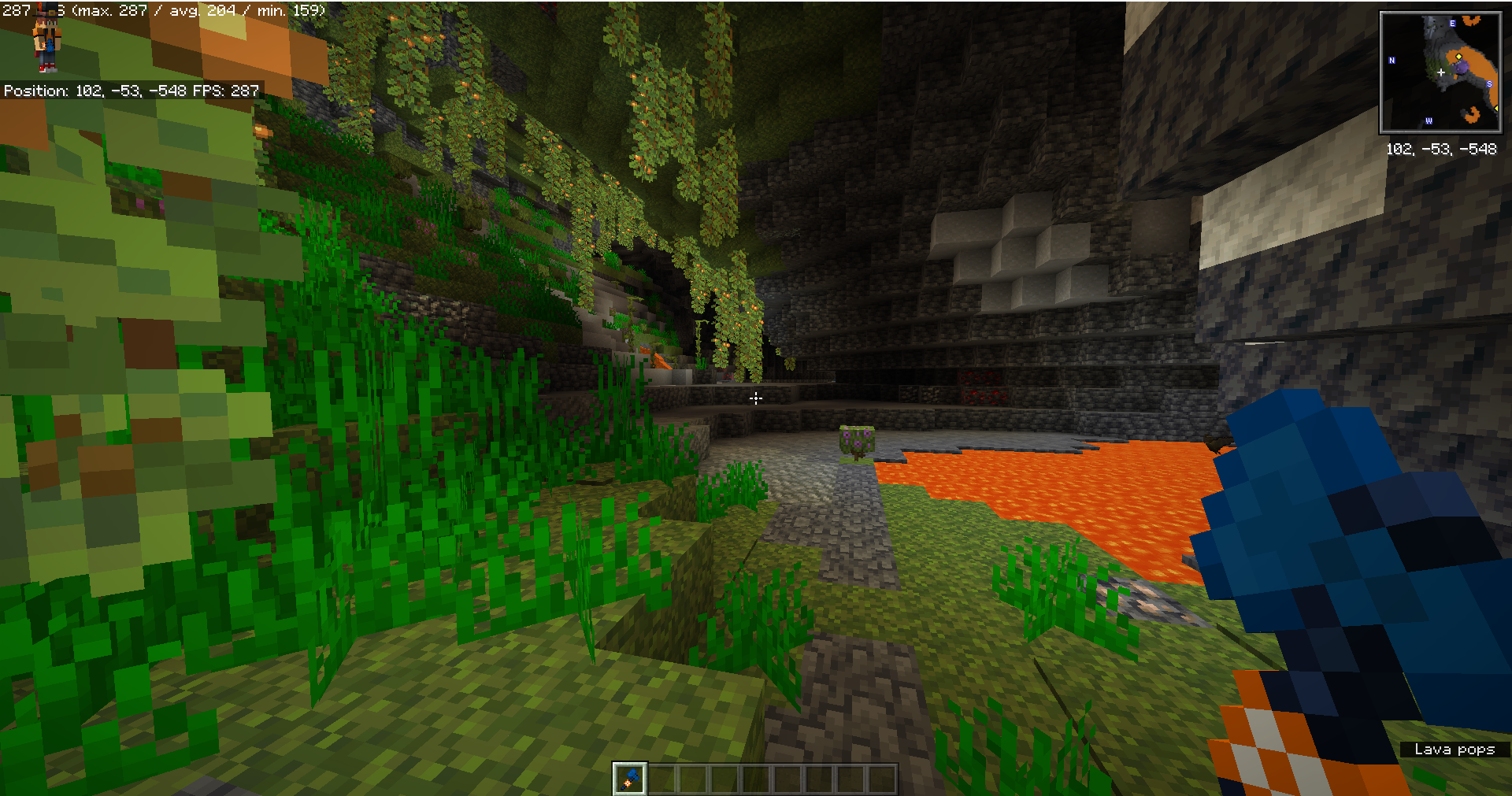
WorldEdit Items
Does it bother you that WorldEdit uses native objects in Minecraft and ruins the gaming experience? this mod is just for youInstallFAQ
How is Forge different from Fabric?
They're two different mod loaders that aren't compatible with each other. Forge is the older one and better suited to big tech and magic modpacks; Fabric is lighter, updates to new game versions faster, and hosts most performance mods. NeoForge is a Forge fork for newer versions, and Quilt is a Fabric fork. A Forge mod won't run on Fabric, and vice versa. Millida Launcher installs the right loader for you.
How do I know which mod version I need?
The one that matches your game version and loader. The “Install” button picks the file for you: Millida Launcher grabs the version for your modpack. A mod for 1.20.1 usually won't work on 1.21.
How do I install a mod?
Click “Install” and Millida Launcher will download the mod, its dependencies and the right loader for you. To install a downloaded file manually, put it in the mods folder inside the game directory.
Do I need CurseForge to install mods?
No. The Install button on a mod page opens Millida Launcher: it downloads the mod, its dependencies and the right loader into the chosen instance by itself. No CurseForge and no manual file copying.
Which mods are there for 1.20.1?
1.20.1 is one of the most modded versions, especially on Forge: tech, magic, RPG, furniture, weapons. Pick 1.20.1 in the version filter to keep only mods with a file built exactly for it, then pick Forge or Fabric next to it.
Can I install mods on my phone?
On Android, yes: Millida Launcher runs the Java edition on a phone, and mods work there just like on a PC, though light ones run much better than heavy ones. Minecraft PE (Bedrock) cannot load PC mods — it has add-ons instead, in the Minecraft PE mods section.
Which mods are best to play with friends?
The usual picks are Simple Voice Chat for proximity voice chat, Waystones for fast travel, Xaero's Minimap and something big to work on together, such as Create. Mods that change the world must be installed by every player and on the server, while client-side ones like a minimap or performance mods are up to each player.
Minecraft mods
A mod is an add-on that changes the game itself: it adds blocks, mobs and mechanics, or speeds up world rendering. It isn't installed into the game directly but on top of a loader — Forge, Fabric, NeoForge or Quilt — and it's the loader that decides whether the file will run. That's why every card here lists both the game version and the loader: two mods with the same name for 1.12.2 Forge and 1.21 Fabric are two different files, and mixing them up means a crash on launch.
The most searched Minecraft mods are weapon, furniture, horror and performance mods: each theme has its own collection, and links to the themes and the most wanted versions are in the Popular block. Version 1.20.1 on Forge still holds the most big tech, magic and RPG mods, while the fresh 1.21.11 and 26.2 get Fabric and NeoForge mods fastest.
One mod in the catalog, one page. Every version the author has released is listed on its card: pick your game version and loader right there instead of jumping between ten similar pages. Each file shows its size, release date and checksum, and the mod itself shows the author, license and a link to the original source. Files whose license allows rehosting are stored with us and download directly — no link shorteners, timers or ad redirects. If the license forbids rehosting, the button honestly takes you to the author.