
Minecraft mods — page 310
9,028 itemsMods: list
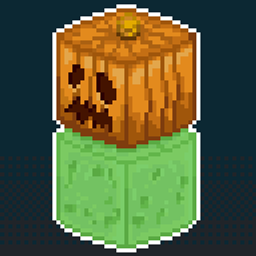
Muffin's Slime Golem
Add Slime Golem to Minecraft. A good ally for finding Slime Chunks!Install
Multi World Borders
Makes world borders work per dimensionInstall
Thorny Bush Protection
🫐 Players walking through berry bushes won't receive damage while wearing leggings.Install
Beautified Chat [Server]
💬 A highly configurable mod to change the style and colour of chat messages server-wide.Install
Resource Gamma Util / Fullbright
Gamma / Fullbright, making it easy to see in the dark.Install
Paper Books
📑📕 Allows the creation of books with 9 paper.Install
Hat List
Show the hat layer on tab listInstall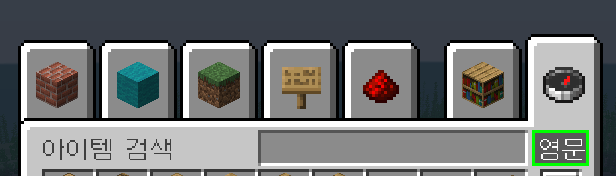

Korean Chat Patch
Convenient Korean Patch ModInstall
Move Minecarts
🛒 Easily pick up and move minecarts without breaking them.Install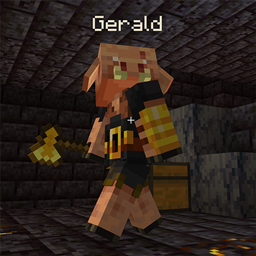
Piglin Names
🐷 Gives all piglins a default or custom name to liven up the world.Install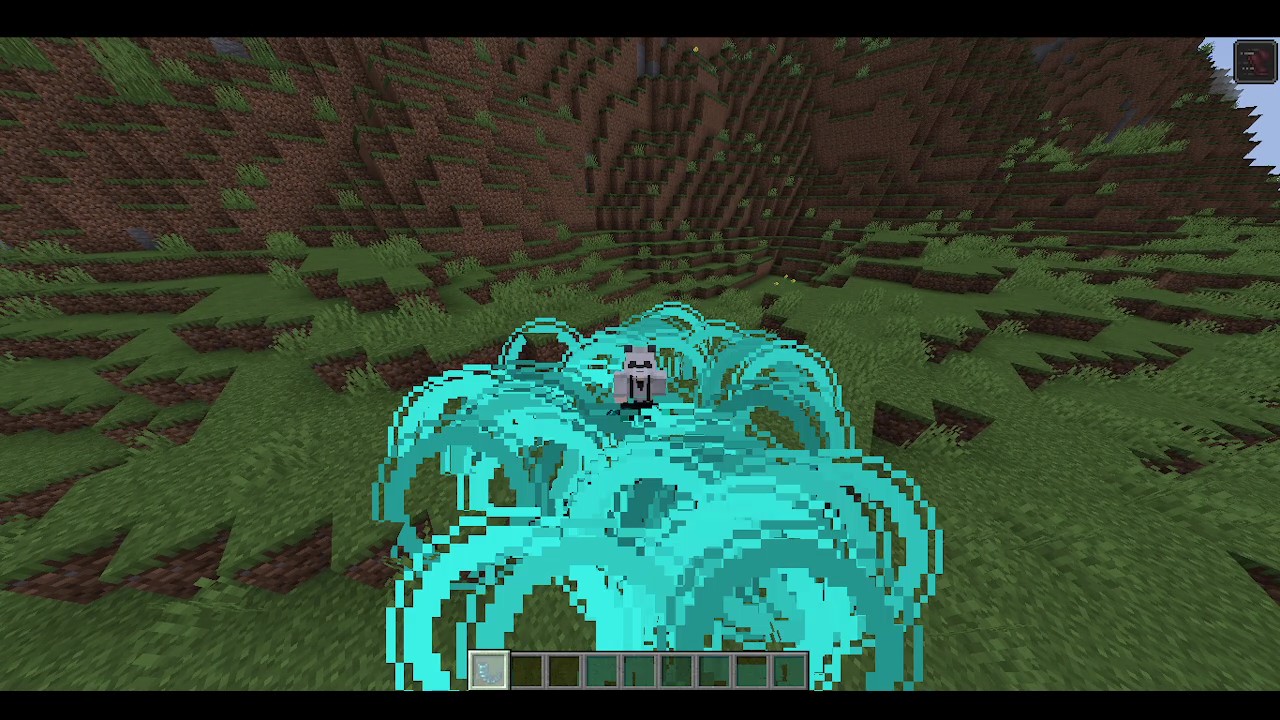
Sculk Horn
Creates an area or distance sonic attack with 2 new horns.Install
Scout
"Physically" extending the inventory via bags.Install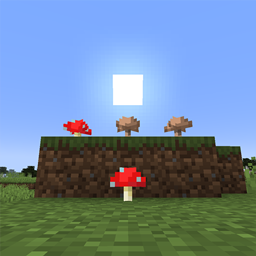
Surface Mushrooms
🍄 Mushrooms can be placed on the surface in daylight and in any brightness.Install
Modern KeyBinding [Fabric]
Add key conflict context and key modifier for FabricMCInstall
Culinary Construct
Make custom sandwiches or bowls/stews out of your favorite food items! And maybe your not so favorite. Anything's possible!InstallOn a server
Serilum's QoL Bundle
📦 A mod bundle of all quality of life mods Serilum has released, lovely convenience!Install
Break Free
Lets you keep breaking blocks when you switch itemsInstall
The Midnight
A dark and dreary place of eternal night.InstallOn a server
e4steam
e4steam is an e4mc fork that lets you play Minecraft with friends over the Steam network.Install
Situational Crosshair
Changes the crosshair based on what your looking at!Install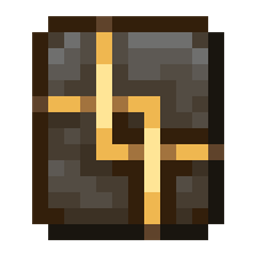
Vanity: Black Gold Pack
Tools in Black and GoldInstall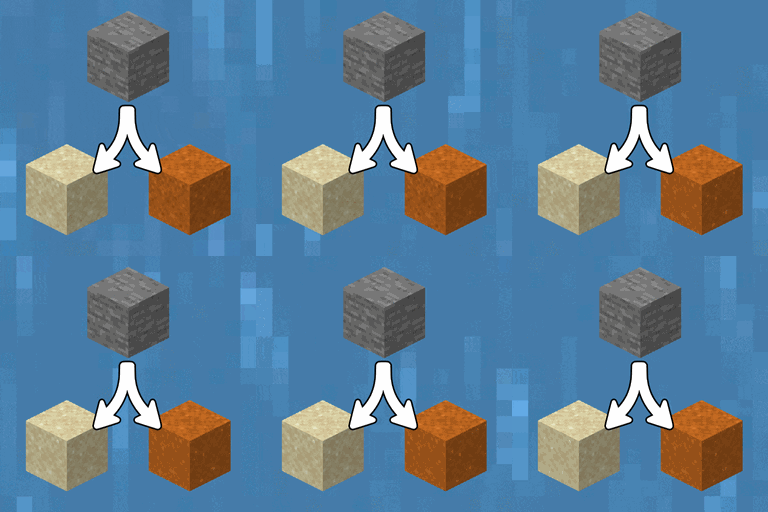
Eroding Stone Entities
🌊 Stone-type block entities left in flowing water turn into clay and sand.Install
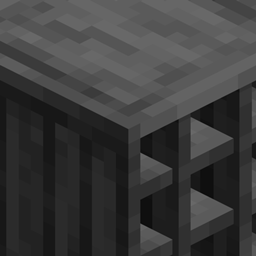
[Let's Do] Apple Wood
Vinery has Apple Logs - but have you ever wondered what the wood might look like? Here you'll find out!InstallFAQ
How is Forge different from Fabric?
They're two different mod loaders that aren't compatible with each other. Forge is the older one and better suited to big tech and magic modpacks; Fabric is lighter, updates to new game versions faster, and hosts most performance mods. NeoForge is a Forge fork for newer versions, and Quilt is a Fabric fork. A Forge mod won't run on Fabric, and vice versa. Millida Launcher installs the right loader for you.
How do I know which mod version I need?
The one that matches your game version and loader. The “Install” button picks the file for you: Millida Launcher grabs the version for your modpack. A mod for 1.20.1 usually won't work on 1.21.
How do I install a mod?
Click “Install” and Millida Launcher will download the mod, its dependencies and the right loader for you. To install a downloaded file manually, put it in the mods folder inside the game directory.
Do I need CurseForge to install mods?
No. The Install button on a mod page opens Millida Launcher: it downloads the mod, its dependencies and the right loader into the chosen instance by itself. No CurseForge and no manual file copying.
Which mods are there for 1.20.1?
1.20.1 is one of the most modded versions, especially on Forge: tech, magic, RPG, furniture, weapons. Pick 1.20.1 in the version filter to keep only mods with a file built exactly for it, then pick Forge or Fabric next to it.
Can I install mods on my phone?
On Android, yes: Millida Launcher runs the Java edition on a phone, and mods work there just like on a PC, though light ones run much better than heavy ones. Minecraft PE (Bedrock) cannot load PC mods — it has add-ons instead, in the Minecraft PE mods section.
Which mods are best to play with friends?
The usual picks are Simple Voice Chat for proximity voice chat, Waystones for fast travel, Xaero's Minimap and something big to work on together, such as Create. Mods that change the world must be installed by every player and on the server, while client-side ones like a minimap or performance mods are up to each player.
Minecraft mods
A mod is an add-on that changes the game itself: it adds blocks, mobs and mechanics, or speeds up world rendering. It isn't installed into the game directly but on top of a loader — Forge, Fabric, NeoForge or Quilt — and it's the loader that decides whether the file will run. That's why every card here lists both the game version and the loader: two mods with the same name for 1.12.2 Forge and 1.21 Fabric are two different files, and mixing them up means a crash on launch.
The most searched Minecraft mods are weapon, furniture, horror and performance mods: each theme has its own collection, and links to the themes and the most wanted versions are in the Popular block. Version 1.20.1 on Forge still holds the most big tech, magic and RPG mods, while the fresh 1.21.11 and 26.2 get Fabric and NeoForge mods fastest.
One mod in the catalog, one page. Every version the author has released is listed on its card: pick your game version and loader right there instead of jumping between ten similar pages. Each file shows its size, release date and checksum, and the mod itself shows the author, license and a link to the original source. Files whose license allows rehosting are stored with us and download directly — no link shorteners, timers or ad redirects. If the license forbids rehosting, the button honestly takes you to the author.