
Minecraft mods — page 307
9,028 itemsMods: list

ResourcePackCached
Keeps server resource packs loaded, so they don't need to be reloaded when you rejoin.Install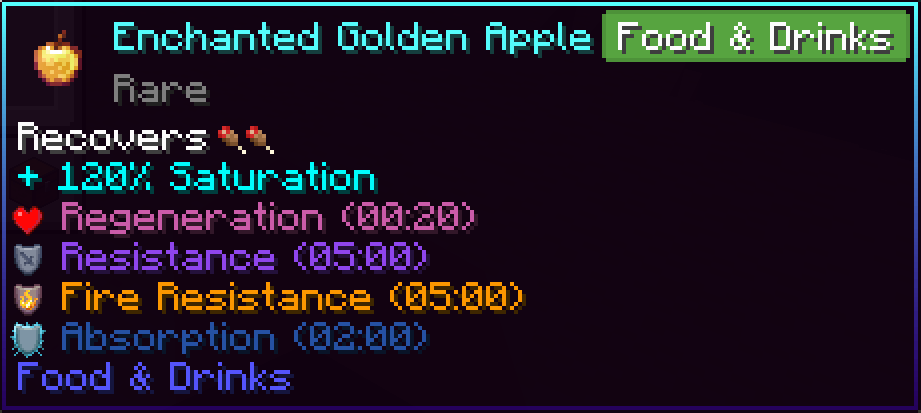
EnhancedTooltips
A mod that overhauls tooltips, and adds some extra information.Install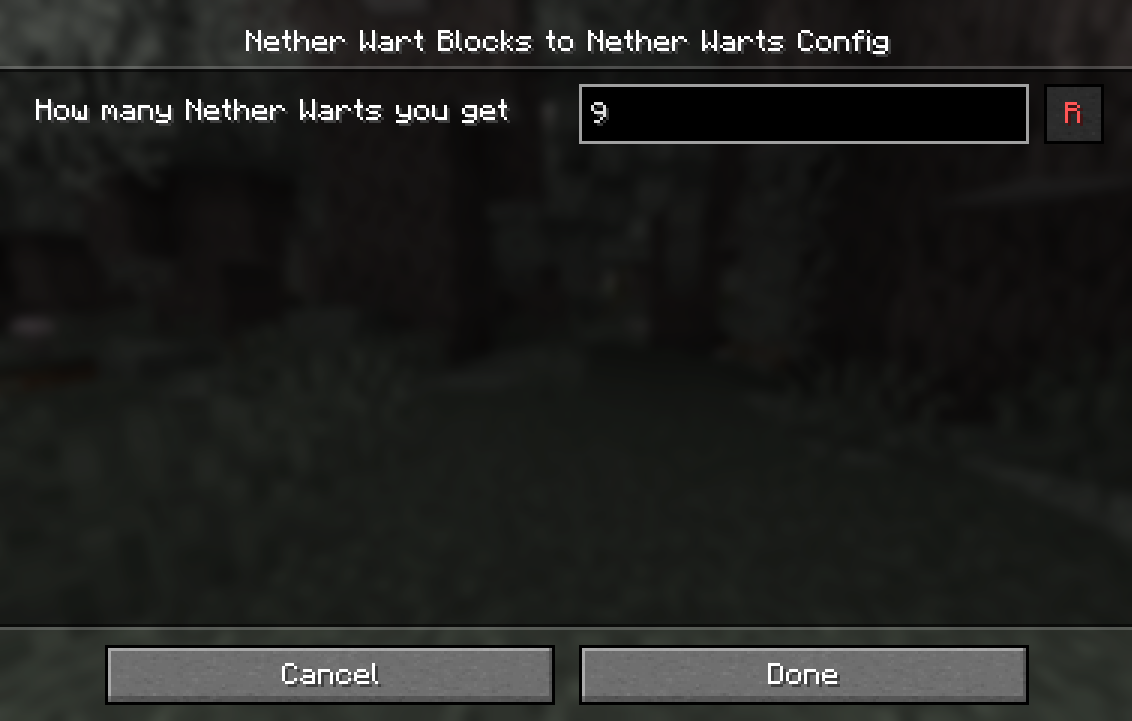
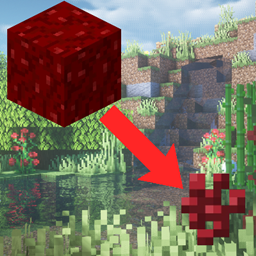
Nether Wart Blocks to Nether Warts [Fabric/Forge/NeoForge]
A configurable mod that lets you craft Nether Wart Blocks back to Nether WartsInstall
Teeny Coal
Adds tiny coal and charcoal, as well as tiny redstone, soul, and regular torches. For Fabric 1.19, 1.18, 1.17, and 1.16.Install
NeoEnchant+
Neo Enchant+ Introduces a new suite of enchantments Explore innovative ways to enhance your Minecraft experience.Install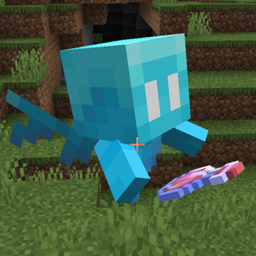
Better Allay
Customize how allay differentiates between potions and tipped arrows. Optionally can make allays pick up items even when mob griefing is off and set time for how long allay likes noteblock.Install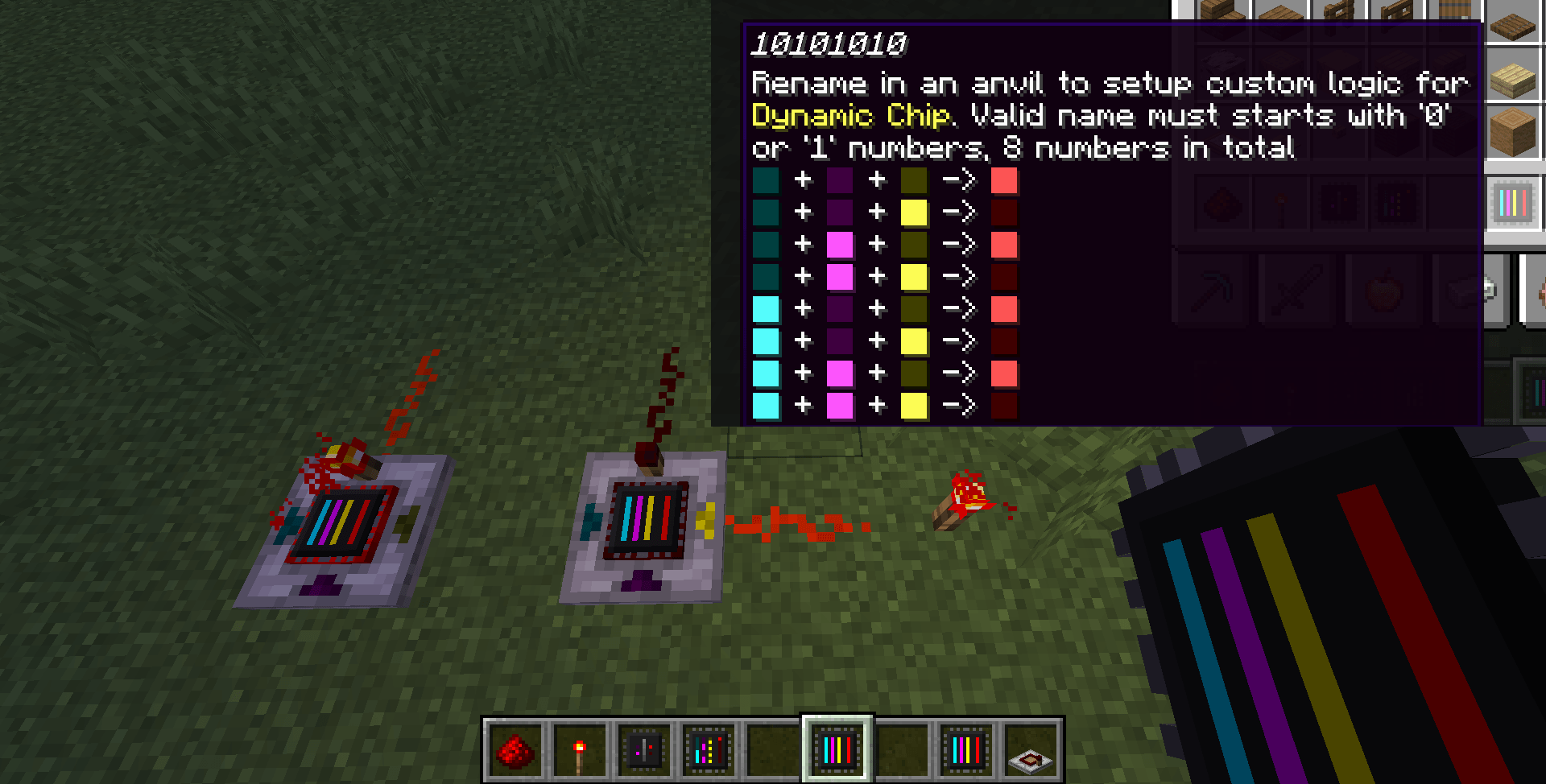
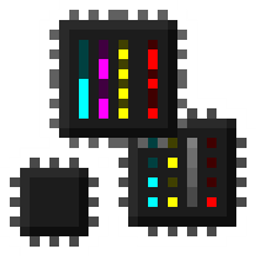
Logic Chips
Logic Gates for fancy redstone logicInstall
NoExpensive
The anvil has no expensive restrictions and compatible to any enchantment.InstallOn a server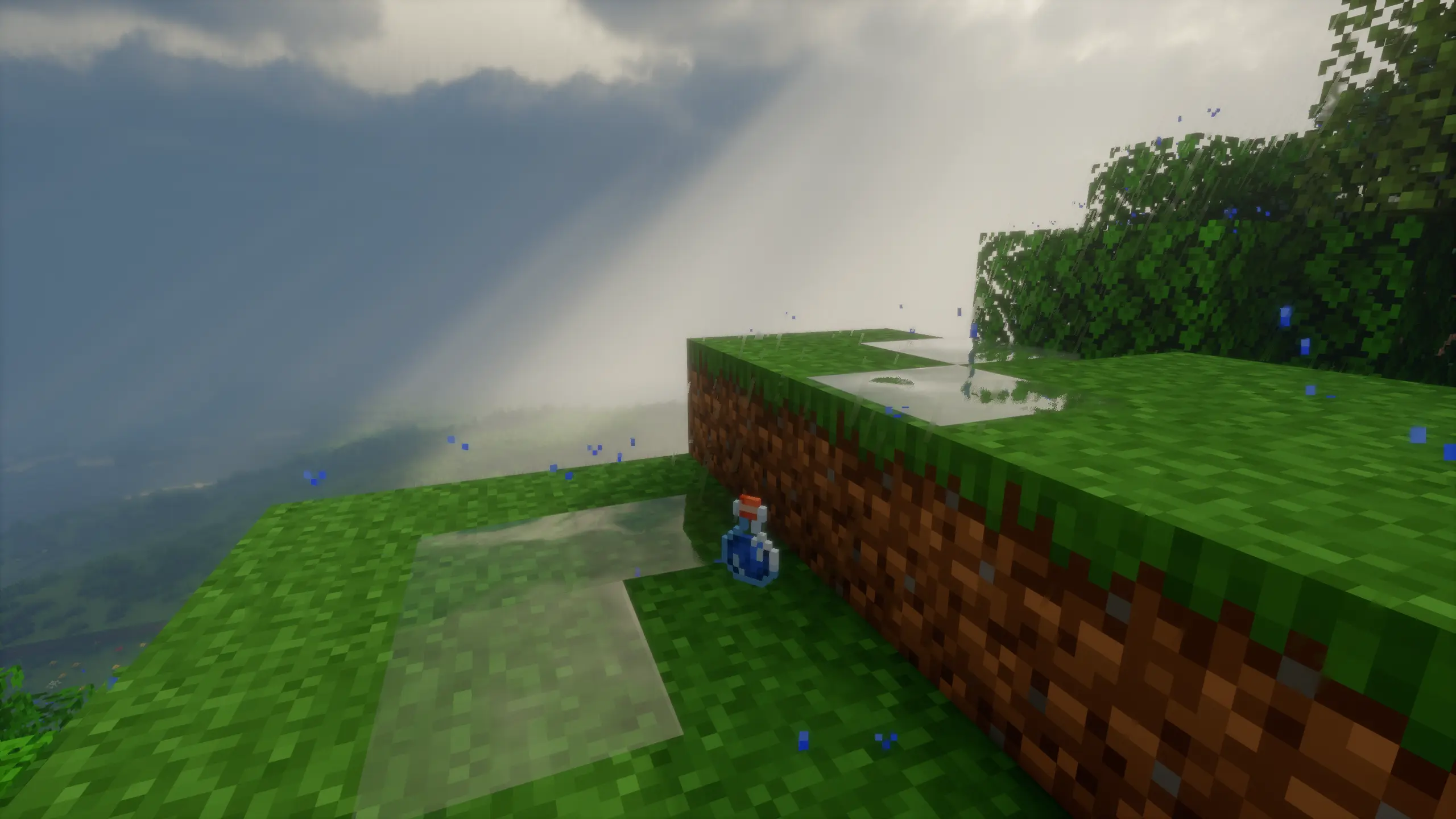

Motschen's Puddles
Adds puddles that spawn during rain and thunder! Compatible with any shader pack!Install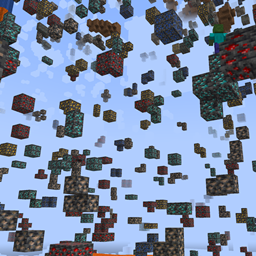
X Ray
Find ores in mines faster and easier.Install
Pack It Up!
A simple backpack mod aimed to provide interesting progression options and simple upgradeability. Choose from a variety of themed packs that hold a ton of certain specific items!Install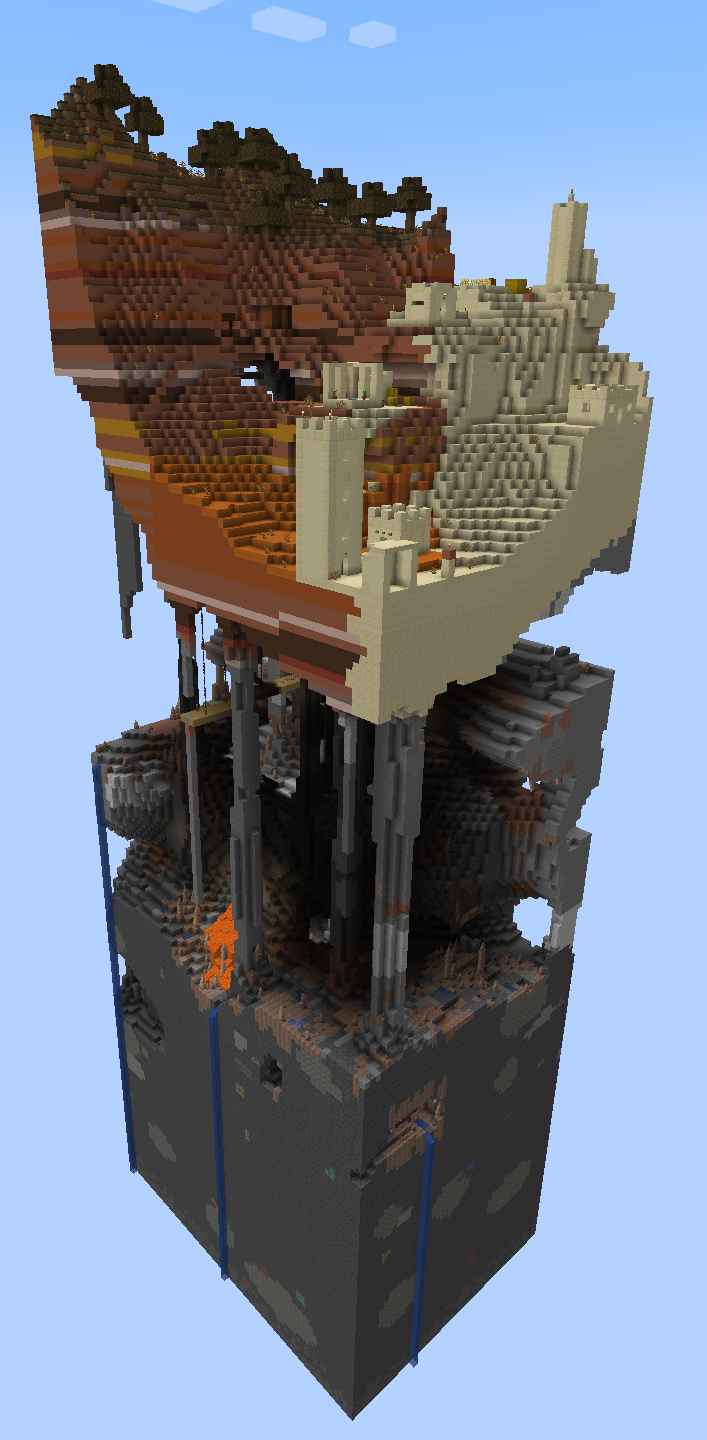
Chunk By Chunk
Starts the world as a single chunk, with the ability to expand it laterInstall

Scaling Health
Change player/mob health and more! Spiritual successor to Difficult Life.InstallOn a server

Comics Bubbles Chat
Communicate with players in a more attractive wayInstallOn a server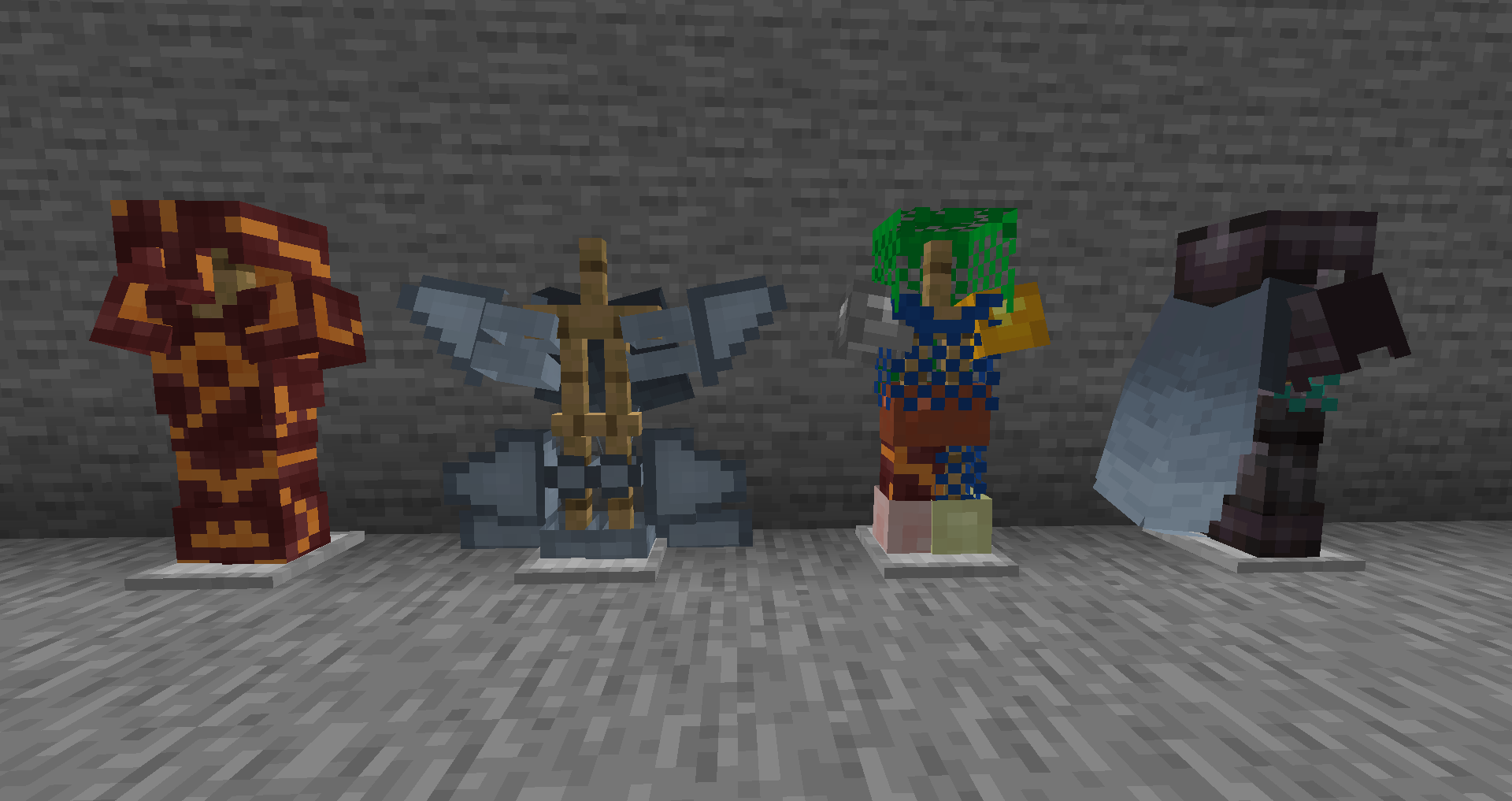
Truly Modular: Armory
A Addon for Truly Modular focusing on Armor and ElytrasInstall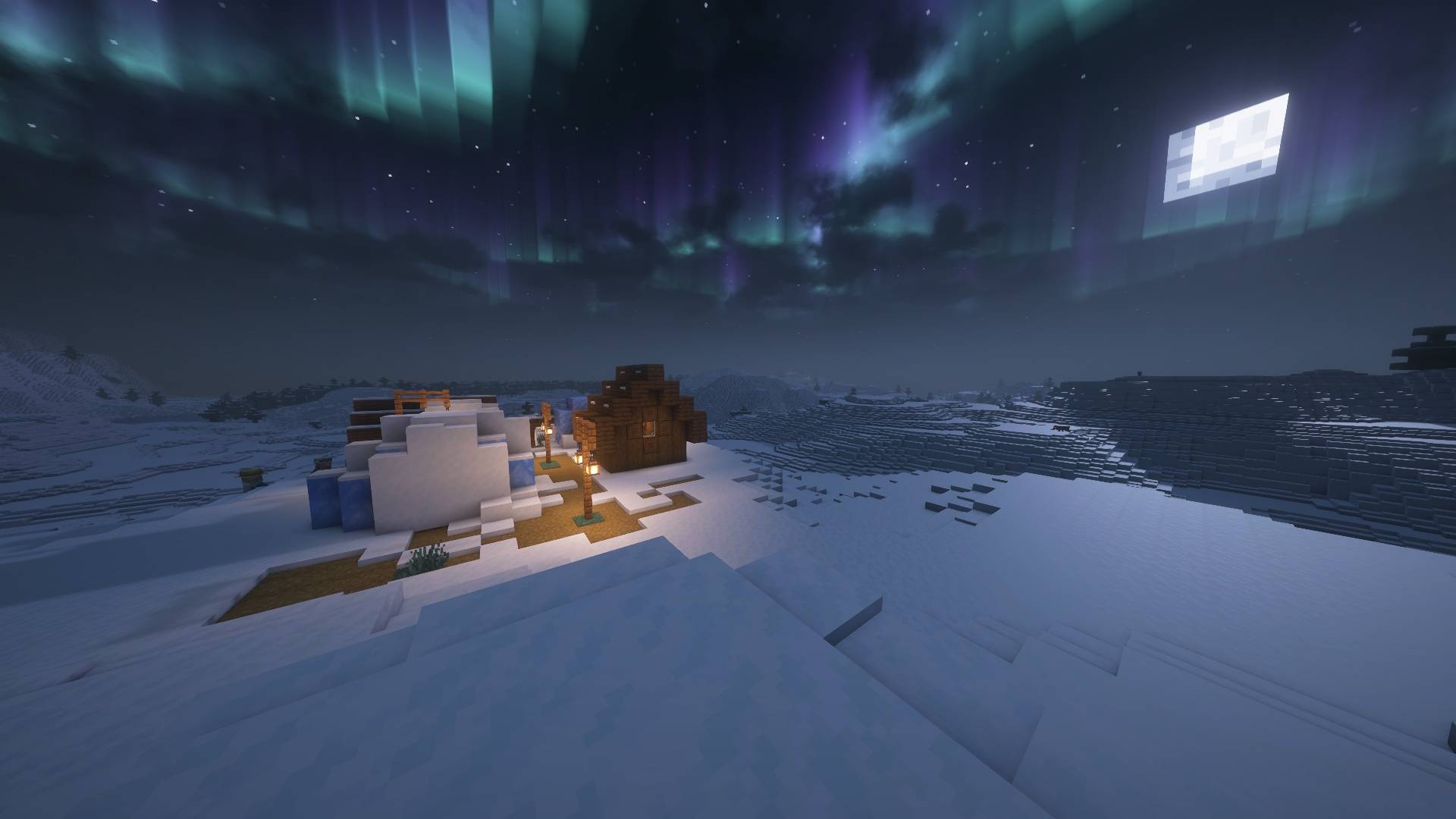
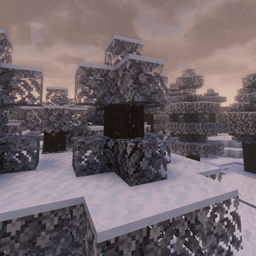
Snowy Biomes: Enhanced
Better Snowy Biomes.Install

Capsule
Bring your base! Capsules can capture a region containing any blocks or machines, then deploy and undeploy at will. Inspired by Dragon Ball capsules.InstallOn a server
Animal Origins
Adds multiple new animal based origins to the game.Install
Fireplace Lib (Fabric/Quilt)
A library of common functionality used by my mods, in one place for easier maintenance and faster updates.Install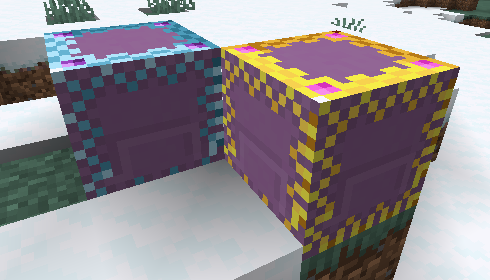
myLoot
Instanced loot per player for a better looting experience. Loot for allInstall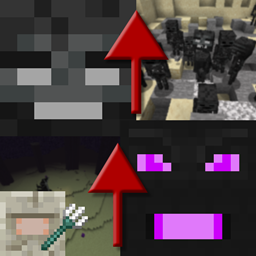
[Fabric] Progressive Bosses
Progressive Bosses! A mod that makes Wither and Ender Dragon harder each time a new one is fought. Also makes the Elder Guardian's fight harder.Install
Glowing Torchflower
Mod that make Torchflower glowInstall
KronHUD
A HUD mod for Minecraft. Modules include: Keystrokes, CPS, FPS, ping, armor, arrows, and potions.InstallFAQ
How is Forge different from Fabric?
They're two different mod loaders that aren't compatible with each other. Forge is the older one and better suited to big tech and magic modpacks; Fabric is lighter, updates to new game versions faster, and hosts most performance mods. NeoForge is a Forge fork for newer versions, and Quilt is a Fabric fork. A Forge mod won't run on Fabric, and vice versa. Millida Launcher installs the right loader for you.
How do I know which mod version I need?
The one that matches your game version and loader. The “Install” button picks the file for you: Millida Launcher grabs the version for your modpack. A mod for 1.20.1 usually won't work on 1.21.
How do I install a mod?
Click “Install” and Millida Launcher will download the mod, its dependencies and the right loader for you. To install a downloaded file manually, put it in the mods folder inside the game directory.
Do I need CurseForge to install mods?
No. The Install button on a mod page opens Millida Launcher: it downloads the mod, its dependencies and the right loader into the chosen instance by itself. No CurseForge and no manual file copying.
Which mods are there for 1.20.1?
1.20.1 is one of the most modded versions, especially on Forge: tech, magic, RPG, furniture, weapons. Pick 1.20.1 in the version filter to keep only mods with a file built exactly for it, then pick Forge or Fabric next to it.
Can I install mods on my phone?
On Android, yes: Millida Launcher runs the Java edition on a phone, and mods work there just like on a PC, though light ones run much better than heavy ones. Minecraft PE (Bedrock) cannot load PC mods — it has add-ons instead, in the Minecraft PE mods section.
Which mods are best to play with friends?
The usual picks are Simple Voice Chat for proximity voice chat, Waystones for fast travel, Xaero's Minimap and something big to work on together, such as Create. Mods that change the world must be installed by every player and on the server, while client-side ones like a minimap or performance mods are up to each player.
Minecraft mods
A mod is an add-on that changes the game itself: it adds blocks, mobs and mechanics, or speeds up world rendering. It isn't installed into the game directly but on top of a loader — Forge, Fabric, NeoForge or Quilt — and it's the loader that decides whether the file will run. That's why every card here lists both the game version and the loader: two mods with the same name for 1.12.2 Forge and 1.21 Fabric are two different files, and mixing them up means a crash on launch.
The most searched Minecraft mods are weapon, furniture, horror and performance mods: each theme has its own collection, and links to the themes and the most wanted versions are in the Popular block. Version 1.20.1 on Forge still holds the most big tech, magic and RPG mods, while the fresh 1.21.11 and 26.2 get Fabric and NeoForge mods fastest.
One mod in the catalog, one page. Every version the author has released is listed on its card: pick your game version and loader right there instead of jumping between ten similar pages. Each file shows its size, release date and checksum, and the mod itself shows the author, license and a link to the original source. Files whose license allows rehosting are stored with us and download directly — no link shorteners, timers or ad redirects. If the license forbids rehosting, the button honestly takes you to the author.