
Minecraft mods — page 301
9,029 itemsMods: list
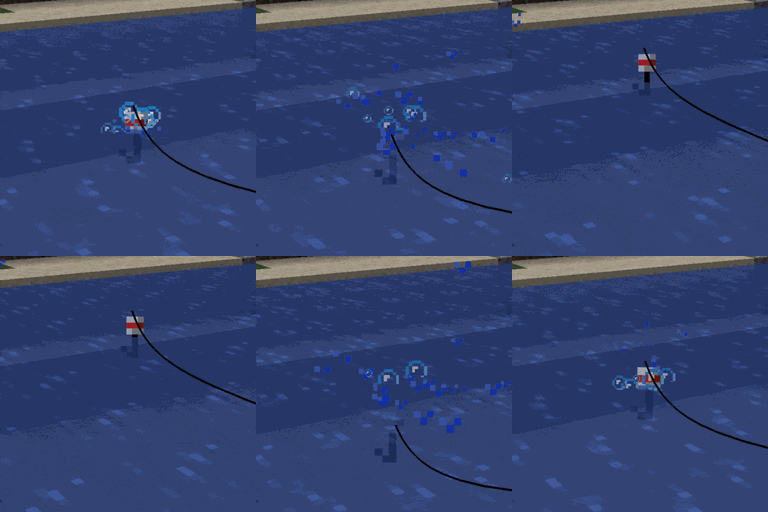


D-Hand Mod
This mod adds a convenient mechanic: when you open your inventory (by default the E key), it automatically switches the active slot in the hotbar to the one containing a Totem of Undying. This lets you use the totem and open your inventory with a single button, without requiring two actions. RInstall
Create: Cyber Goggles
A client-side mod for Create that provides modular assistance features.Install
Re-FTBQLocalizationKeys
A FTB Quests: Localization keys fork, this mod are the basis for simple and easy translations of any modpack quest.Install

Tokimi's Toolshed
Tokimi's Toolshed adds a variety of new multi-block tools to enhance your mining and gathering experience!InstallOn a server

Craft Config Lib
A client-side configuration library that supports presets and built-in keybinds.Install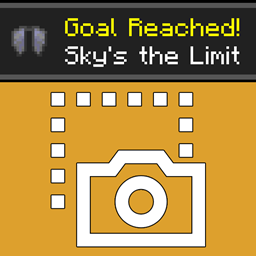
Advancement Screenshot
📸 [Client] Takes a screenshot every time an advancement is achieved. Document your progress!Install

Toast Control
Manage (or remove) those pesky toast notificationsInstall

CobbledGacha v.3 [Cobblemon 1.7] [Fabric/NeoForge 1.21.1]
Adds Cobblemon-centric gacha machines that drop awesome loot! Or maybe not?InstallOn a server

Myths & Legends
A dark fantasy mod that introduces mythical creatures, structures, and relics, all inspired by global folklore.InstallOn a server

Better Render Distance
Improves render distance by making it perfectly spherical, culling diagonal chunk sections and entities for better performance.Install

BedrockWaters
Ports over various biome water properties from Bedrock Edition!Install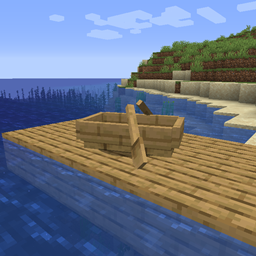
Move Boats
🛶 Allows players to easily move boats without breaking them.Install

Better Tab
Better Tab improves the player list, making it scrollable and adding numerical ping.Install
Persistent Inventory Search
🔎 [Client] Makes search queries remain inside the creative inventory during tab switching and closing.Install

The Boy And The Bath [Horror, not a Dweller] [Doctor Nowhere]
A smart and full of surprises horror-ish entity. Based on Doctor Nowhere.InstallOn a server
Pumpkins Accelerated
Adds new variations to carved pumpkins, and adds soul jack-o-lanterns as well! Try using these new pumpkins on snow golems to make them more expressive.InstallOn a server

Optimized Block Entities
A client-side optimization mod to make block entities render fasterInstall

Random Shulker Colours
🎲 Gives new shulker spawns a random shell color based on a configurable list.InstallOn a server

Beneath the Wetlands
Wander into murky swamps ruled by old iron and stranger thingsInstallOn a server
Server Resourcepack Checker
Only load server resource packs when necessaryInstall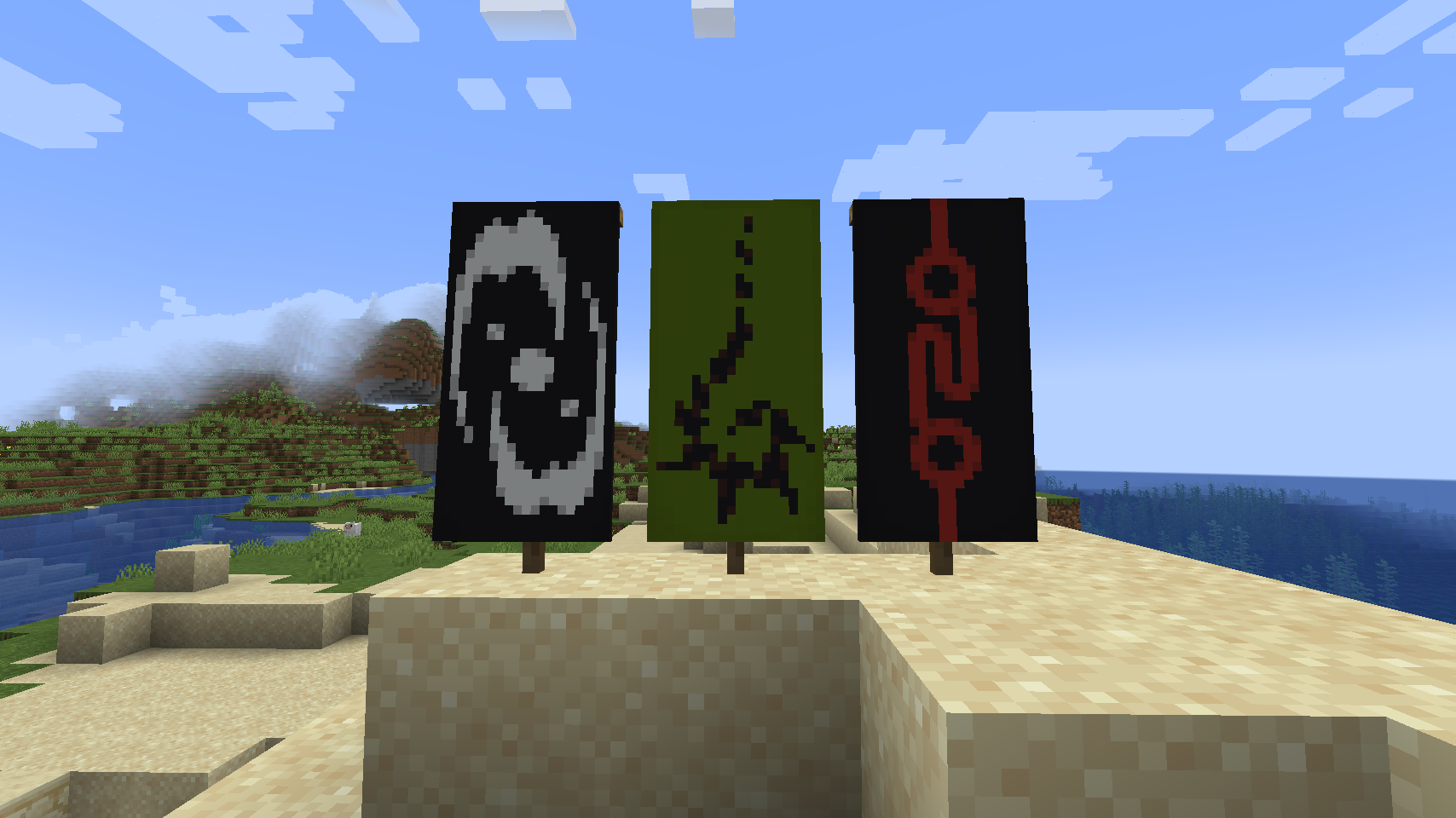

Lightstones
Adds emissive stones inspired by BionicleInstall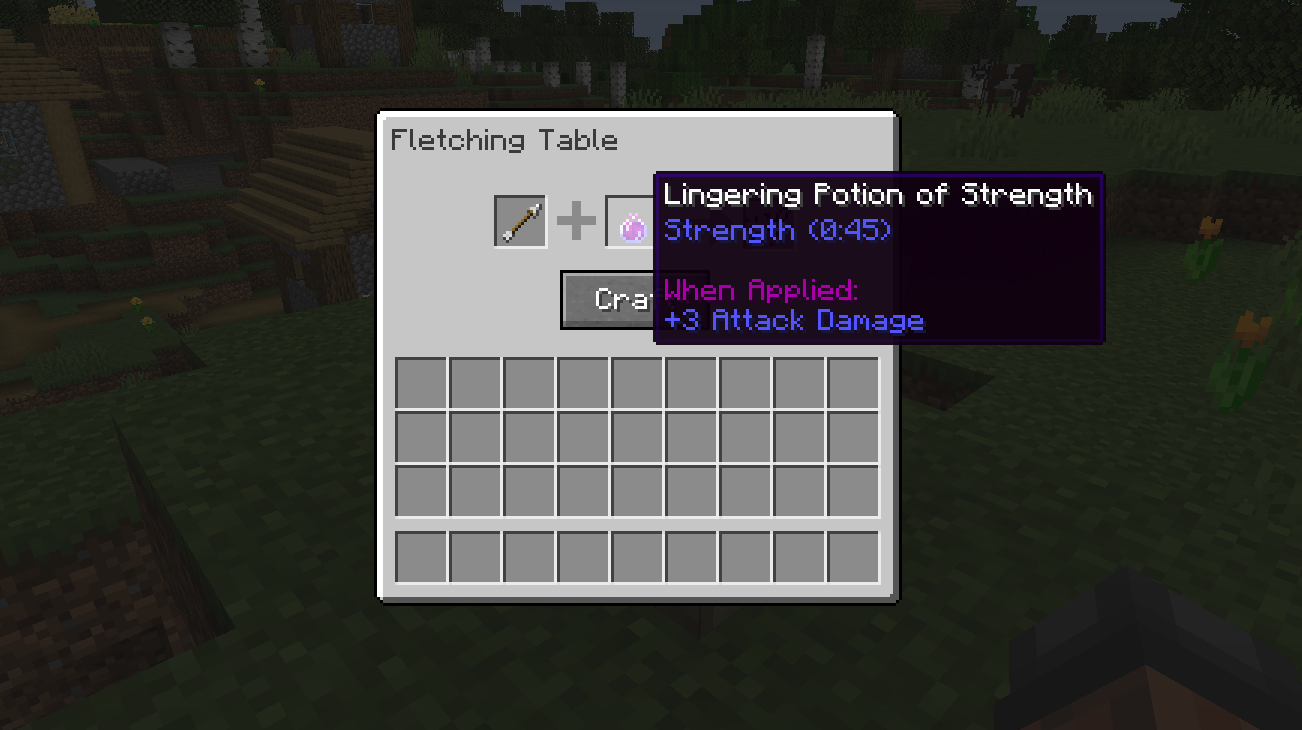
The Fletching Table Mod
This mod makes the unused Fletching Table block useful!Install
Ice and Fire Delight
Mod adds the integration of Ice and Fire with Farmer's DelightInstallOn a serverFAQ
How is Forge different from Fabric?
They're two different mod loaders that aren't compatible with each other. Forge is the older one and better suited to big tech and magic modpacks; Fabric is lighter, updates to new game versions faster, and hosts most performance mods. NeoForge is a Forge fork for newer versions, and Quilt is a Fabric fork. A Forge mod won't run on Fabric, and vice versa. Millida Launcher installs the right loader for you.
How do I know which mod version I need?
The one that matches your game version and loader. The “Install” button picks the file for you: Millida Launcher grabs the version for your modpack. A mod for 1.20.1 usually won't work on 1.21.
How do I install a mod?
Click “Install” and Millida Launcher will download the mod, its dependencies and the right loader for you. To install a downloaded file manually, put it in the mods folder inside the game directory.
Do I need CurseForge to install mods?
No. The Install button on a mod page opens Millida Launcher: it downloads the mod, its dependencies and the right loader into the chosen instance by itself. No CurseForge and no manual file copying.
Which mods are there for 1.20.1?
1.20.1 is one of the most modded versions, especially on Forge: tech, magic, RPG, furniture, weapons. Pick 1.20.1 in the version filter to keep only mods with a file built exactly for it, then pick Forge or Fabric next to it.
Can I install mods on my phone?
On Android, yes: Millida Launcher runs the Java edition on a phone, and mods work there just like on a PC, though light ones run much better than heavy ones. Minecraft PE (Bedrock) cannot load PC mods — it has add-ons instead, in the Minecraft PE mods section.
Which mods are best to play with friends?
The usual picks are Simple Voice Chat for proximity voice chat, Waystones for fast travel, Xaero's Minimap and something big to work on together, such as Create. Mods that change the world must be installed by every player and on the server, while client-side ones like a minimap or performance mods are up to each player.
Minecraft mods
A mod is an add-on that changes the game itself: it adds blocks, mobs and mechanics, or speeds up world rendering. It isn't installed into the game directly but on top of a loader — Forge, Fabric, NeoForge or Quilt — and it's the loader that decides whether the file will run. That's why every card here lists both the game version and the loader: two mods with the same name for 1.12.2 Forge and 1.21 Fabric are two different files, and mixing them up means a crash on launch.
The most searched Minecraft mods are weapon, furniture, horror and performance mods: each theme has its own collection, and links to the themes and the most wanted versions are in the Popular block. Version 1.20.1 on Forge still holds the most big tech, magic and RPG mods, while the fresh 1.21.11 and 26.2 get Fabric and NeoForge mods fastest.
One mod in the catalog, one page. Every version the author has released is listed on its card: pick your game version and loader right there instead of jumping between ten similar pages. Each file shows its size, release date and checksum, and the mod itself shows the author, license and a link to the original source. Files whose license allows rehosting are stored with us and download directly — no link shorteners, timers or ad redirects. If the license forbids rehosting, the button honestly takes you to the author.