
Minecraft mods — page 300
9,029 itemsMods: list


Don't Clear Chat History
Simple one-mixin mod that doesn't clear the messages you've sent from up arrow on disconnect/relog.Install

Create: Integrated Farming
Integrated farming automation for CreateInstallOn a server

WorldEdit CUI (Unofficial Forge Port)
A graphical user interface for WorldEdit, designed to assist in using WorldEdit, as well as preventing accidental errors.Install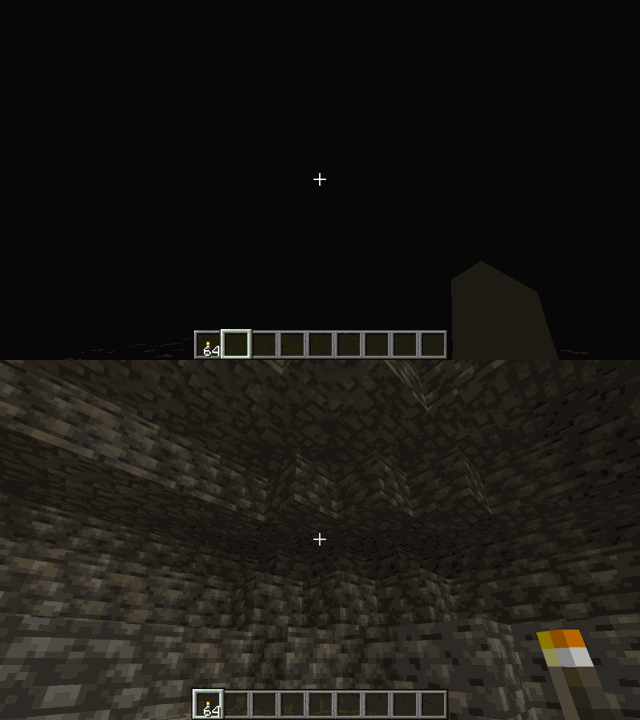
LightAura
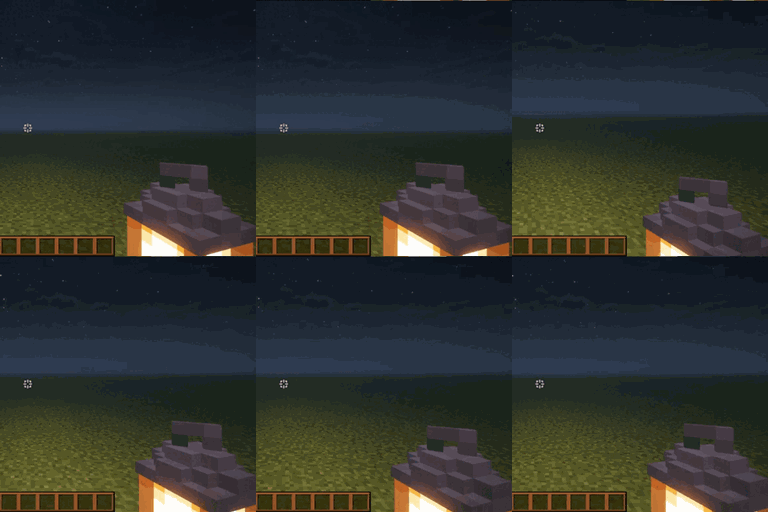
A mod that makes the player holding any light source, such as a torch , glowstone, etc, automatically illuminate the surrounding area.Install

I See My Armored Hand
Render your armor in first-person view for a more immersive Minecraft experience! Supports trims, colors, and enchantments.Install

StateObserver
A library for observing blockstate changes.InstallOn a server

Azimuth API
Create addon API focused on extending capabilities and improving accessibility to Create's systemsInstallOn a server

Origins: Classes
Add-on for Origins which allows choosing classes in addition to origins.InstallOn a server
Glass Breaker
Break all glass (and glass-adjacent) faster with a pickaxeInstallOn a server

PolyCrosshair (Custom Crosshairs)
An extremely customizable crosshair mod. By Polyfrost, best with OneClient.Install

From The Caves
Adventure horror with body horror elements.InstallOn a server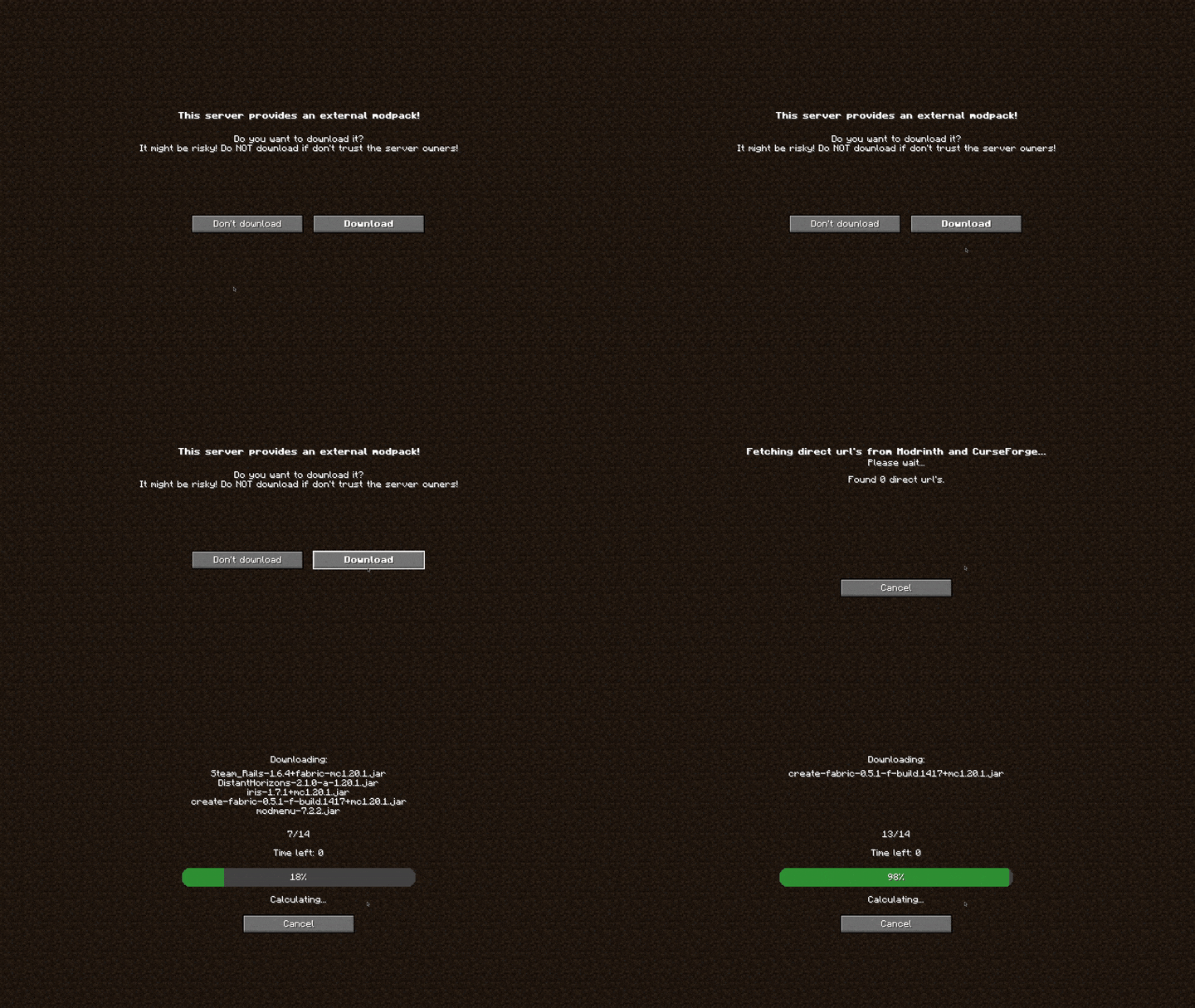
AutoModpack
Enjoy a seamless modpack installation process and effortless updates with a user-friendly solution that simplifies management, making your gaming experience a breeze.Install

Game Menu Mod Option
MOD settings to the game menu as before 1.12.2Install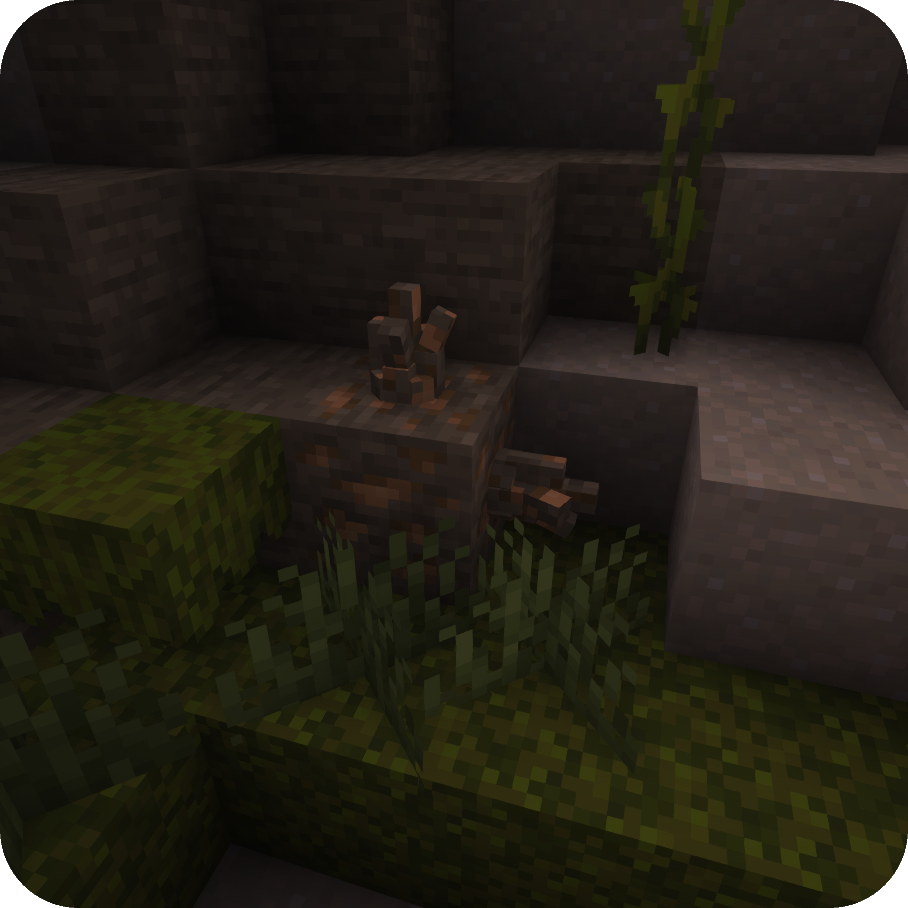
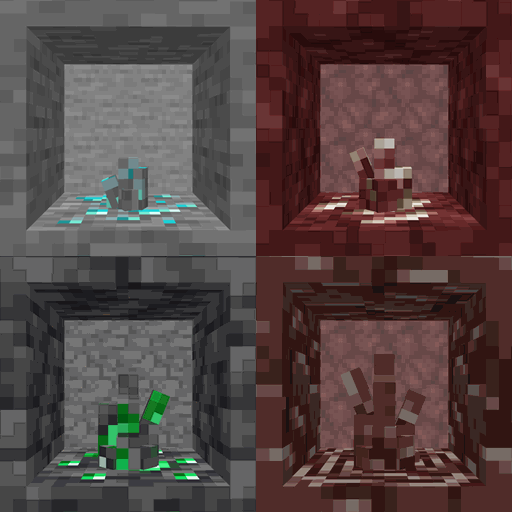
Ore Growth
Ore Growth adds crystals which can grow on ores!Install
Farmer's Cutting: Quark
Adds Farmer's Delight cutting recipes for QuarkInstallOn a server
Altered Damage
🔪 Alters damage taken and dealt by players and other entities with a modifier.Install
Simple Shops
Simple player-driven item shops that are protected anywhere they areInstallOn a server

Zenith Renewed
Fabric port of Apotheosis. Overhauls enchanting, spawners, bosses, and adds powerful weapon affixes!InstallOn a server

Craft Config Lib
A client-side configuration library that supports presets and built-in keybinds.Install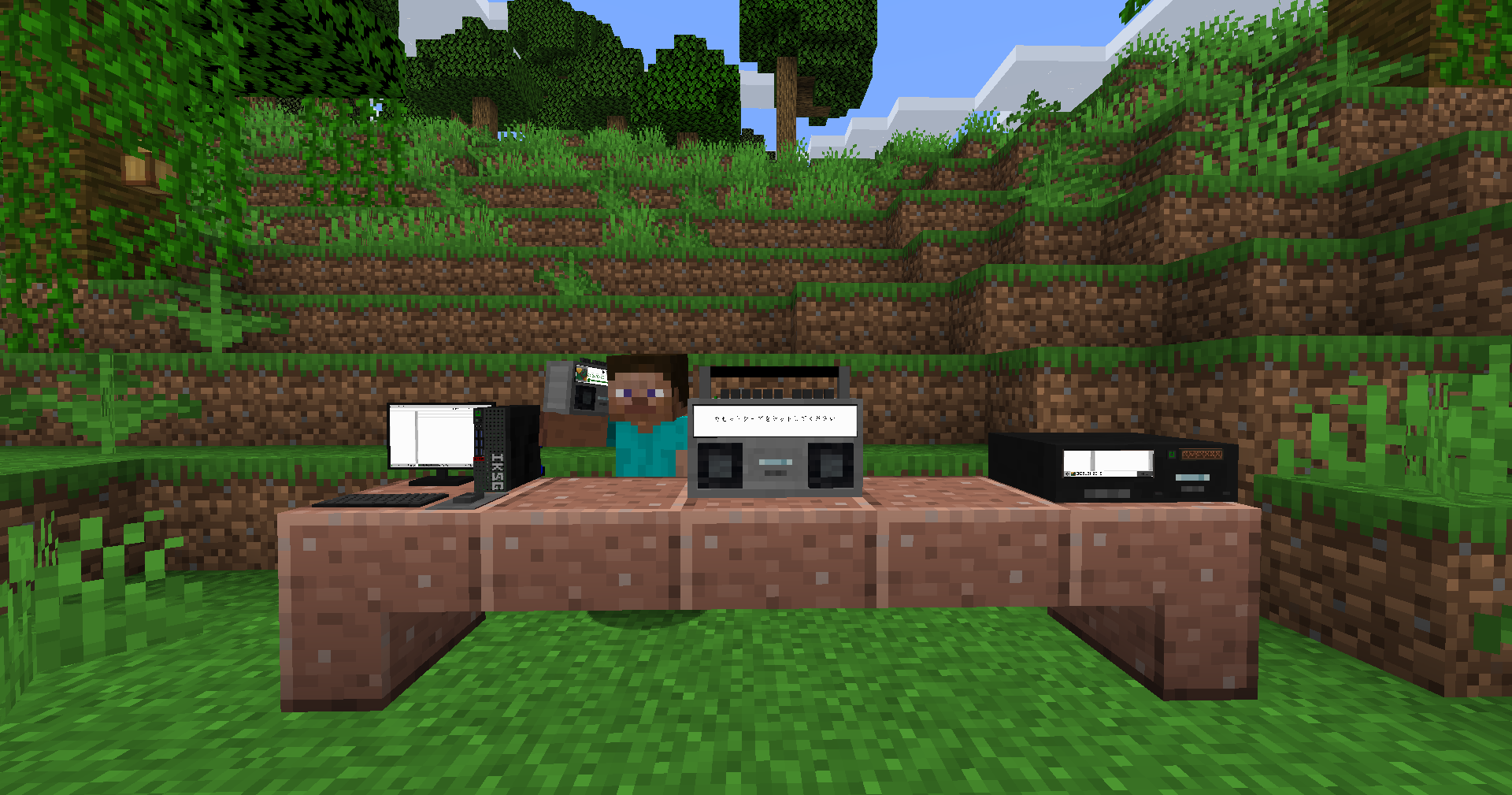

Iam Music Player [Forge/Fabric]
Enjoy music in gameInstall
Create: Cyber Goggles
A client-side mod for Create that provides modular assistance features.Install

Simple Dive Gear
A simple mod to add diving gear for water and lava. Works like Subnautica's oxygen tank (timer goes down underwater, fills back up above water).InstallOn a server

Simple Uncrafting Table
Add an Uncrafting Table for Fabric/Forge. (分解台を追加します。)InstallOn a serverFAQ
How is Forge different from Fabric?
They're two different mod loaders that aren't compatible with each other. Forge is the older one and better suited to big tech and magic modpacks; Fabric is lighter, updates to new game versions faster, and hosts most performance mods. NeoForge is a Forge fork for newer versions, and Quilt is a Fabric fork. A Forge mod won't run on Fabric, and vice versa. Millida Launcher installs the right loader for you.
How do I know which mod version I need?
The one that matches your game version and loader. The “Install” button picks the file for you: Millida Launcher grabs the version for your modpack. A mod for 1.20.1 usually won't work on 1.21.
How do I install a mod?
Click “Install” and Millida Launcher will download the mod, its dependencies and the right loader for you. To install a downloaded file manually, put it in the mods folder inside the game directory.
Do I need CurseForge to install mods?
No. The Install button on a mod page opens Millida Launcher: it downloads the mod, its dependencies and the right loader into the chosen instance by itself. No CurseForge and no manual file copying.
Which mods are there for 1.20.1?
1.20.1 is one of the most modded versions, especially on Forge: tech, magic, RPG, furniture, weapons. Pick 1.20.1 in the version filter to keep only mods with a file built exactly for it, then pick Forge or Fabric next to it.
Can I install mods on my phone?
On Android, yes: Millida Launcher runs the Java edition on a phone, and mods work there just like on a PC, though light ones run much better than heavy ones. Minecraft PE (Bedrock) cannot load PC mods — it has add-ons instead, in the Minecraft PE mods section.
Which mods are best to play with friends?
The usual picks are Simple Voice Chat for proximity voice chat, Waystones for fast travel, Xaero's Minimap and something big to work on together, such as Create. Mods that change the world must be installed by every player and on the server, while client-side ones like a minimap or performance mods are up to each player.
Minecraft mods
A mod is an add-on that changes the game itself: it adds blocks, mobs and mechanics, or speeds up world rendering. It isn't installed into the game directly but on top of a loader — Forge, Fabric, NeoForge or Quilt — and it's the loader that decides whether the file will run. That's why every card here lists both the game version and the loader: two mods with the same name for 1.12.2 Forge and 1.21 Fabric are two different files, and mixing them up means a crash on launch.
The most searched Minecraft mods are weapon, furniture, horror and performance mods: each theme has its own collection, and links to the themes and the most wanted versions are in the Popular block. Version 1.20.1 on Forge still holds the most big tech, magic and RPG mods, while the fresh 1.21.11 and 26.2 get Fabric and NeoForge mods fastest.
One mod in the catalog, one page. Every version the author has released is listed on its card: pick your game version and loader right there instead of jumping between ten similar pages. Each file shows its size, release date and checksum, and the mod itself shows the author, license and a link to the original source. Files whose license allows rehosting are stored with us and download directly — no link shorteners, timers or ad redirects. If the license forbids rehosting, the button honestly takes you to the author.