
Minecraft mods — page 291
9,029 itemsMods: list



Effortless Structure
Increase your build speed by batch placing/breaking/using blocks/items in any shapes with correct item and tools consumption. It also includes array/mirror transformers, structures copying/pasting, block randomizer, permission control, etc...Install

The Impossible Library
A library mod that makes the impossible possibleInstallOn a server

Better Cave Dweller
Gives the already horrifying monster everybody knows as the cave dweller a scarier look and better animationsInstallOn a server
Softer Hay Bales
🌾 Makes hay bales negate fall damage entirely, Assassin's Creed style.Install

Hísëa
Adds configurable fog-generating blocks for atmosphere and detailInstall

BehindYou (SnapLook)
A modern, non-2018 take on the BehindYou mod. By Polyfrost, best with OneClient.Install

Client Side Crystals
Makes your crystals show instantly client side when crystaling to look look like zero ping Works with Marlow's optimizer Allowed on VTL and mcpvpclubInstall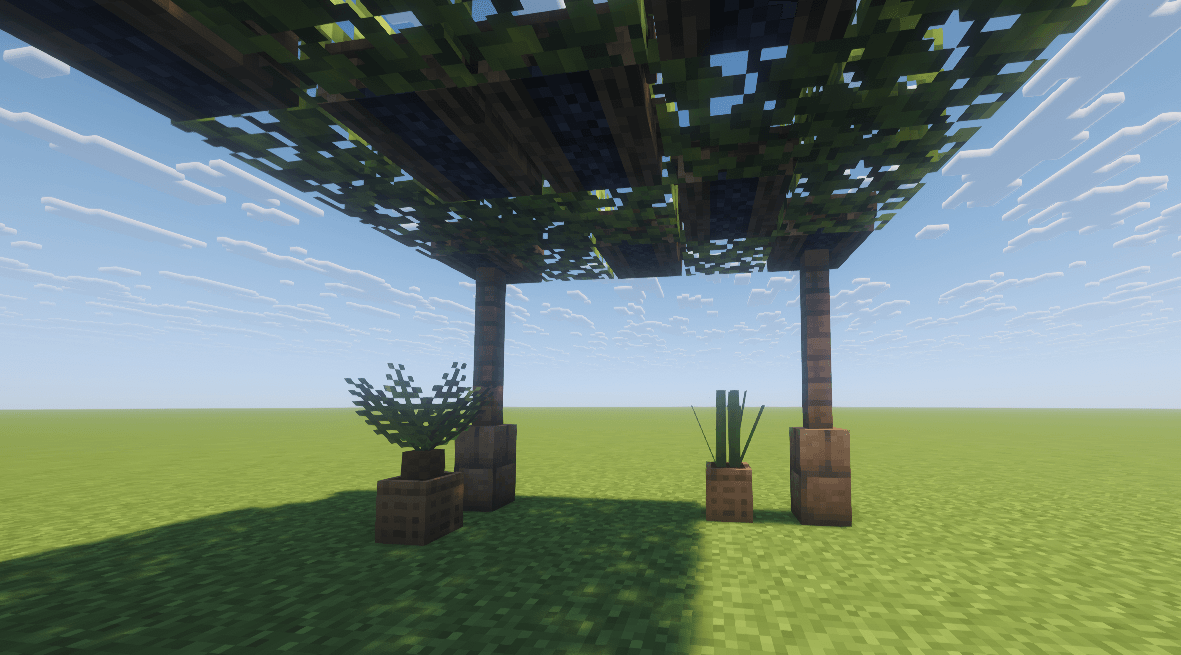
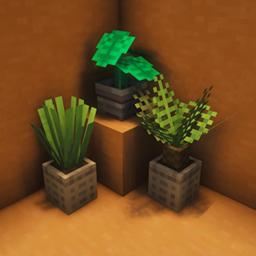
Pot Leaves
This is a small mod for decoration with pots and leaves.Install

Mutant Skeleton Armor Tweaks
Mutant Skeleton Chestplate now compatible with crossbows!InstallOn a server

Marbled's Arsenal (Legacy)
A mod that adds modern military and tactical armorsInstallOn a server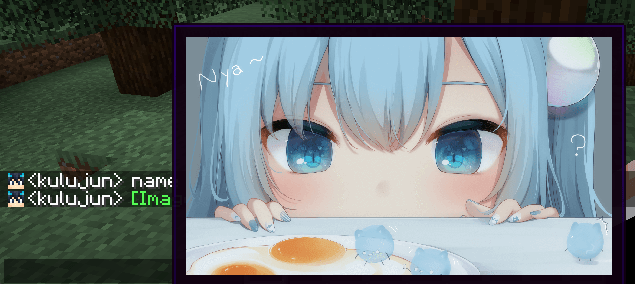

ChatImage
show image in chat screenInstall
Too Cheap!
Removes annoying Too Expensive! message and level cost restriction on anvils.InstallOn a server

Spellbound Weapons
Adds new weapons that enhance fighting and creates new strategies to combat foesInstall
Ice Prevents Crop Growth
🧊 Crops growing with ice underneath will remain in the same stage, for design purposes.Install
Enchanted: Witchcraft
A magic and sorcery mod for all things witchcraftInstallOn a server

Create: FlyHigher-直上九霄
A small mod that allows customization of the atmospheric pressure distribution for Create: Aeronautics (Sable), for NeoForge 1.21.1 only.InstallOn a server
Totally Lit
Brings realistic/hardcore mechanics to torches, candles, lanterns, campfires, and jack o' lanterns in a configurable way.InstallOn a server
Sooty Chimneys for Fabric
Unofficial port of Sooty Chimneys over to Fabric.InstallOn a server

Dracomelette
Cookable dragon eggs lolInstall

Item Collectors
Item Collectors adds Collectors which collect items in a specified range!InstallOn a server

Farming for Blockheads
Adds a customizable market, shipping bin, sprinklers and more farming utilities.InstallOn a server
Particle Tweaks
Substantially improves particles!Install
Tightfire
Makes fire render tighter against blocks like slabs and fencesInstallFAQ
How is Forge different from Fabric?
They're two different mod loaders that aren't compatible with each other. Forge is the older one and better suited to big tech and magic modpacks; Fabric is lighter, updates to new game versions faster, and hosts most performance mods. NeoForge is a Forge fork for newer versions, and Quilt is a Fabric fork. A Forge mod won't run on Fabric, and vice versa. Millida Launcher installs the right loader for you.
How do I know which mod version I need?
The one that matches your game version and loader. The “Install” button picks the file for you: Millida Launcher grabs the version for your modpack. A mod for 1.20.1 usually won't work on 1.21.
How do I install a mod?
Click “Install” and Millida Launcher will download the mod, its dependencies and the right loader for you. To install a downloaded file manually, put it in the mods folder inside the game directory.
Do I need CurseForge to install mods?
No. The Install button on a mod page opens Millida Launcher: it downloads the mod, its dependencies and the right loader into the chosen instance by itself. No CurseForge and no manual file copying.
Which mods are there for 1.20.1?
1.20.1 is one of the most modded versions, especially on Forge: tech, magic, RPG, furniture, weapons. Pick 1.20.1 in the version filter to keep only mods with a file built exactly for it, then pick Forge or Fabric next to it.
Can I install mods on my phone?
On Android, yes: Millida Launcher runs the Java edition on a phone, and mods work there just like on a PC, though light ones run much better than heavy ones. Minecraft PE (Bedrock) cannot load PC mods — it has add-ons instead, in the Minecraft PE mods section.
Which mods are best to play with friends?
The usual picks are Simple Voice Chat for proximity voice chat, Waystones for fast travel, Xaero's Minimap and something big to work on together, such as Create. Mods that change the world must be installed by every player and on the server, while client-side ones like a minimap or performance mods are up to each player.
Minecraft mods
A mod is an add-on that changes the game itself: it adds blocks, mobs and mechanics, or speeds up world rendering. It isn't installed into the game directly but on top of a loader — Forge, Fabric, NeoForge or Quilt — and it's the loader that decides whether the file will run. That's why every card here lists both the game version and the loader: two mods with the same name for 1.12.2 Forge and 1.21 Fabric are two different files, and mixing them up means a crash on launch.
The most searched Minecraft mods are weapon, furniture, horror and performance mods: each theme has its own collection, and links to the themes and the most wanted versions are in the Popular block. Version 1.20.1 on Forge still holds the most big tech, magic and RPG mods, while the fresh 1.21.11 and 26.2 get Fabric and NeoForge mods fastest.
One mod in the catalog, one page. Every version the author has released is listed on its card: pick your game version and loader right there instead of jumping between ten similar pages. Each file shows its size, release date and checksum, and the mod itself shows the author, license and a link to the original source. Files whose license allows rehosting are stored with us and download directly — no link shorteners, timers or ad redirects. If the license forbids rehosting, the button honestly takes you to the author.