
Minecraft mods — page 102
9,027 itemsMods: list

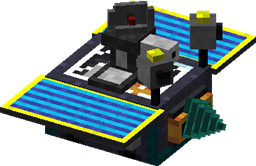
Steve's Carts 2
Introducing modular carts to Minecraft. Let your carts mine, farm, get powered by sunlight, shoot mobs, craft items and much more.Install
Pam's Simple Recipes
This mod adds several crafting and smelting recipes to the game.Install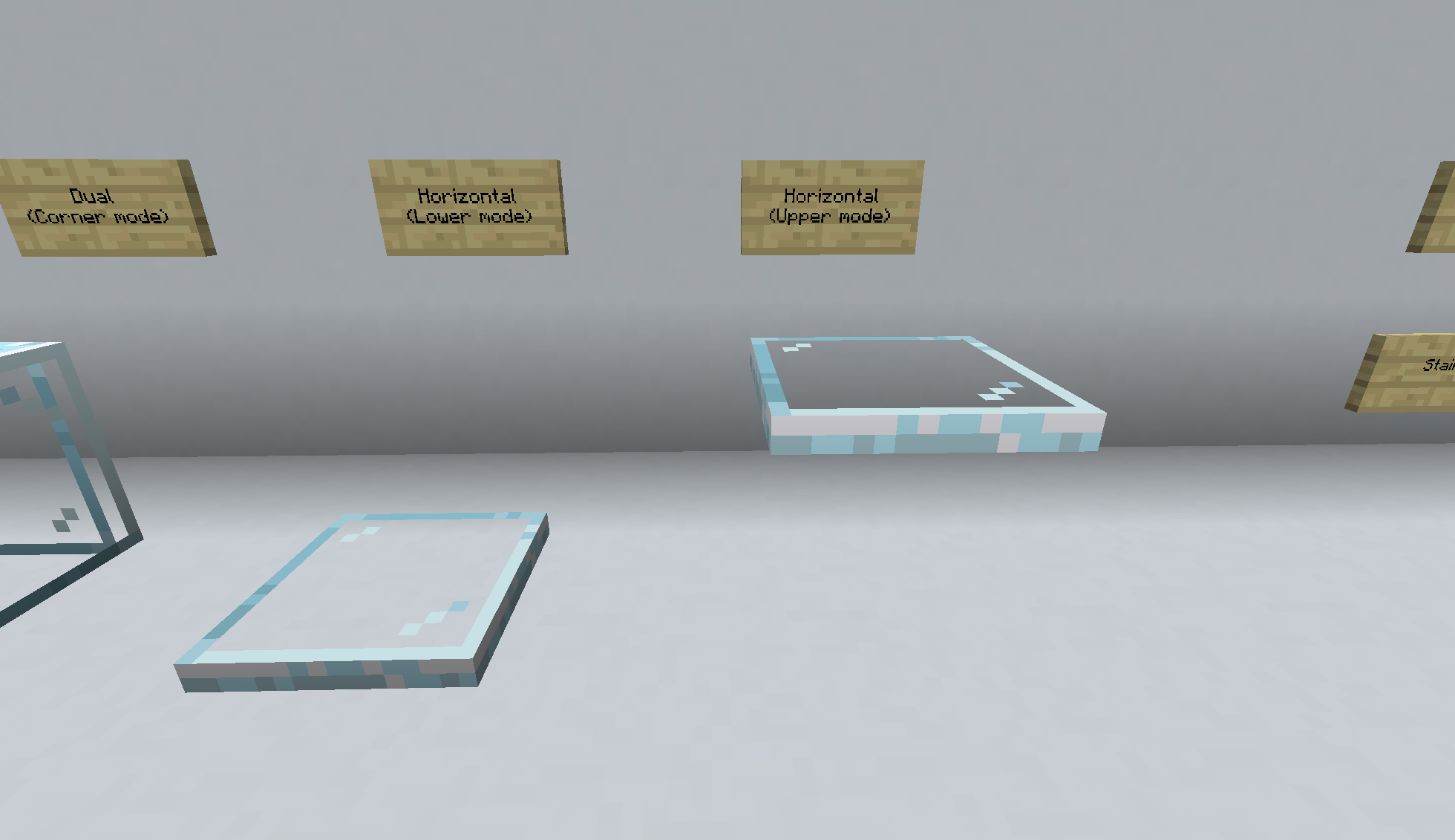

Pane In The Glass
Edge aligned glass panesInstall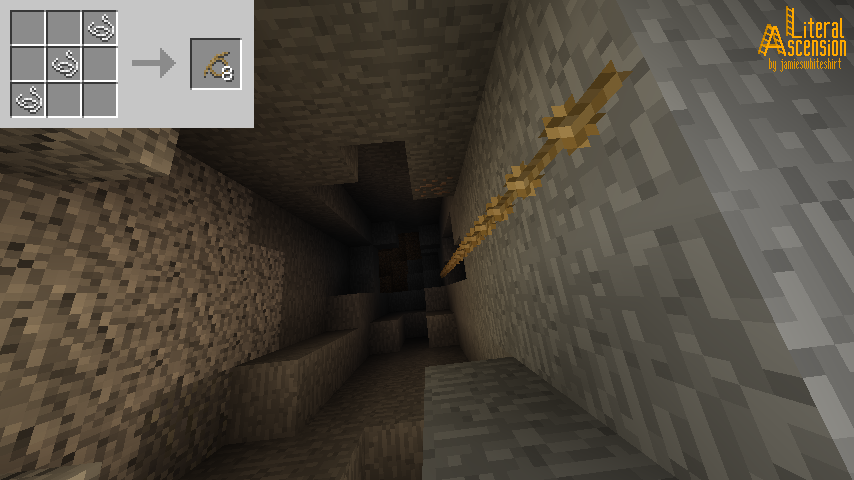

Literal Ascension
Intuitive solutions for vertical mobilityInstall
PackagedExCrafting
Extended Crafting Autocrafting with PackagedAutoInstall
It's Raining Food!
Ever wondered why you couldn't eat rain? Me neither.Install
Scorge
Scala language loader for forgeInstall
Spelunkery
A mining progression overhaul plus tools and utilitiesInstall
Thaumic Periphery
An addon for Thaumcraft 6 that adds some cross-mod interaction, some baubles, and a few tweaks to existing featuresInstall
Ars Nouveau's Flavors & Delight
Adding 49+ food made with Ars Nouveau's ingredients in Farmer's Delight style, and mechanics interact with spellsInstall
FTB Tweaks
This is a very simple mod that introduces the concept of game modes. For want of a better description this allows you to set up multiple minetweaker profiles and switch between them on the fly (no server restart required) This gives you the ability to...Install
Create: Netherless ((Neo)Forge)
🚫Gather and automate Nether ressources without ever needing the NetherInstall
TimeoutFixes
Fixes the problem of players timing out when trying to connect to a server with lots of modsInstall
A Block of Charcoal
Adds a charcoal block to minecraftInstall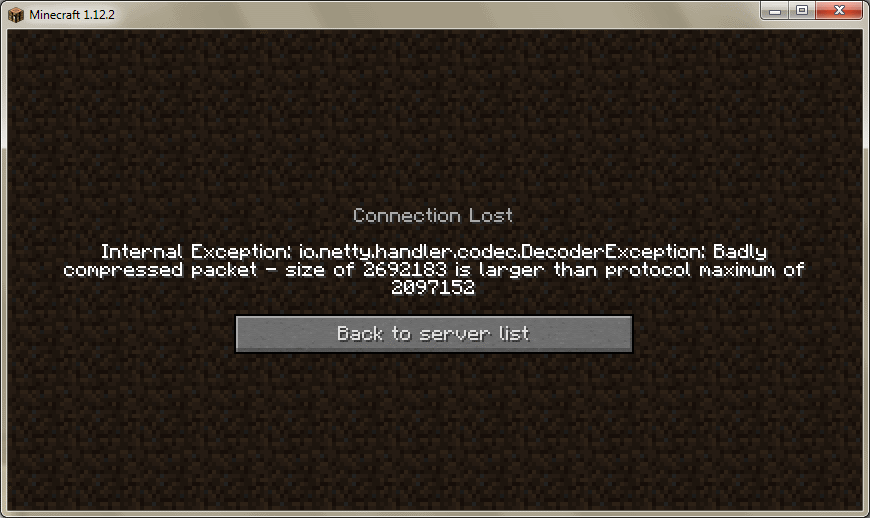

Bigger Packets Please
Extend compressed packet size limitInstall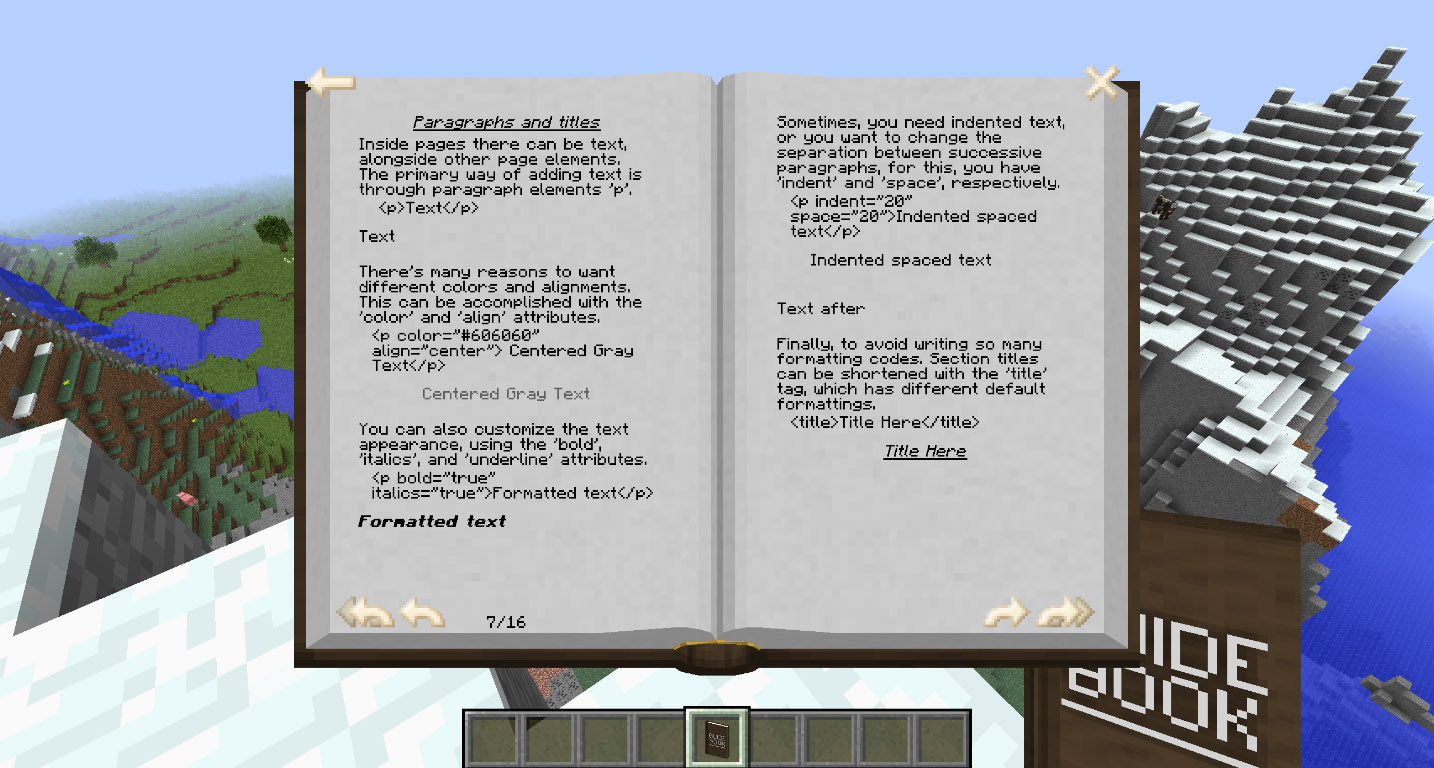
Guidebook
Custom books with formatting and picturesInstall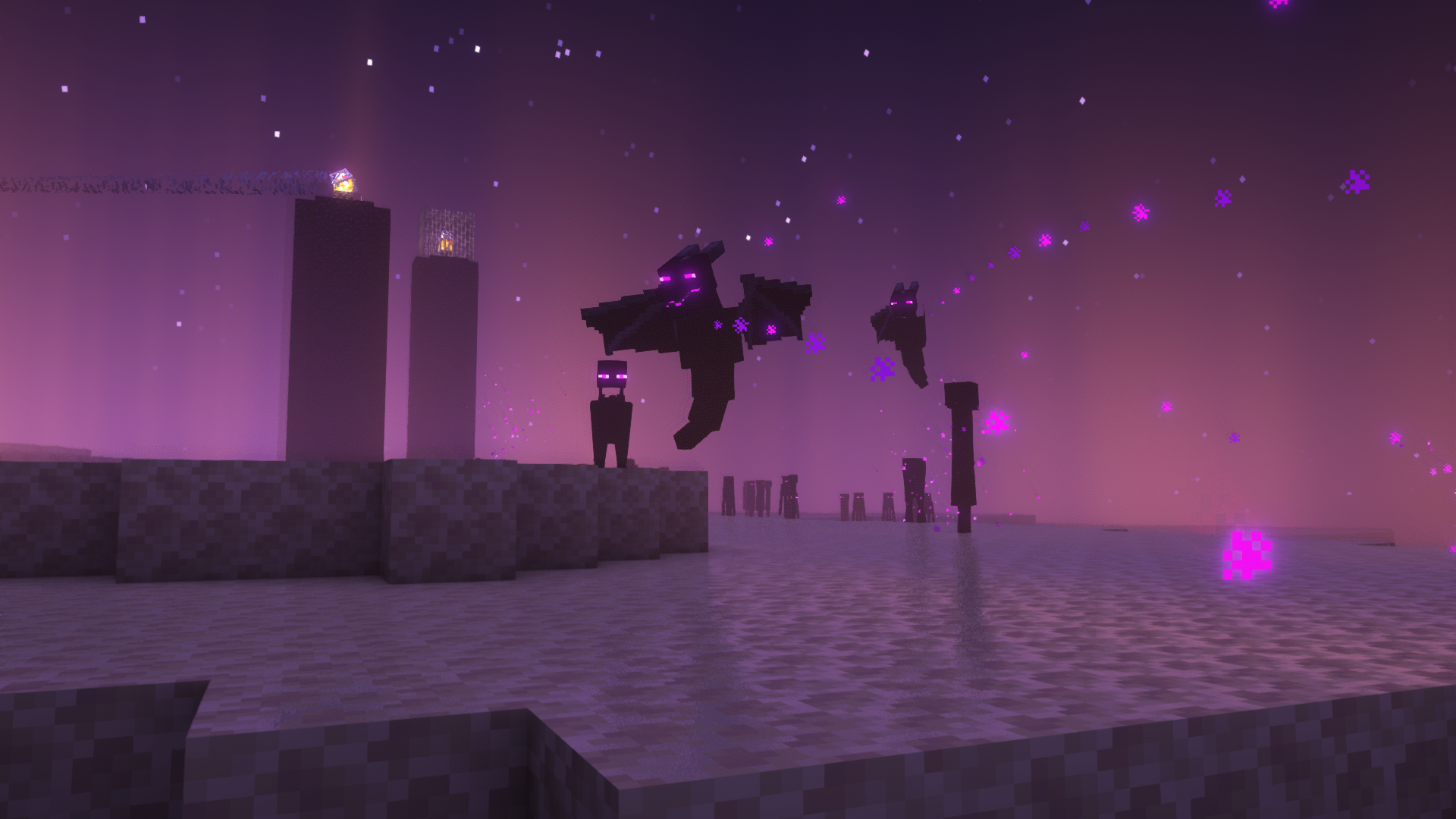
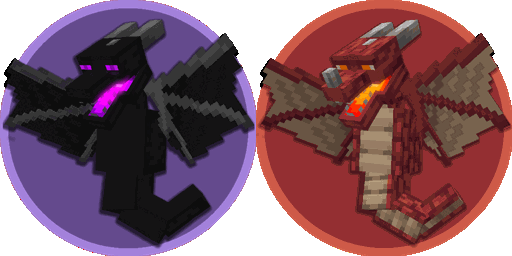
Realm RPG: Dragon Wyrms
Adds ender dragon wyrm creatures / mobs in The End & Nether. Vanilla style.Install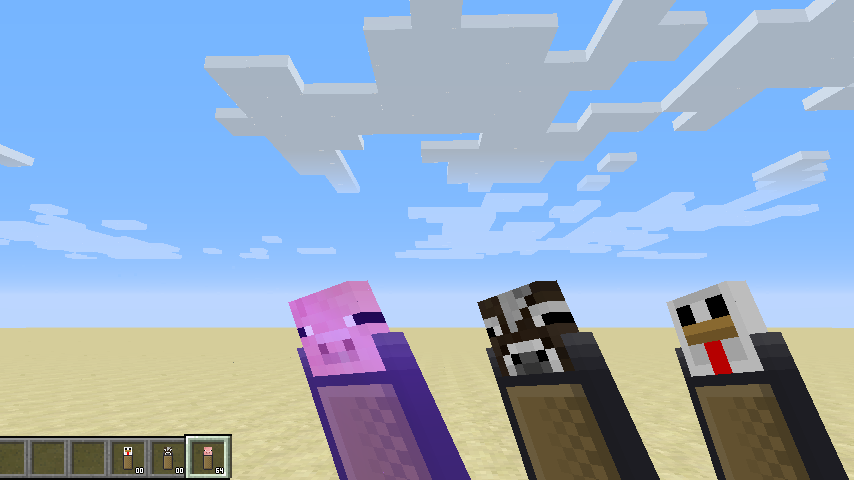
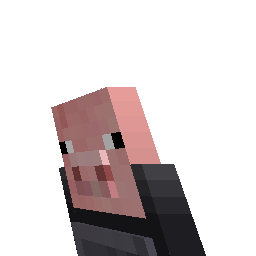
Baconators
Bacon .. on a stick! ~burpInstall
Skeleton AI Fix
Eliminates awkward strafing – Skeletons now stay focused and shoot faster the closer you get.Install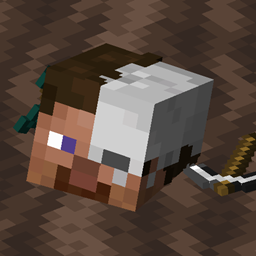
Universal Graves
Customisable grave mod for Fabric!Install

Jump Over Fences
you can jump over blocks, why not fences?Install

Difficulty Lock
🔒 Sets a difficulty in any world, optionally locked, or force a hardcore mode requirement.InstallOn a server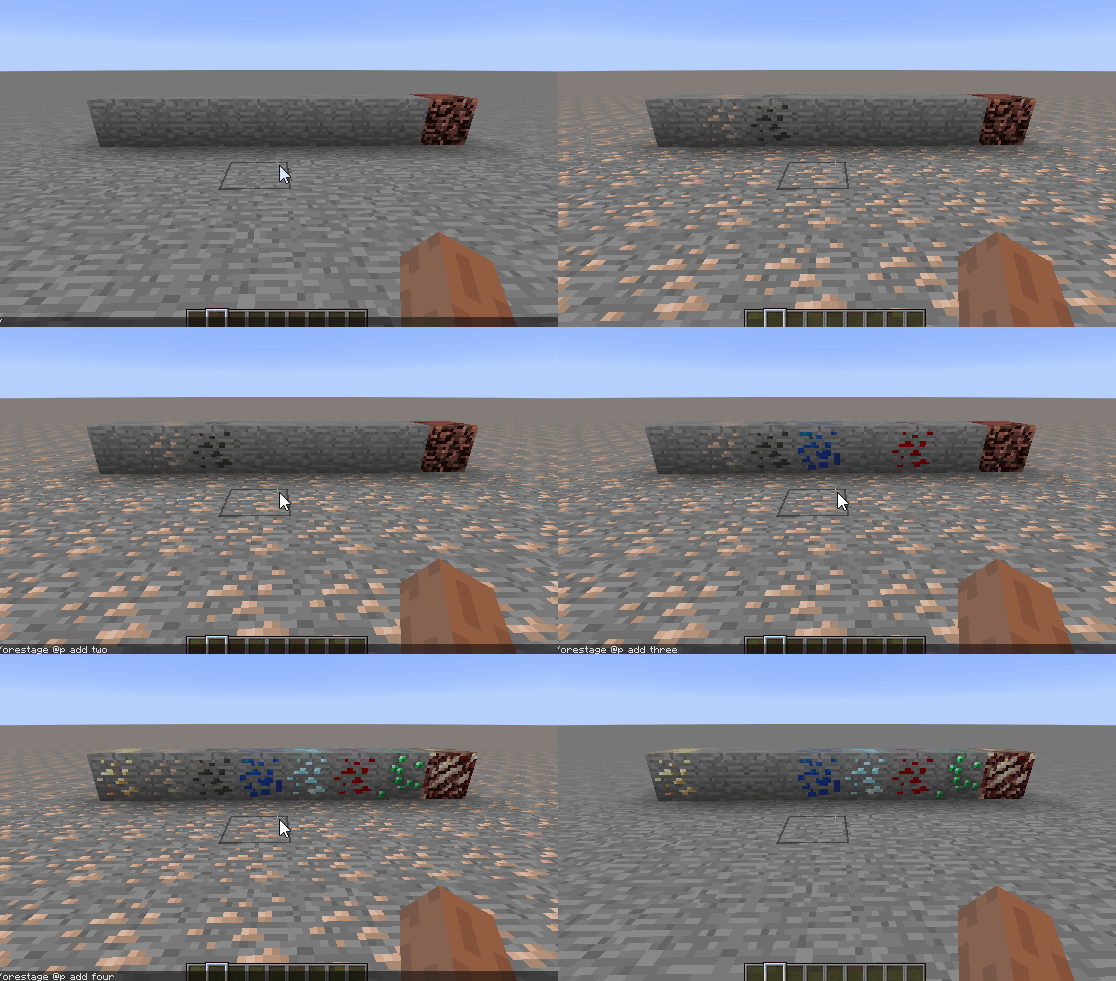
Ore Stages
Allows blocks like ores to be hidden and staged with Game StagesInstallFAQ
How is Forge different from Fabric?
They're two different mod loaders that aren't compatible with each other. Forge is the older one and better suited to big tech and magic modpacks; Fabric is lighter, updates to new game versions faster, and hosts most performance mods. NeoForge is a Forge fork for newer versions, and Quilt is a Fabric fork. A Forge mod won't run on Fabric, and vice versa. Millida Launcher installs the right loader for you.
How do I know which mod version I need?
The one that matches your game version and loader. The “Install” button picks the file for you: Millida Launcher grabs the version for your modpack. A mod for 1.20.1 usually won't work on 1.21.
How do I install a mod?
Click “Install” and Millida Launcher will download the mod, its dependencies and the right loader for you. To install a downloaded file manually, put it in the mods folder inside the game directory.
Do I need CurseForge to install mods?
No. The Install button on a mod page opens Millida Launcher: it downloads the mod, its dependencies and the right loader into the chosen instance by itself. No CurseForge and no manual file copying.
Which mods are there for 1.20.1?
1.20.1 is one of the most modded versions, especially on Forge: tech, magic, RPG, furniture, weapons. Pick 1.20.1 in the version filter to keep only mods with a file built exactly for it, then pick Forge or Fabric next to it.
Can I install mods on my phone?
On Android, yes: Millida Launcher runs the Java edition on a phone, and mods work there just like on a PC, though light ones run much better than heavy ones. Minecraft PE (Bedrock) cannot load PC mods — it has add-ons instead, in the Minecraft PE mods section.
Which mods are best to play with friends?
The usual picks are Simple Voice Chat for proximity voice chat, Waystones for fast travel, Xaero's Minimap and something big to work on together, such as Create. Mods that change the world must be installed by every player and on the server, while client-side ones like a minimap or performance mods are up to each player.
Minecraft mods
A mod is an add-on that changes the game itself: it adds blocks, mobs and mechanics, or speeds up world rendering. It isn't installed into the game directly but on top of a loader — Forge, Fabric, NeoForge or Quilt — and it's the loader that decides whether the file will run. That's why every card here lists both the game version and the loader: two mods with the same name for 1.12.2 Forge and 1.21 Fabric are two different files, and mixing them up means a crash on launch.
The most searched Minecraft mods are weapon, furniture, horror and performance mods: each theme has its own collection, and links to the themes and the most wanted versions are in the Popular block. Version 1.20.1 on Forge still holds the most big tech, magic and RPG mods, while the fresh 1.21.11 and 26.2 get Fabric and NeoForge mods fastest.
One mod in the catalog, one page. Every version the author has released is listed on its card: pick your game version and loader right there instead of jumping between ten similar pages. Each file shows its size, release date and checksum, and the mod itself shows the author, license and a link to the original source. Files whose license allows rehosting are stored with us and download directly — no link shorteners, timers or ad redirects. If the license forbids rehosting, the button honestly takes you to the author.