
Minecraft mods — page 101
9,027 itemsMods: list


Just Enough Resources (JER)
JEI integration that adds info on mobs, world gen, villagers and many more!Install
BuildCraft|Builders
BuildCraft Builders ModuleInstall

MiniHUD
A "mini F3" HUD mod, also with various overlays like light level, spawn chunks, slime chunks etc.Install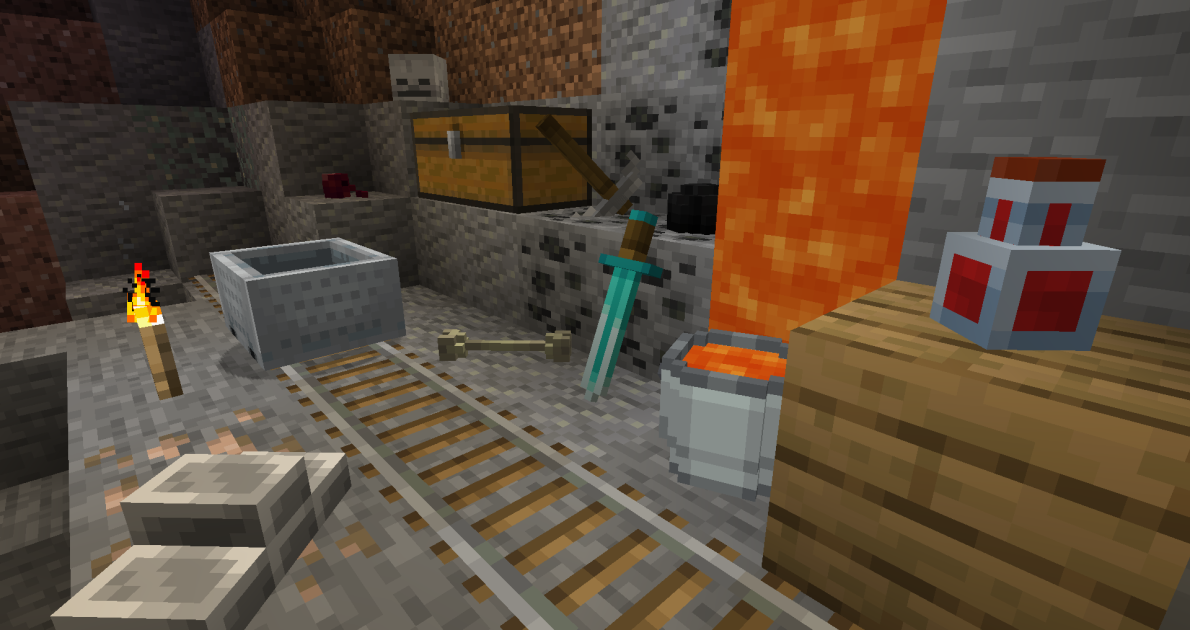
Placeable Items
This mod allows players to place items as 3D modelsInstall
Prominence Original Soundtrack
The original soundtrack of the Prominence modpacks.Install
Athenaeum
This is my Minecraft mod library. There are many like it, but this one is mine.Install
MattDahEpic Core (MDECore)
Common code for all MattDahEpic mods. Adds helpful commands too.Install
Death Knights (RPG Series)
☠️ Embrace darkness and become a Death Knight using Unholy, Blood and Frost magic.Install

Goety - The Dark Arts
Perform necromancy and dark rituals using the power of souls. Highly configurable.InstallOn a server
JAGS
Just Another Grass SeedInstall
Living Enchantment
A small and concise mod that adds living equipment through an enchantment.Install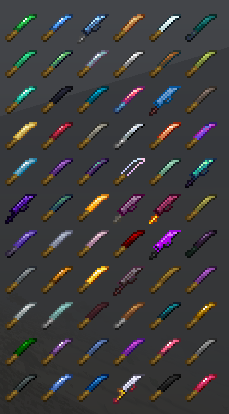
Harvest Scythes
Harvest crops in a range!Install

Bygone Nether
Explore new structures unique to each Nether biome, as well as the new mobs that inhabit them.InstallOn a server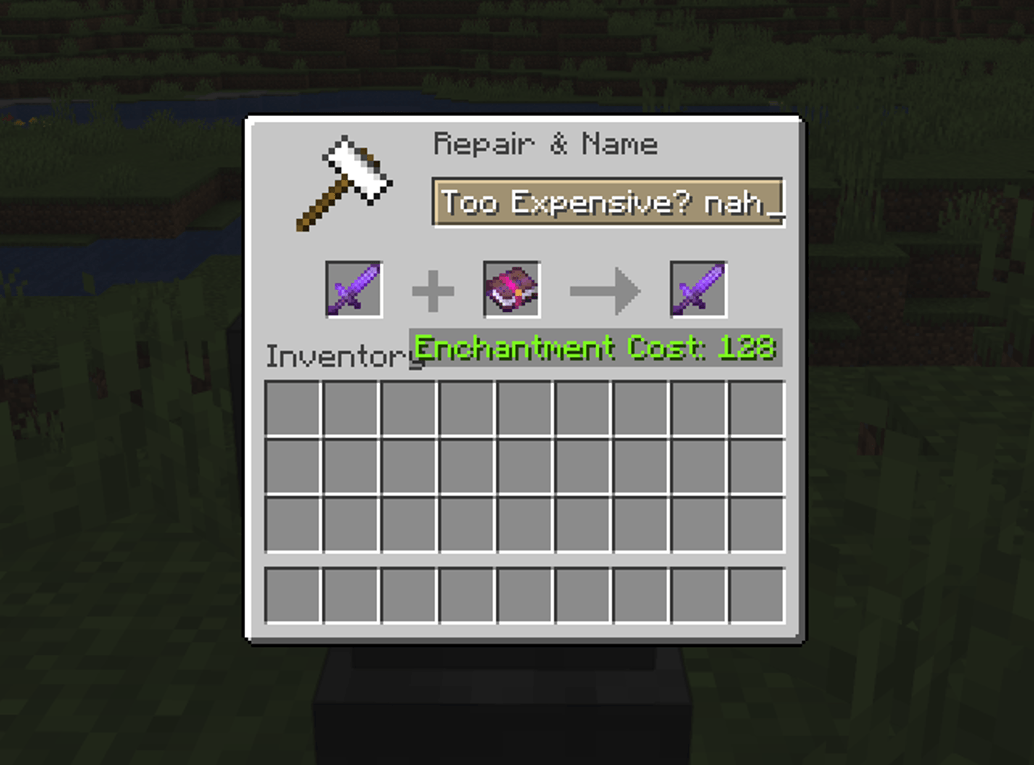
Anvil Never Too Expensive
Removes the level cap in the Anvil GUIInstall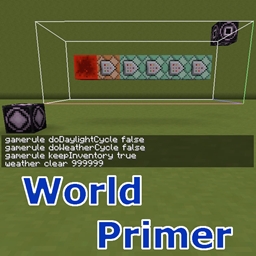
World Primer
Automatically run commands or generate and place simple structures on world creationInstall
Block Swap (Fabric)
A simple mod to replace a given block with another.Install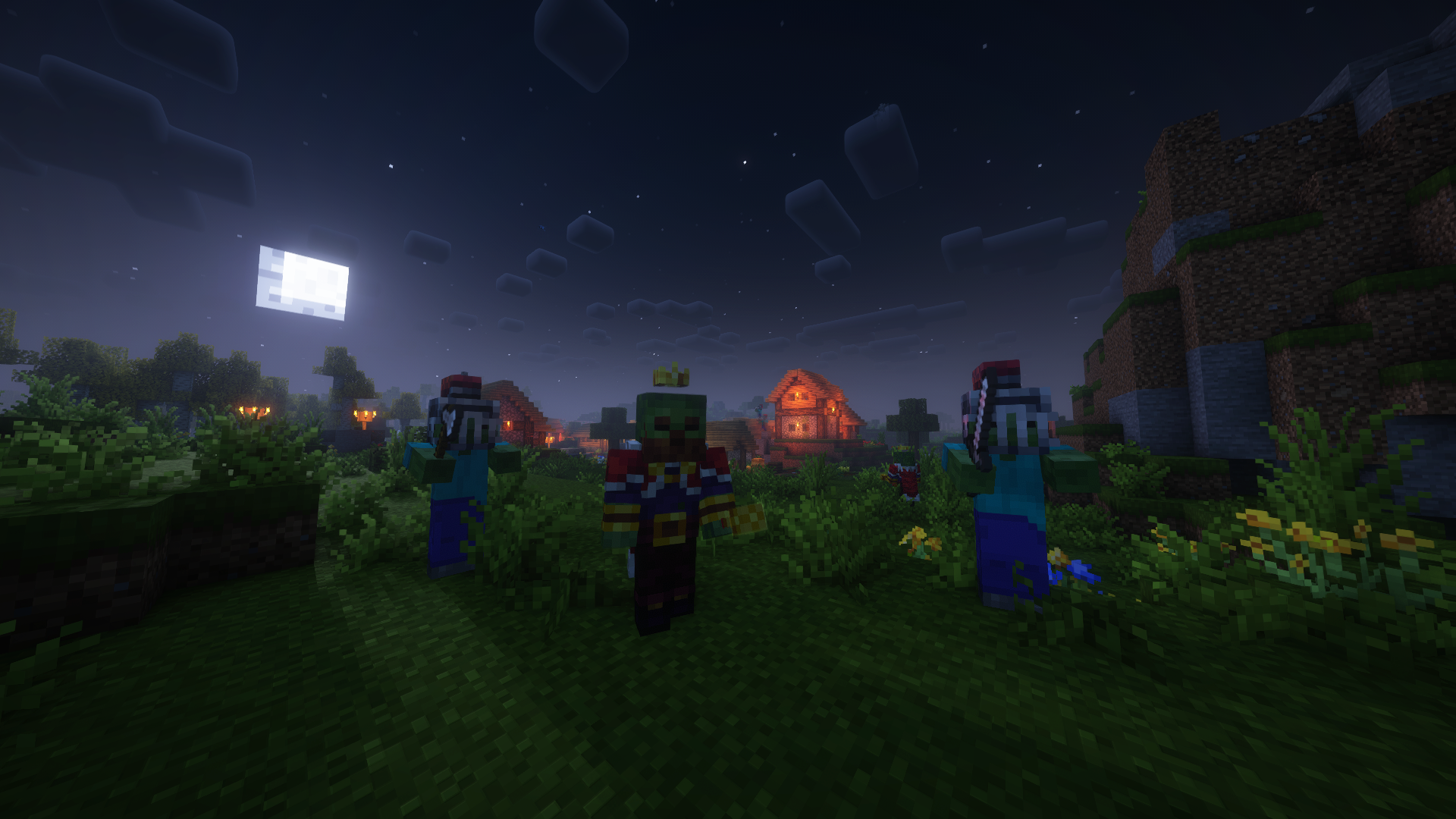
Royal Variations
Enhanced royal variations of vanilla mobs with their own characteristics.Install
Terracart Reloaded
Terraria Cart in Minecraft, Right click track and have fun!Install
Dragon Mounts Patches
Various fixes for Dragon Mounts: LegacyInstall
Runic Dungeons
A Simple Dungeon Dimension.Install

Solar Flux
Solar Panels that produce Redstone FluxInstall

YDM's Weapon Master
With this Mod your Hotbar items will be visible on your Character, with a unique location for a Shield and Banner.InstallOn a server

Ceramic Bucket
A Ceramic Bucket made of clay for ALL fluids! (Forge, NeoForge, Fabric, Quilt)InstallFAQ
How is Forge different from Fabric?
They're two different mod loaders that aren't compatible with each other. Forge is the older one and better suited to big tech and magic modpacks; Fabric is lighter, updates to new game versions faster, and hosts most performance mods. NeoForge is a Forge fork for newer versions, and Quilt is a Fabric fork. A Forge mod won't run on Fabric, and vice versa. Millida Launcher installs the right loader for you.
How do I know which mod version I need?
The one that matches your game version and loader. The “Install” button picks the file for you: Millida Launcher grabs the version for your modpack. A mod for 1.20.1 usually won't work on 1.21.
How do I install a mod?
Click “Install” and Millida Launcher will download the mod, its dependencies and the right loader for you. To install a downloaded file manually, put it in the mods folder inside the game directory.
Do I need CurseForge to install mods?
No. The Install button on a mod page opens Millida Launcher: it downloads the mod, its dependencies and the right loader into the chosen instance by itself. No CurseForge and no manual file copying.
Which mods are there for 1.20.1?
1.20.1 is one of the most modded versions, especially on Forge: tech, magic, RPG, furniture, weapons. Pick 1.20.1 in the version filter to keep only mods with a file built exactly for it, then pick Forge or Fabric next to it.
Can I install mods on my phone?
On Android, yes: Millida Launcher runs the Java edition on a phone, and mods work there just like on a PC, though light ones run much better than heavy ones. Minecraft PE (Bedrock) cannot load PC mods — it has add-ons instead, in the Minecraft PE mods section.
Which mods are best to play with friends?
The usual picks are Simple Voice Chat for proximity voice chat, Waystones for fast travel, Xaero's Minimap and something big to work on together, such as Create. Mods that change the world must be installed by every player and on the server, while client-side ones like a minimap or performance mods are up to each player.
Minecraft mods
A mod is an add-on that changes the game itself: it adds blocks, mobs and mechanics, or speeds up world rendering. It isn't installed into the game directly but on top of a loader — Forge, Fabric, NeoForge or Quilt — and it's the loader that decides whether the file will run. That's why every card here lists both the game version and the loader: two mods with the same name for 1.12.2 Forge and 1.21 Fabric are two different files, and mixing them up means a crash on launch.
The most searched Minecraft mods are weapon, furniture, horror and performance mods: each theme has its own collection, and links to the themes and the most wanted versions are in the Popular block. Version 1.20.1 on Forge still holds the most big tech, magic and RPG mods, while the fresh 1.21.11 and 26.2 get Fabric and NeoForge mods fastest.
One mod in the catalog, one page. Every version the author has released is listed on its card: pick your game version and loader right there instead of jumping between ten similar pages. Each file shows its size, release date and checksum, and the mod itself shows the author, license and a link to the original source. Files whose license allows rehosting are stored with us and download directly — no link shorteners, timers or ad redirects. If the license forbids rehosting, the button honestly takes you to the author.