
Mods for Minecraft 26.2 — page 53
1,779 itemsMods: list



Low Fire Reborn
This mod lets you lower first person fire!Install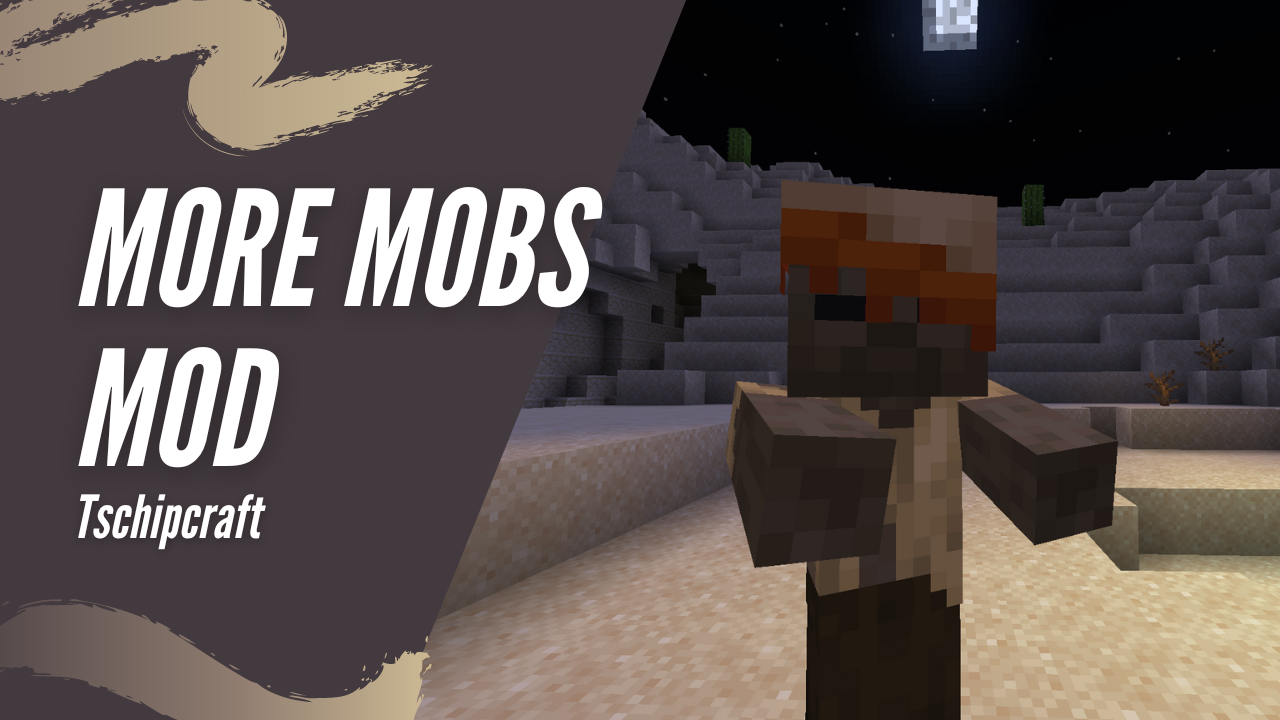
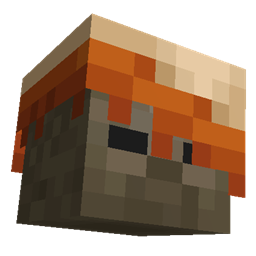
More Mobs [Server] [Fabric/NeoForge]
Humanoid mobs get new variants through over 85 custom player heads or unused vanilla mobs! No Resource Pack needed!Install

Hunger Remover
Removes the hunger bar and makes food restore health.InstallOn a server

Embers Text API
Use fancy text effects anywhere, including custom fonts!Install
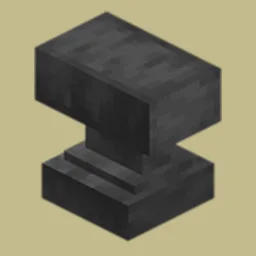
Anvil Restoration
🔨 Repair placed anvils with iron ingots and damage them with obsidian.InstallOn a server

Sodium Fullbright
Changes the maximum brightness option in Sodium from 100% to 1000%Install
Armored Elytra
All in one elytra and chestplate combiner mod for fabric.InstallOn a server

Coordinates Display
A basic mod that displays your Coordinates on the In-game HUD.Install

Health Indicator
Displays players' health below their names.InstallOn a server

Mod Loading Screen
An advanced loading screen with the loading progress of modsInstallOn a server
Fabric Tailor
A server-side / singleplayer skin & cape changing mod for fabric.InstallOn a server

NoPackCompatCheck
Disables the “incompatible” warning when loading resource packs with different compact versions.Install

qraftyfied: STRUCTURES
This pack adds many well built and lore-friendly STRUCTURES to your minecraft world that invite you to explore them. Now with TERRALITH support! 🫐InstallOn a server

NoWheel
a simple minecraft mod that disables scroll wheel in hotbarInstall
No Death Animation
Removes the death animation tilt on players.Install

Simple Modpack Update Checker
A simple mod for modpacks that automatically checks if the modpack is up-to-date and displays a toast if it is not. Use modrinth id for reference.Install

CursorCentered Fix
A Minecraft mod that fixes the cursor centering issue that occasionally happens when opening a GUI.Install

SkyBlock Biome Islands
Add unique islands to your skyblock world!InstallOn a server
Archaeology Banners
Banner patterns based on Archaeology sherds and designs.InstallOn a server
Spoorn Armor Attributes [Fabric/Forge]
Adds randomized attributes to Armor Items, fully configurableInstall

PolyTime
Change your time in-game to way, way too many options. By Polyfrost, best with OneClient.Install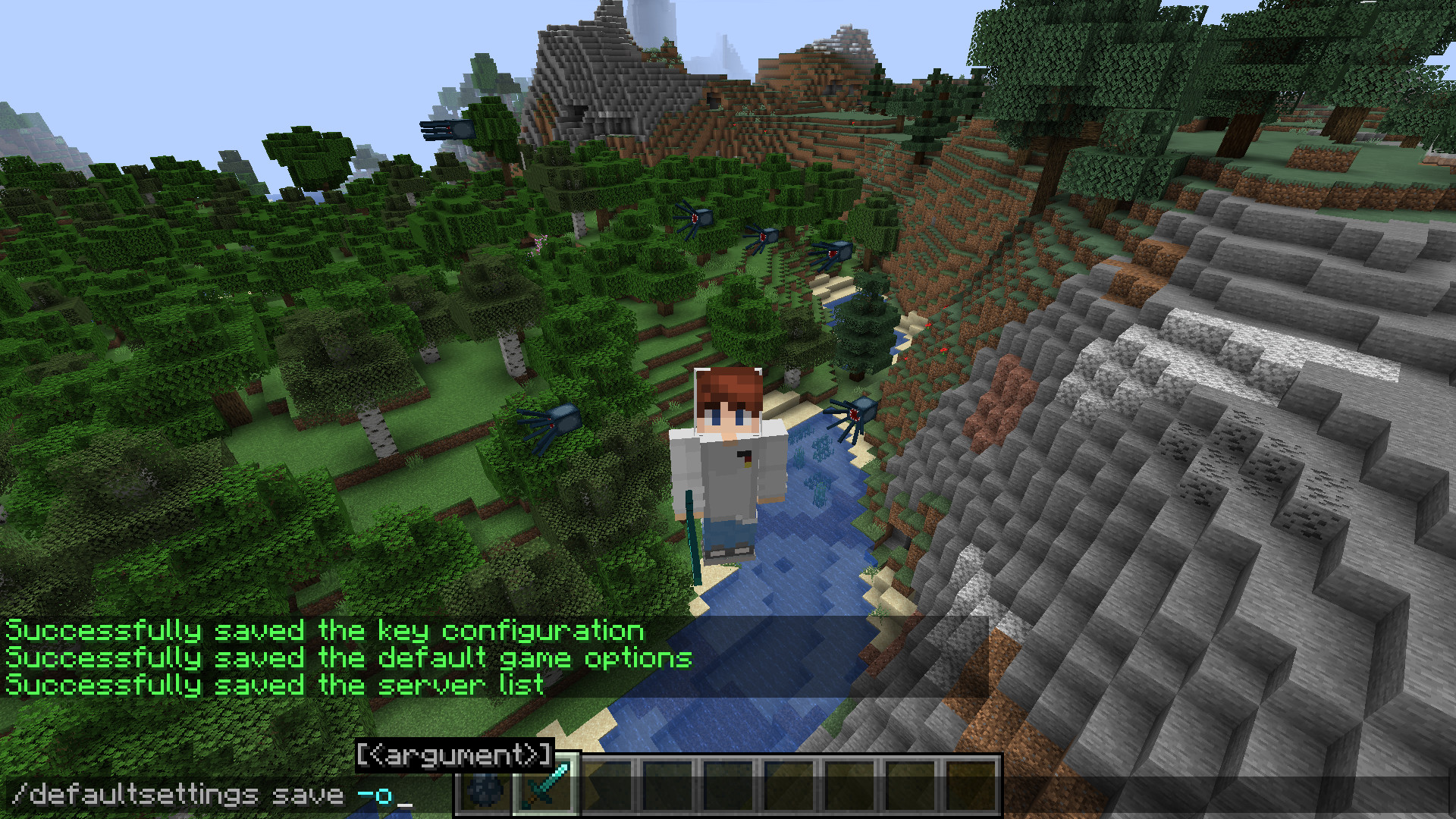
DefaultSettings Fabric/Quilt
Keep your game's local settings in case of an update to your modpackInstall
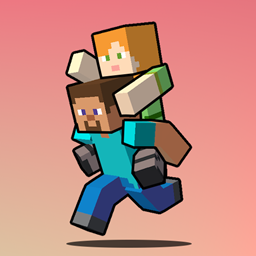
Piggyback
Allow player riding each other and replace the default player sitting mechanic with a piggyback-style ride. Carry your friends on your back for fun, teamwork, or pure chaos!InstallFAQ
How is Forge different from Fabric?
They're two different mod loaders that aren't compatible with each other. Forge is the older one and better suited to big tech and magic modpacks; Fabric is lighter, updates to new game versions faster, and hosts most performance mods. NeoForge is a Forge fork for newer versions, and Quilt is a Fabric fork. A Forge mod won't run on Fabric, and vice versa. Millida Launcher installs the right loader for you.
How do I know which mod version I need?
The one that matches your game version and loader. The “Install” button picks the file for you: Millida Launcher grabs the version for your modpack. A mod for 1.20.1 usually won't work on 1.21.
How do I install a mod?
Click “Install” and Millida Launcher will download the mod, its dependencies and the right loader for you. To install a downloaded file manually, put it in the mods folder inside the game directory.
Do I need CurseForge to install mods?
No. The Install button on a mod page opens Millida Launcher: it downloads the mod, its dependencies and the right loader into the chosen instance by itself. No CurseForge and no manual file copying.
Which mods are there for 1.20.1?
1.20.1 is one of the most modded versions, especially on Forge: tech, magic, RPG, furniture, weapons. Pick 1.20.1 in the version filter to keep only mods with a file built exactly for it, then pick Forge or Fabric next to it.
Can I install mods on my phone?
On Android, yes: Millida Launcher runs the Java edition on a phone, and mods work there just like on a PC, though light ones run much better than heavy ones. Minecraft PE (Bedrock) cannot load PC mods — it has add-ons instead, in the Minecraft PE mods section.
Which mods are best to play with friends?
The usual picks are Simple Voice Chat for proximity voice chat, Waystones for fast travel, Xaero's Minimap and something big to work on together, such as Create. Mods that change the world must be installed by every player and on the server, while client-side ones like a minimap or performance mods are up to each player.
Mods for Minecraft 26.2
Mods for Minecraft 26.2: 1,779 items in the Mods section. Compatibility is checked against the files, not the description: only items with a build for exactly these conditions stay in the list.
One mod in the catalog, one page. Every version the author has released is listed on its card: pick your game version and loader right there instead of jumping between ten similar pages. Each file shows its size, release date and checksum, and the mod itself shows the author, license and a link to the original source. Files whose license allows rehosting are stored with us and download directly — no link shorteners, timers or ad redirects. If the license forbids rehosting, the button honestly takes you to the author.