
Minecraft modpacks — page 51
5,162 itemsModpacks: list
Call to Battle 3 WW2 - World War II Modpack
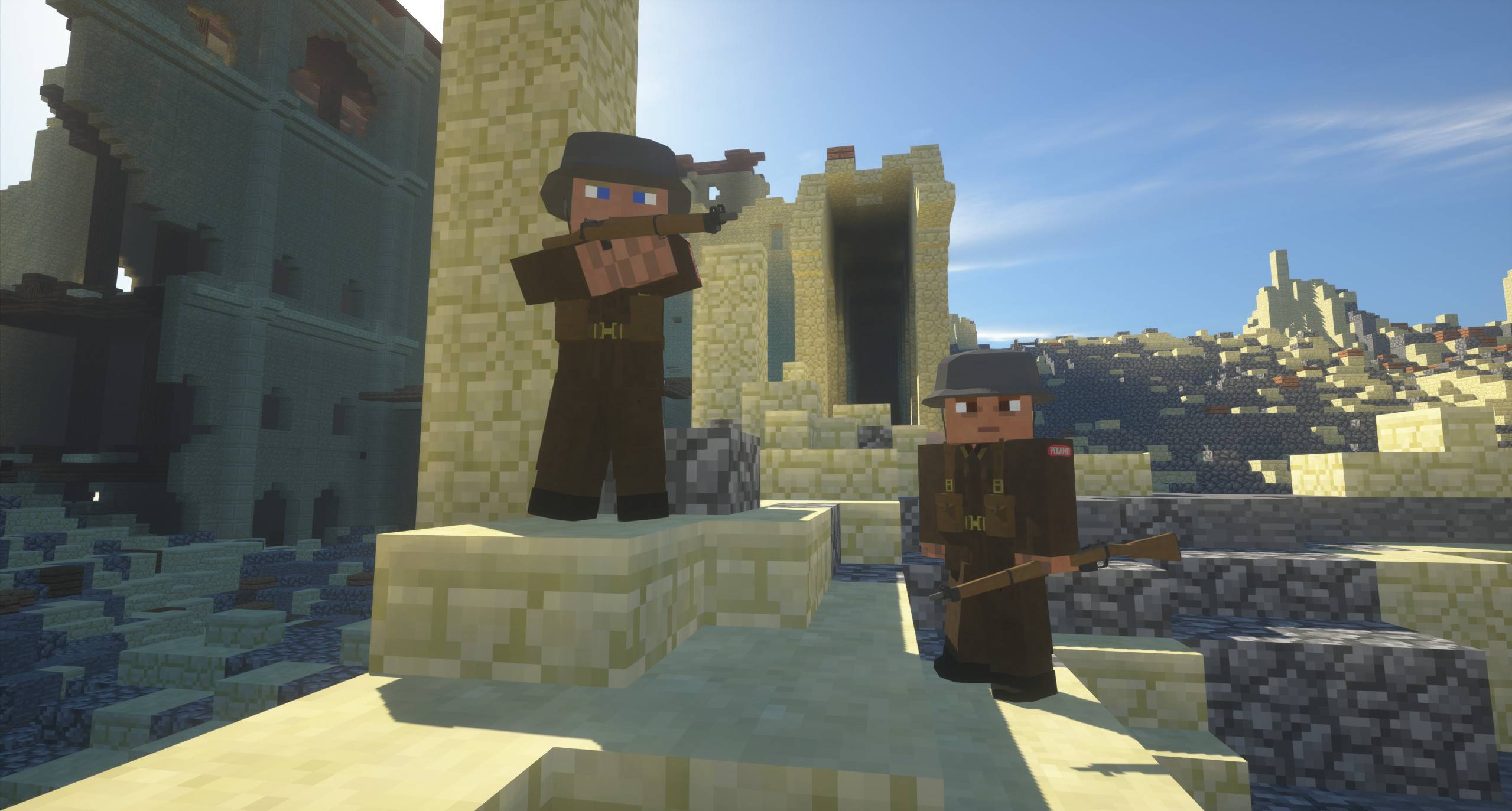
Call to Battle WWII takes you back to the second world war with over 300 guns, around 100 maps, vehicles, and much more! Experience World War Two!InstallOn a server

Ultimate Progression
Progression | 300+ Mods | 2500+ Quests | Lots of Custom Recipes | 18 Creative ItemsInstallOn a server

From the Fog+
A modpack based of From the Fog and many other horror mods | 1.20.1Install
Marvins Minecolony Pack
This is my version of a lightweight MineColony focused better minecraft.InstallOn a server

Fantasy++
Explore dungeons, use magic, explore HUNDREDS of biomes with Fantasy++. The all in one creative-medieval-rpg.InstallOn a server
Skypixel (for Hypixel Skyblock)
Skypixel is a Hypixel Skyblock Modpack for newer versions of Minecraft. It adds all Mods and Texturepacks you need.InstallOn a server
Galacticraft-Pack
Modpack containing every Galacticraft AddonInstallOn a server
Pokemon Adventure: Reloaded
reloaded an take on new adventures in the world of PokémonInstallOn a server
Worldedit+
35 mods in totalInstallOn a server
Azuria RockBlock 3
This modpack is the Azuria StoneBlock 3 Pack version. It adds an additional difficulty and offers you a new gaming experience.InstallOn a server
ForgeCraft: The Modpack
The Official Modpack of ForgeCraft!InstallOn a server
Best PVP [Hypixel]
Best Fabric PVP Mods Pack (Hypixel)InstallOn a server
Danny's AOT - Titan Chronicles
A modpack made for Danny's AOT shingeki mod. This modpack is not Danny's official modpack.InstallOn a server

Mine Strike | CS 2
Counter Strike 2 in minecraft 1.20.1! Map with raid simulators, 1 vs 1, 2 vs 2, bomb planting for 5 vs 5. You will get the best experience with the weapon mod TaCZ.InstallOn a server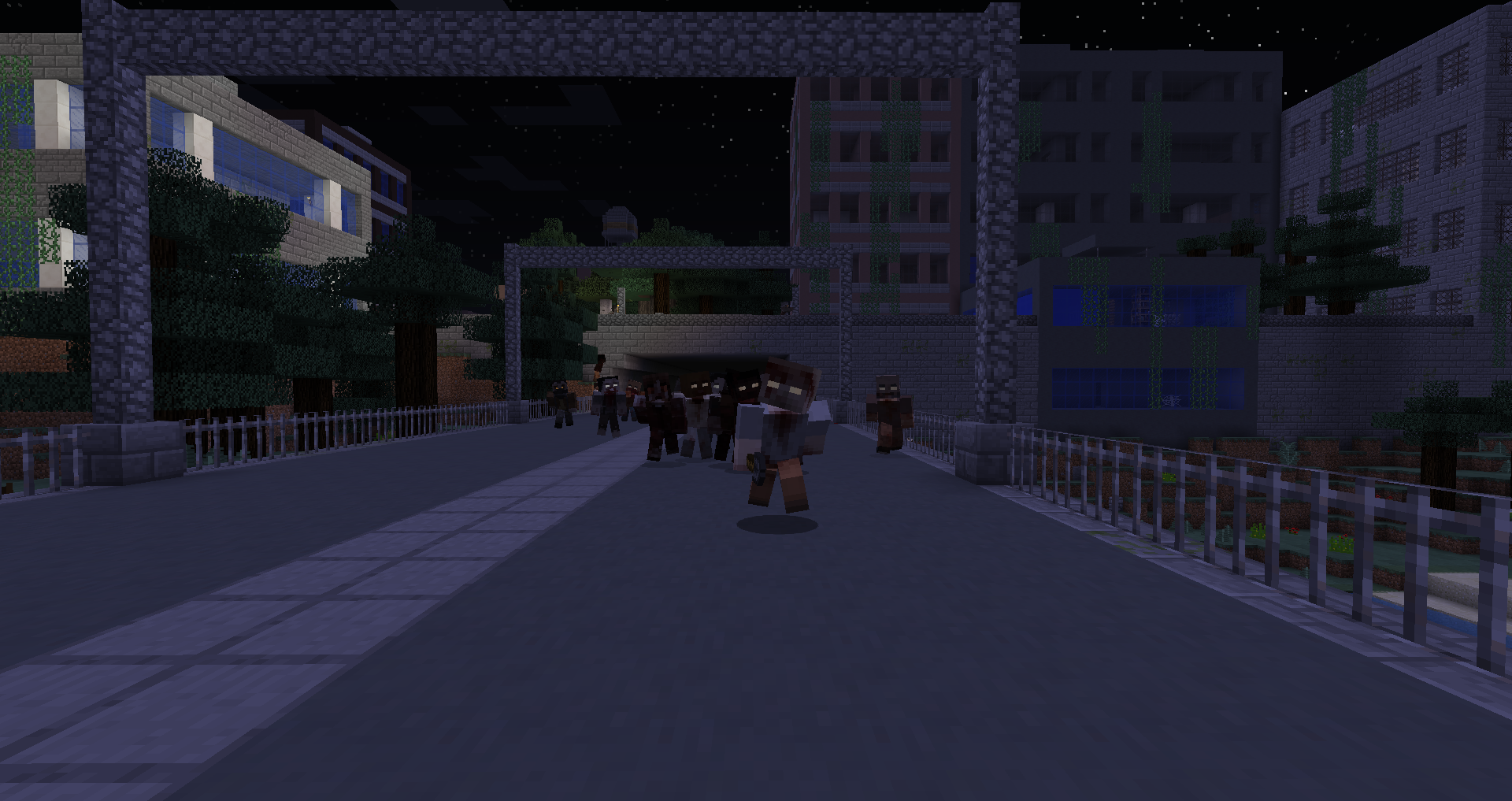
TWD - A Zombie Apocalypse
Fight your way through the zombie infested streets to take back your city!InstallOn a server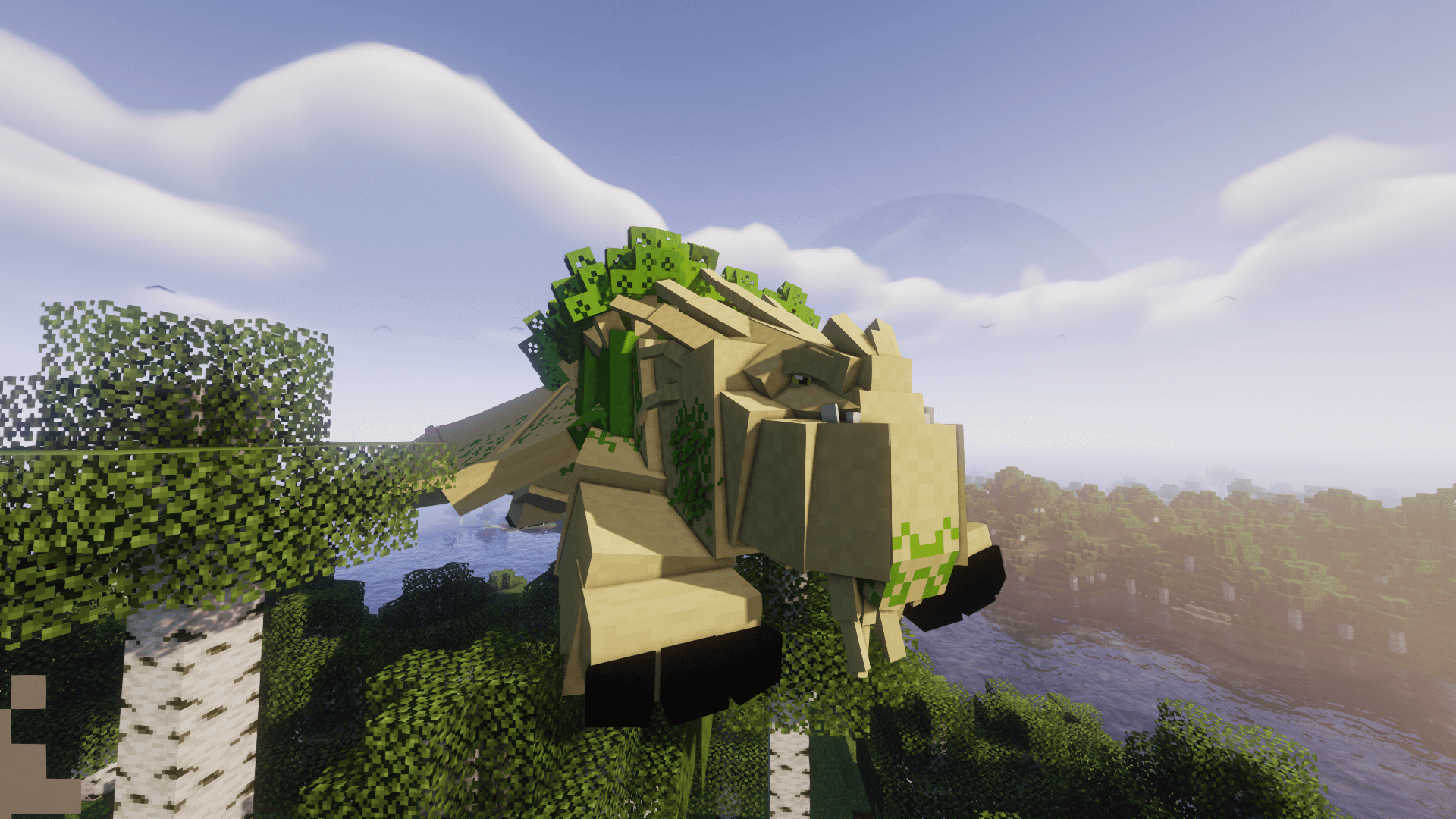
Isle of Berk (Scales and Skies)
A HTTYD Modpack for Minecraft built with performance in mind! Enjoy pack filled with Dragons, Dungeons and so much more!...InstallOn a server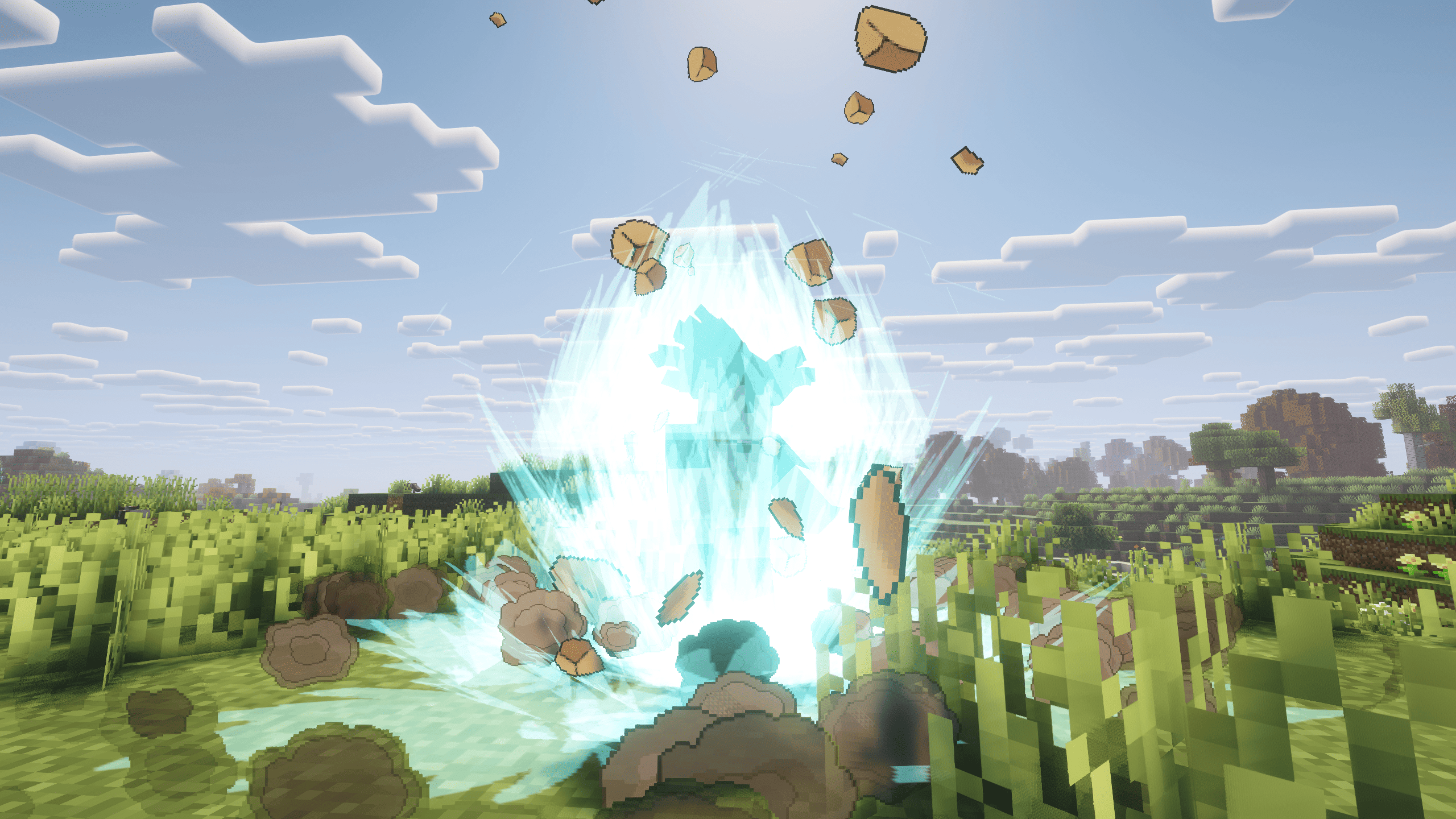

Dragon Ball - Dragon Mine Z Aurora RPG | Dragon Ball Quests
Dragon Ball-inspired Minecraft RPG modpack featuring transformations, Ki powers, bosses, exploration, and intense anime combat powered by DragonMineZ.InstallOn a server

Ice Boat Racing
Making the ice boat racing experience as easy and smooth as possible! This modpack is intended to be a one-stop-shop for everything boat racing, and includes optimizations specifically to boat racing!Install

Cracker's Wither Storm Performance
Cracker's Wither Storm Mod, with performance enhancing mods and shader support for the ultimate boss fight.InstallOn a server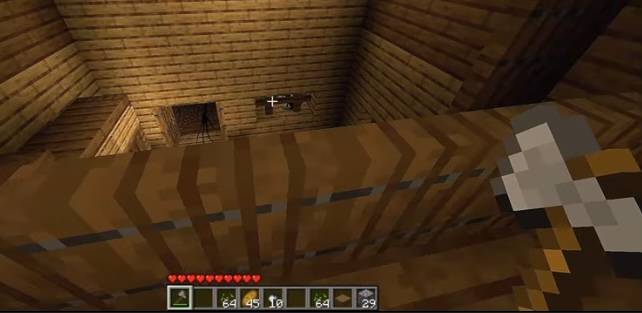
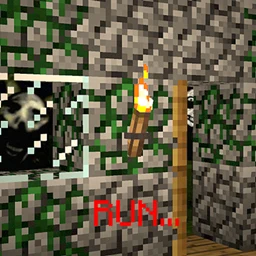
Twixxel's Stalker (Closest Recreation From His Video)
There Is Something Odd In This World. It Does Not Want You There. s o d o n t r i s k i t .InstallOn a server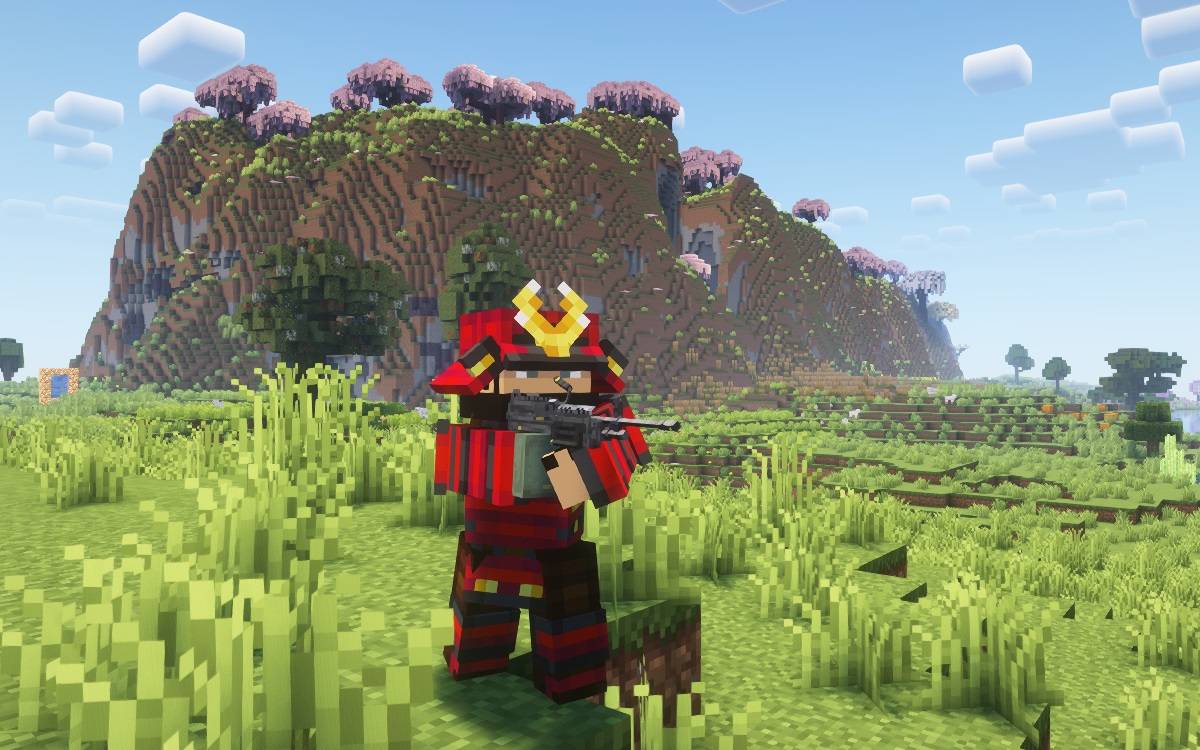
Kingdoms and Colonies Rebirth
K&C 1 -9 installments. Explore a new world with magic, technology, more ways to build, and epic endgame bossesInstallOn a server

Desolate Planet - A Crash Landing Remake
Survive on a desolate planet while managing heat and thirst. Progress through the quest tree, learn the secrets of the planet, and build up technology to escape!InstallOn a server
Beyond Viltrum - Invincible Inc
Beyond Viltrum is a hardcore survival modpack set in the Invincible universe. Random races, powerful abilities, planetary travel, events, and a revival system. Train, fight, and rise through the ranks—or fall trying. Only the strong survive.InstallOn a serverFAQ
How is a modpack different from a bunch of mods?
A modpack is already a tuned set: mod versions are matched to each other, configs are set up, and recipes and progression are tied together. Mods downloaded one by one you'll have to make work together yourself.
How do I install a modpack?
Click “Install” and Millida Launcher will download the modpack and the right Java for you and create a separate profile for it. No need to install the mods or loader separately.
How much memory should I allocate?
Light performance modpacks run on 4 GB, mid-sized ones on 6 GB, and big tech-and-magic ones need 8 GB or more. You can change memory in the Millida Launcher profile settings; the exact figure is usually in the modpack description.
Which modpack should I pick to play with friends?
Turn on the With a friend filter under What for to keep modpacks made for playing together: co-op survival, Create, adventures with shared progression. The modpack version must match for every player and the server.
Are there modpacks with quests in my language?
Modpacks with a quest book and a story are in the With quests theme. The quest language depends on the author: most packs ship in English, and other languages are usually added by a separate translation mod — check the modpack description.
Will a modpack run on a low-end PC?
A light one will. The For low-end PCs filter keeps modpacks with a small mod list and performance mods, and 4 GB of memory is enough for them. Big tech-magic modpacks need 6–8 GB and lag on a weak machine even if they start.
How do I run a modpack on my own server?
A modpack page has an On a server button: it installs the modpack on a Millida Hosting server and switches the core to match, and a copy of the old world is kept in backups. Players then install the same modpack in Millida Launcher and join the server address.
Minecraft modpacks
A modpack is a ready-made set of mods, configs and recipes put together by the author so that everything works together. Building a set like that by hand takes ages: mods clash over versions, need libraries and handle game mechanics in different ways. A modpack has already done that work for you — all that's left is to pick the game version and loader.
A modpack is not only for your own game: you can also run it on a server to play with friends. Next to Install on a modpack page there is an On a server button: it installs the same modpack on a Millida Hosting server together with the right core, and a copy of the old world is kept in backups. Your friends install the modpack in the launcher and join the server address — everyone gets the same version because it comes from one place.
Each modpack here is one page with every released version. The card shows which game version and loader it's built for, how big the archive is and who the author is. Modpacks aren't installed like individual mods: click “Install” and Millida Launcher downloads all the modpack's mods, the right loader and Java, and creates a separate profile for it without touching your others. Mind the memory requirements: heavy tech-and-magic modpacks need six gigabytes or more and simply won't start on the default two.