
Minecraft modpacks — page 50
5,163 itemsModpacks: list
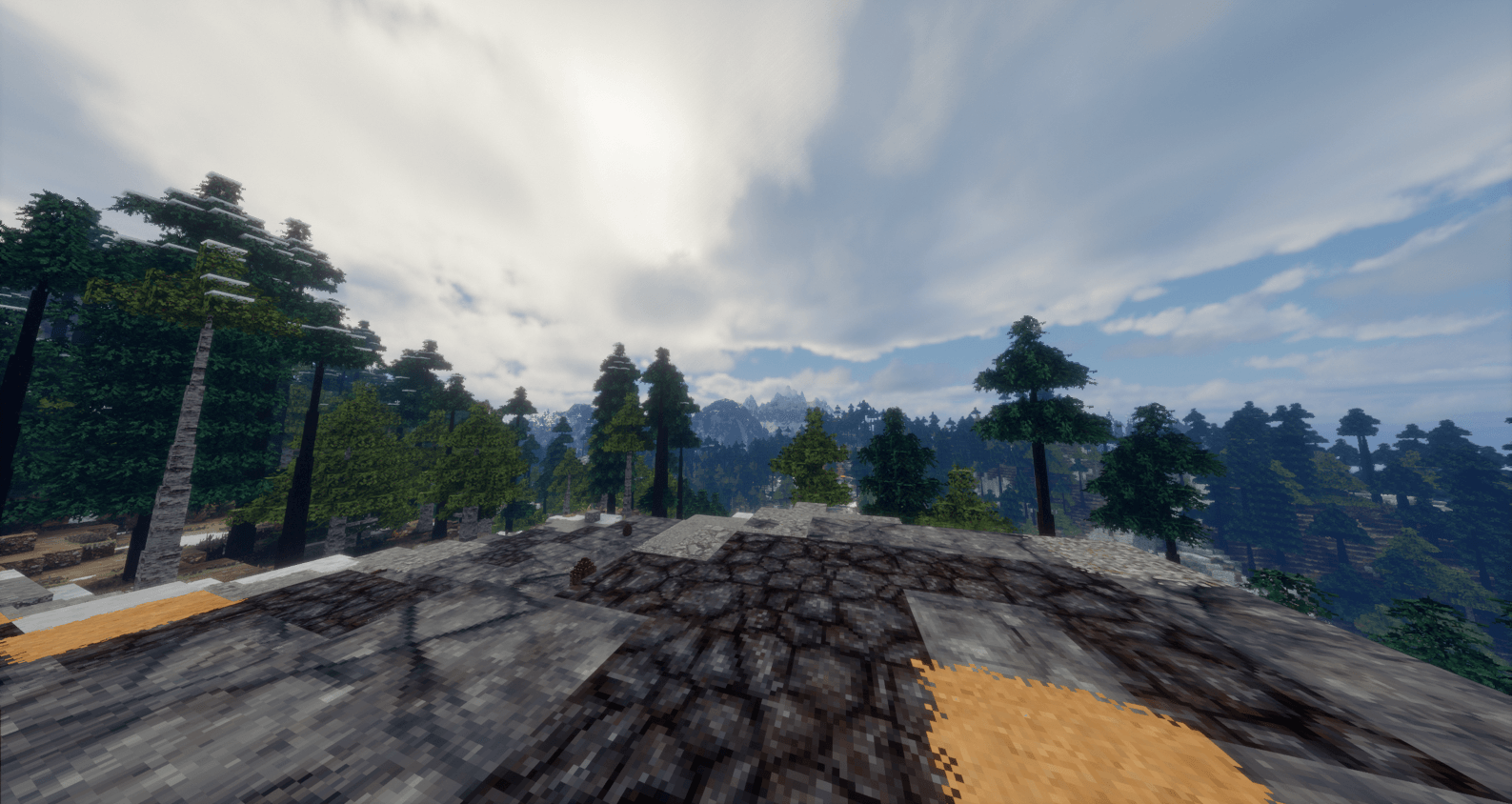
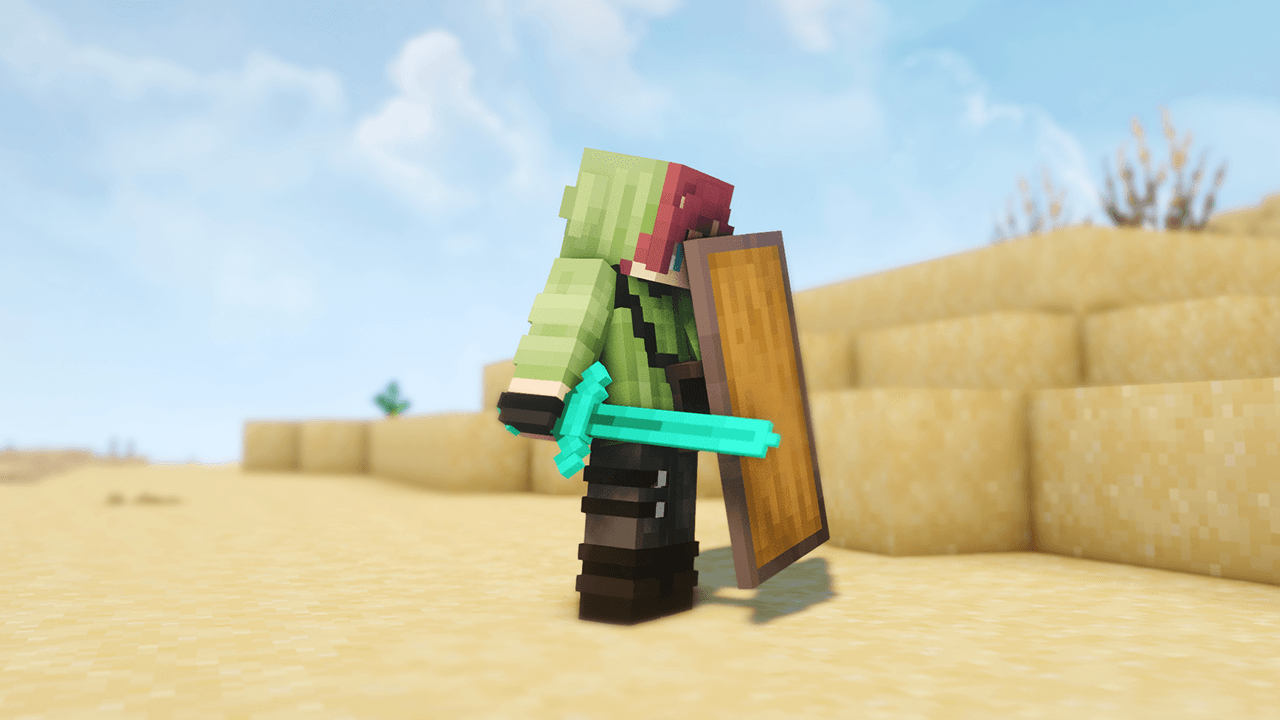
Into The Wilds (Realism Mod Pack)
RealismCraft, but in Java Edition (ModPack)InstallOn a server
Simply Magic Pack
A magic themed pack that provides a tutorial-like experience through HQM for those that wish to learn magic mods!InstallOn a server
Official Ultra Modded REVIVAL
The OFFICIAL pack created and used by X33N and CaptainSparklez in their series "Ultra Modded Revival"InstallOn a server

AsguhoClient
Simply a really optimized Client with the tools you need to build awesome contraptions, farms and extraordinary looking builds. This modpack include mods such as litematica etc.Install
Chisel It Up
Chisel and Bits, Chisel, and a few other mods to create a fun Minecraft experience!InstallOn a server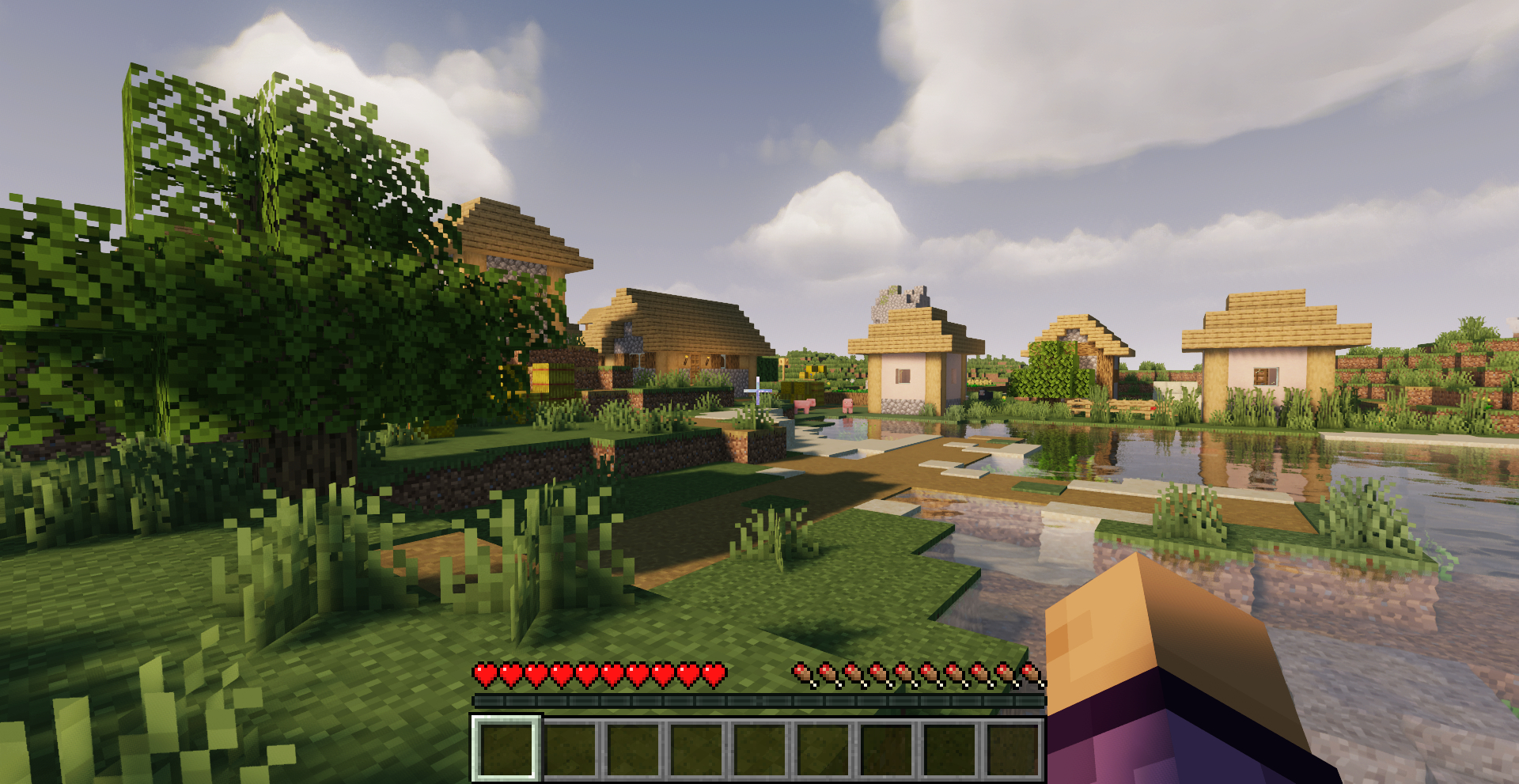
Optimized Performance | Boost FPS & Shaders - More FPS!
Need a performance boost? Now you can increase FPS quickly!InstallOn a server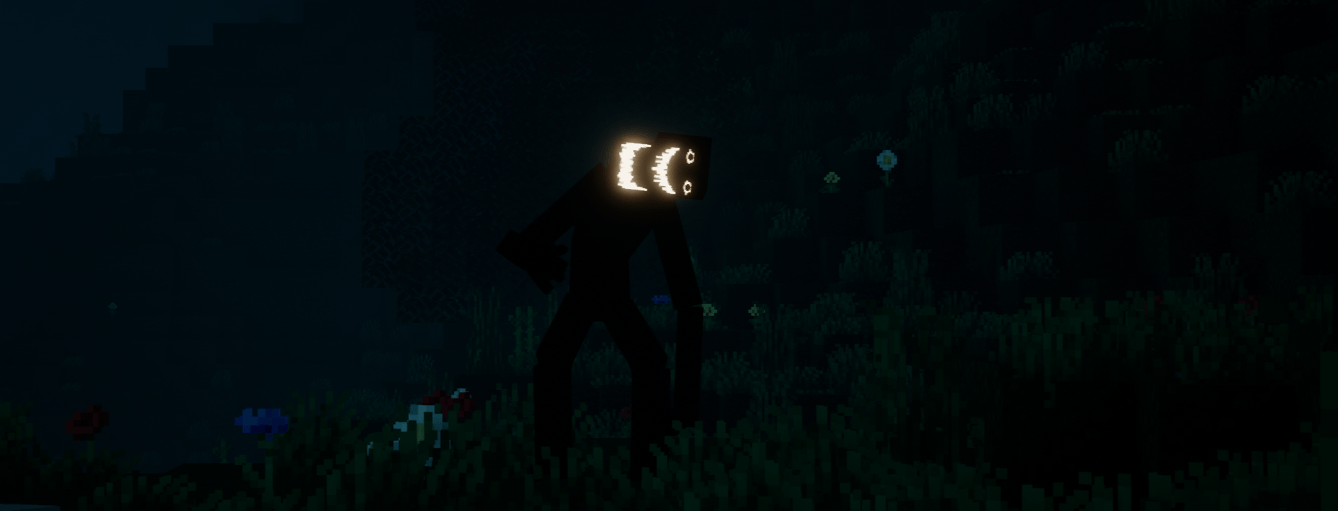
HORROR - Psychological Horror Experience (dweller)
Ever feel like you're being watched? You're probably right.InstallOn a server
The New Frontier
Welcome to The New Frontier, come explore The New Frontier of mods in mincraft 1.11.2InstallOn a server
Prominence I Classic (Legacy)
LEGACY DISCONTINUED VERSION - PLAY PROMINENCE II INSTEADInstallOn a server

One Block Lucky Block
Chaotic and exciting Minecraft modpack that combines the classic One Block survival challenge with the unpredictable fun of Lucky Blocks.InstallOn a server

ERROR 422
i add error 422 ported mod, and added more stuffInstallOn a server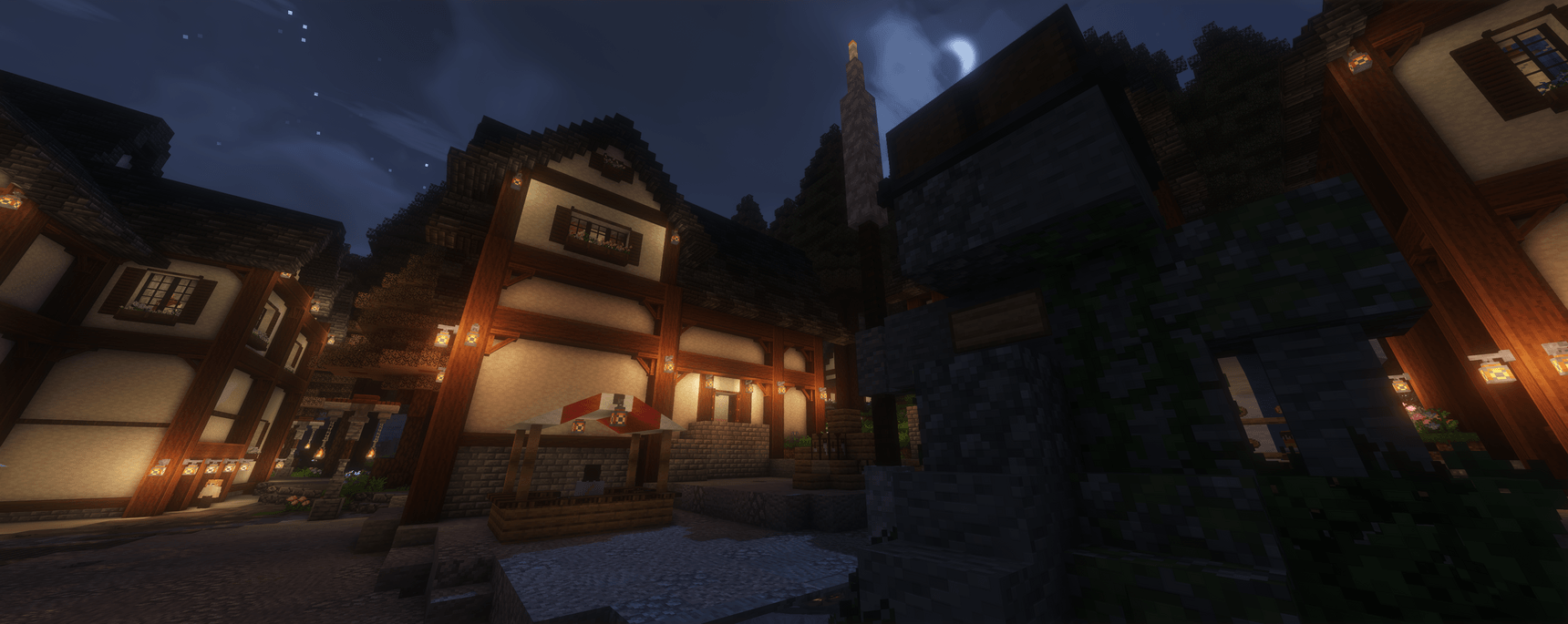

Fossils & Archeology Revival: Genesis Official Server
This mod pack is used to access the official F&A serverInstallOn a server
RustCraft
Minecraft but RustInstallOn a server
Horror Craft - A horror experience
This modpack have dynamics of your game to a horror game.InstallOn a server

CozyHaven
Welcome to the coziest modpack, filled with tons of explorable, beautiful lands and building blocks for your tiny haven. I hope you enjoy this pack!InstallOn a server
Thaumcraftian Adventures 2 (Thaumcraft 6 Edition)
Become a Magical Guardian over the people, or an Evil Warlock overlord!InstallOn a server
Flames of Orespawn
Orespawn but with a twist...InstallOn a server
How to train your Dragon: The Second Part
A Minecraft 1.18.2 dragon adventure with Isle of Berk, ship building, Create, magic and automated storage.InstallOn a server
Mercury landing
Survive on a planet that is 100% covered by seawaterInstallOn a server

Cobblemon Cobbletwo - Best Cobblemon Experience
Pokemon Cobblemon Pack - QoL and Performance mods! The server included in the pack has Every Pokemon, Mega Evolution and Legendary Spawns, Player Gyms, Raids, GTS, Pokemon Fishing, Races and more!InstallOn a server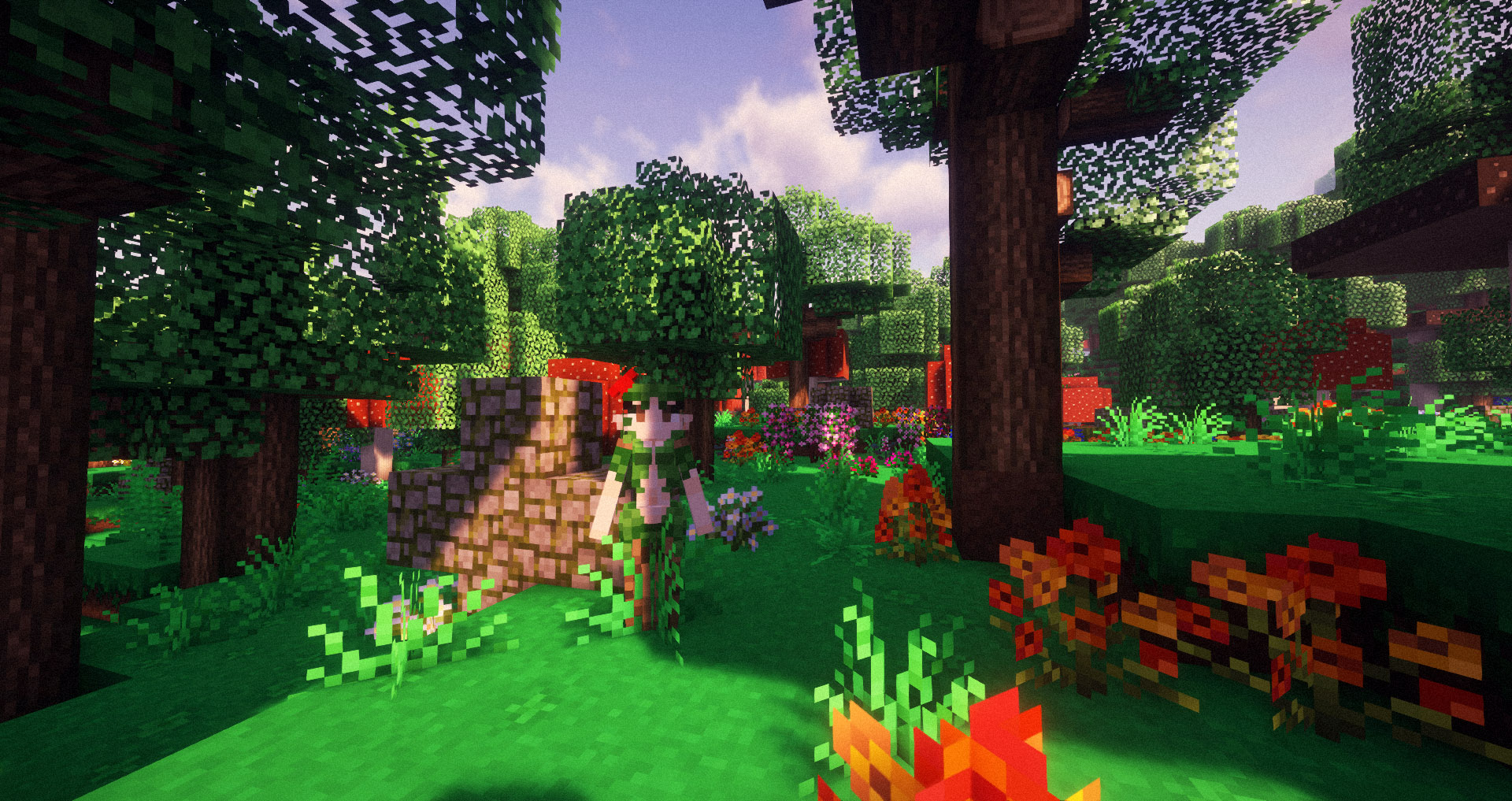
Luvstar's Fairycore
A fantasy modpack where you can live out your dreams in a fairycore world.InstallOn a server

From the Fog+
A modpack based of From the Fog and many other horror mods | 1.20.1Install
LuckyBlock Race [3.0.0]
Play with a friend to settle fate and decide the better minecrafterInstallOn a serverFAQ
How is a modpack different from a bunch of mods?
A modpack is already a tuned set: mod versions are matched to each other, configs are set up, and recipes and progression are tied together. Mods downloaded one by one you'll have to make work together yourself.
How do I install a modpack?
Click “Install” and Millida Launcher will download the modpack and the right Java for you and create a separate profile for it. No need to install the mods or loader separately.
How much memory should I allocate?
Light performance modpacks run on 4 GB, mid-sized ones on 6 GB, and big tech-and-magic ones need 8 GB or more. You can change memory in the Millida Launcher profile settings; the exact figure is usually in the modpack description.
Which modpack should I pick to play with friends?
Turn on the With a friend filter under What for to keep modpacks made for playing together: co-op survival, Create, adventures with shared progression. The modpack version must match for every player and the server.
Are there modpacks with quests in my language?
Modpacks with a quest book and a story are in the With quests theme. The quest language depends on the author: most packs ship in English, and other languages are usually added by a separate translation mod — check the modpack description.
Will a modpack run on a low-end PC?
A light one will. The For low-end PCs filter keeps modpacks with a small mod list and performance mods, and 4 GB of memory is enough for them. Big tech-magic modpacks need 6–8 GB and lag on a weak machine even if they start.
How do I run a modpack on my own server?
A modpack page has an On a server button: it installs the modpack on a Millida Hosting server and switches the core to match, and a copy of the old world is kept in backups. Players then install the same modpack in Millida Launcher and join the server address.
Minecraft modpacks
A modpack is a ready-made set of mods, configs and recipes put together by the author so that everything works together. Building a set like that by hand takes ages: mods clash over versions, need libraries and handle game mechanics in different ways. A modpack has already done that work for you — all that's left is to pick the game version and loader.
A modpack is not only for your own game: you can also run it on a server to play with friends. Next to Install on a modpack page there is an On a server button: it installs the same modpack on a Millida Hosting server together with the right core, and a copy of the old world is kept in backups. Your friends install the modpack in the launcher and join the server address — everyone gets the same version because it comes from one place.
Each modpack here is one page with every released version. The card shows which game version and loader it's built for, how big the archive is and who the author is. Modpacks aren't installed like individual mods: click “Install” and Millida Launcher downloads all the modpack's mods, the right loader and Java, and creates a separate profile for it without touching your others. Mind the memory requirements: heavy tech-and-magic modpacks need six gigabytes or more and simply won't start on the default two.