
Minecraft modpacks — page 180
5,163 itemsModpacks: list


Ultra Hardcore
The most difficult modpack in all of Minecraft. And also the funniest!InstallOn a server

piratescraft
Sail the high seas, plunder enemy ships, and amass a fortune in stolen treasure.InstallOn a server

Backrooms Found Footage: Lightweighted
Modpack that makes SpacePotato's Backrooms mod more immersive, without adding much!InstallOn a server

Project FPS
1.21.5 RELEASE! PROJECT FPS strikes the perfect balance between performance and stunning visuals. It ensures smooth, stable frame rates while providing an immersive, satisfying experience with a clean, revamped interface and fluid, responsive gameplay.InstallOn a server

More Decorations 2
The second and improved version of More Decorations is here! An ideal modpack for construction lovers!InstallOn a server

Advanced Weaponry
Advanced Weaponry is a modpack that revamps world and structure generation by adding new ores, armors, and tools sets. This modpack also adds a large array of custom and interesting weapons for you to create and find.InstallOn a server

C-PvP Optimizer
Crystal PvP Optimizer is a performance-focused Minecraft pack designed to boost FPS, enhance visibility, and streamline textures for competitive crystal PvPInstall

Call Of Duty in MC
This project adds guns, COD maps, and more to make Minecraft an FPS based on Call Of Duty Black Ops 6.InstallOn a server

Client Essentials
This modpack contains the essential Client-Side mods for Minecraft to keep the game well optimised along with some key mods used as tools for building and also content creation.InstallOn a server

One Block Reloaded
🪓 One Block Reloaded — start from one block and reach the stars!InstallOn a server

Craft Attack 13 (14 soon)
A Craft Attack modpack focused on performance, optimization, and visual satisfaction — explore freely with Freecam, and enjoy ultimate smoothness.Install
AtriocSMP Modpack
The recommended default Modpack for the AtriocSMP. Also a good client-side low modification base Modpack for SMPs.Install

光影旅程 GlimmerVoyage
This is a Minecraft modpack focused on exploration and photography.InstallOn a server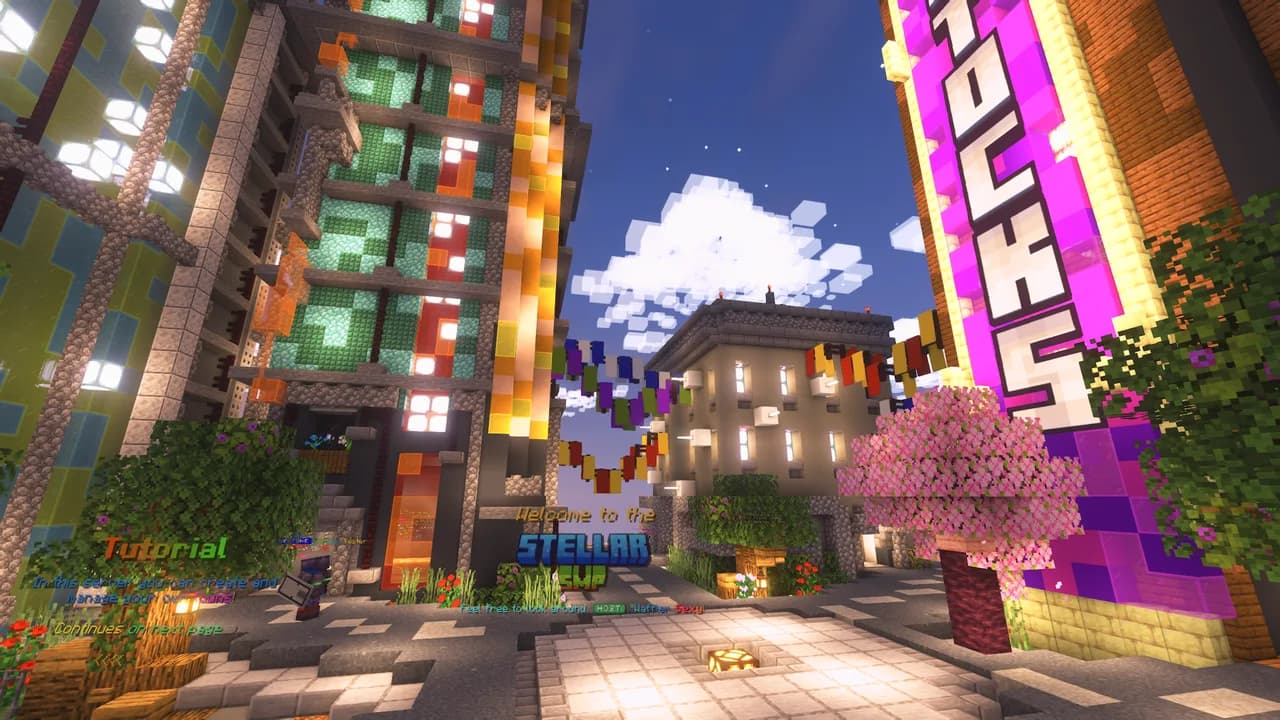

Stellar Client
A modpack for most modern versions allowing for performant and aesthetic gameplay. Originally made for the Stellar Minecraft Server.Install

Conquest Of Hunterra Modpack
This modpack is built around the idea of turning minecraft into a fully fleshed out fantasy RPGInstallOn a server

Optimus
Improve your graphics and performance with this simple modpack. OptiFine functions. 26.3!Install

The Terrifying Script
A Modpack Based On The Broken Script Mod. Now Out For Both Forge And NeoForge!InstallOn a server

Official Monumenta Modpack
The official modpack for the Monumenta Minecraft server, including the Monumenta resource packs! Includes modifications needed to use custom Monumenta textures.Install

Create Industry
🧠 Experience Create 6.0 At It's Best • 💡 Plenty Of Addons • ✈️Assemble Planes • 🔍Explore All Biomes • 🤖 Automate Everything •⚡ Performant & Shaders | ✅ Create Now!InstallOn a server

Bedrock Edition: Renew
Bedrock Edition ported into Java with the menus, features and more, "play with your friends"!InstallOn a server

WL Wither Storm
This modpack is basically just an easy way of installing Cracker's Wither Storm Mod.InstallOn a server

Create Skyblock
Create Skyblock is a modpack made to get the create mod with some addons together with vanilla skyblockInstallOn a server

Nuclear Winter
Survive in a post-apocalyptic landscape with an overhauled, dying world of extreme hots and colds. Overcome your foes with a vast arsenal of weapons, and choose between either scavenging or evolving your technology to progress.InstallOn a serverFAQ
How is a modpack different from a bunch of mods?
A modpack is already a tuned set: mod versions are matched to each other, configs are set up, and recipes and progression are tied together. Mods downloaded one by one you'll have to make work together yourself.
How do I install a modpack?
Click “Install” and Millida Launcher will download the modpack and the right Java for you and create a separate profile for it. No need to install the mods or loader separately.
How much memory should I allocate?
Light performance modpacks run on 4 GB, mid-sized ones on 6 GB, and big tech-and-magic ones need 8 GB or more. You can change memory in the Millida Launcher profile settings; the exact figure is usually in the modpack description.
Which modpack should I pick to play with friends?
Turn on the With a friend filter under What for to keep modpacks made for playing together: co-op survival, Create, adventures with shared progression. The modpack version must match for every player and the server.
Are there modpacks with quests in my language?
Modpacks with a quest book and a story are in the With quests theme. The quest language depends on the author: most packs ship in English, and other languages are usually added by a separate translation mod — check the modpack description.
Will a modpack run on a low-end PC?
A light one will. The For low-end PCs filter keeps modpacks with a small mod list and performance mods, and 4 GB of memory is enough for them. Big tech-magic modpacks need 6–8 GB and lag on a weak machine even if they start.
How do I run a modpack on my own server?
A modpack page has an On a server button: it installs the modpack on a Millida Hosting server and switches the core to match, and a copy of the old world is kept in backups. Players then install the same modpack in Millida Launcher and join the server address.
Minecraft modpacks
A modpack is a ready-made set of mods, configs and recipes put together by the author so that everything works together. Building a set like that by hand takes ages: mods clash over versions, need libraries and handle game mechanics in different ways. A modpack has already done that work for you — all that's left is to pick the game version and loader.
A modpack is not only for your own game: you can also run it on a server to play with friends. Next to Install on a modpack page there is an On a server button: it installs the same modpack on a Millida Hosting server together with the right core, and a copy of the old world is kept in backups. Your friends install the modpack in the launcher and join the server address — everyone gets the same version because it comes from one place.
Each modpack here is one page with every released version. The card shows which game version and loader it's built for, how big the archive is and who the author is. Modpacks aren't installed like individual mods: click “Install” and Millida Launcher downloads all the modpack's mods, the right loader and Java, and creates a separate profile for it without touching your others. Mind the memory requirements: heavy tech-and-magic modpacks need six gigabytes or more and simply won't start on the default two.