

Client Essentials Build for Minecraft 26.2
This modpack contains the essential Client-Side mods for Minecraft to keep the game well optimised along with some key mods used as tools for building and also content creation.
- views
- 37 views
- Updated
- Updated 04.09.2026
- 26.2
 Fabric
- Client and server
About the Client Essentials modpack
Client Essentials adds the core essential mods that CringyGull uses to run an ideal Minecraft instance, without adding anything that changes the vanilla feel of minecraft unless toggled.
This pack includes optimisation mods, utility mods, building tools, and some small visualisation tweaks with the help of vanilla tweaks: https://vanillatweaks.net/picker/resource-packs/

It also comes with a custom totem that is a pink frog called Brog. Don't ask why. The Brog resource pack was put together by CringyGull by re-vamping another frog totem pack, https://modrinth.com/resourcepack/brog-resource-packfor more info.
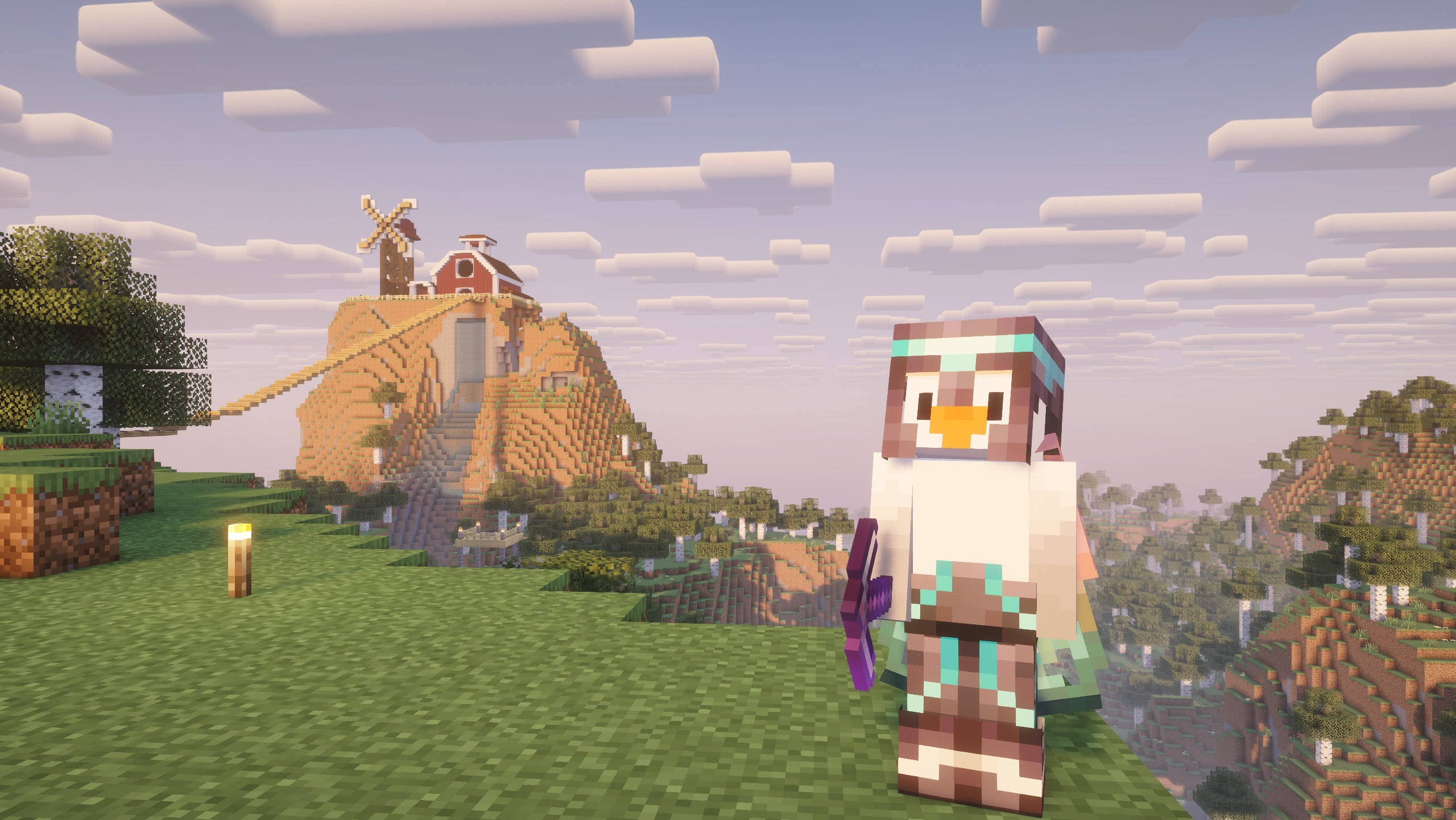
This modpack aims to be minimalistic and easy to customise.
Mods that Cringy aims to keep every update:
- Axiom
- Continuity
- Controlling
- Cubes without boarders
- Essential mod
- Flashback
- Freecam
- Gamma Utils
- Iris Shaders
- LambDynamicLights
- Lighty
- Litematica
- OK Zoomer
- Sodium
- Xaero's World Map
Cringy plans on making another version that adds more fun and visual client-side mods, stay tuned.

How to install Client Essentials
With Millida Launcher
Install Millida Launcher
The launcher is free: download it at millida.net/launcher and sign in with any nickname.
Click “Install” on this page
The launcher opens and installs the modpack for Minecraft 26.2 on Fabric automatically.
Launch the game
A profile with it appears in the launcher: click “Play”.
Manually
Download the modpack archive
In the version list above, pick the file Client Essentials 26.2 1.0.0.mrpack (1023 KB).
Import it into a launcher
A launcher that supports modpacks (Millida Launcher, Prism) takes the archive via “Add modpack”, then “From file”. No need to unpack it yourself.
Allocate memory
Modpacks need more memory than the plain game: set 4–6 GB in the profile settings.
On a server
Use the “To server” button
On Millida Hosting, the button at the top of the page uploads the file to your server and restarts it for you.
Invite friends: they install the same modpack
To join the server, every player needs the same modpack version.
Versions
With dependencies
| Minecraft | Loader | File | Actions |
|---|---|---|---|
| 26.2 | Fabric | 26.21023 KB |
What it needs to run
- Continuityalready included
- Flashbackalready included
- Cloth Config APIalready included
- Sodiumalready included
- Cubes Without Bordersalready included
- Axiomalready included
- Dependencyalready included
- Dependencyalready included
- Litematicaalready included
- Dependencyalready included
- Text Placeholder APIalready included
- LambDynamicLightsalready included
FAQ
Which Minecraft versions does Client Essentials work on?
Only Minecraft 26.2: there are no files for other versions.
Is Client Essentials for Forge or Fabric?
Only for Fabric: 26.2.
Which mods are in the Client Essentials modpack?
Mods in the modpack include Continuity, Flashback, Cloth Config API, Sodium, Cubes Without Borders, Axiom, Dependency, Litematica and 2 more.
Where can I download Client Essentials safely?
On this page: the file Client Essentials 26.2 1.0.0.mrpack (1023 KB) is stored on Millida’s server, with no link shorteners. SHA-1 checksum: 3d793b79f2e5576e81ae21f6bbe7294fb9760343.
Reviews
Be the first to rate Client Essentials


