
Minecraft modpacks — page 161
5,165 itemsModpacks: list

Deserted Island - Forge Labs
How long can you last on an island run by nature?InstallOn a server
All the mods you can imagine
234 Mods and to much to doInstallOn a server

Pixelax - Serveur Cobblemon FR
Join Pixelax trainers now on this surprising French Minecraft server (Cobblemon formerly Pixelmon) where you’ll find PokémonInstallOn a server
Lucky Block Bedwars like Alphastein
Lucky Block Bedwars like Alphastein and RippeaxInstallOn a server

Bedwars Package
A Minecraft Bedwars Modpack for 1.8.9.Install
Mukwas Adventure
Bring your friends on epic journeys and conquer the world of MinecraftInstallOn a server
Cobblemon Mythical Dungeon
Custom Modpack for the Cobblemon Mythical Dungeon Minecraft Server!InstallOn a server
Wither Storm Series
The Modpack Used in the Wither Storm SeriesInstallOn a server

Actions for Java
A client-side modpack heavily inspired by Orville Studios Actions & StuffInstall
World of AVP
A smallpack designed for low end computers to run the modInstallOn a server

FNAF 1 Gamemode [MAP]
FNAF 1 Game in Minecraft with scripted animatronicsInstallOn a server
Textile's Continuum [FABRIC-1.16x]
A rather large collection of mods for Minecraft version 1.16+ using the Fabric modloader and some extra magic!InstallOn a server
Zombie Apocalypse Of DOOM!
A zombie apocalypse based on Forge Labs videoInstallOn a server

BastiGHG's CraftAttack 13 Modpack (Bald 14)
This pack includes all the mods that BastiGHG (a german Youtuber and Streamer) uses in the "Craft Attack 13" projectInstall
Industrial Pack
A light tech modpack.InstallOn a server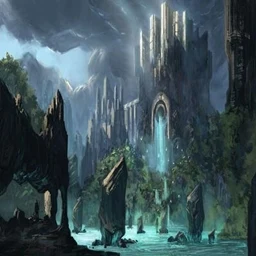
Orgins Outcasts SMP
An Orgin based Minecraft modpack to play with friends, where your minecraft origin can change up how you traditionally play the game. while also adding some slice of life mods here and thereInstallOn a server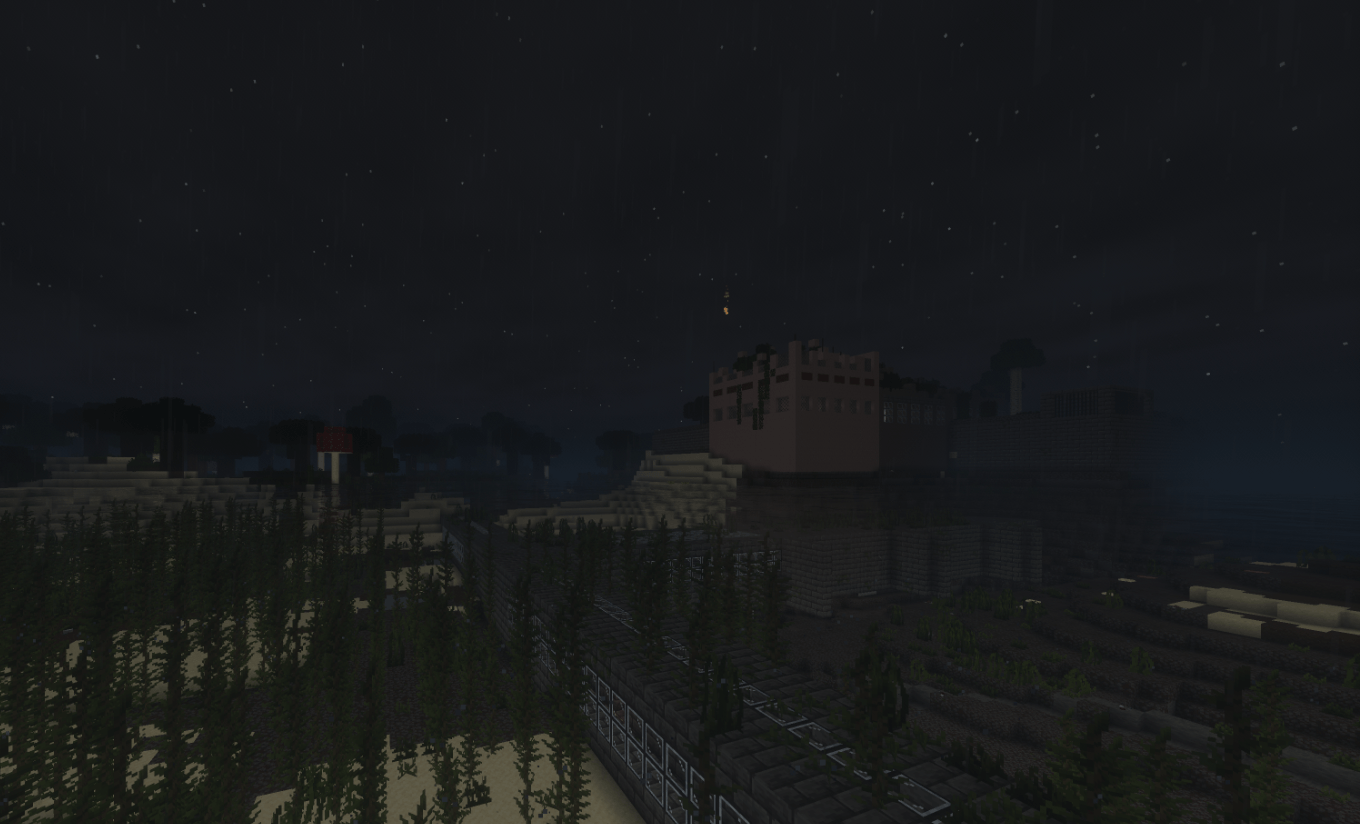
Arphex Experience
The official Vllax modpack, featuring ArPhEx, The Obsessed, ZoNiEx, and much more!InstallOn a server
Battlemage
Learn magic and explore the world as a BattlemageInstallOn a server

JoJo's Bizarre Adventure
JoJo's Bizarre Adventure is a Modpack based on the Anime/Manga "JoJo's Bizarre Adventure" by Hirohiko Araki.InstallOn a server

Trailer Recreation++
Pretty much an even better version of Lowres' Trailer recreation pack!Install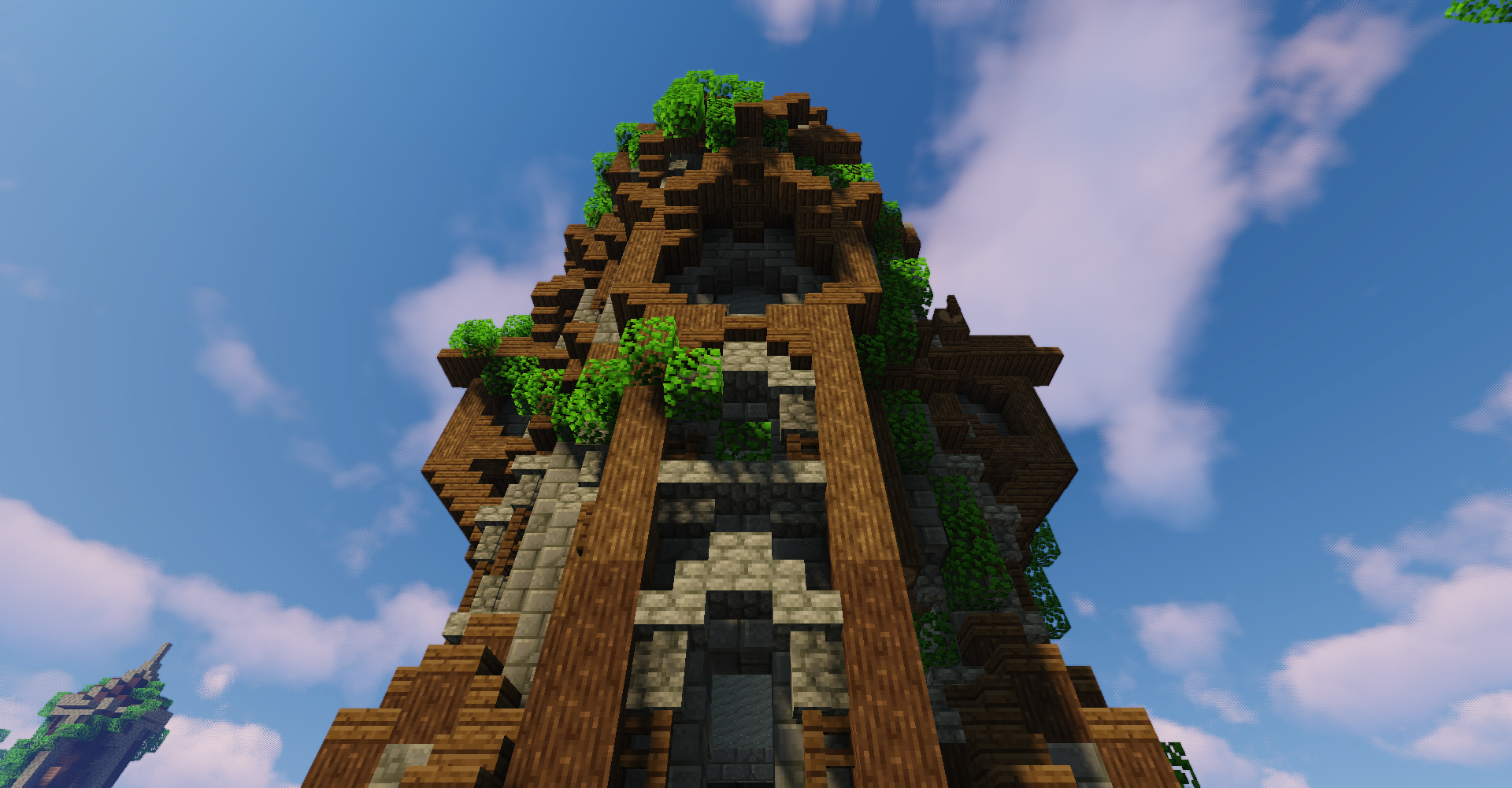

Wynncraft Reimagined
Wynncraft Reimagined aims to give players the best Wynncraft experience while also being lightweight and increasing performance.InstallOn a server

Z-ONE
A modpack about surviving after disasterInstallOn a server

Infinity Foundation
Starting from nothing, create Infinity.InstallOn a serverFAQ
How is a modpack different from a bunch of mods?
A modpack is already a tuned set: mod versions are matched to each other, configs are set up, and recipes and progression are tied together. Mods downloaded one by one you'll have to make work together yourself.
How do I install a modpack?
Click “Install” and Millida Launcher will download the modpack and the right Java for you and create a separate profile for it. No need to install the mods or loader separately.
How much memory should I allocate?
Light performance modpacks run on 4 GB, mid-sized ones on 6 GB, and big tech-and-magic ones need 8 GB or more. You can change memory in the Millida Launcher profile settings; the exact figure is usually in the modpack description.
Which modpack should I pick to play with friends?
Turn on the With a friend filter under What for to keep modpacks made for playing together: co-op survival, Create, adventures with shared progression. The modpack version must match for every player and the server.
Are there modpacks with quests in my language?
Modpacks with a quest book and a story are in the With quests theme. The quest language depends on the author: most packs ship in English, and other languages are usually added by a separate translation mod — check the modpack description.
Will a modpack run on a low-end PC?
A light one will. The For low-end PCs filter keeps modpacks with a small mod list and performance mods, and 4 GB of memory is enough for them. Big tech-magic modpacks need 6–8 GB and lag on a weak machine even if they start.
How do I run a modpack on my own server?
A modpack page has an On a server button: it installs the modpack on a Millida Hosting server and switches the core to match, and a copy of the old world is kept in backups. Players then install the same modpack in Millida Launcher and join the server address.
Minecraft modpacks
A modpack is a ready-made set of mods, configs and recipes put together by the author so that everything works together. Building a set like that by hand takes ages: mods clash over versions, need libraries and handle game mechanics in different ways. A modpack has already done that work for you — all that's left is to pick the game version and loader.
A modpack is not only for your own game: you can also run it on a server to play with friends. Next to Install on a modpack page there is an On a server button: it installs the same modpack on a Millida Hosting server together with the right core, and a copy of the old world is kept in backups. Your friends install the modpack in the launcher and join the server address — everyone gets the same version because it comes from one place.
Each modpack here is one page with every released version. The card shows which game version and loader it's built for, how big the archive is and who the author is. Modpacks aren't installed like individual mods: click “Install” and Millida Launcher downloads all the modpack's mods, the right loader and Java, and creates a separate profile for it without touching your others. Mind the memory requirements: heavy tech-and-magic modpacks need six gigabytes or more and simply won't start on the default two.