
Modpacks for Minecraft Forge — page 26
2,594 itemsModpacks: list


Resurvival
Putting the 'survival' back into Survival Mode!InstallOn a server
Survive from VERITY or FALSITY
A friendly yellow sphere named Verity™ that helps you survive, gives tips, and talks like a companion. But after 4 in-game days, everything changes.InstallOn a server

Create Customised [Aeronautics]
A NeoForge modpack focused on customising the Create mod.InstallOn a server
The Nuclear Wasteland
The Nuclear Wasteland throws you into the aftermath of a world-ending detonation. Survival here isn't guaranteed.InstallOn a server

Fantasy Skies
You have been trapped in a void dimension by an evil creature!InstallOn a server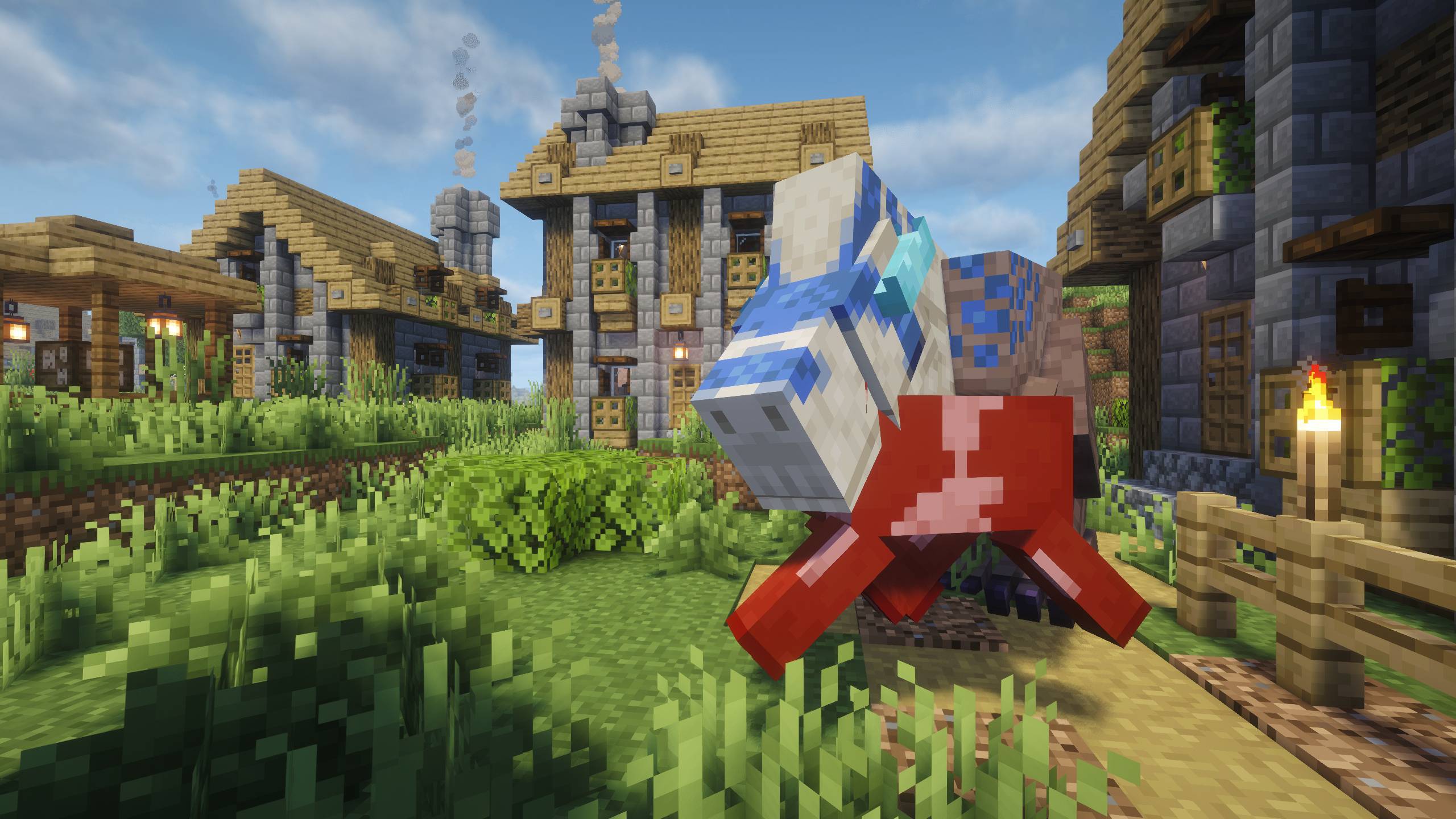
Prehistoric World 2 | Unusual Prehistory 2, Dinosaurs, Quests & More
An exploration and progression-focused modpack where you'll uncover ancient fossils, revive long-extinct creatures, and explore worlds lost for millions of years.InstallOn a server
MineColonies - Modpack
This is a modpack where you can build and protect your own village. MineColonies - ModpackInstallOn a server
The Zombie Conquest - Zombie Apocalypse (New Version)
Fight for your life in a world conquered by zombies!InstallOn a server
One Piece - New World
A Mod made to completely copy the anime/manga one pieceInstallOn a server
VitalityCraft – Vanilla Essentials [New 26.2]
Vitality Craft enhances your Minecraft experience with essential mods that introduce new biomes, objects, mobs, and performance improvements. Dive into a more diverse and challenging world while enjoying smoother gameplay with optimized performance.InstallOn a server

Sky Greg
A skyblock modpack based around GregTech Modern with unlimited ores, some unique twists, and no sieving! Back under active development!InstallOn a server

100 Day's at Freddy's
"If Five Nights weren't difficult enough."InstallOn a server
DragonFire
The DragonFire WorldInstallOn a server
Wold's Vaults - Vault Hunters Expansion
An opinionated and heavily customized, and modified Vault Hunters 3 experience.InstallOn a server
A Farmer's delight
Inspired by the great farming aspects of minecraft, here is A Farmer's Delight.InstallOn a server
The Golden Cobblestone
This pack is known by MrCrainer and SSundee The Golden Cobblestone series on Youtube.InstallOn a server

World of Dragons - A New Age (WODNA)
Build thriving colonies, tame dragons, adorn realms with rich decorations, harness RFTools tech, weave ancient magic, and battle through Mine & Slash progression for loot-driven RPG thrills in a boundless sandbox adventure. Forge epic gear, automate buildsInstallOn a server
A COZY Adventure NapTime Modpack, The Lil Cafe
The Lil Café NapTime Modpack is a cozy Minecraft experience featured in Jocey's Lil Café NapTime Series on YouTube. Explore peaceful biomes, cook comforting meals, decorate your dream café, and befriend whimsical critters. Your cozy sanctuary awaits!InstallOn a server
Chroma Technology 2
Chroma Technology is a progression modpack with 1.16.5 modsInstallOn a server
mowzies mobs with extra mods
a mowzies modpack with a bit of other modsInstallOn a server
Guns&Cars Mine
Modpack for Malinovka mapInstallOn a server
Heroes! (Marvel + DC)
Become your favourite hero and explore the vast and beautiful world around you!InstallOn a server
Jurassic Terror - A horror jurassic experience
a horror modpack about dinosaursInstallOn a serverFAQ
How is a modpack different from a bunch of mods?
A modpack is already a tuned set: mod versions are matched to each other, configs are set up, and recipes and progression are tied together. Mods downloaded one by one you'll have to make work together yourself.
How do I install a modpack?
Click “Install” and Millida Launcher will download the modpack and the right Java for you and create a separate profile for it. No need to install the mods or loader separately.
How much memory should I allocate?
Light performance modpacks run on 4 GB, mid-sized ones on 6 GB, and big tech-and-magic ones need 8 GB or more. You can change memory in the Millida Launcher profile settings; the exact figure is usually in the modpack description.
Which modpack should I pick to play with friends?
Turn on the With a friend filter under What for to keep modpacks made for playing together: co-op survival, Create, adventures with shared progression. The modpack version must match for every player and the server.
Are there modpacks with quests in my language?
Modpacks with a quest book and a story are in the With quests theme. The quest language depends on the author: most packs ship in English, and other languages are usually added by a separate translation mod — check the modpack description.
Will a modpack run on a low-end PC?
A light one will. The For low-end PCs filter keeps modpacks with a small mod list and performance mods, and 4 GB of memory is enough for them. Big tech-magic modpacks need 6–8 GB and lag on a weak machine even if they start.
How do I run a modpack on my own server?
A modpack page has an On a server button: it installs the modpack on a Millida Hosting server and switches the core to match, and a copy of the old world is kept in backups. Players then install the same modpack in Millida Launcher and join the server address.
Modpacks for Minecraft Forge
Modpacks for Minecraft Forge: 2,594 items in the Modpacks section. Compatibility is checked against the files, not the description: only items with a build for exactly these conditions stay in the list.
Each modpack here is one page with every released version. The card shows which game version and loader it's built for, how big the archive is and who the author is. Modpacks aren't installed like individual mods: click “Install” and Millida Launcher downloads all the modpack's mods, the right loader and Java, and creates a separate profile for it without touching your others. Mind the memory requirements: heavy tech-and-magic modpacks need six gigabytes or more and simply won't start on the default two.