
Modpacks with the Create mod for Minecraft Forge
120 itemsModpacks: list

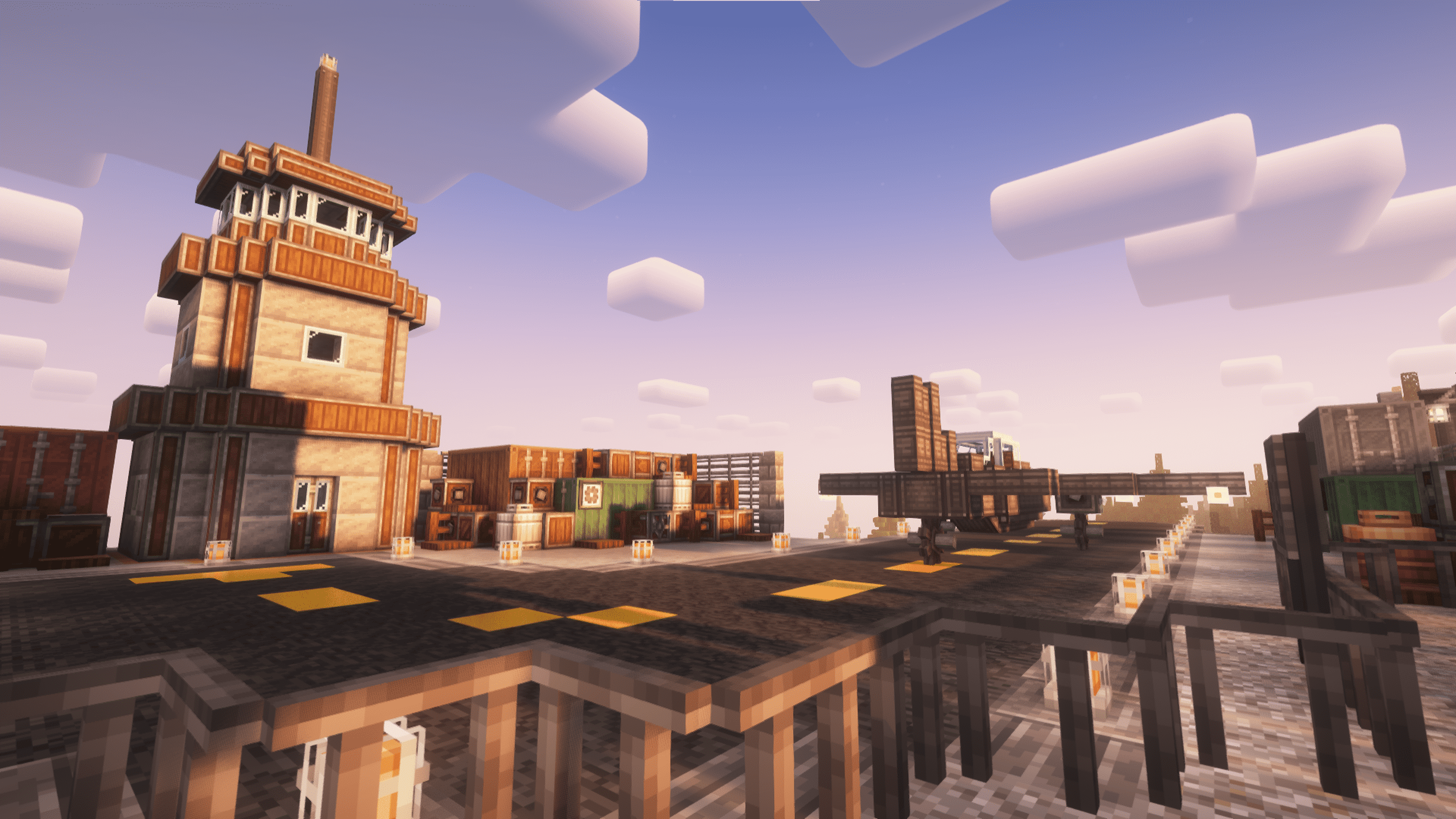
All of Create
The Ultimate Create Experience | Create 6.0 with 50+ Addons, Quests and Great PerformanceInstallOn a server

Create+
A simple, optimized, Vanilla+ pack, with the special exception of Create (and its addons). Now with Create: Aeronautics!InstallOn a server
Create: Perfect World
Create-focused lightweight modpack from MrBeardstone's YouTube SeriesInstallOn a server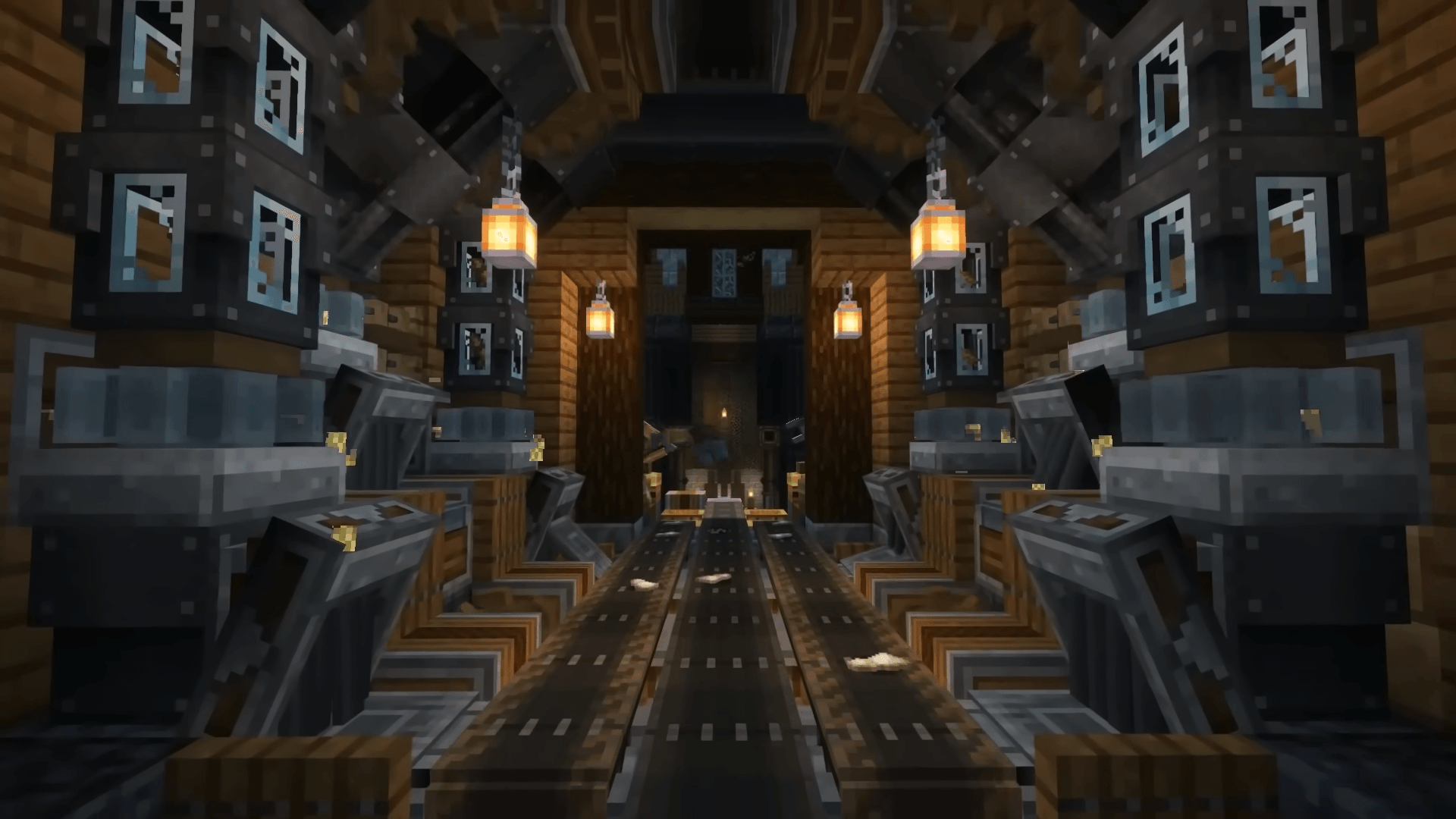
Create Ultimate Selection – Create Quests | Create Addons [1.20.1]
CREATE 6.0 AND QUESTS - With the Best Create Mods: Unlock the Full Potential of Engineering, Automation, and Innovation in MinecraftInstallOn a server
Create: Arcane Engineering
A Create Modpack set to Revolutionize Modern ModpacksInstallOn a server
Create'a Colony
A modpack intended to combine the Create and Minecolonies experience into one!InstallOn a server
FXNT Create
A vanilla+ experience featured around the Create Mod with improved world generation bringing Minecraft to life!InstallOn a server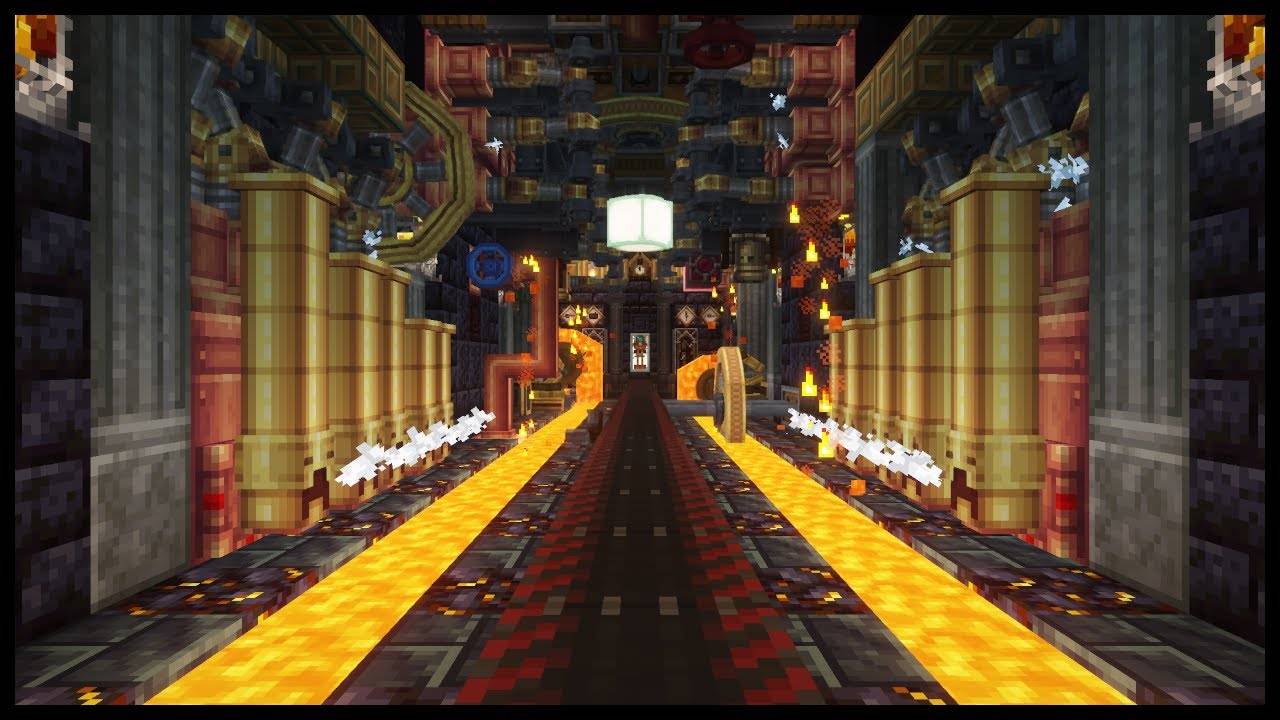
All in one: Create
Love the create mod? perfect modpack with create, its addons, QOL mods and some other fun mods.InstallOn a server
CABIN: Create Above & Beyond In Newer
A remaster of the 1.16 pack to newer versions, with new featuresInstallOn a server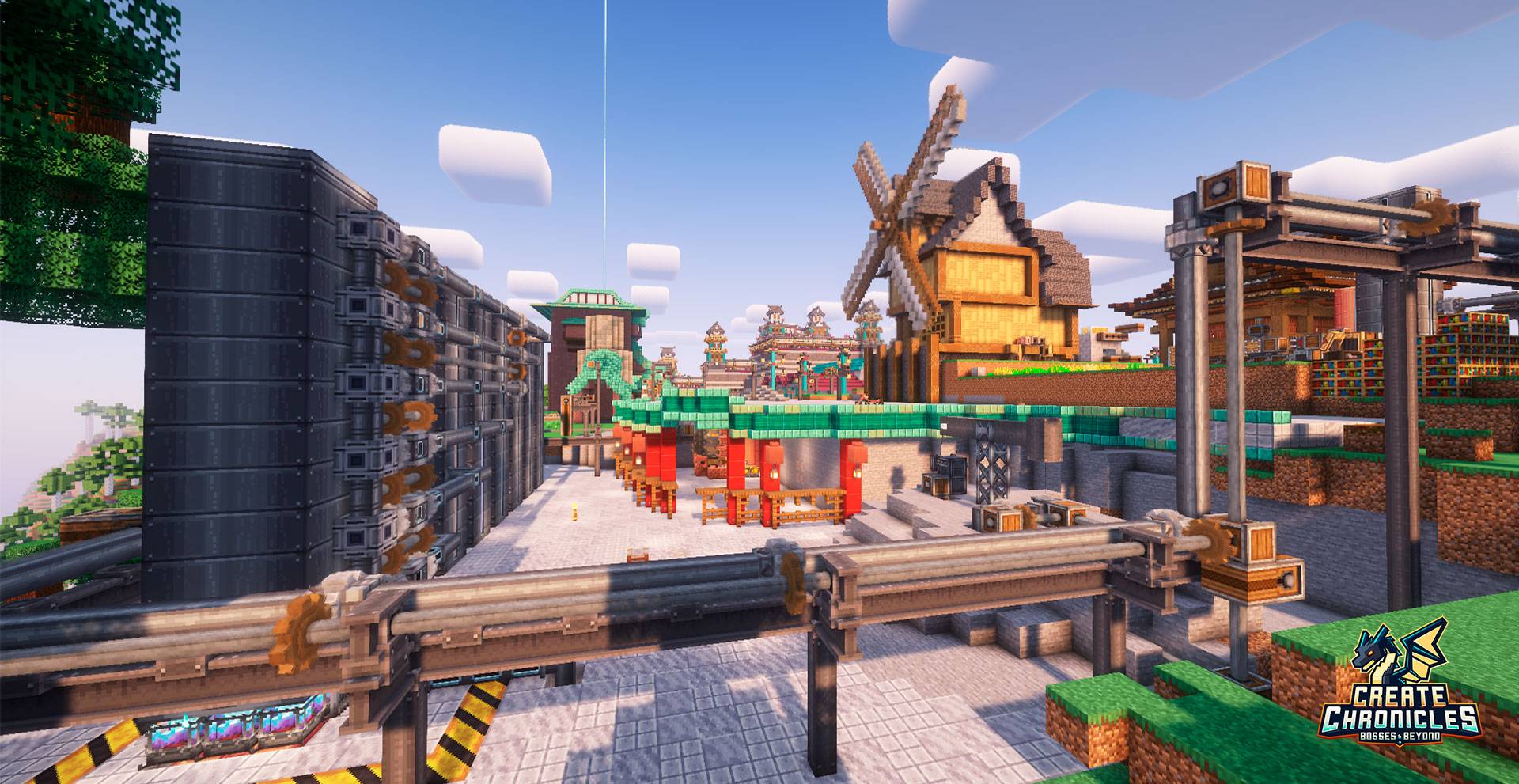
Create Chronicles: Bosses and Beyond
Adventure & Automation Modpack blending Create with Exploration, Magic, and Epic Bosses. 800+ Quests | Progression | Custom RecipesInstallOn a server
Create: Perfect World 2
Create-focused lightweight modpack from MrBeardstone's YouTube Series - Perfect World 2InstallOn a server
Cozy Create - Create Focused Adventure
A Cozy modpack focused around create and Quality of Life Mods!InstallOn a server
Create+
A lightweight vanilla plus pack focused around the create mod.InstallOn a server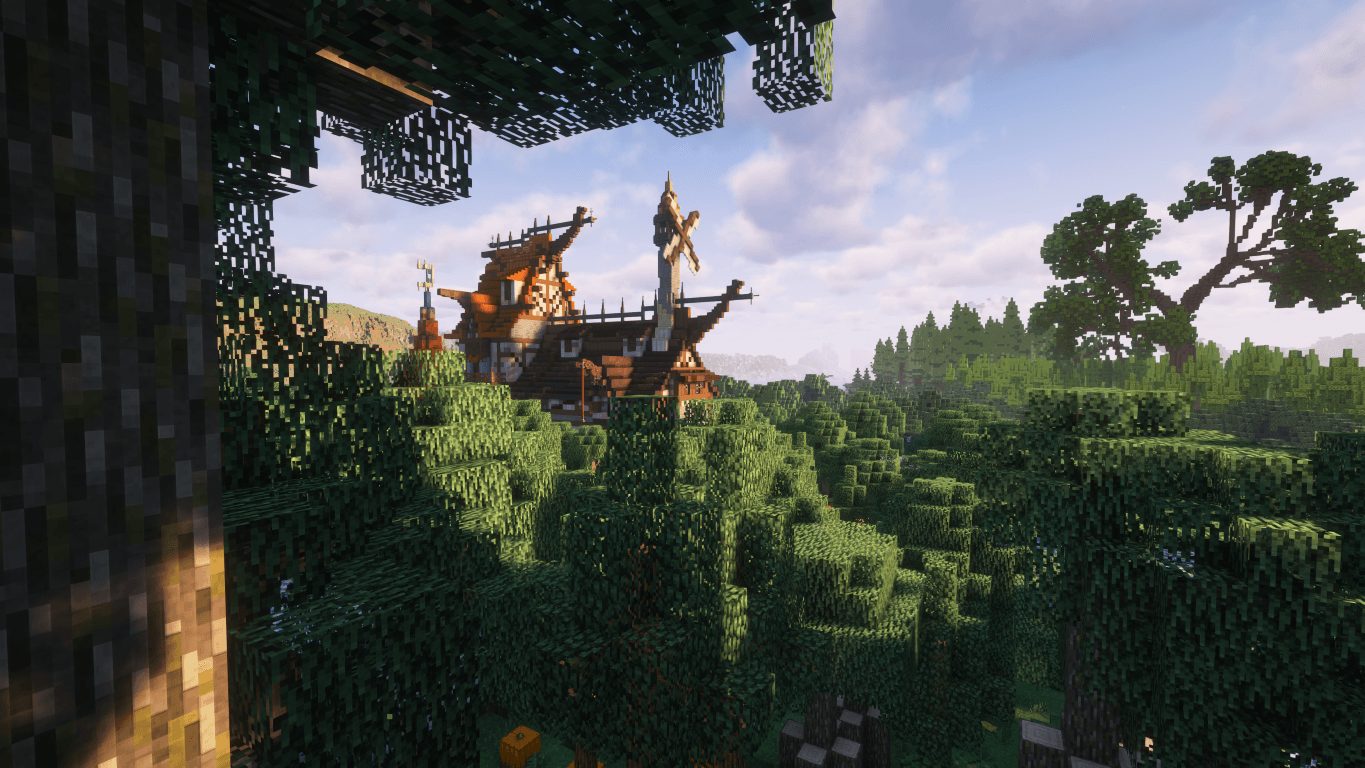
GenCraft - Forge your world, Create your destiny!
Discover GenCraft – the ultimate Minecraft experience! Enjoy stunning visuals, immersive questlines, new dimensions, custom configured shaders, diverse biomes, better combat, delightful farming, and seamless multiplayer. Download today!InstallOn a server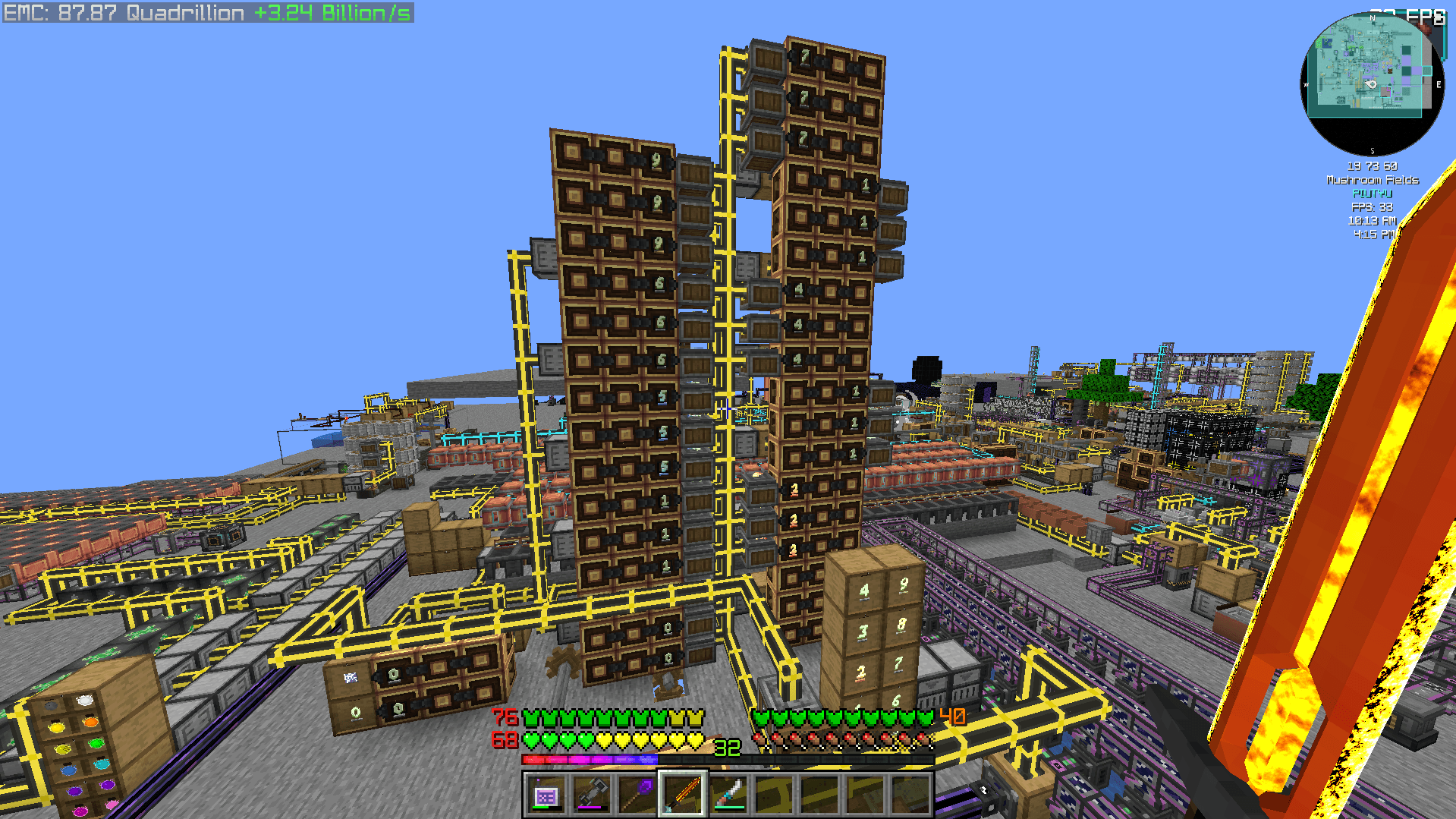
Create 2 Mekanism: Sky Edition 2
CREATE 6.0 UPDATE - Progression-based technical skyblock pack with Create, AE2, Industrial Foregoing, Mekanism and Ad Astra!InstallOn a server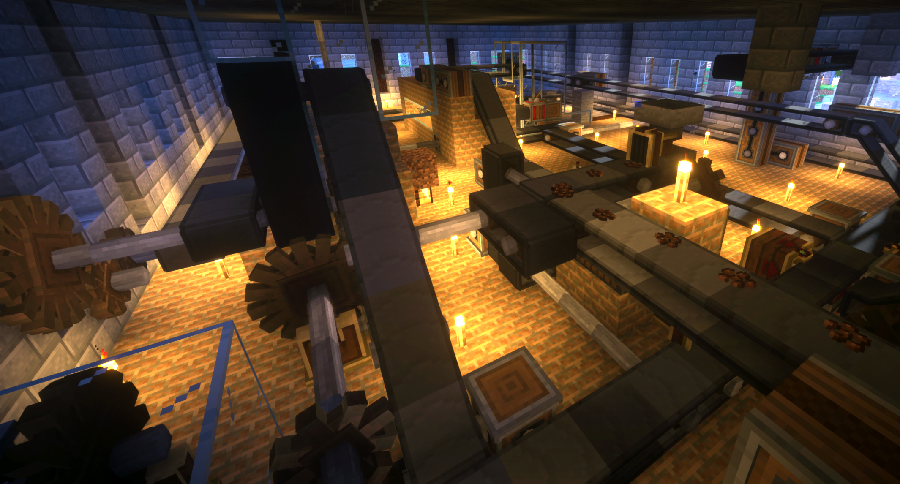
Create Live 2
Minecraft Create Live 2 is a Modpack created for the german YouTube/Twitch project "Minecraft Create Live 2".InstallOn a server
Create Live 3
Minecraft Create Live 3 is a Modpack created for the german YouTube/Twitch project "Minecraft Create Live 3".InstallOn a server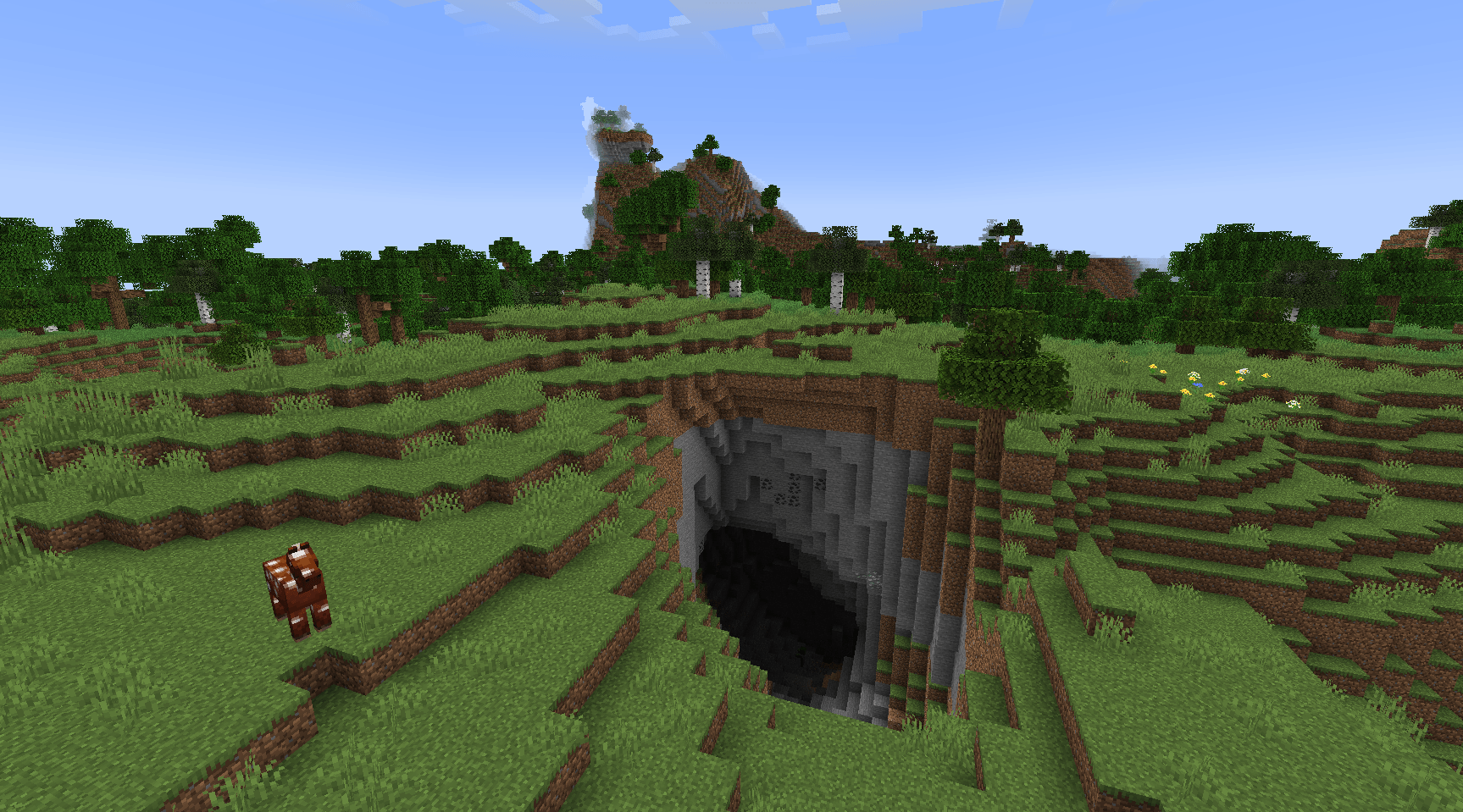

Create on a Potato PC: Ultimate
A lightweight and Fun Forge modpack featuring Create! Play either Skyblock or Normal worldInstallOn a server

Create Ultimate
All addons you need for CreateInstallOn a server
Create: Mekanized
A complex, technology-based modpack revolving around Create and Mekanism.InstallOn a server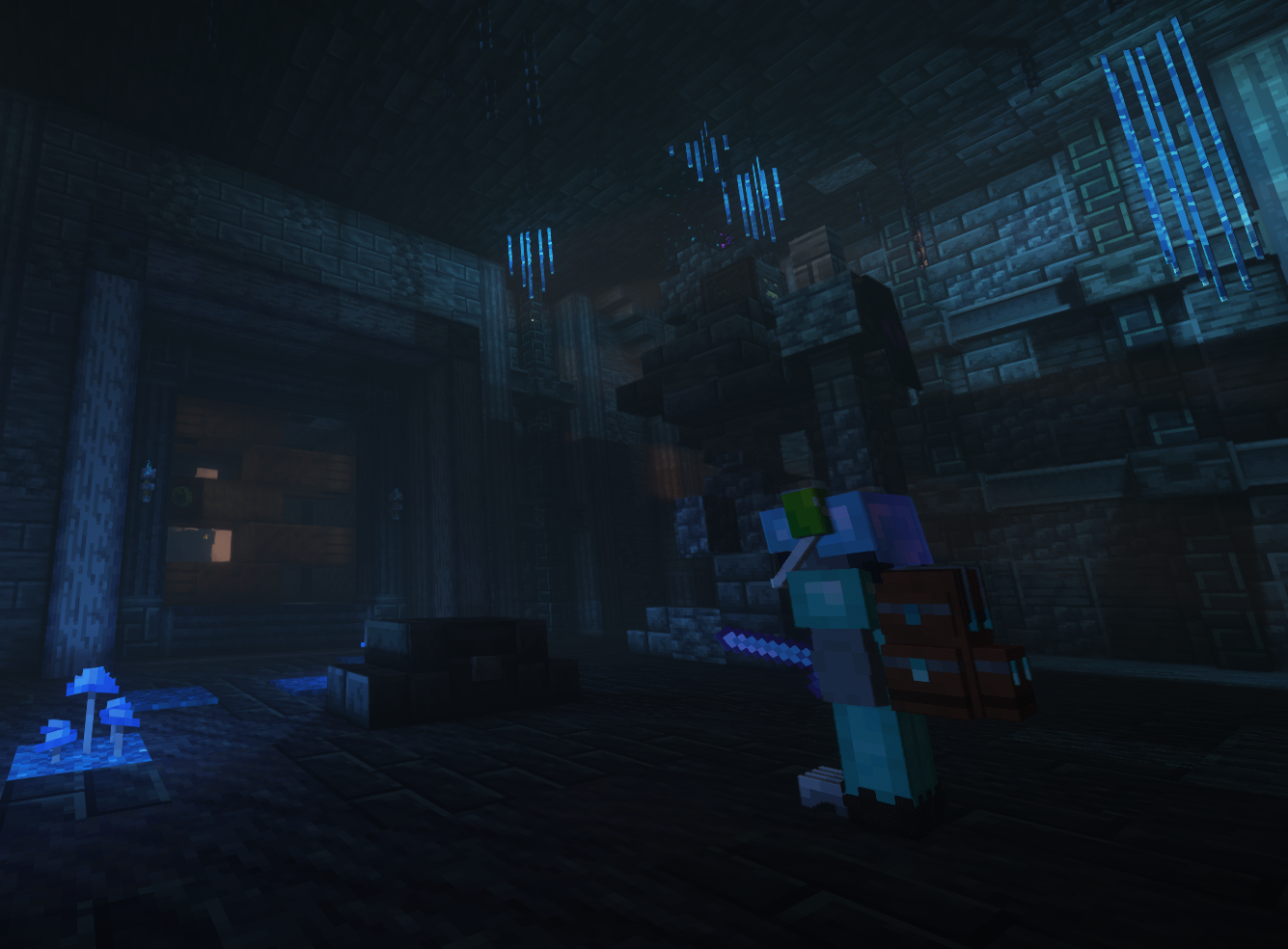
Create Stellar
Automate everything, explore space, and master Create across 5 progression stages and 600+ quests.InstallOn a server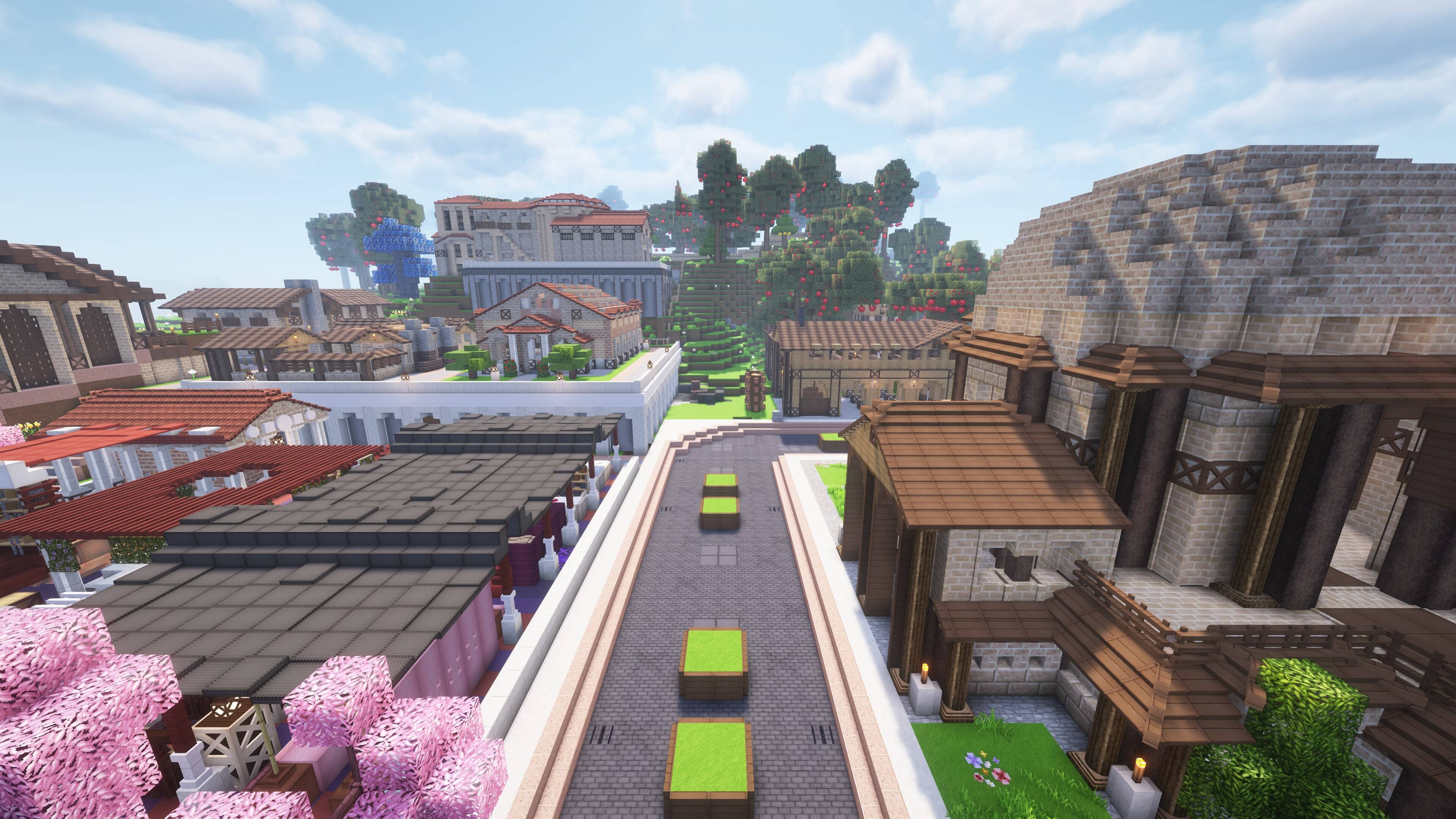
MineColonies - Create & Conquer
An exploration-based MineColonies pack featuring biome and world generation overhauls, new combat mechanics, loosely tiered progression in colony building, magic, technology and so much more!InstallOn a server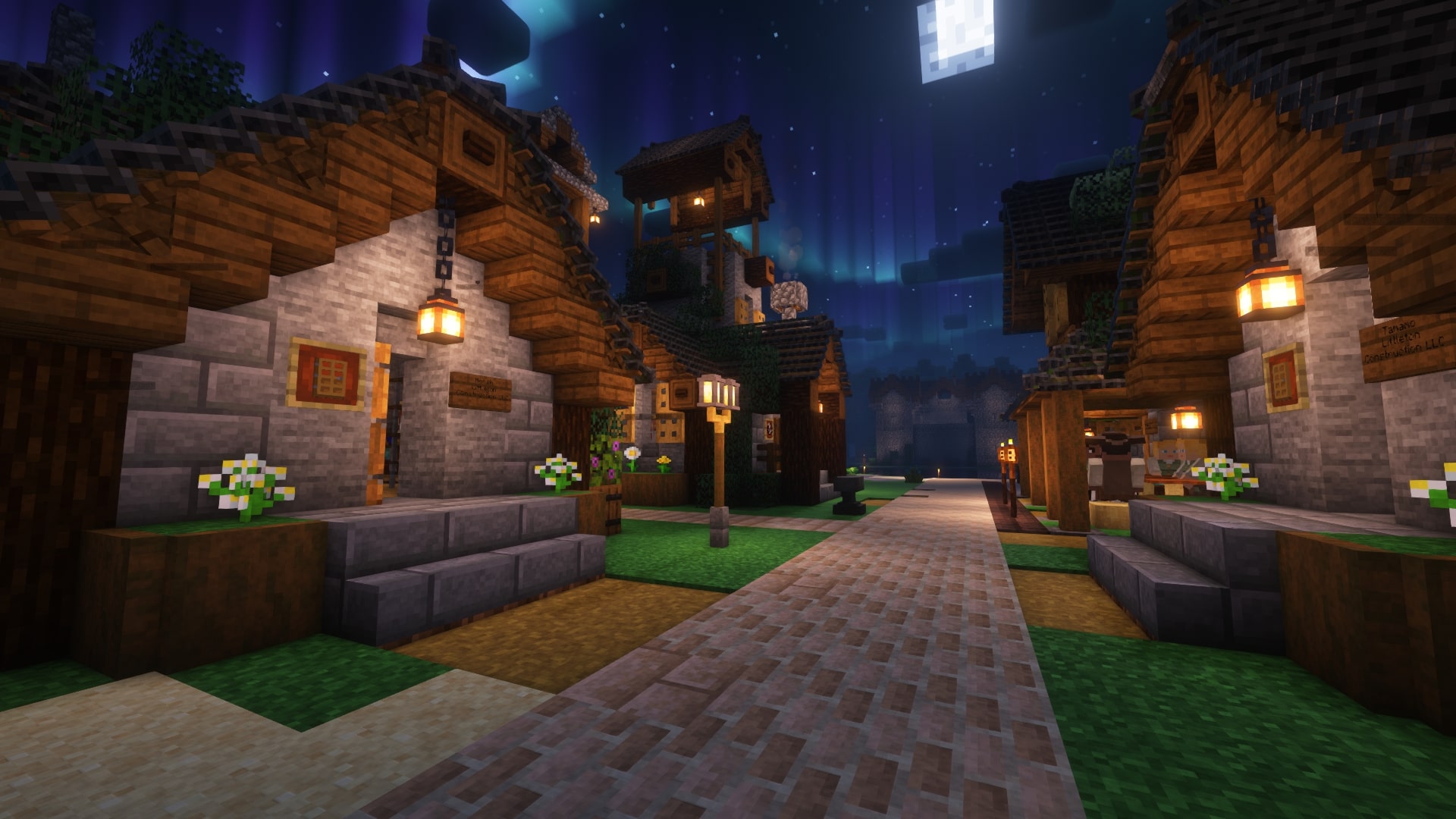
Create a Colony - MineColonies / Create / MCA
Build, invent, plan, trade and manage in this immersive village building focused modpackInstallOn a serverFAQ
How is a modpack different from a bunch of mods?
A modpack is already a tuned set: mod versions are matched to each other, configs are set up, and recipes and progression are tied together. Mods downloaded one by one you'll have to make work together yourself.
How do I install a modpack?
Click “Install” and Millida Launcher will download the modpack and the right Java for you and create a separate profile for it. No need to install the mods or loader separately.
How much memory should I allocate?
Light performance modpacks run on 4 GB, mid-sized ones on 6 GB, and big tech-and-magic ones need 8 GB or more. You can change memory in the Millida Launcher profile settings; the exact figure is usually in the modpack description.
Which modpack should I pick to play with friends?
Turn on the With a friend filter under What for to keep modpacks made for playing together: co-op survival, Create, adventures with shared progression. The modpack version must match for every player and the server.
Are there modpacks with quests in my language?
Modpacks with a quest book and a story are in the With quests theme. The quest language depends on the author: most packs ship in English, and other languages are usually added by a separate translation mod — check the modpack description.
Will a modpack run on a low-end PC?
A light one will. The For low-end PCs filter keeps modpacks with a small mod list and performance mods, and 4 GB of memory is enough for them. Big tech-magic modpacks need 6–8 GB and lag on a weak machine even if they start.
How do I run a modpack on my own server?
A modpack page has an On a server button: it installs the modpack on a Millida Hosting server and switches the core to match, and a copy of the old world is kept in backups. Players then install the same modpack in Millida Launcher and join the server address.
Modpacks with the Create mod for Minecraft Forge
Modpacks for Minecraft Forge: 120 items in the Modpacks section. Compatibility is checked against the files, not the description: only items with a build for exactly these conditions stay in the list.
Each modpack here is one page with every released version. The card shows which game version and loader it's built for, how big the archive is and who the author is. Modpacks aren't installed like individual mods: click “Install” and Millida Launcher downloads all the modpack's mods, the right loader and Java, and creates a separate profile for it without touching your others. Mind the memory requirements: heavy tech-and-magic modpacks need six gigabytes or more and simply won't start on the default two.