
Minecraft datapacks — page 95
2,543 itemsData packs: list
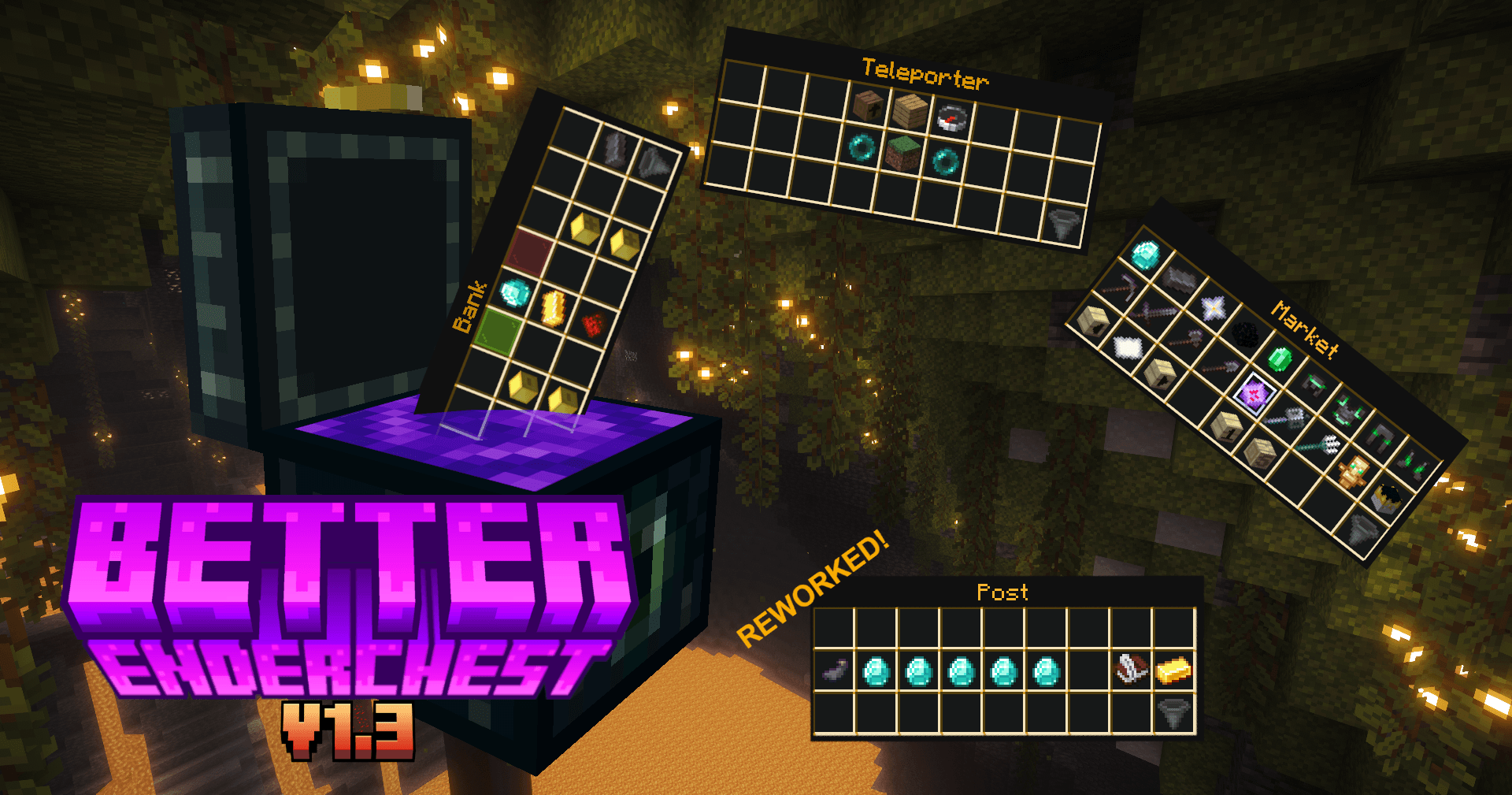
Better Enderchest v1.3 (26.2) | Enderchest GUI Datapack | Shop, Post, Level & even more! | REWORKED POST MENU
Have you ever wanted to set up a server or just a survival world, but you just were to lazy to implement several Datapacks for Shop, Bank or Post Systems. Well you are lucky then because Better Enderchest has all of it and way more!InstallOn a server

No Stray
Disable Stray in Minecraft by preventing its spawning and removing any that appear in the worldInstallOn a server

Checkerboard dimension
Data pack that makes the overworld a flat checkerboardInstallOn a server
craftable horse iteams
this data-pack allows to craft saddle and armors for horseInstallOn a server

[World Generator] Superflat++ World Generator
Superflat world but with normal presets including all biomes.InstallOn a server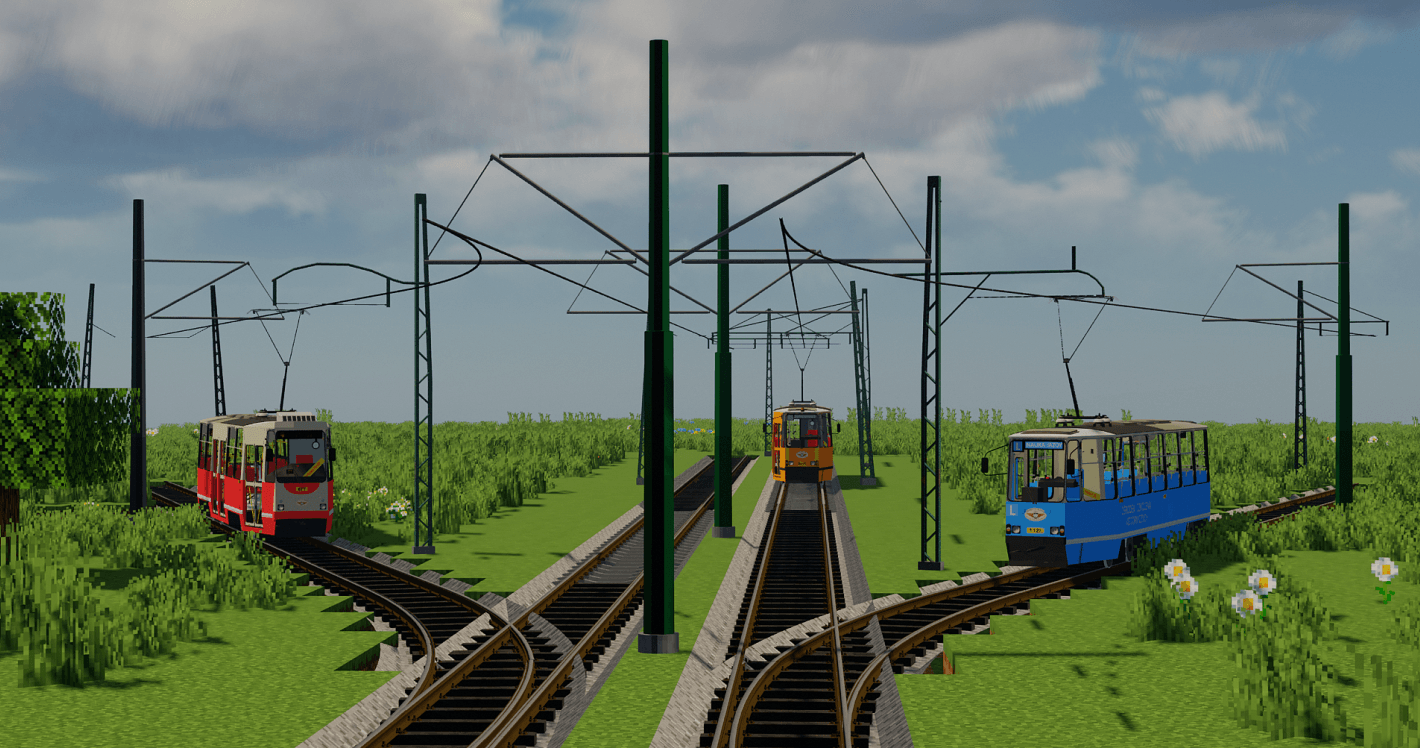
Tram Rails & Poles Pack By Krzysiek5757 [Immersive Railroading]
This is the Immersive Railroading pack. It contains a few types of tram poles and tram rails.InstallOn a server
TaTe's Food Tweaks
Makes Many More Items Consumable, Buffs a Few Existing Food Items, and Adds a Couple New Food Items!InstallOn a server

Bubbleconomy
(Bubble + Economy) - A data pack, that adds simple economy: new currency - Bubbles (β), bank accounts, transferring money & shops.InstallOn a server

Death Sound
Plays a sound to all players when someone dies! (17-23 sounds + their variants)InstallOn a server

Murder Drones OST Disk
add 21 music from the OST of the YouTube seriesInstallOn a server

3K Mob Heads! (Decapitation)
3000+ Heads for all Minecraft mobs since 1.14! First to add all 3072 Tropical Fish Heads, with customizable head sounds!InstallOn a server

EasyCraft+
Complex crafts? Make it easier to create them without breaking the balance of the game!InstallOn a server
GemCrusher: Apotheosis with Create
Salvaging automation with Create mod crushersInstallOn a server

RP Dices
Simulate a dice roll, with a random result. This pack is made for role playing in Minecraft.InstallOn a server
Extreme Lethal API
Adds the structure generation for the extreme lethal company modInstallOn a server

Smelt Gravel for Flint
Stop relying on luck. Smelt gravel in a furnace and get flint quickly.InstallOn a server

No Evoker
Disable Evoker in Minecraft by preventing its spawning and removing any that appear in the worldInstallOn a server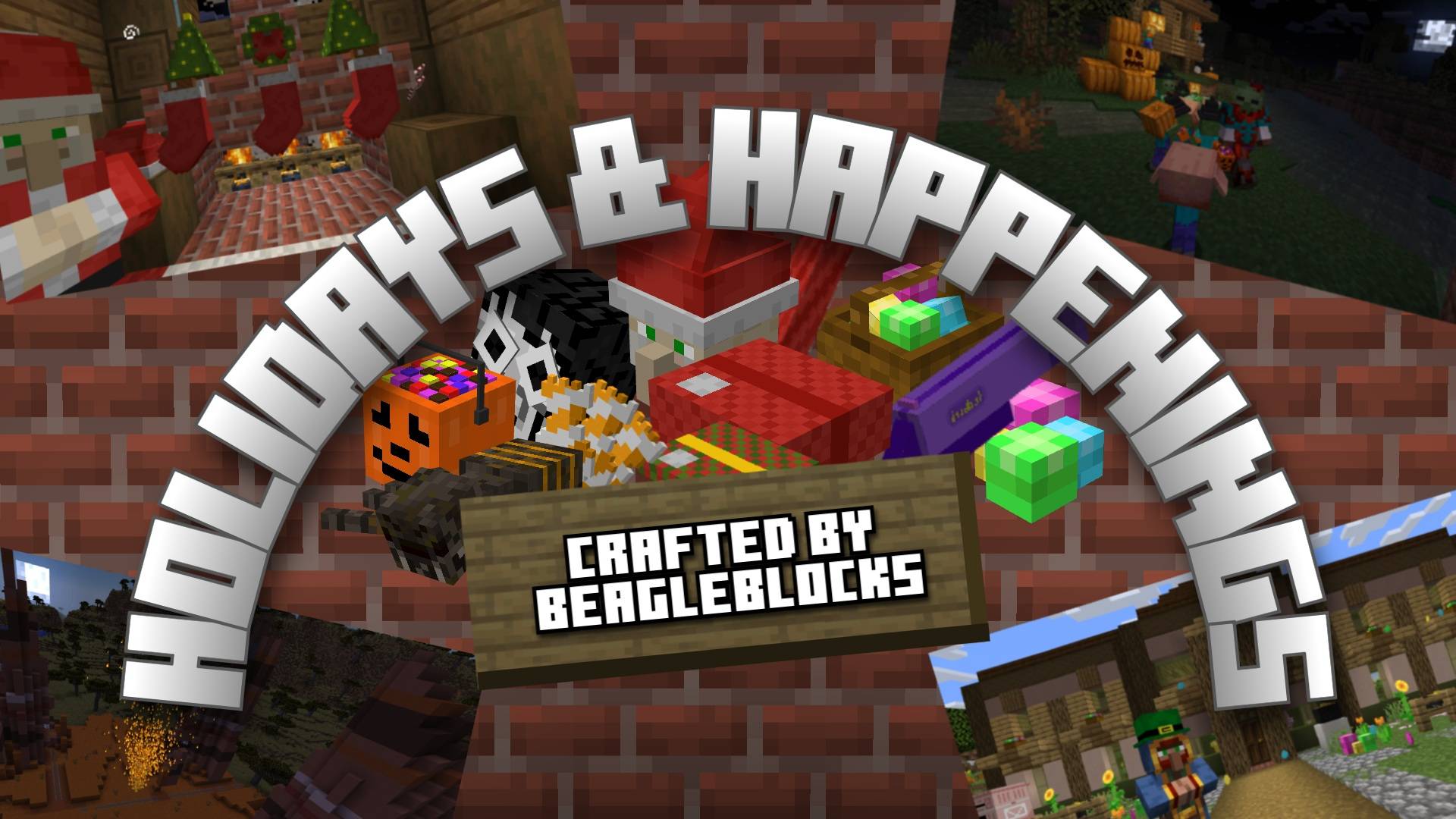
Holidays & Happenings
This data pack seeks to bring the spirit of the holidays to life with special holiday themed events, cosmetics, traders, and items (Only available during the season - get them while you can!).InstallOn a server

I love mountains
Makes erosion noise value always low so only mountain terrain spawnInstallOn a server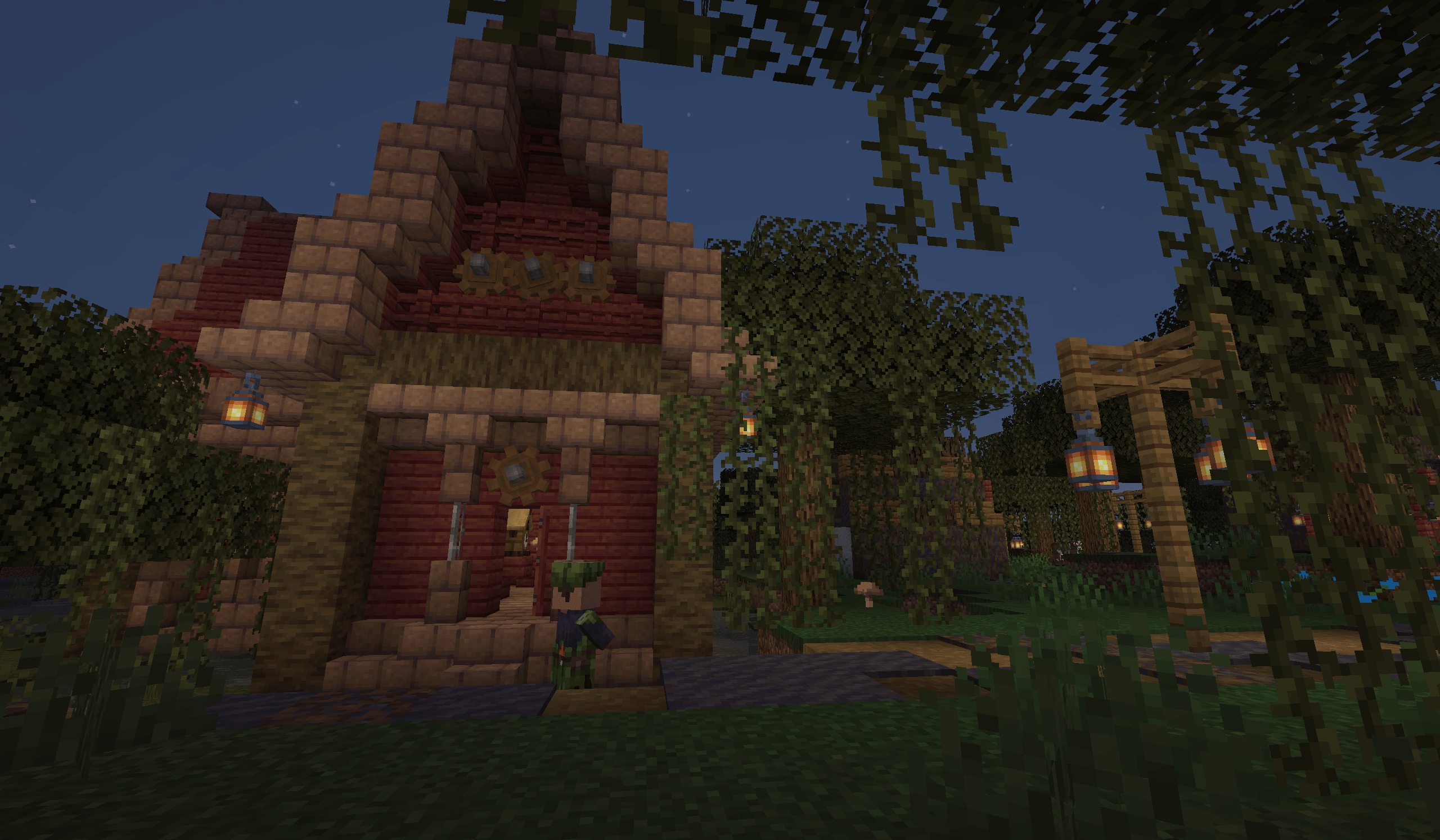

Repurposed Structures - Create: Dynamic Village Compat Datapack
Makes Dynamic Village's buildings spawn in RS villagesInstallOn a server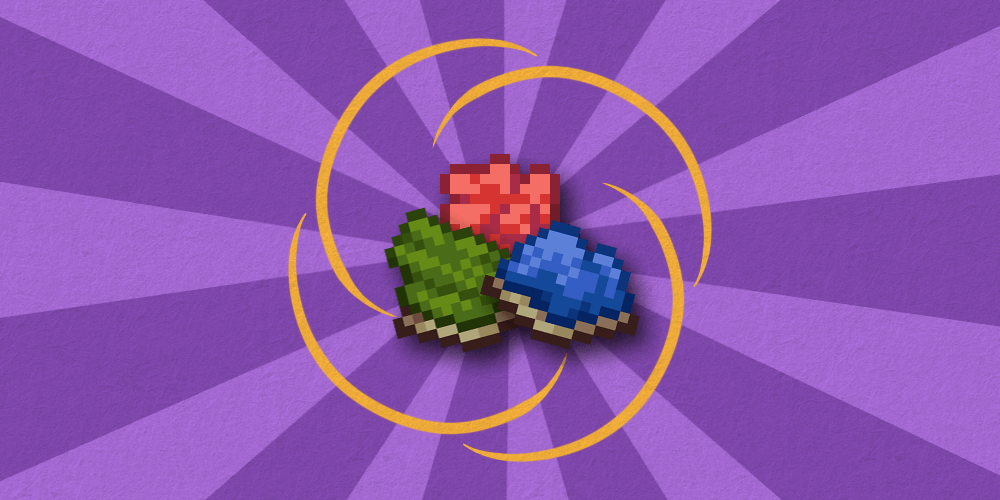

Dyes Reimagined
Changes how Minecraft's dye crafting mechanic works a little bit and adds several new recipes for making dyes. Formerly known as "Make a Dye Out Of It".InstallOn a server

Spawn In Seperate Villages
Makes you spawn in seperate villages the first time you join. You cannot spawn in the same village.InstallOn a server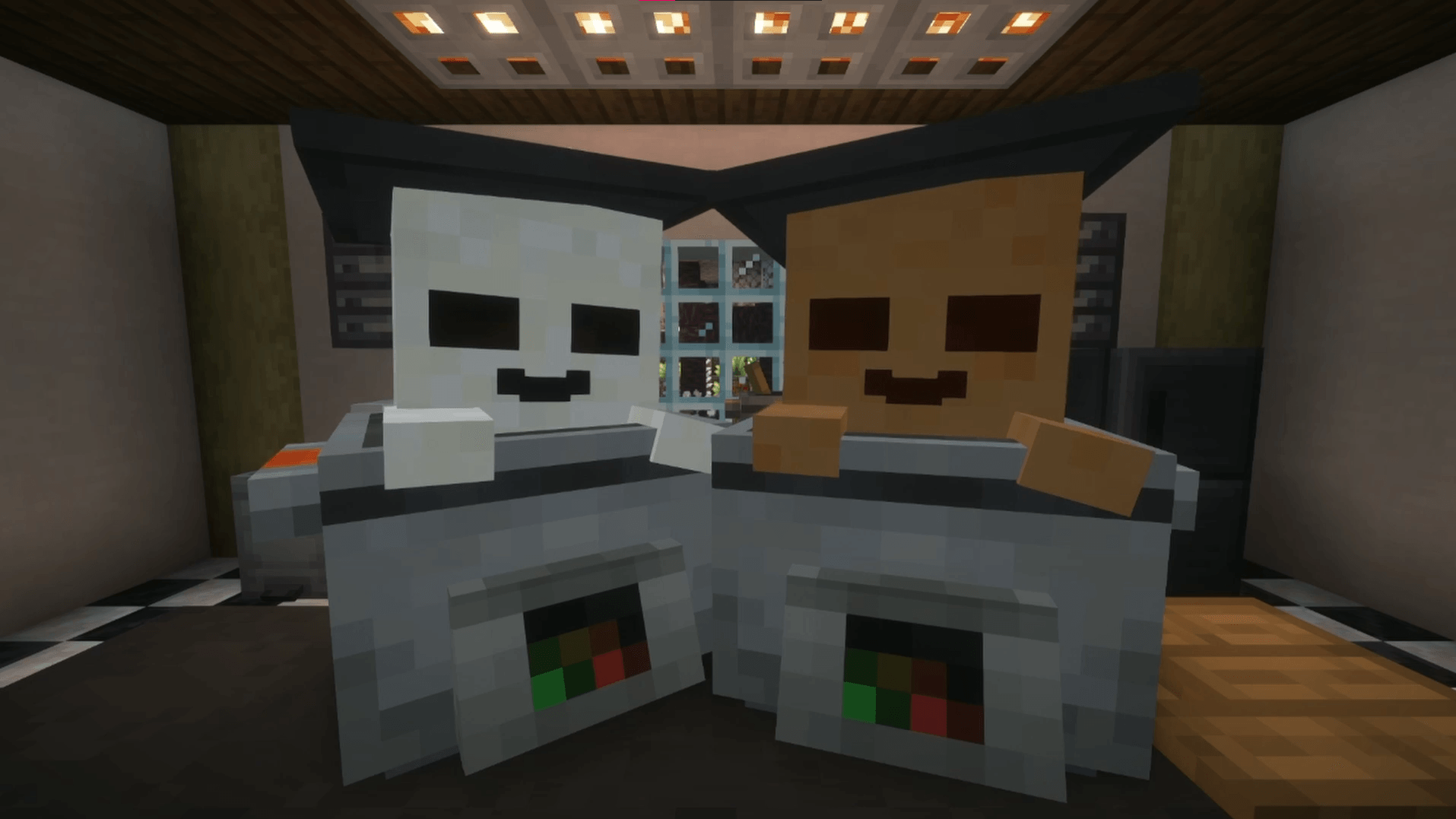
Pickle's Fakemon
A Fakemon pack for the cobblemon mod, with regional forms based on popular media, other popular mods, and other silly ideas.InstallOn a serverFAQ
How is a datapack different from a mod?
A datapack uses the game's own tools: it changes recipes, loot, structures and advancements. A mod changes the game's code and can add something genuinely new — a block, a mob, an interface. A datapack doesn't need a loader to work.
How do I install a datapack?
Click “Install” and Millida Launcher will add the datapack to the world you choose. To do it manually, put the archive in the datapacks folder inside the world folder and rejoin the world.
Does a datapack work on a server?
Yes, on a regular server without mods: the datapacks folder sits inside the server's world folder. Players don't need to install anything on their clients.
What is a data pack?
A set of files that changes the game with its own tools: recipes, loot, world generation, advancements and command functions. It works from version 1.13 without mods or loaders and is installed into a specific world.
Are there data packs for world generation?
Yes, it is one of their most common jobs: new biomes, terrain, caves and structures. Generation only changes in chunks that have not been created yet, so such a data pack is best added when creating a new world.
Minecraft datapacks
A datapack changes the game's rules without touching its code: crafting recipes, loot tables, world structures, advancements, command functions. The game supports all of this natively since 1.13, so a datapack needs neither Forge nor Fabric — it's installed into a specific world and works on the vanilla client and a regular server.
Data packs do different jobs: some change world generation — biomes, terrain and structures, others add mechanics, challenges and horror events, and others are made for servers — economy, ranks, command-based minigames. Generation applies only to new chunks, so such packs are added when a world is created. On Millida Hosting a data pack goes onto the server with the On a server button on its page.
That's the main difference from mods: a datapack doesn't show up in the mod list, and it can't add anything the game doesn't have at all — you can't make a new block with its own model this way. On the other hand, it doesn't clash with other packs, doesn't need updating when you switch loaders and doesn't stop you from playing with friends on a regular server. Installing a datapack is simple: put the archive in the datapacks folder inside the world folder, then reload the world or run the reload command. The card lists the game version, author and license, and all releases are gathered in one place.