
Minecraft datapacks — page 94
2,543 itemsData packs: list
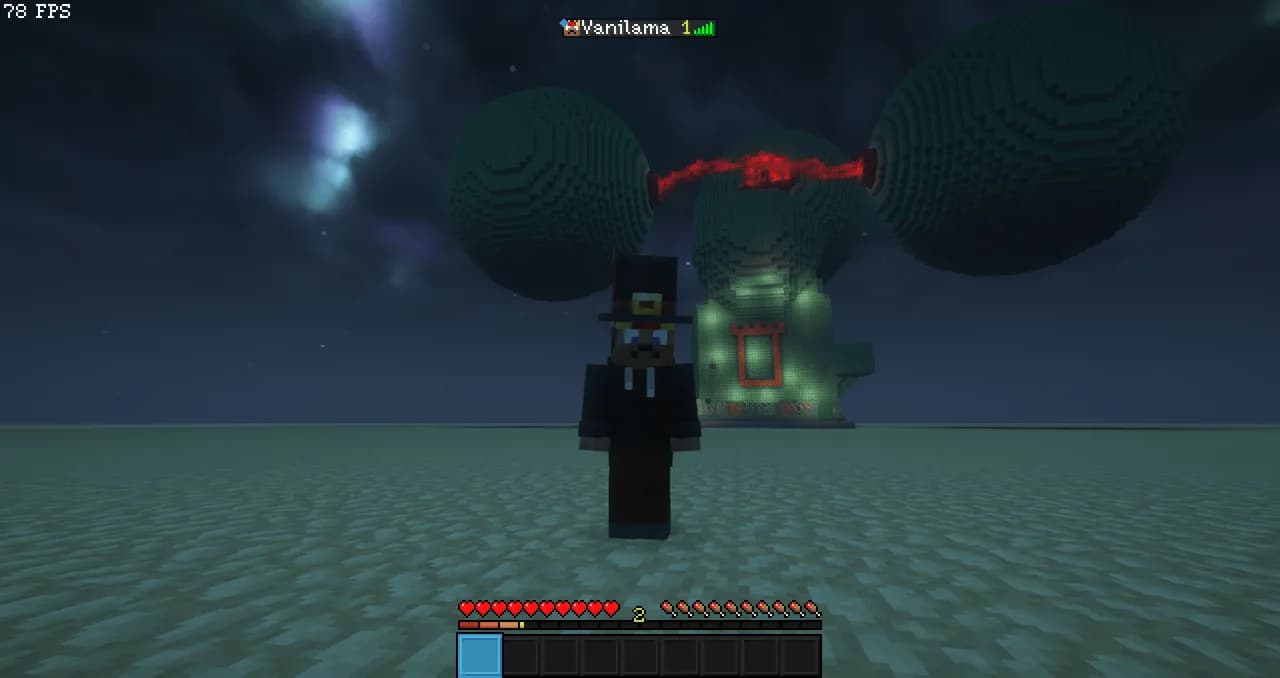


FairWoodCut
A datapack that enables wood processing in the stonecutter. It will save you a lot of time on crafting.InstallOn a server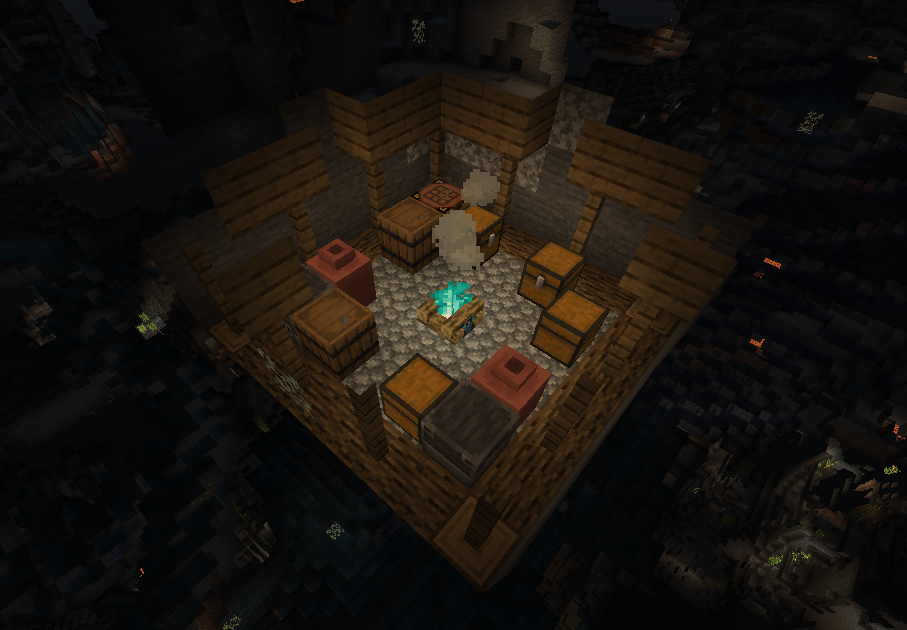
Wild Caves - Worldgen
Expansion of vanilla Mining systemInstallOn a server

Visibility toggle
Allows you to toggle the visibility of itemframes specifically placed by you.InstallOn a server
[SBW] Tactical Stuff armor compatibility
Allows TacticalStuff armor to benefit from the armor system of the Superb Warfare mod.InstallOn a server

Origins: Pyroar
A majestic lion imbued with the power of fire. Pyroar are fierce protectors and masters of their fiery domain.InstallOn a server

BHAR + Simple Netherite Horse Armor Compat
Adds compatibility for Simple Netherite Horse Armor with Balanced Horse Armor RecipesInstallOn a server

Convert Vanilla Horses to SWEM (Star Worm Equestrian) Horses
A lightweight datapack that automatically replaces vanilla horses with SWEM horses — no command blocks required. Runs every tick to ensure full immersion when using the Star Worm Equestrian Mod (SWEM).InstallOn a server

RideableEnderPearls
Ride ender pearls! Ender pearl stasis chambers still work!InstallOn a server

Beta Nether
Reverts the Nether back to its original form!InstallOn a server

No Zombie Horse
Disable Zombie Horse in Minecraft by preventing its spawning and removing any that appear in the worldInstallOn a server
QoL Crafting
Adds many QoL recipes including woodcutting, full blocks from slabs, smelting raw ore blocks, and moreInstallOn a server

No Iron Golem
Disable Iron Golem in Minecraft by preventing its spawning and removing any that appear in the worldInstallOn a server
Chainmail Armor Crafting
Allows you to craft chainmail armor with chains. Formerly known as "Craft Me Chainmail Armor"InstallOn a server

Reasonable Trades
A game-changing Minecraft datapack that brings logical and sensible trading to the villagers of your world!InstallOn a server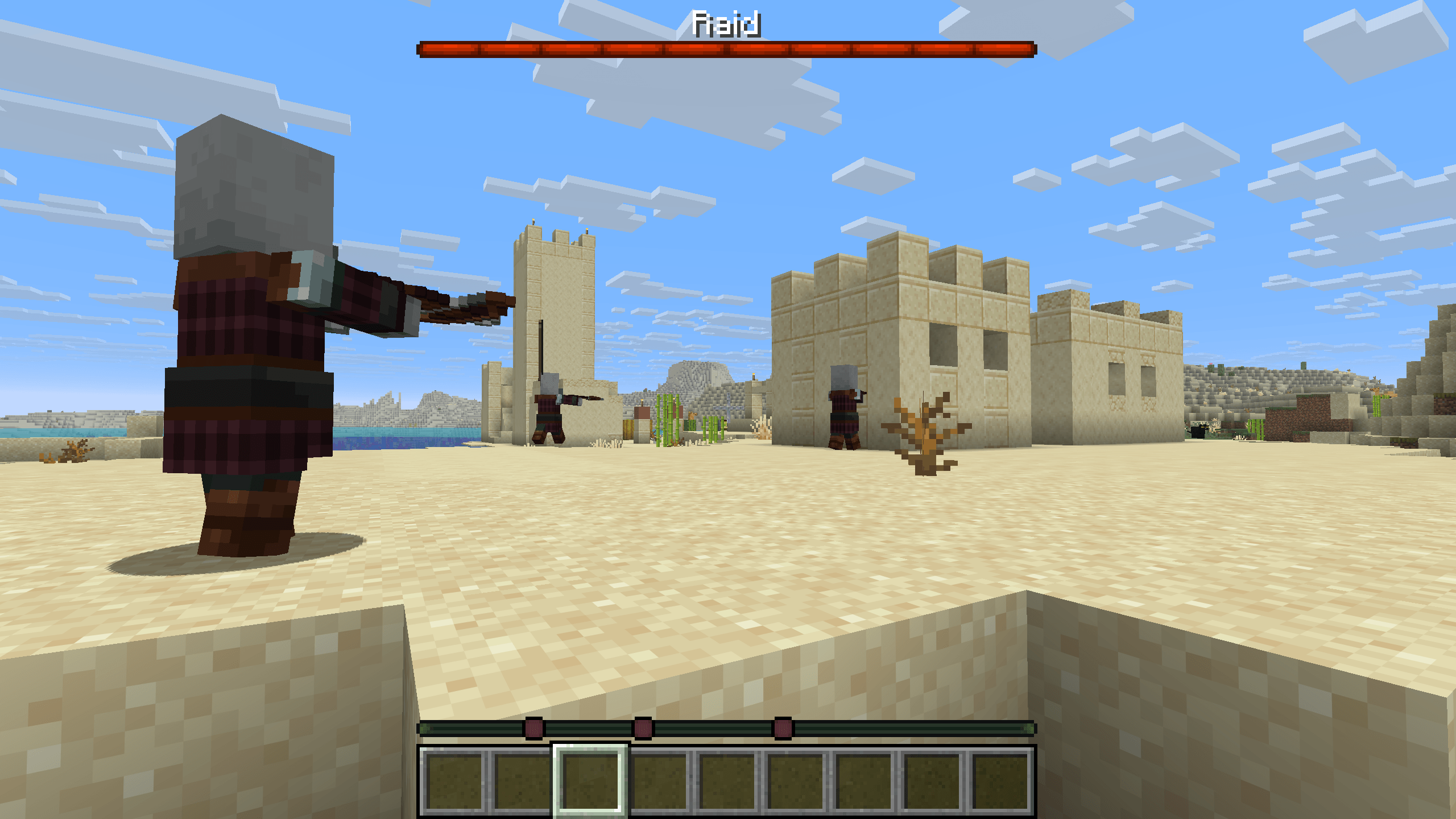
Waypoints and Bossbars
Adds raiders, trial mobs, skeleton horsemen and bosses to the locator bar and gives trial spawners and skeleton traps bossbars.InstallOn a server

Server Utilities
Features a number of utilities for data pack creators including a player ID system, function tags for detecting server events, inventory clearing and restoring system, systems for maintaining player data across username changes, and more!InstallOn a server

[Immersive Vehicles] Syndicate Motor Foundry
Immersive Vehicles content pack adding cyberpunk-like vehicles and partsInstallOn a server

Moar Diamonds
The Moar Diamonds datapack adds a bunch of new diamond types to the game. These are entirely just meant as crafting components that are used by my other datapacks.InstallOn a server

Deepslate Stonecutting
Adds every stonecutting recipe for cobbled deepslate to deepslateInstallOn a server

Better Villages - Immersive Engineering Compatibility
Adds compatibility between Better Villages and Immersive EngineeringInstallOn a server

ATP miner
More powerful chain collection (datapack) and its expansion, supporting block group chain collection, automatic replanting, range farming, automatic lighting and other additional functionsInstallOn a server

Alloyed and Create Gunsmithing compatablity pack
A data pack that removes Create: Gunsmithing's steel recipes to prioritize Alloyed's steelInstallOn a server

recycled gear
Salvage tools and armor using a stonecutterInstallOn a serverFAQ
How is a datapack different from a mod?
A datapack uses the game's own tools: it changes recipes, loot, structures and advancements. A mod changes the game's code and can add something genuinely new — a block, a mob, an interface. A datapack doesn't need a loader to work.
How do I install a datapack?
Click “Install” and Millida Launcher will add the datapack to the world you choose. To do it manually, put the archive in the datapacks folder inside the world folder and rejoin the world.
Does a datapack work on a server?
Yes, on a regular server without mods: the datapacks folder sits inside the server's world folder. Players don't need to install anything on their clients.
What is a data pack?
A set of files that changes the game with its own tools: recipes, loot, world generation, advancements and command functions. It works from version 1.13 without mods or loaders and is installed into a specific world.
Are there data packs for world generation?
Yes, it is one of their most common jobs: new biomes, terrain, caves and structures. Generation only changes in chunks that have not been created yet, so such a data pack is best added when creating a new world.
Minecraft datapacks
A datapack changes the game's rules without touching its code: crafting recipes, loot tables, world structures, advancements, command functions. The game supports all of this natively since 1.13, so a datapack needs neither Forge nor Fabric — it's installed into a specific world and works on the vanilla client and a regular server.
Data packs do different jobs: some change world generation — biomes, terrain and structures, others add mechanics, challenges and horror events, and others are made for servers — economy, ranks, command-based minigames. Generation applies only to new chunks, so such packs are added when a world is created. On Millida Hosting a data pack goes onto the server with the On a server button on its page.
That's the main difference from mods: a datapack doesn't show up in the mod list, and it can't add anything the game doesn't have at all — you can't make a new block with its own model this way. On the other hand, it doesn't clash with other packs, doesn't need updating when you switch loaders and doesn't stop you from playing with friends on a regular server. Installing a datapack is simple: put the archive in the datapacks folder inside the world folder, then reload the world or run the reload command. The card lists the game version, author and license, and all releases are gathered in one place.