
Minecraft datapacks — page 83
2,540 itemsData packs: list


MSS - Moog's Soaring Structure (config pack)
This is a template datapack for the MSS modInstallOn a server
TARDIS Refined - Sleepable
This datapack lets you sleep in the Tardis.InstallOn a server

CoffeeG's Colorful World
> Add jeb_ name tag for Cat,Axolotl and much more! Not just sheep!InstallOn a server
[SBW] Miklos' Military armor compatibility
Allows Miklos' Military armor to benefit from the armor system of the Superb Warfare mod.InstallOn a server
irons_spellbooksExtra_Recipe
A data pack that adds more recipes to Iron's Spells 'n Spellbooks.InstallOn a server

Random Bosses
The WASD Random Bosses Datapack turns naturally spawned mobs in the world into bosses. It was inspired by an old mod that is similar in function. Bosses spawn with random power levels, random sizes, and loot based on difficulty.InstallOn a server
Mob Madness - A World of Chaos
Grab your sword and shield! Hostile Mobs now have a 5% chance to spawn as an Augmented version. Augmented versions are considered ELITE versions of the vanilla mob. Augmented mob will have increased attributes, and a potential to inhibit custom behaviors.InstallOn a server
Kawatt's Increased Torch Output
Makes torch recipes give 2 times more torchesInstallOn a server

Gravel Tweaks
Adds the ability to allow you to pack and unpack gravel and also improves craftingInstallOn a server
Epic Tinkers' Fight
Added compatibility for Tinkers' Construct 3 and its attachments as well as MVW for Epic Fight.InstallOn a server

Simple Leads
Simple lead as in snapshot 25w18a [1.16.x - 1.21.5]InstallOn a server
LeoSanLootIntegration
LeoSanLootIntegration is required to have loot tables work for my structure mods.InstallOn a server
[SBW] Extinction Z armor compatibility
Allows Extinction Z armor to benefit from the armor system of the Superb Warfare mod.InstallOn a server

Death Chest
Safely store your inventory in a death barrel with precise coordinate logging.InstallOn a server

EssentialsD
Useful datapack for small servers. With this, you can use many plugin commands without any plugins, true vanillaInstallOn a server

No Zombified Piglin
Disable Zombified Piglin in Minecraft by preventing its spawning and removing any that appear in the worldInstallOn a server

Polls and Voting
A simple utility datapack that adds a way to make polls in multiplayerInstallOn a server

Tree Builder
Using a wand, create huge random generated trees in seconds to decorate your world and polish them with the wand!InstallOn a server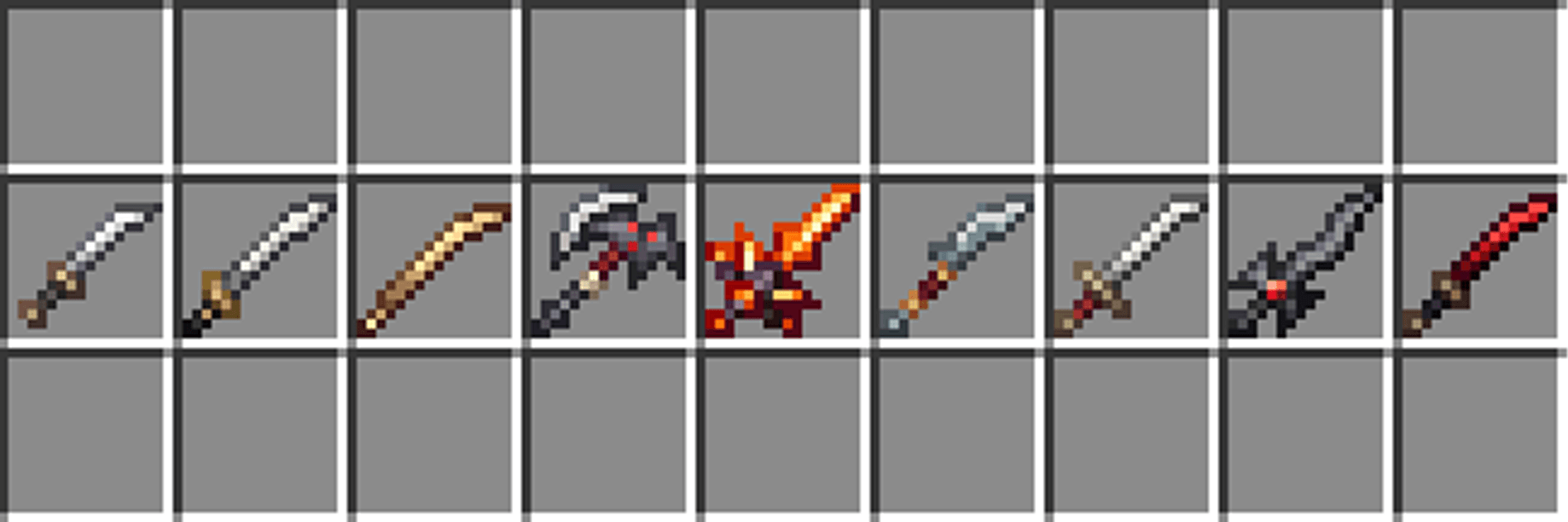
BetterCombat x Fantasy Weapons
BetterCombat x Fantasy Weapons Compatibility DatapackInstallOn a server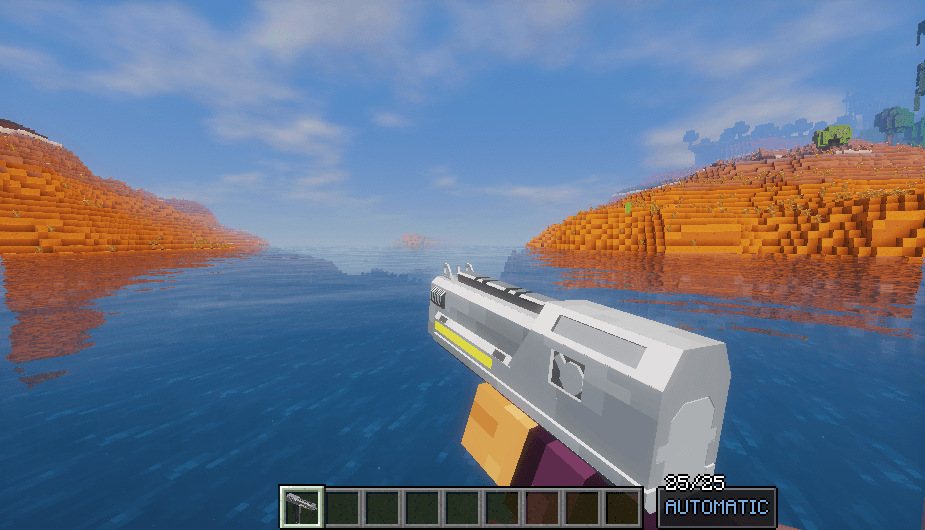
Hell-Diver 2: DEMOCRACY For Vic's Point Blank
Its a content pack for Vic's Point Blank and Point Blank Jelly, That Adds Guns From HellDiver 2.InstallOn a server
Bordercraft: Expanded
Start with a 1x1 border in any world you want. Each new item/advancement/mob/structure expands the border.InstallOn a server

Heart of the sea recipe
Now you can craft your own heart of the seaInstallOn a server

Epic_Fight_X_SimplySwords
The project is an epic fight animation of the SimplySwords weaponsInstallOn a serverFAQ
How is a datapack different from a mod?
A datapack uses the game's own tools: it changes recipes, loot, structures and advancements. A mod changes the game's code and can add something genuinely new — a block, a mob, an interface. A datapack doesn't need a loader to work.
How do I install a datapack?
Click “Install” and Millida Launcher will add the datapack to the world you choose. To do it manually, put the archive in the datapacks folder inside the world folder and rejoin the world.
Does a datapack work on a server?
Yes, on a regular server without mods: the datapacks folder sits inside the server's world folder. Players don't need to install anything on their clients.
What is a data pack?
A set of files that changes the game with its own tools: recipes, loot, world generation, advancements and command functions. It works from version 1.13 without mods or loaders and is installed into a specific world.
Are there data packs for world generation?
Yes, it is one of their most common jobs: new biomes, terrain, caves and structures. Generation only changes in chunks that have not been created yet, so such a data pack is best added when creating a new world.
Minecraft datapacks
A datapack changes the game's rules without touching its code: crafting recipes, loot tables, world structures, advancements, command functions. The game supports all of this natively since 1.13, so a datapack needs neither Forge nor Fabric — it's installed into a specific world and works on the vanilla client and a regular server.
Data packs do different jobs: some change world generation — biomes, terrain and structures, others add mechanics, challenges and horror events, and others are made for servers — economy, ranks, command-based minigames. Generation applies only to new chunks, so such packs are added when a world is created. On Millida Hosting a data pack goes onto the server with the On a server button on its page.
That's the main difference from mods: a datapack doesn't show up in the mod list, and it can't add anything the game doesn't have at all — you can't make a new block with its own model this way. On the other hand, it doesn't clash with other packs, doesn't need updating when you switch loaders and doesn't stop you from playing with friends on a regular server. Installing a datapack is simple: put the archive in the datapacks folder inside the world folder, then reload the world or run the reload command. The card lists the game version, author and license, and all releases are gathered in one place.