
Minecraft datapacks — page 84
2,543 itemsData packs: list

Resettable Vaults
Reset Vaults So That the Same Player Can Loot Them Multiple Times!InstallOn a server

Origins: Chinese Zodiac
The Twelve Chinese Zodiac has arrive Minecraft as Origins Classes.InstallOn a server
God armor and weapons
add powerful armor and weapons to your gamesInstallOn a server

Silver Shield
Adds a recipe for shields using silver. The Ice and Fire mod is required for this to work.InstallOn a server

No Drowned
Disable Drowned in Minecraft by preventing its spawning and removing any that appear in the worldInstallOn a server
ATP Safe Creeper
No creeper griefing and other settingsInstallOn a server

Fumo - Alternate Recipes
Adding alternative recipes to the Fumo mod via datapackInstallOn a server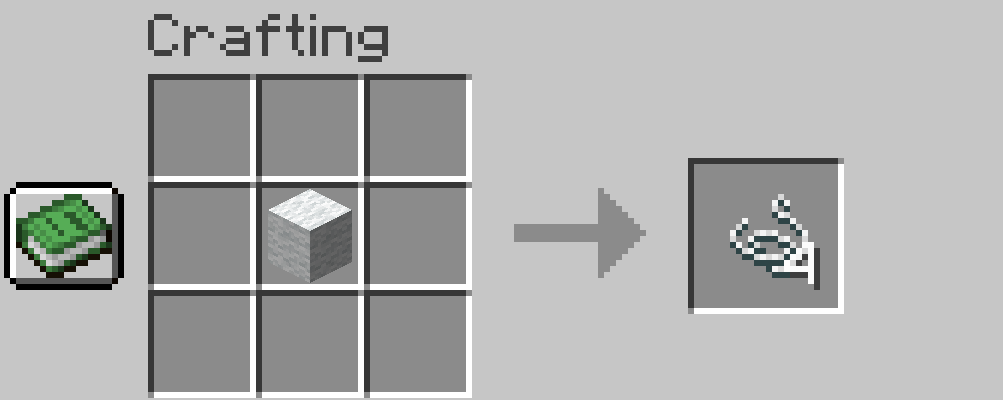

String +
This pack allows you to convert 1 wool into 4 string using a custom crafting recipe.InstallOn a server

Instant TNT
Tired of waiting for the TNT to explode? Instant TNTs available now!InstallOn a server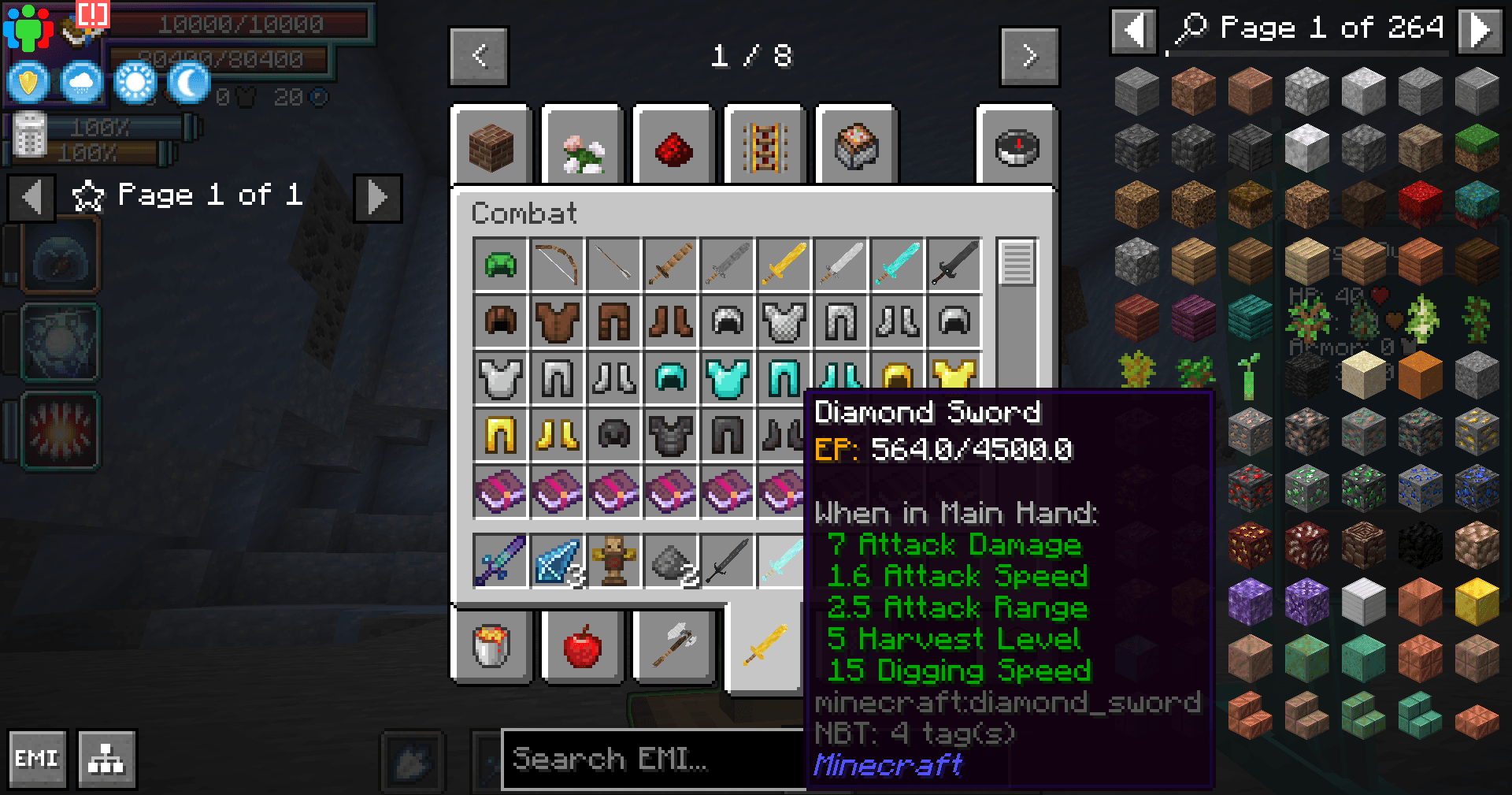
Tensura EP and Evolving Armour, Tools and Weapons
Adds ep and evolving to some modded and vanilla armour, tools and weaponsInstallOn a server

No Piglin Brute
Disable Piglin Brute in Minecraft by preventing its spawning and removing any that appear in the worldInstallOn a server

Create: Gunsmithing Break Framed Glass (Trap)Doors
A simple datapack that makes framed glass doors and trapdoors able to be shot out(fragile)InstallOn a server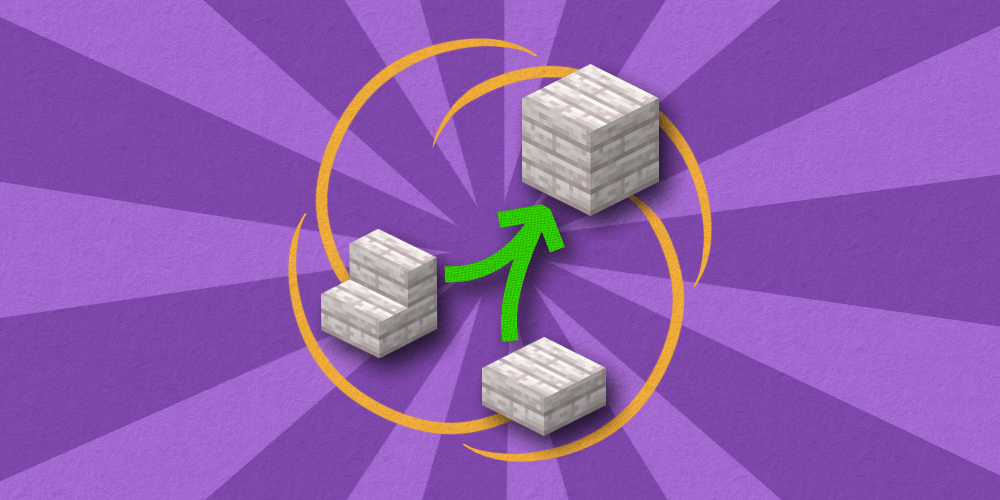

Make Me Whole Again
Lets you craft stairs, slabs and walls back to their corresponding blocks!InstallOn a server

Craftable Enchanted Golden Apple
Adds a crafting recipe for the Enchanted Golden Apple!InstallOn a server

Edit Signs
Edit signs after they have been placed by right clicking them!InstallOn a server

No Elytra
A datapack that deletes the Elytra. Created for people that sees it as overpowered.InstallOn a server

No More Floating Islands
Prevents Floating Islands from Explorations+ from spawningInstallOn a server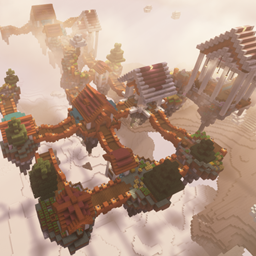
Aether Villages
adds sky villages to the aether.InstallOn a server
Enchanting Edit Table
Through the Enchanting Edit Table, you can transfer and split enchanting!InstallOn a server
Xmat5's Weapon Compats - EpicFight
Epic Fight Mod/Weapon CompatsInstallOn a server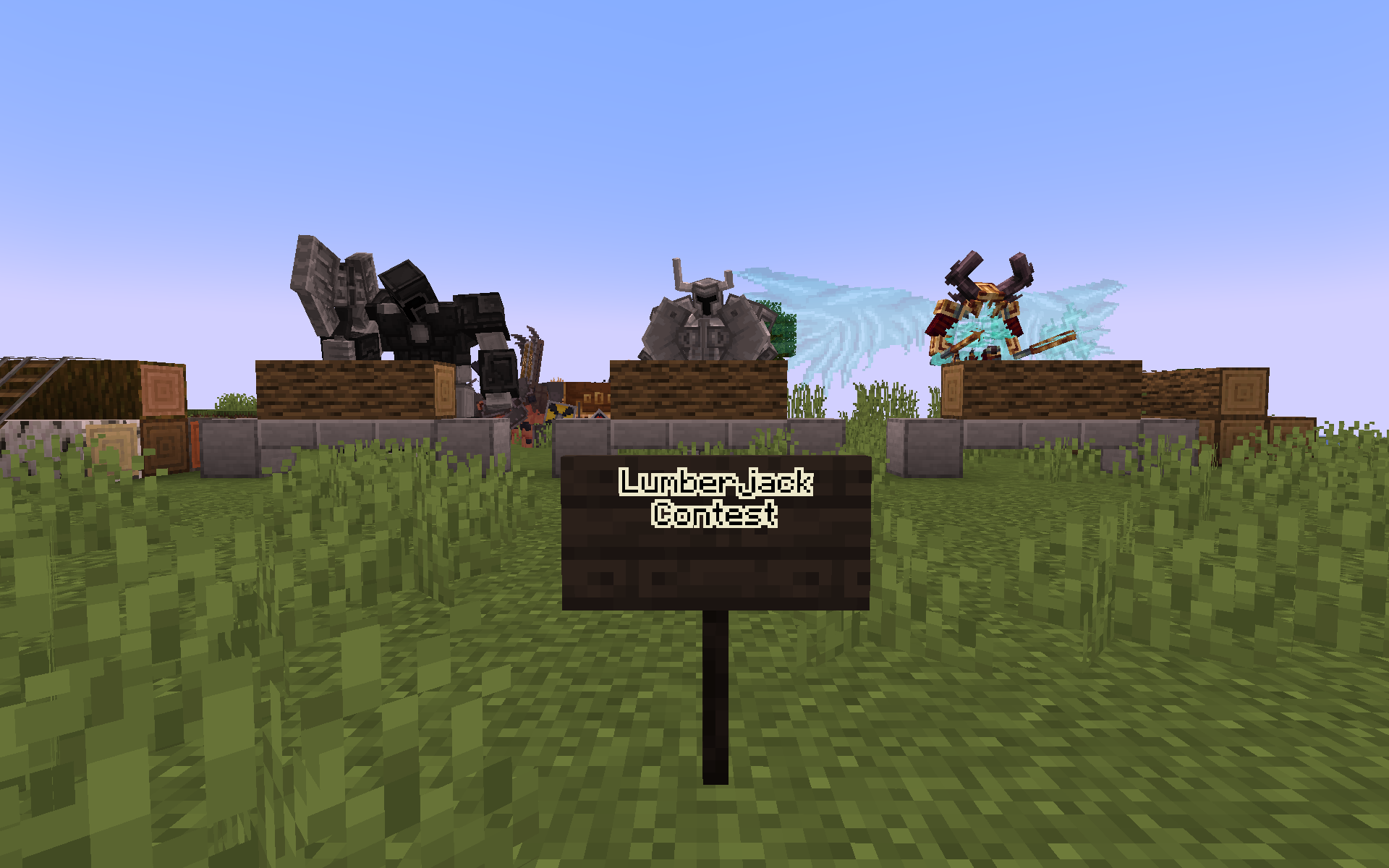
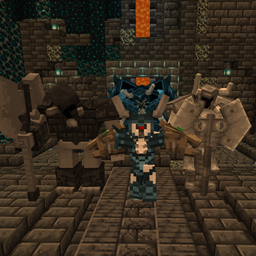
Dual Guardian Axes (Mowzie's/EEEAB's Mobs + Weapons of Miracles/Epic Fight)
Custom movesets fitting for armored juggernauts.InstallOn a server

Water World (Only Ocean)
Removes all land above sea level leaving only ocean.InstallOn a server

Kills Grant Strength
Killing a player gives one level of strength permanentlyInstallOn a serverFAQ
How is a datapack different from a mod?
A datapack uses the game's own tools: it changes recipes, loot, structures and advancements. A mod changes the game's code and can add something genuinely new — a block, a mob, an interface. A datapack doesn't need a loader to work.
How do I install a datapack?
Click “Install” and Millida Launcher will add the datapack to the world you choose. To do it manually, put the archive in the datapacks folder inside the world folder and rejoin the world.
Does a datapack work on a server?
Yes, on a regular server without mods: the datapacks folder sits inside the server's world folder. Players don't need to install anything on their clients.
What is a data pack?
A set of files that changes the game with its own tools: recipes, loot, world generation, advancements and command functions. It works from version 1.13 without mods or loaders and is installed into a specific world.
Are there data packs for world generation?
Yes, it is one of their most common jobs: new biomes, terrain, caves and structures. Generation only changes in chunks that have not been created yet, so such a data pack is best added when creating a new world.
Minecraft datapacks
A datapack changes the game's rules without touching its code: crafting recipes, loot tables, world structures, advancements, command functions. The game supports all of this natively since 1.13, so a datapack needs neither Forge nor Fabric — it's installed into a specific world and works on the vanilla client and a regular server.
Data packs do different jobs: some change world generation — biomes, terrain and structures, others add mechanics, challenges and horror events, and others are made for servers — economy, ranks, command-based minigames. Generation applies only to new chunks, so such packs are added when a world is created. On Millida Hosting a data pack goes onto the server with the On a server button on its page.
That's the main difference from mods: a datapack doesn't show up in the mod list, and it can't add anything the game doesn't have at all — you can't make a new block with its own model this way. On the other hand, it doesn't clash with other packs, doesn't need updating when you switch loaders and doesn't stop you from playing with friends on a regular server. Installing a datapack is simple: put the archive in the datapacks folder inside the world folder, then reload the world or run the reload command. The card lists the game version, author and license, and all releases are gathered in one place.