
Minecraft datapacks — page 82
2,543 itemsData packs: list

Night Vision Toggle
A datapack with which every player can switch night vision on and off.InstallOn a server

No Enderman
Disable Enderman in Minecraft by preventing its spawning and removing any that appear in the worldInstallOn a server

Abandoned Camp Backport
This project adds the Abandoned Camp from 26.3 snapshots into many versions below!InstallOn a server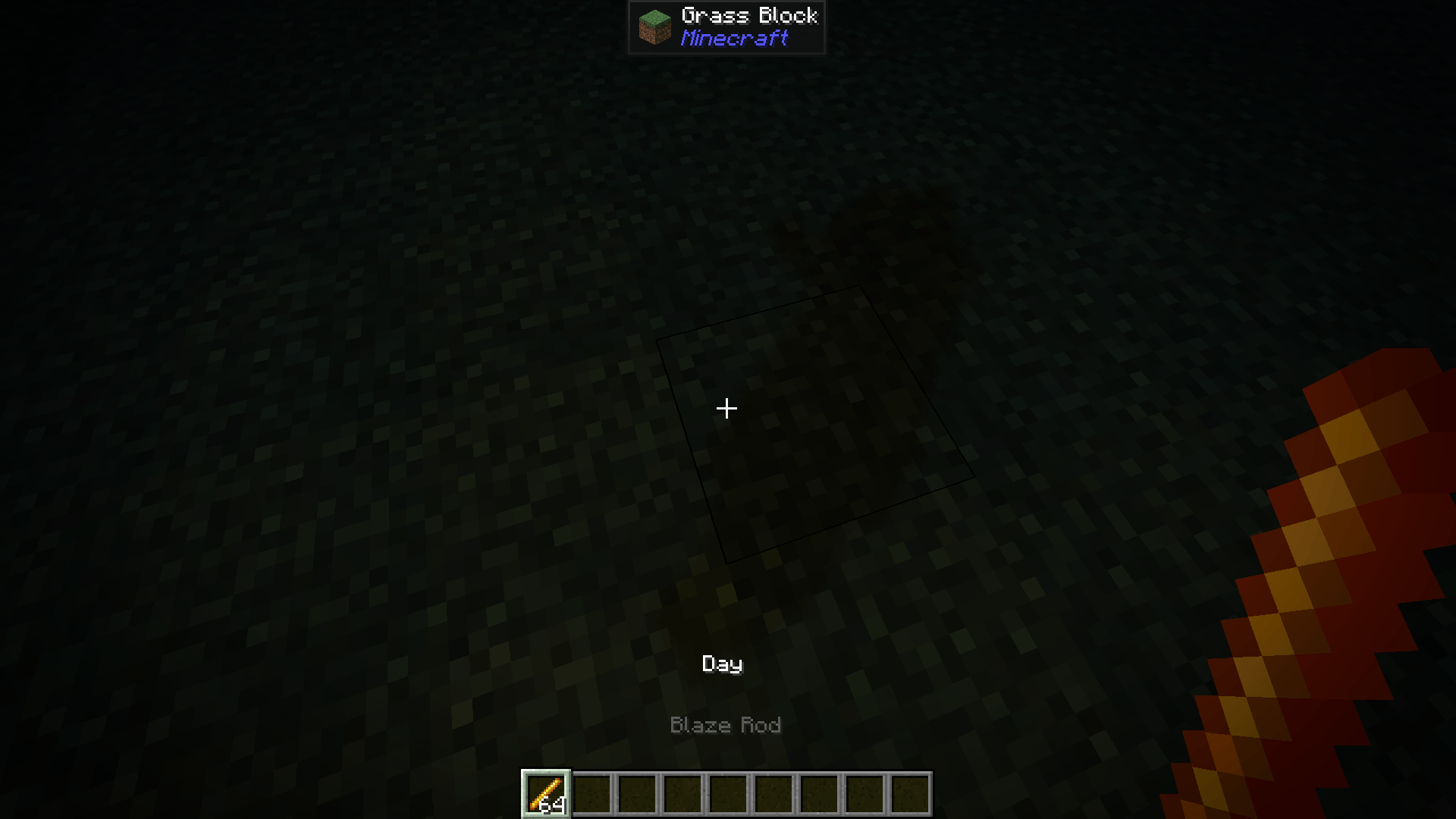

Dynamic Lights by ManojTheReaper
Bring Dynamic Lights to Vanilla Minecraft! Hold a torch, lantern, glowstone, or other light-emitting items to light up the world around you—no mods required.InstallOn a server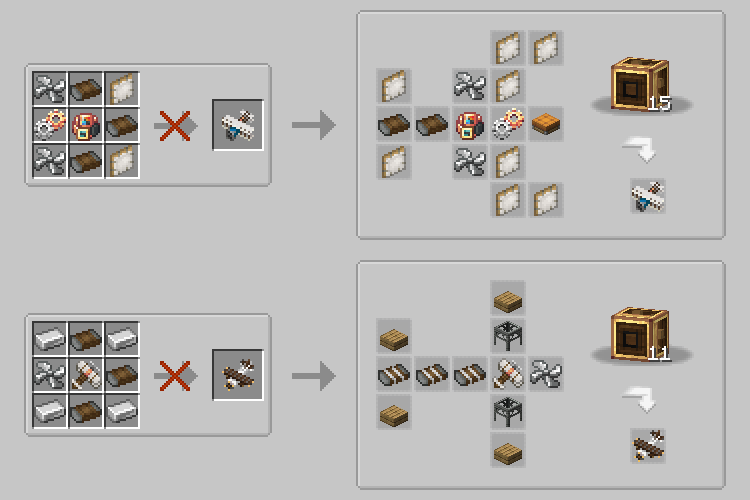

Create Man of Many Planes - Recipes
Data pack that changes the recipes for Man of Many Planes (Immersive Aircraft addon) to better fit with Create.InstallOn a server

Better Villages - More Villagers Compatibility
Adds compatibility between Better Villages and More VillagersInstallOn a server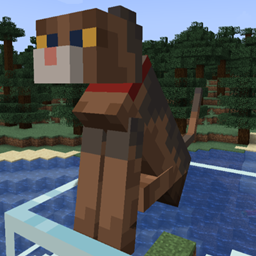
More Cat Variants
Add more cat variants.InstallOn a server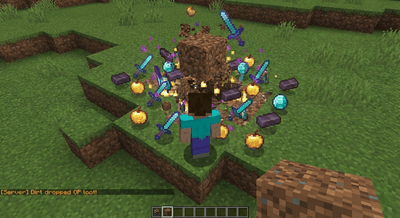

Dirt is OP
"Dirt drops OP items for fast and fun Minecraft gameplay."InstallOn a server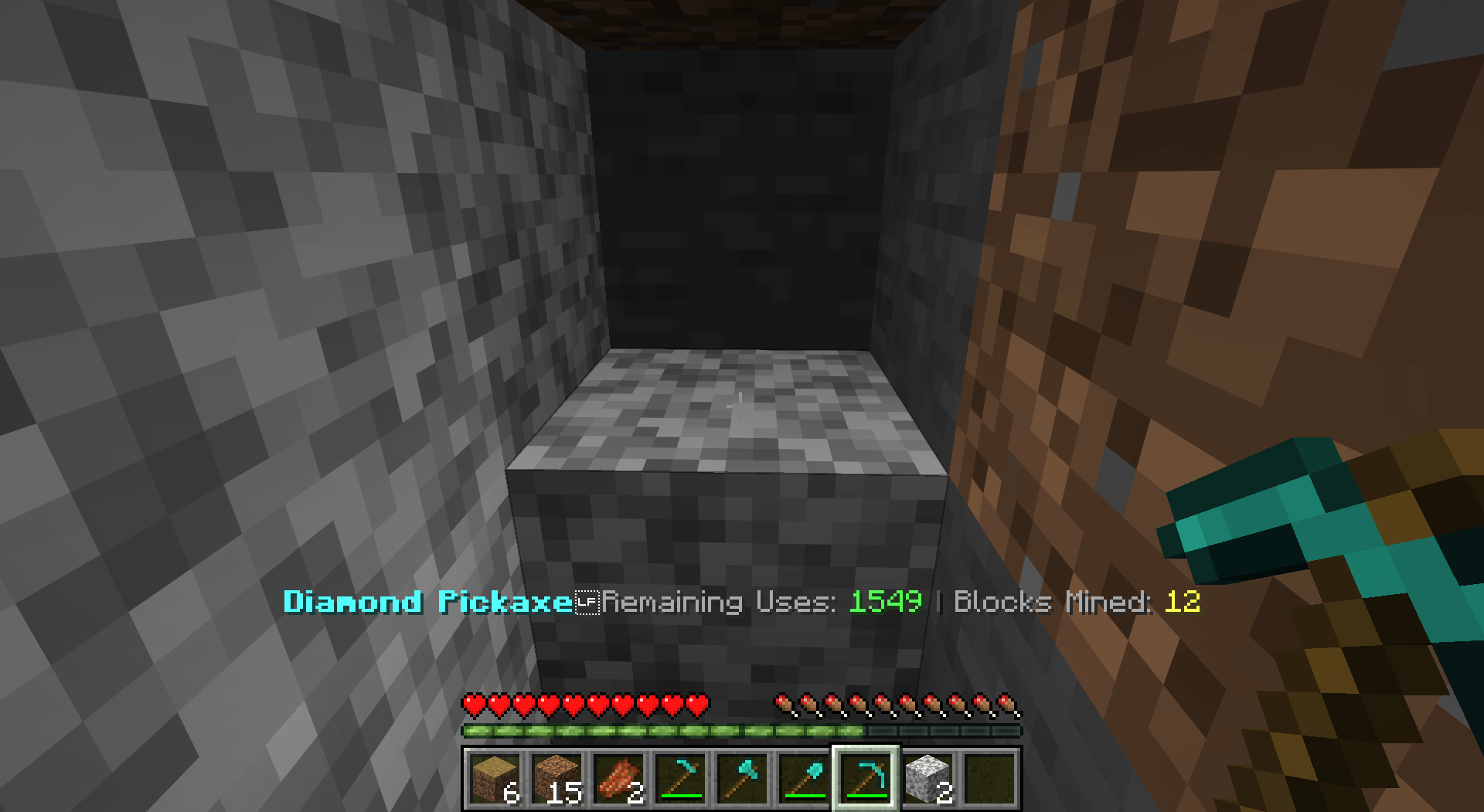
Advanced Tool Stats
Real-time, high-precision durability tracking directly in your action bar—no F3+H required.InstallOn a server

AnvilRepair
Did the anvil break at the wrong time? So fix it using a block of iron! Diversify your gameplay by adding a new anvil repair system.InstallOn a server
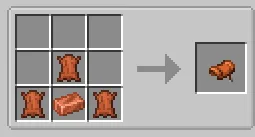
Backport Saddle & Nametag copper
Craft saddle and nametag with copper. Derivated from Balanced Recipes.InstallOn a server

EasyCrawl
Crawl anytime, anywhere! Just look down and sneak to start crawling, and press space to stand back up!InstallOn a server
Epic fight x Terramity(terra fight)
Terramity has some amazing stuff so i decided to add epic fight compat to it.InstallOn a server

No Mining Fatigue
A simple datapack that clears mining fatigue every tickInstallOn a server
Change Vein Size Immersive Ores
With this datapack you can change the vein size of all the ores of the mod Immersive OresInstallOn a server

Illusioner Awakener
Adds the illusioner mob back to minecraft without replacing any other raider mob completely.InstallOn a server

Aether Smithing
Progression-based smithing for the Aether mod.InstallOn a server
Basic Hacks
Adds Basic Hacks To Your Minecraft World/ServerInstallOn a server

Overskip
This data pack's challenge takes you straight into the Nether. Your goal - escape... Or you can keep living in there! The pack features new recipes, loot table changes, challenge customization and more.InstallOn a server

No Slime
Disable Slime in Minecraft by preventing its spawning and removing any that appear in the worldInstallOn a server

Burning Flesh: rotten flesh is a fuel
Minecraft datapack that makes rotten flesh a low quality fuel.InstallOn a server

Custom Planes
Adds functional Custom Planes to Minecraft!InstallOn a server

xokz's Glowing Toggle
Run "/trigger glowing" to toggle a glowing effect for multiplayer tracking!InstallOn a serverFAQ
How is a datapack different from a mod?
A datapack uses the game's own tools: it changes recipes, loot, structures and advancements. A mod changes the game's code and can add something genuinely new — a block, a mob, an interface. A datapack doesn't need a loader to work.
How do I install a datapack?
Click “Install” and Millida Launcher will add the datapack to the world you choose. To do it manually, put the archive in the datapacks folder inside the world folder and rejoin the world.
Does a datapack work on a server?
Yes, on a regular server without mods: the datapacks folder sits inside the server's world folder. Players don't need to install anything on their clients.
What is a data pack?
A set of files that changes the game with its own tools: recipes, loot, world generation, advancements and command functions. It works from version 1.13 without mods or loaders and is installed into a specific world.
Are there data packs for world generation?
Yes, it is one of their most common jobs: new biomes, terrain, caves and structures. Generation only changes in chunks that have not been created yet, so such a data pack is best added when creating a new world.
Minecraft datapacks
A datapack changes the game's rules without touching its code: crafting recipes, loot tables, world structures, advancements, command functions. The game supports all of this natively since 1.13, so a datapack needs neither Forge nor Fabric — it's installed into a specific world and works on the vanilla client and a regular server.
Data packs do different jobs: some change world generation — biomes, terrain and structures, others add mechanics, challenges and horror events, and others are made for servers — economy, ranks, command-based minigames. Generation applies only to new chunks, so such packs are added when a world is created. On Millida Hosting a data pack goes onto the server with the On a server button on its page.
That's the main difference from mods: a datapack doesn't show up in the mod list, and it can't add anything the game doesn't have at all — you can't make a new block with its own model this way. On the other hand, it doesn't clash with other packs, doesn't need updating when you switch loaders and doesn't stop you from playing with friends on a regular server. Installing a datapack is simple: put the archive in the datapacks folder inside the world folder, then reload the world or run the reload command. The card lists the game version, author and license, and all releases are gathered in one place.